

IT Service Desk
Tickets, incidents and support
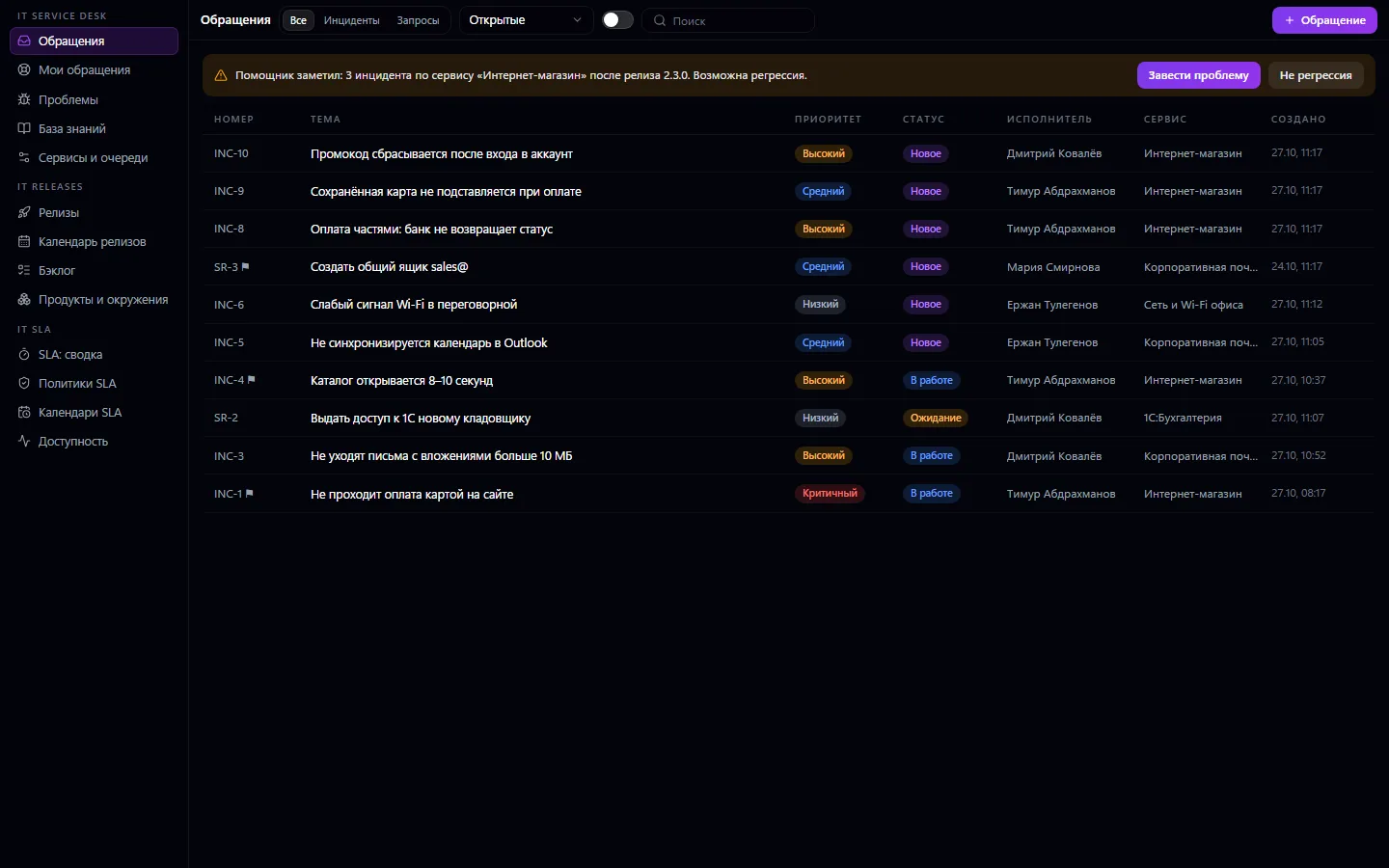
Requests from employees and customers in one place: incidents, service requests, problems, queues, categories, services, a knowledge base and a “My tickets” portal. Conversations with internal notes, assignment, escalation, history.
IT Service Desk: what it does and how it works
Requests from employees and customers in one place: incidents, service requests, problems, queues, categories, services, a knowledge base and a “My tickets” portal. Conversations with internal notes, assignment, escalation, history. Works on its own — with priority, due date and assignment. Together with IT SLA, the ticket card gets response and resolution timers; together with IT Releases — links between incidents and releases and a possible regression signal after a deployment.
How to use it, step by step
- 1
Set up services and queues: for example “Online store”, “1C:Accounting”, “First line”
- 2
Employees submit requests through “My tickets”, and the first line logs calls and emails itself
- 3
The manager assigns an agent, and the agent replies to the requester and writes internal notes
- 4
If a deadline is close, the ticket is escalated, and the agent and the queue lead are notified
- 5
A resolved ticket turns into a knowledge base article so it can be solved faster next time
What you can do
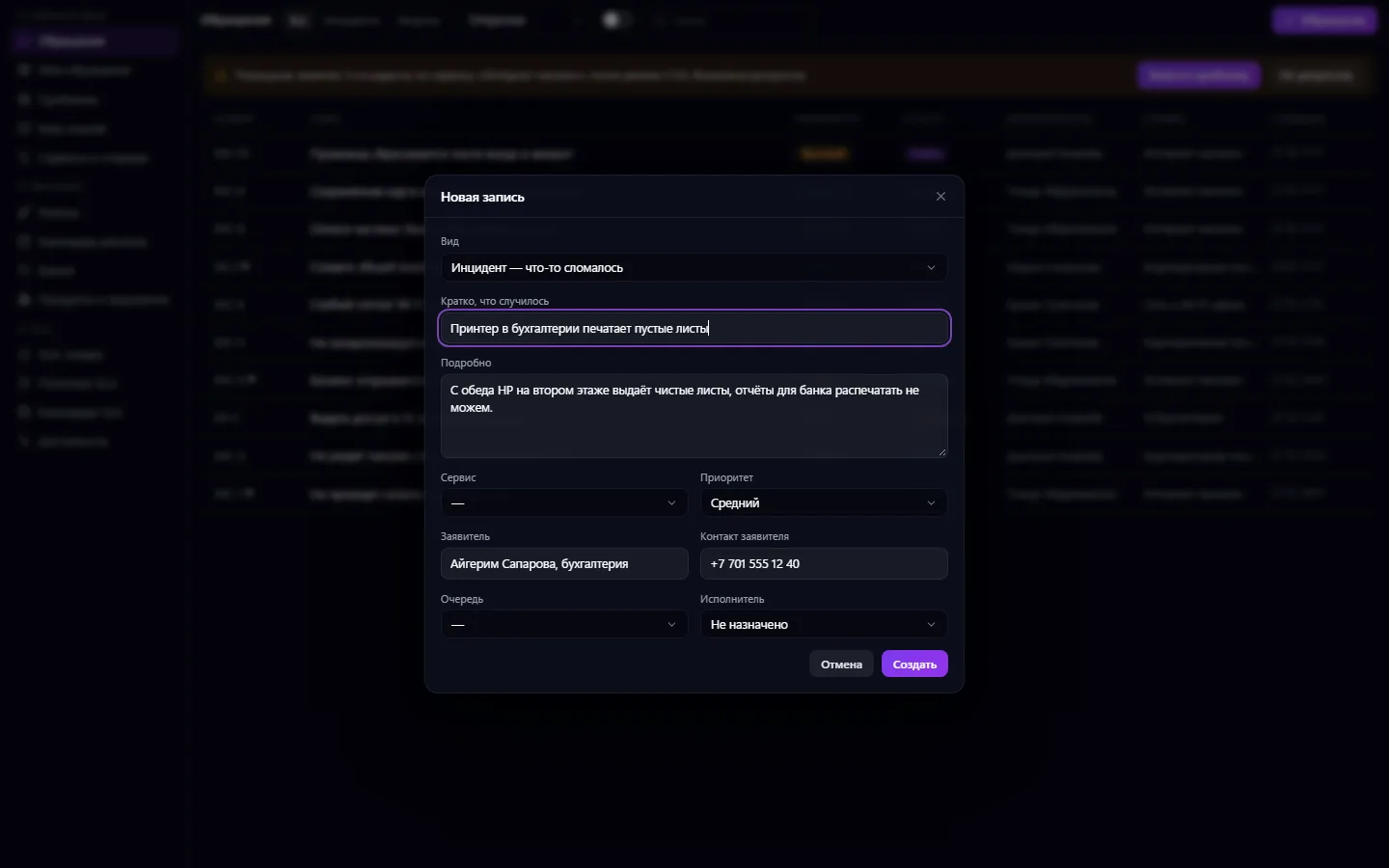
- Three record types: incident (something broke), service request, and problem — the cause of several incidents
- Numbers by type: INC-1, SR-1 and so on
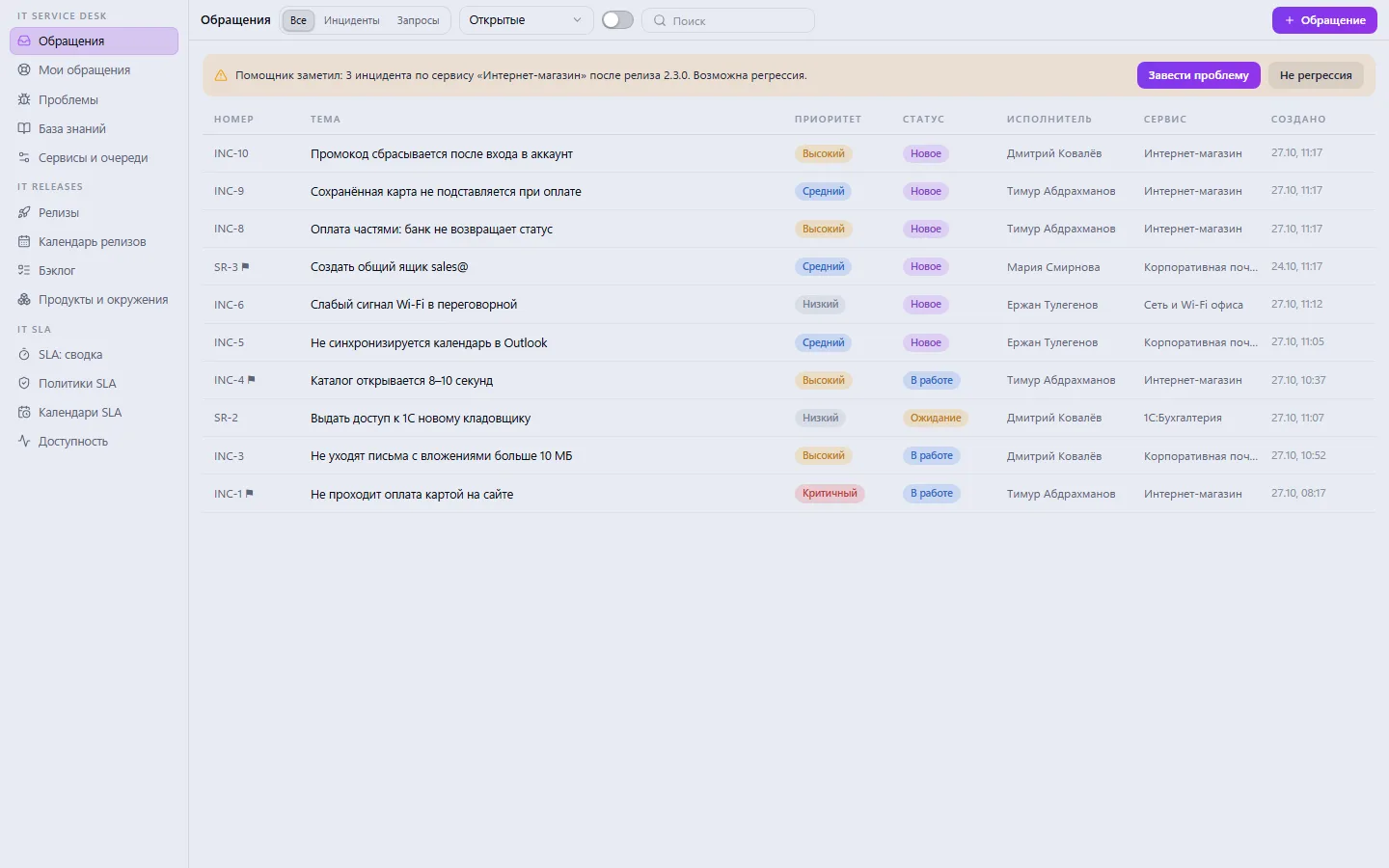
- Priorities from low to critical, statuses “New → In progress → Waiting → Resolved → Closed”
- Services, queues and categories — reference lists with their own owners
- Assignment: any employee can take a ticket, while only a manager can assign it to someone else
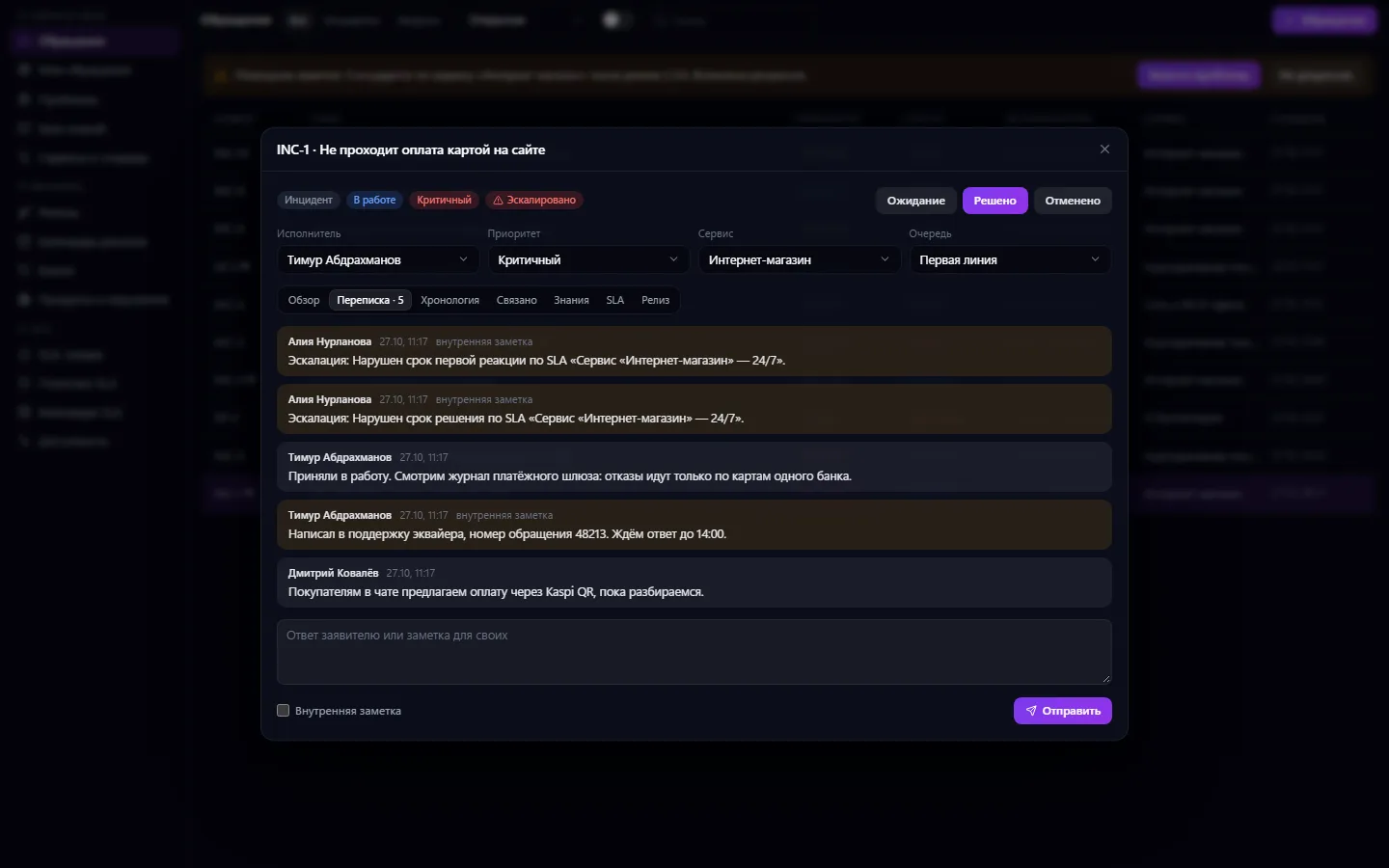
- The conversation with the requester and the team's internal notes in one feed
- First-response time is recorded automatically on the first reply to the requester
- Escalation manually with a reason or automatically on an SLA breach, with a notification to the agent and the queue lead
- The “My tickets” portal: an employee submits a request and sees what is happening with it
- A knowledge base with articles by service, similar-article suggestions right in the ticket, and an article from the resolution in one click
- The assistant notices three or more incidents for a service after a release deployment and suggests creating a problem
- An event timeline for each ticket
- A requester with an email or phone goes into the company's shared contact book
What it looks like
Real app windows with a fictional company as an example. Click a screenshot to enlarge it.
Works together with
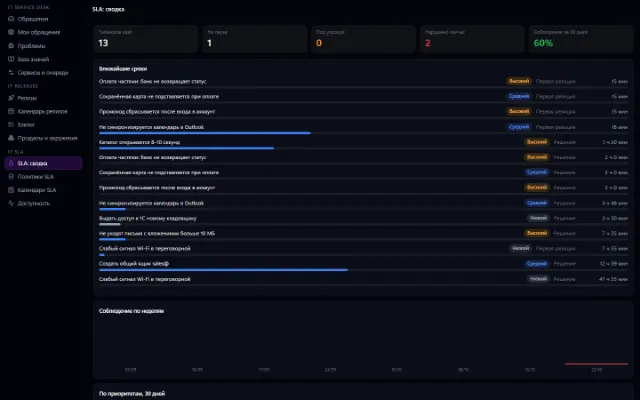
- IT SLA: the ticket card gets a tab with first-response and resolution timers, and a deadline breach escalates the ticket automatically
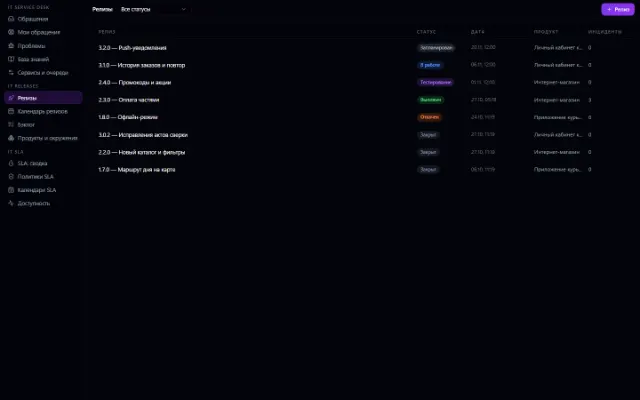
- IT Releases: an incident shortly after a deployment links to the release automatically; the card has a “Release” tab, and the release lists its tickets
- All three IT apps open as one environment: neighbors' sections are visible in the sidebar if they are connected
- Contacts: a requester with an email or phone becomes a record in the company's shared book
Not connected yet
We are honest about what works only with an external provider or is still planned:
- Tickets aren't automatically received from a mailbox or messengers — they are created in the window or through the “My tickets” portal
Need an integration for your company? Tell us about the task.
Try IT Service Desk in your company
Connect your company — the app is enabled in the app store in a minute. If a feature is missing, the CODE44 team can build it for you free of charge.