

IT SLA
Service levels and deadline control
SLA policies by priority, service and customer, business calendars with working hours and holidays, first-response and resolution timers with pausing while waiting, warnings, breaches and escalations, contract and service SLAs, service availability and compliance analytics. Works with any work record of the core.
IT SLA: what it does and how it works
SLA policies by priority, service and customer, business calendars with working hours and holidays, first-response and resolution timers with pausing while waiting, warnings, breaches and escalations, contract and service SLAs, service availability and compliance analytics. Works with any work record of the core. Together with IT Service Desk, timers start automatically for every ticket and are visible in its card; together with IT Releases, breaches are attributed to the release that caused them.
How to use it, step by step
- 1
Set up a working calendar: for example “Almaty, Mon–Fri 09:00–18:00” with holidays
- 2
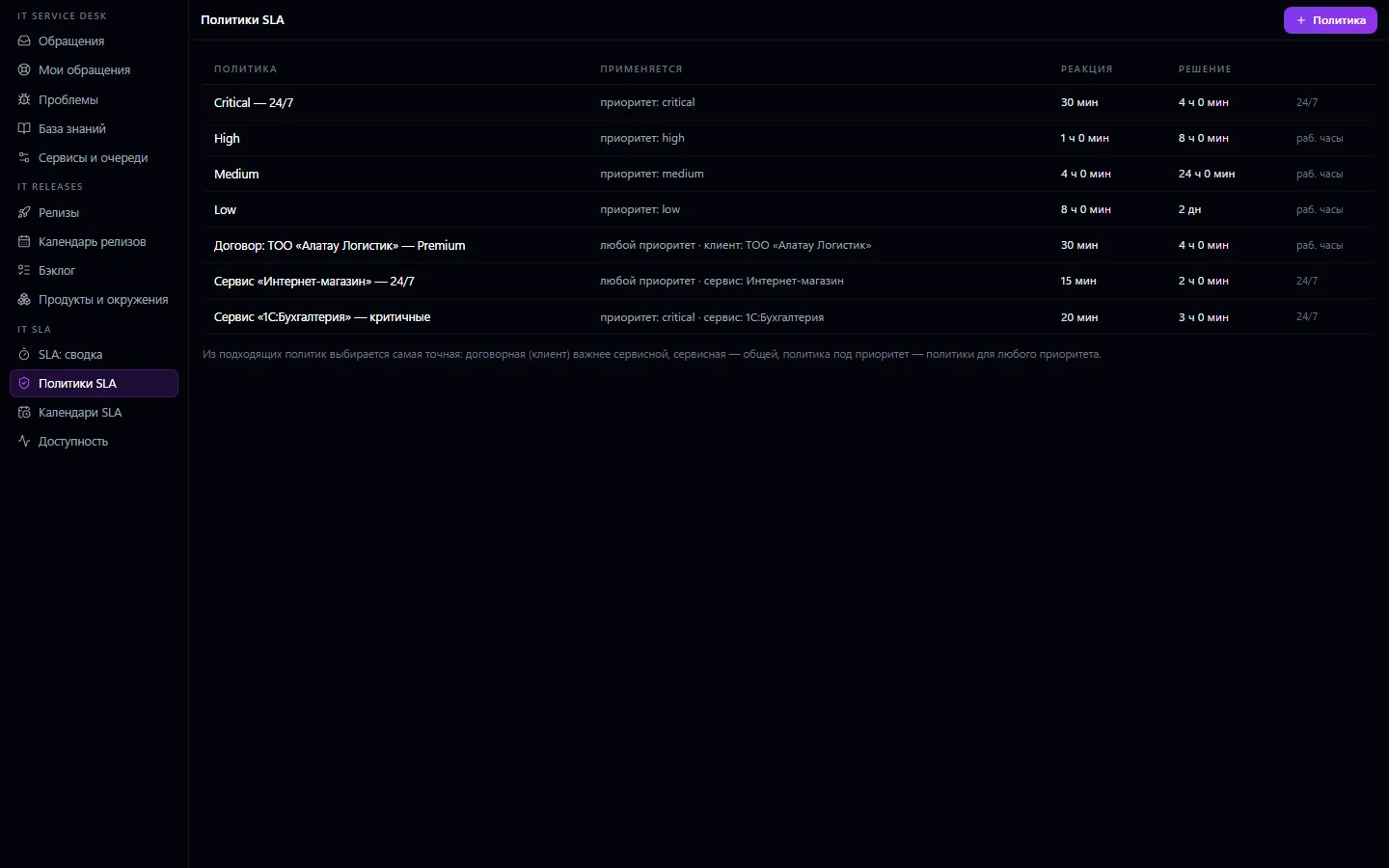
Create policies: general ones by priority, for key services, and contract ones for important customers
- 3
Timers start automatically for every new ticket and stop on response and resolution
- 4
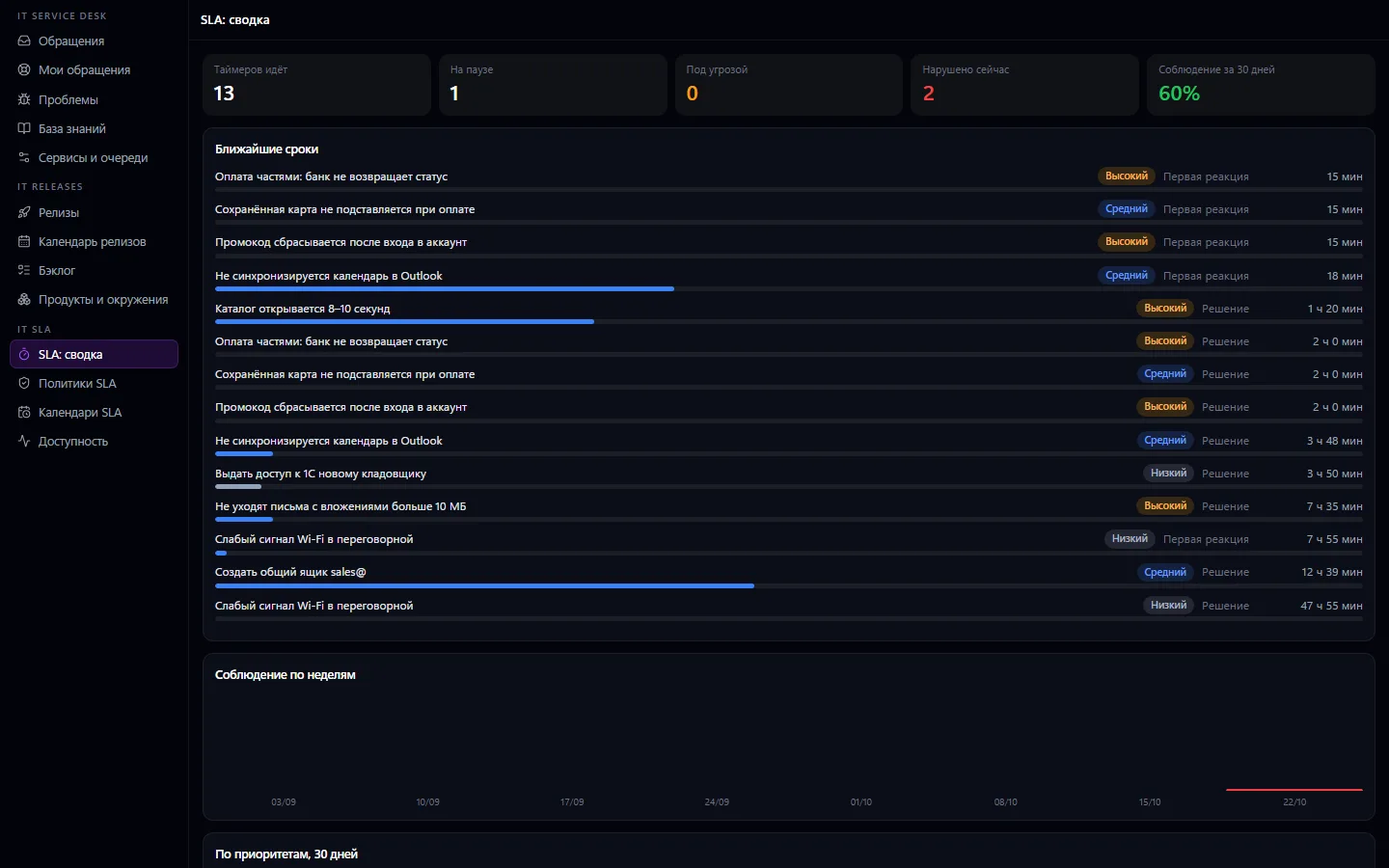
Watch the summary: what's at risk and what's already breached
- 5
Once a month, review compliance by week and priority and service availability
What you can do
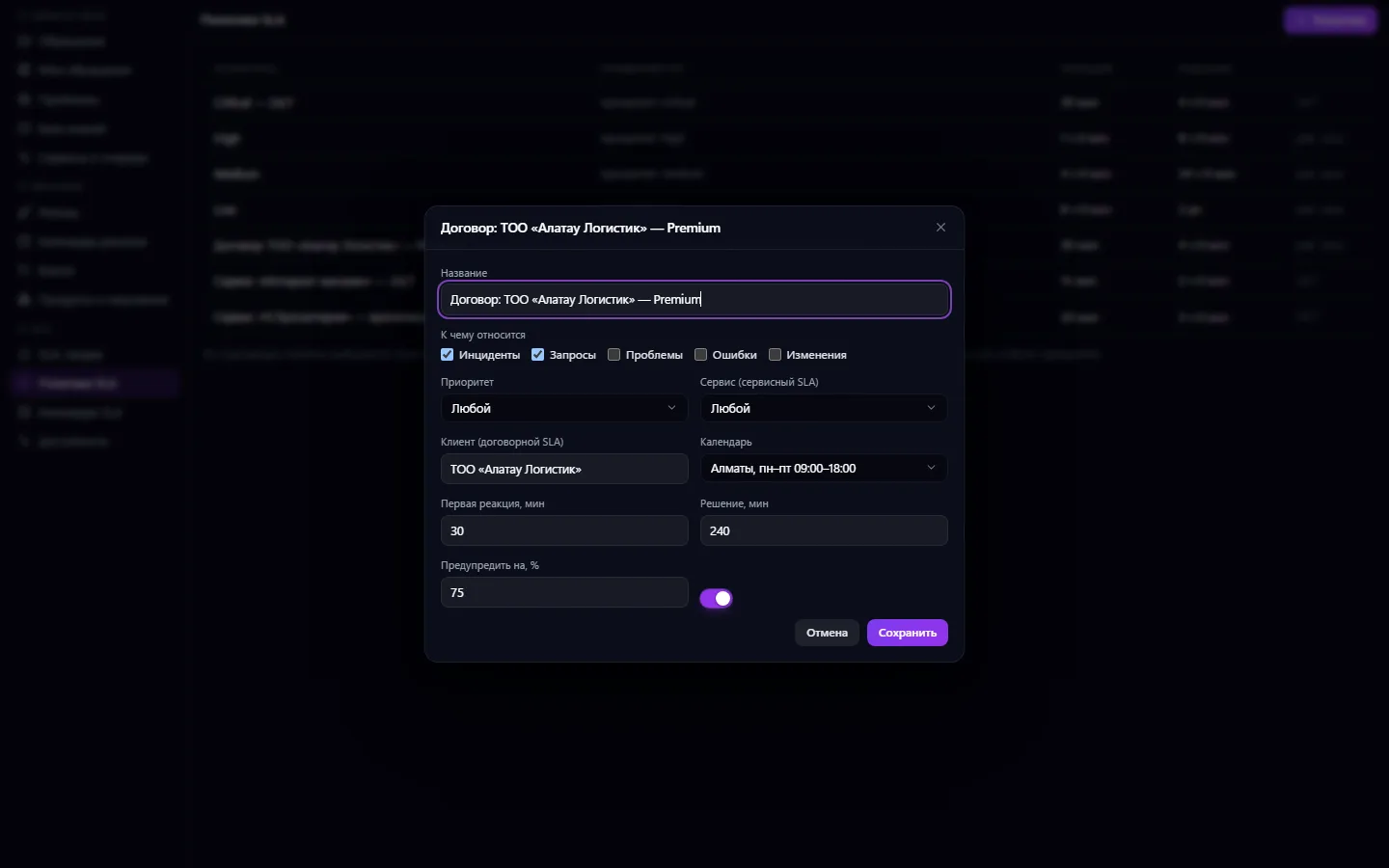
- SLA policies by priority, by service, and contract policies for a specific customer
- The most specific of the matching policies is chosen: contract beats service, service beats general
- A policy applies to the selected record types: incidents, requests, problems, bugs, changes
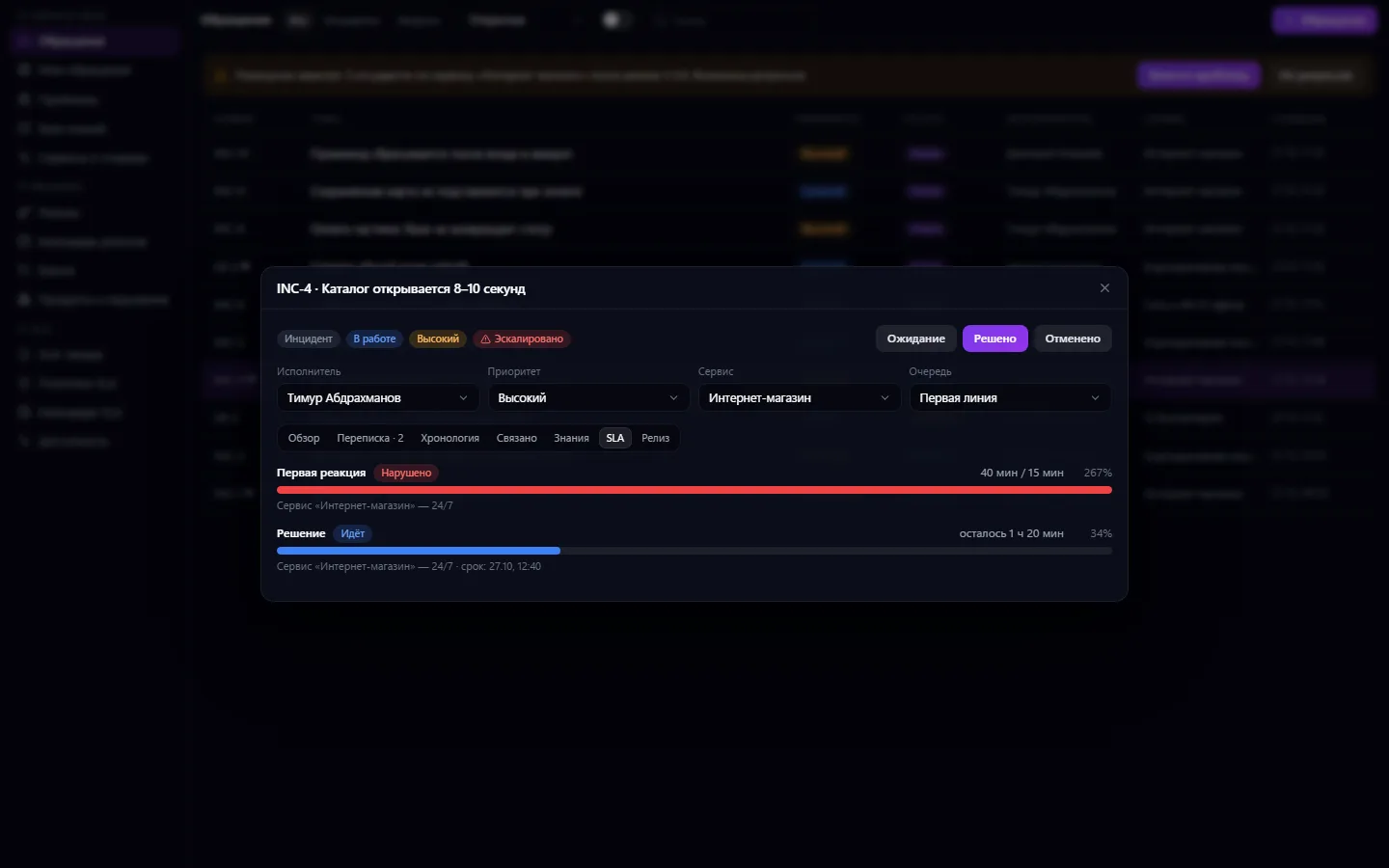
- Two timers per record: first response and resolution
- Business calendars: working days and hours, time zone and holidays; or around the clock 24/7
- The timer pauses while the ticket waits for the requester's reply
- A “SLA running out” warning at a set percentage of the deadline and a breach notification to the assignee
- Extending a deadline manually with a stated reason
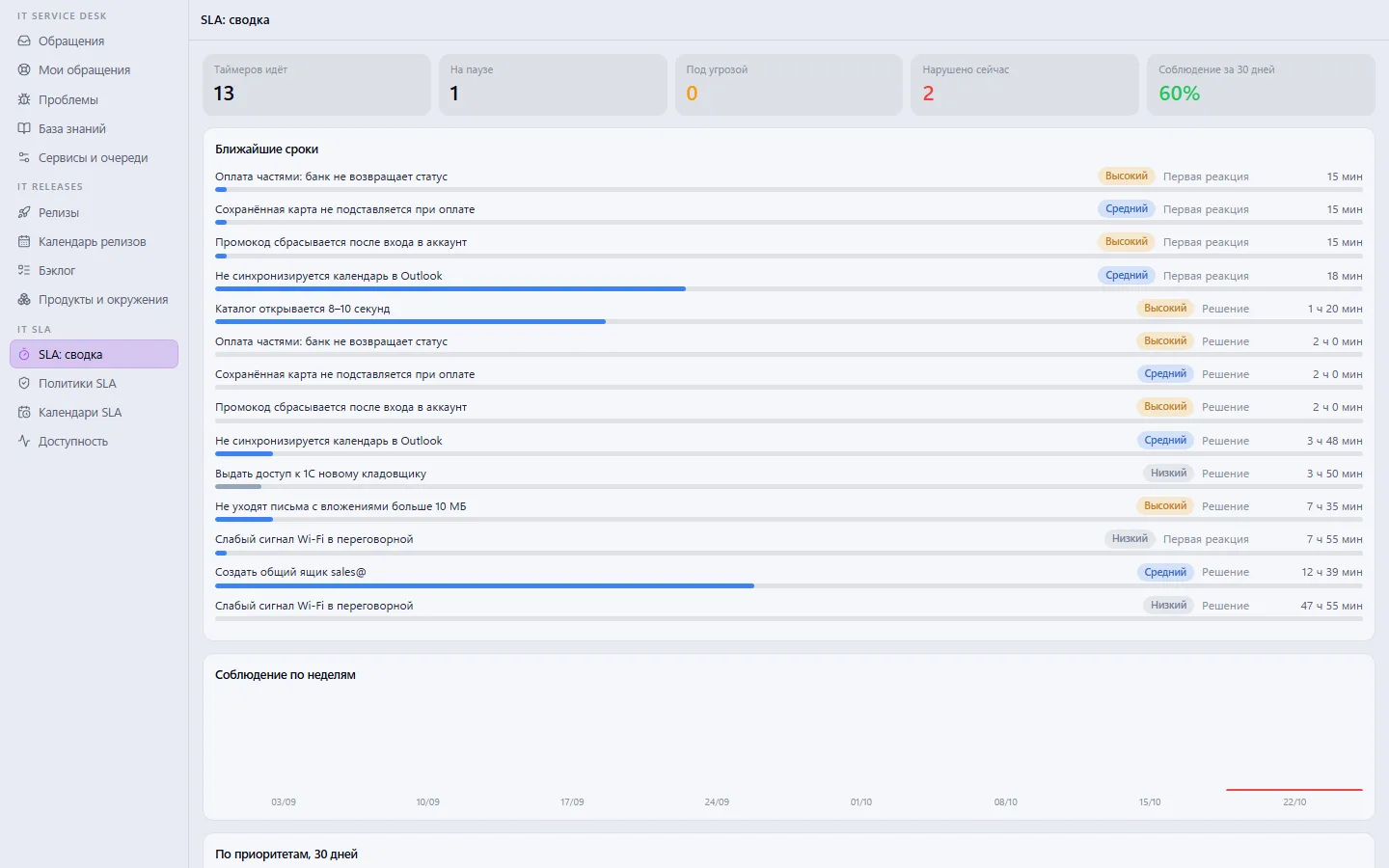
- Summary: timers running, paused, at risk, breached, compliance for 30 days
- Compliance by week and by priority
- Service availability targets (for example 99.9%) and actual availability with downtime for 30 days from critical incidents
- Works with any work record of the core, not just tickets
What it looks like
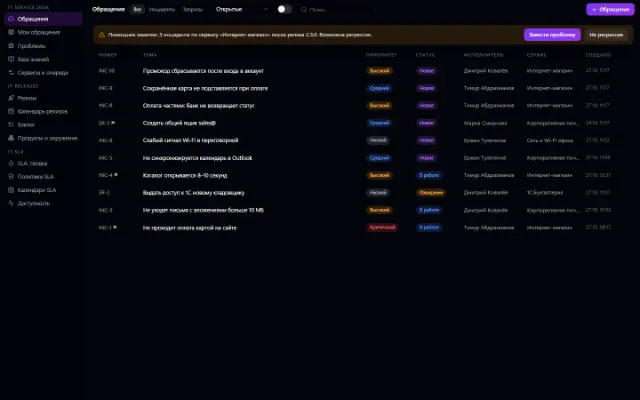
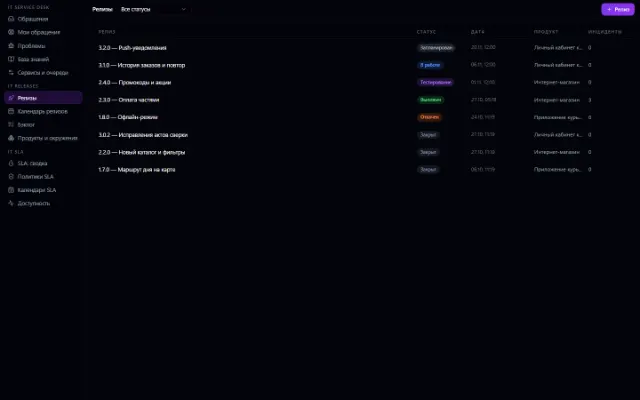
Real app windows with a fictional company as an example. Click a screenshot to enlarge it.
Works together with
- IT Service Desk: timers start automatically for every ticket, are visible in the “SLA” tab of its card, and a breach escalates the ticket
- IT Releases: breaches are attributed to the release after which the incident appeared — they're visible in the “SLA” tab of the release card
Not connected yet
We are honest about what works only with an external provider or is still planned:
- There's no separate background scheduler: deadlines are recalculated on every ticket event and when you open the summary or a card
Need an integration for your company? Tell us about the task.
Try IT SLA in your company
Connect your company — the app is enabled in the app store in a minute. If a feature is missing, the CODE44 team can build it for you free of charge.