

Task cards
Add a description, assignees, due dates, labels, checklists and attachments. Clarifications and materials stay next to the task.
A project is made of specific agreements: what to do, who's responsible and by when. In Business OS, tasks can be gathered on boards, arranged in columns and linked to projects. The team works with the same cards, choosing the view that suits them.
For project teams, department heads and employees juggling several areas at once.
Real app windows with a fictional company as an example. Click a screenshot to enlarge it.
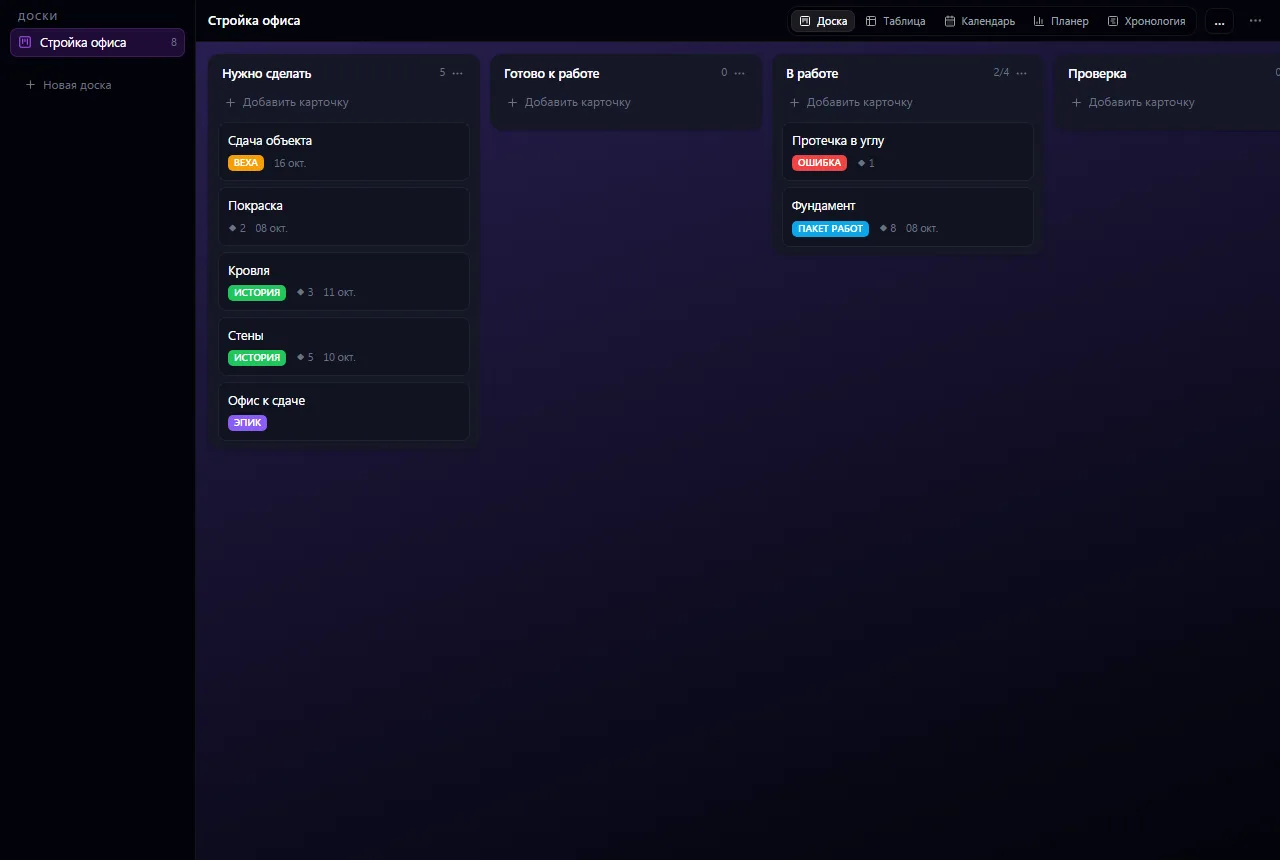
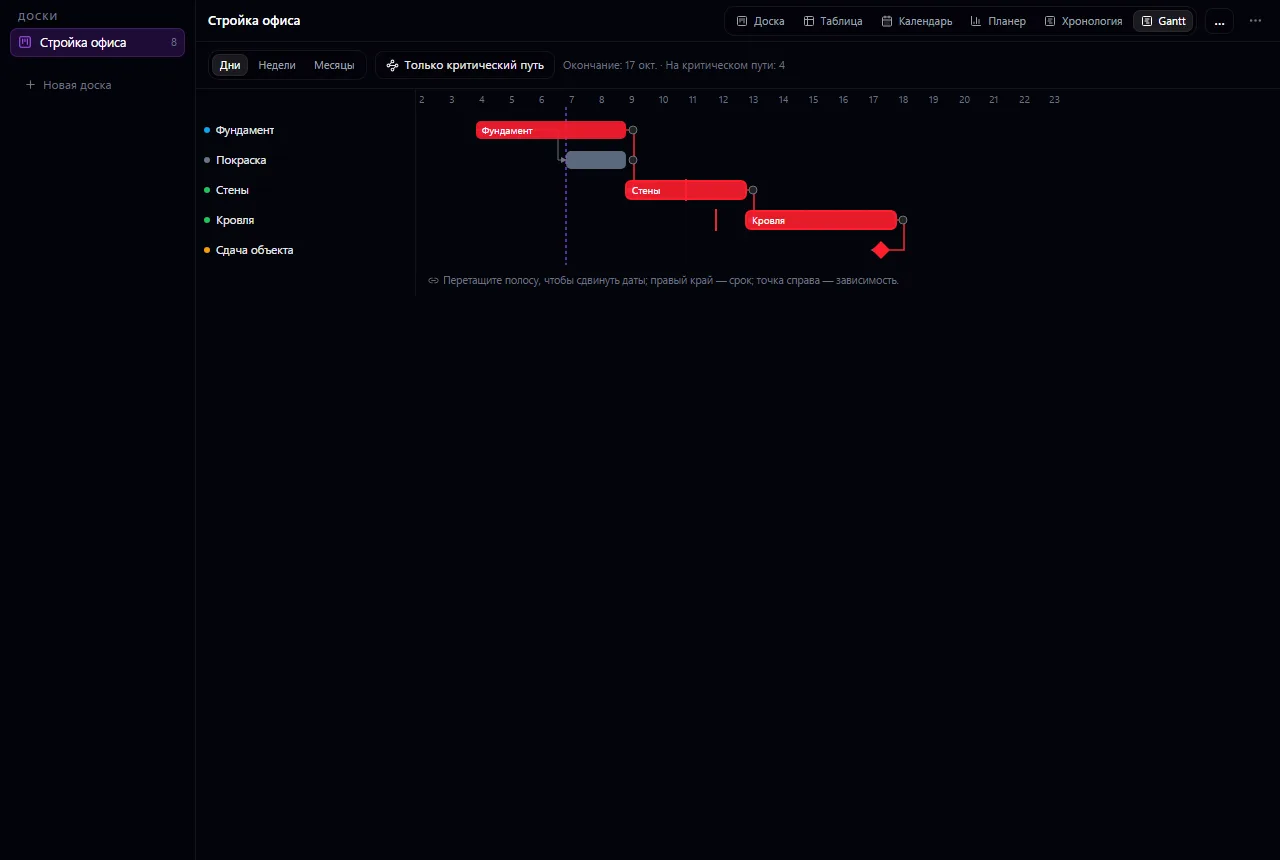
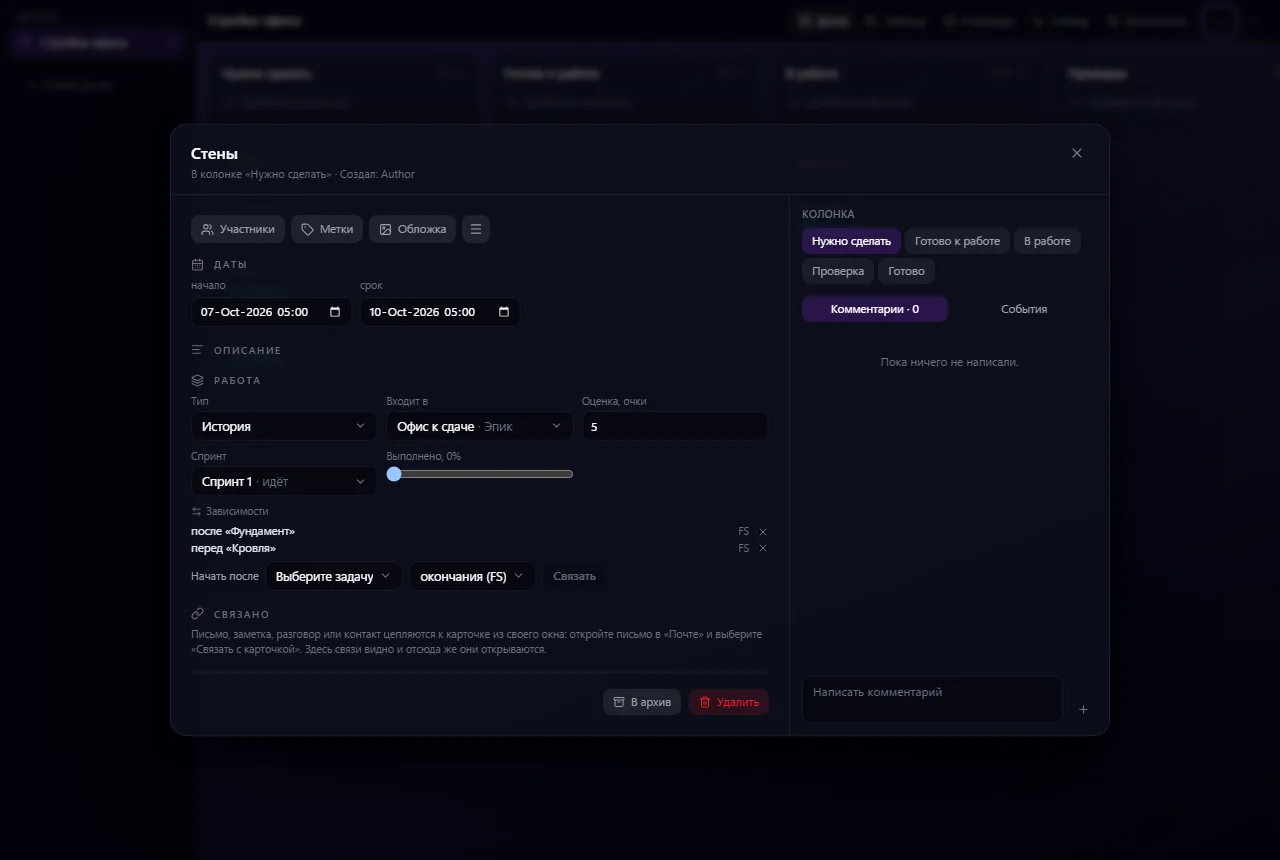
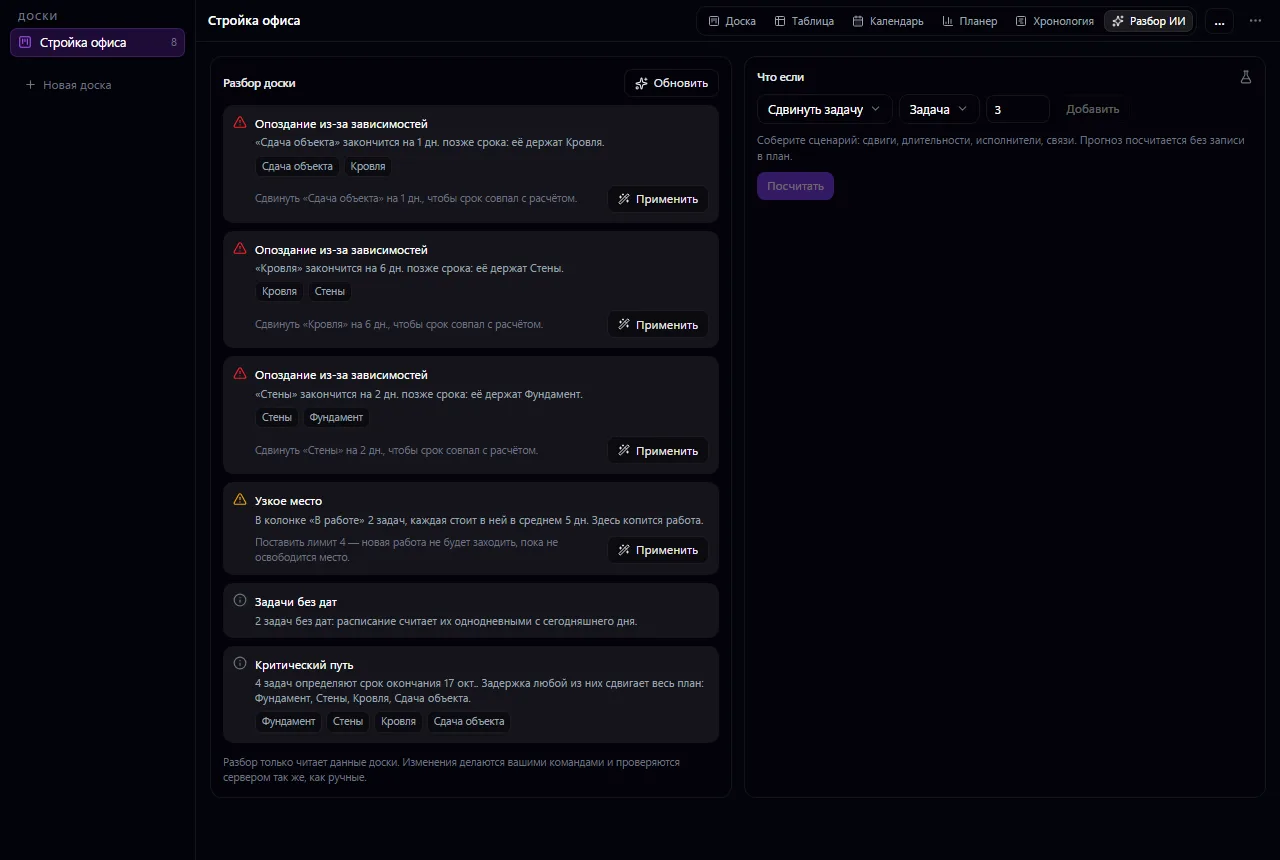
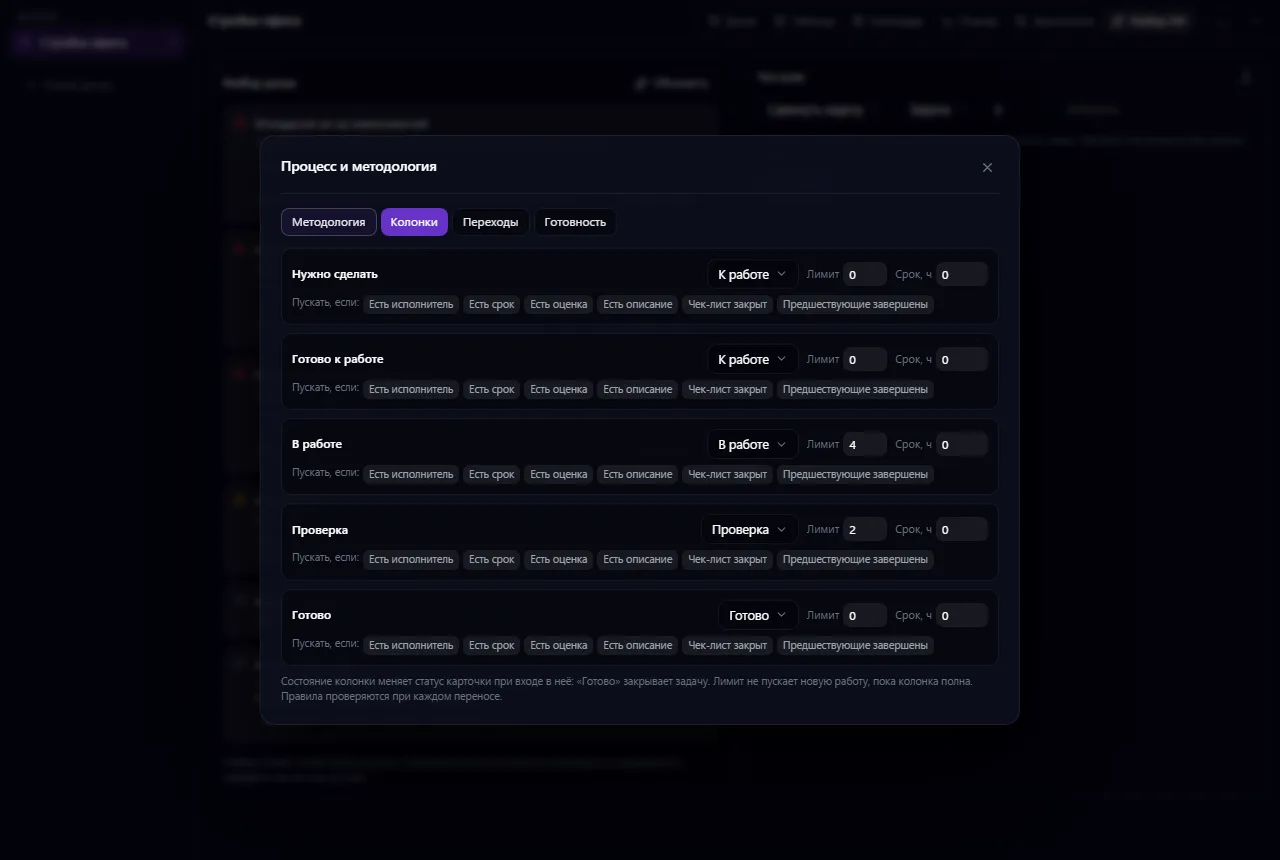
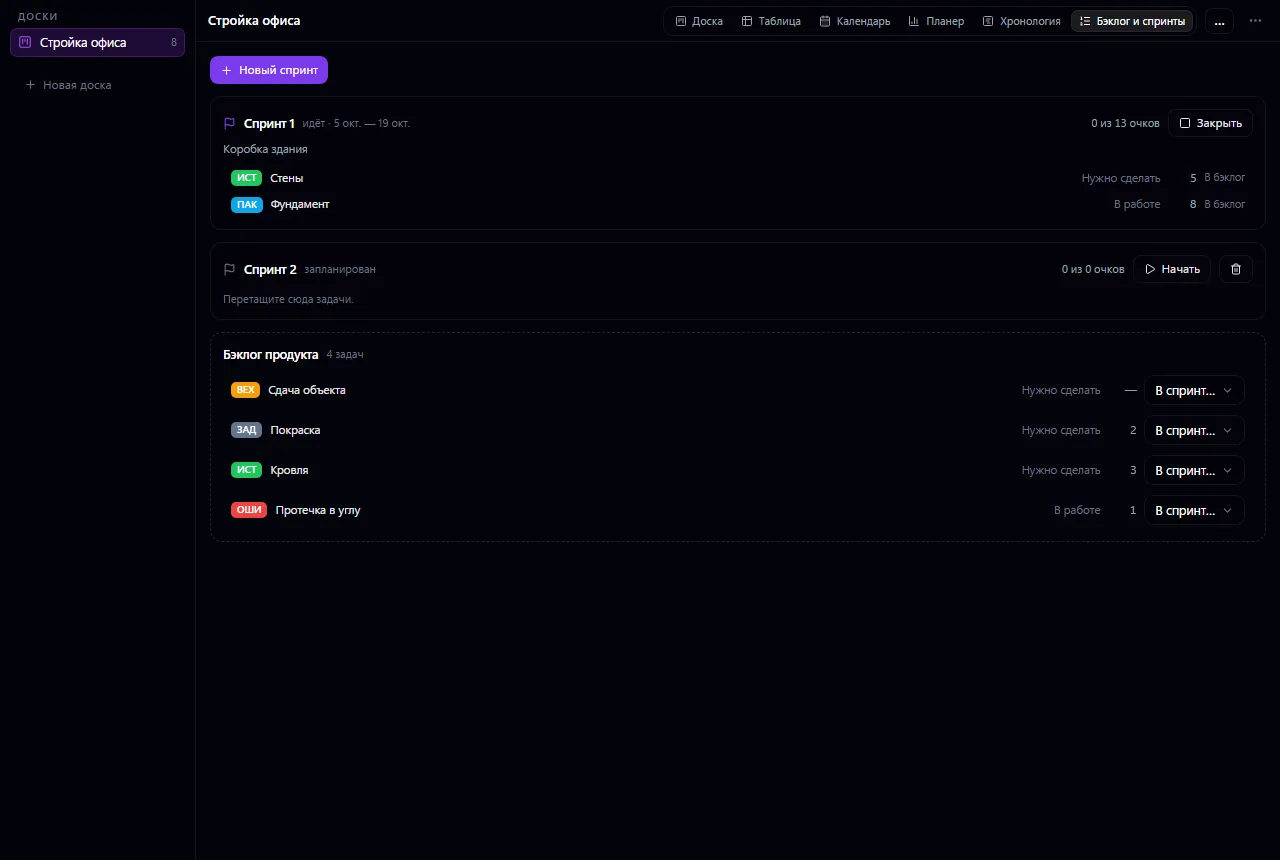
Add a description, assignees, due dates, labels, checklists and attachments. Clarifications and materials stay next to the task.
Set up columns to match your process, group work into projects and subprojects. Collapse columns you don't need right now.
Switch between board, table, calendar, summary and timeline. The view changes, the cards stay the same.
Use board members and custom fields. Attach supported links to other work items to get back to the source information faster.
Create a project and a board with “Planned”, “In progress” and “Done” stages.
Add cards, assignees, due dates and acceptance checklists.
Look at the calendar or timeline, then update card statuses as work progresses.
The set of available task features depends on your company's settings. Private boards have their own member lists; having the app doesn't by itself mean access to every board.
If your scenario is different, tell the CODE44 team about it.
Discuss your needsNo. The views show the same work. For a task to appear by its due date, fill in the corresponding dates.
Yes, cards have checklists. For separate pieces of work with different owners, it's better to create separate cards.
Yes. Split work by projects and boards, assign members and use stages the team understands.
We want every company to work comfortably. The CODE44 team can build additional features for you free of charge: we will discuss the task, scope and implementation order.
Business OS is updated continuously with the support of a team of more than 40 people. Delivered features and plans are collected in the development plan.