

Telegram bot
BOs AI in Telegram: type or speak — it understands, calculates and creates the task
Your company's own Telegram bot opens the Business OS mini app: BOs AI, “Create task” with a camera photo, and “My tasks”. You can simply type to the bot or speak by voice: BOs AI understands the request, calculates, finds what you need in the company, creates a task or launches an order into production — every change only after you tap “Yes”.
Telegram bot: what it does and how it works
Your company's own Telegram bot opens the Business OS mini app: BOs AI, “Create task” with a camera photo, and “My tasks”. You can simply type to the bot or speak by voice: BOs AI understands the request, calculates, finds what you need in the company, creates a task or launches an order into production — every change only after you tap “Yes”. The administrator connects the bot in “Settings → Telegram” with a step-by-step wizard; each employee links their own Telegram there too. Signing in to the mini app needs no password: Telegram signs the user's data with the bot key, and the system verifies the signature and opens the app with that employee's permissions.
How to use it, step by step
- 1
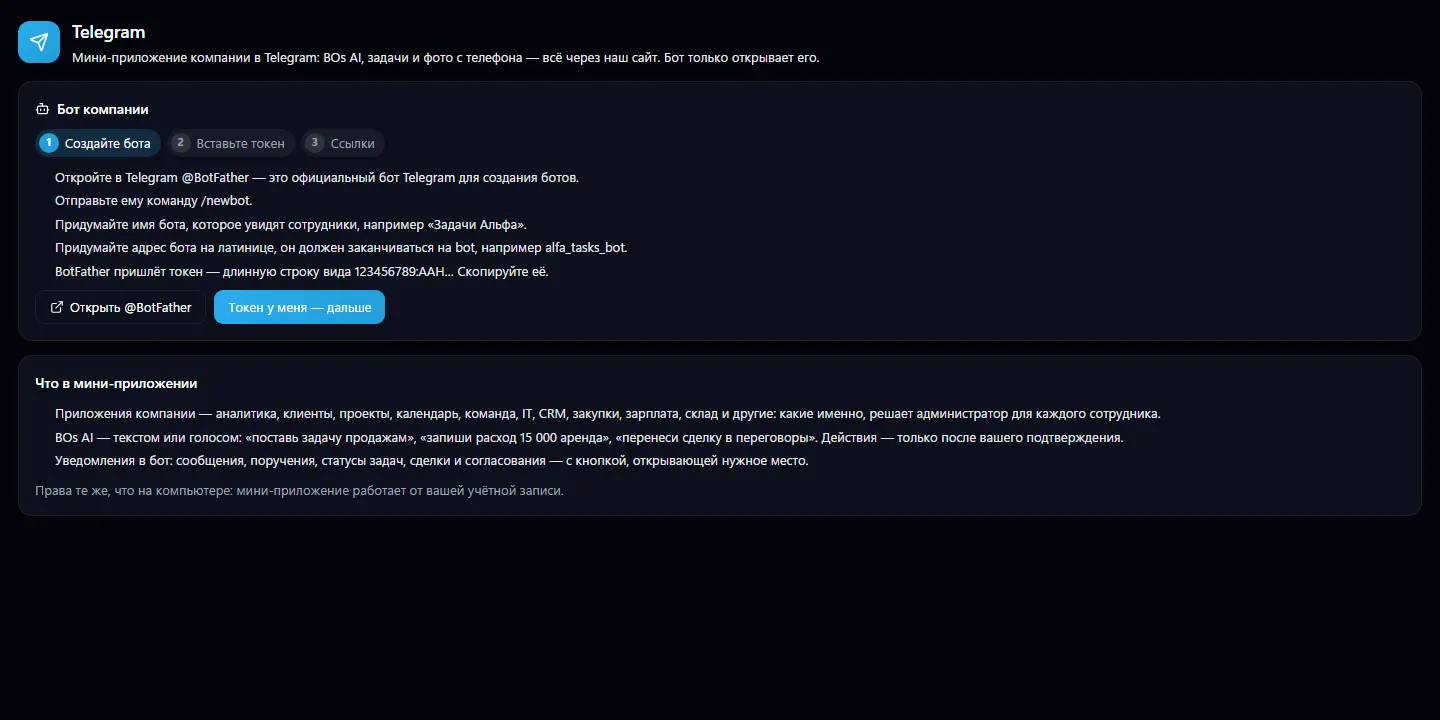
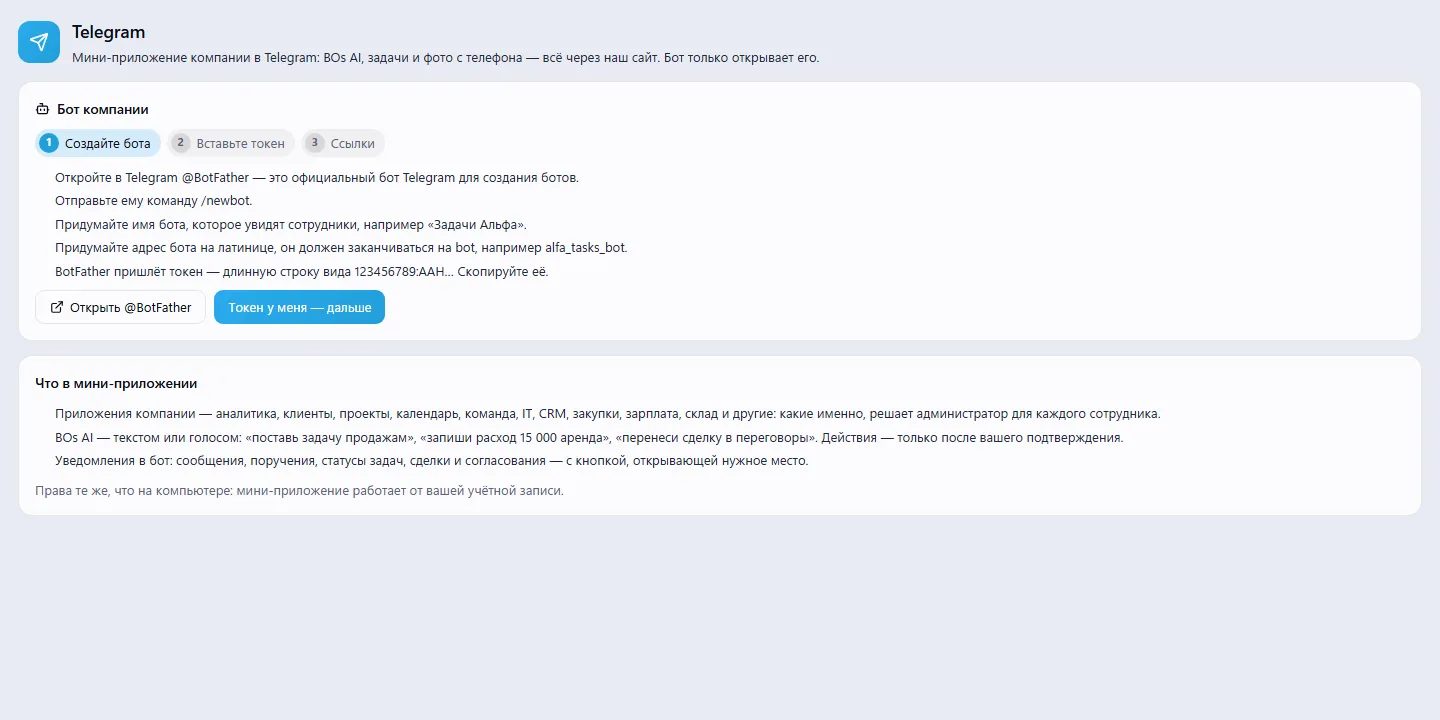
Create a bot with @BotFather and copy the token
- 2
Paste the token into the wizard — the system connects the bot
- 3
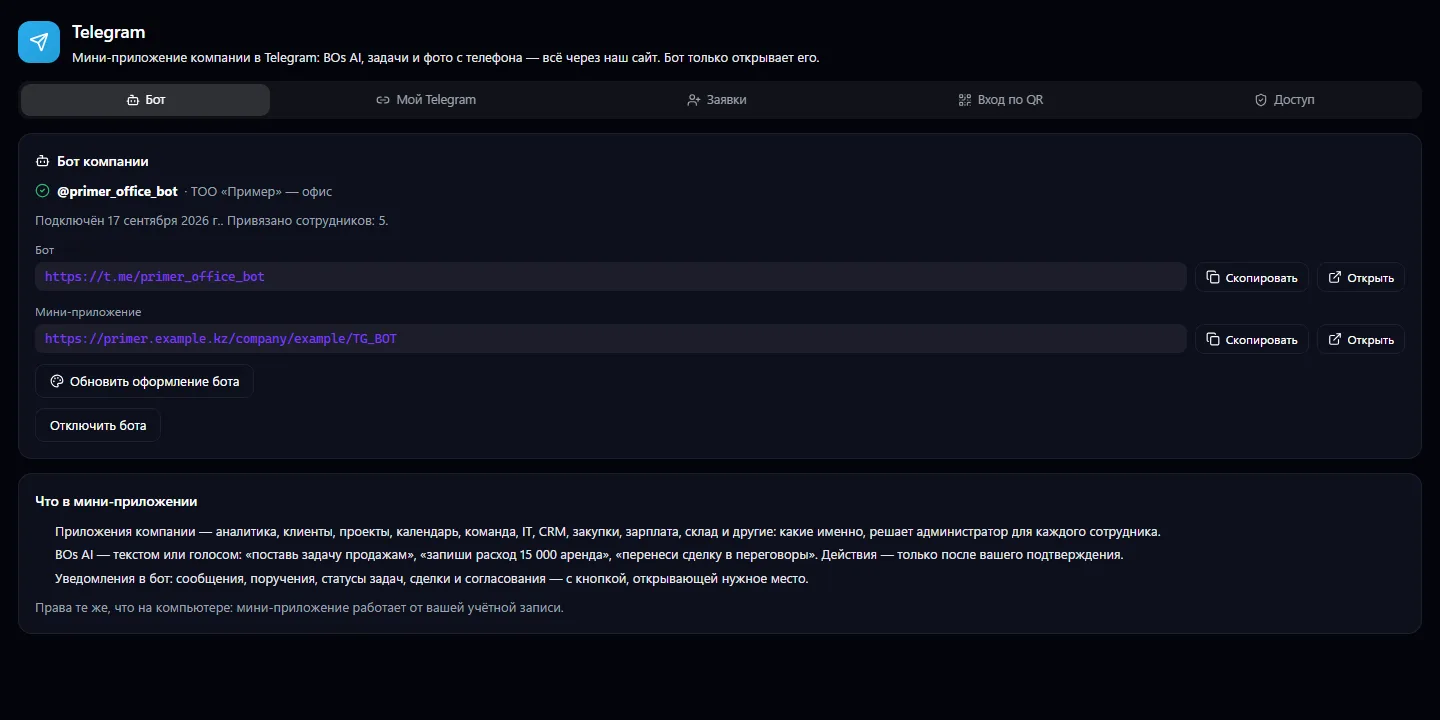
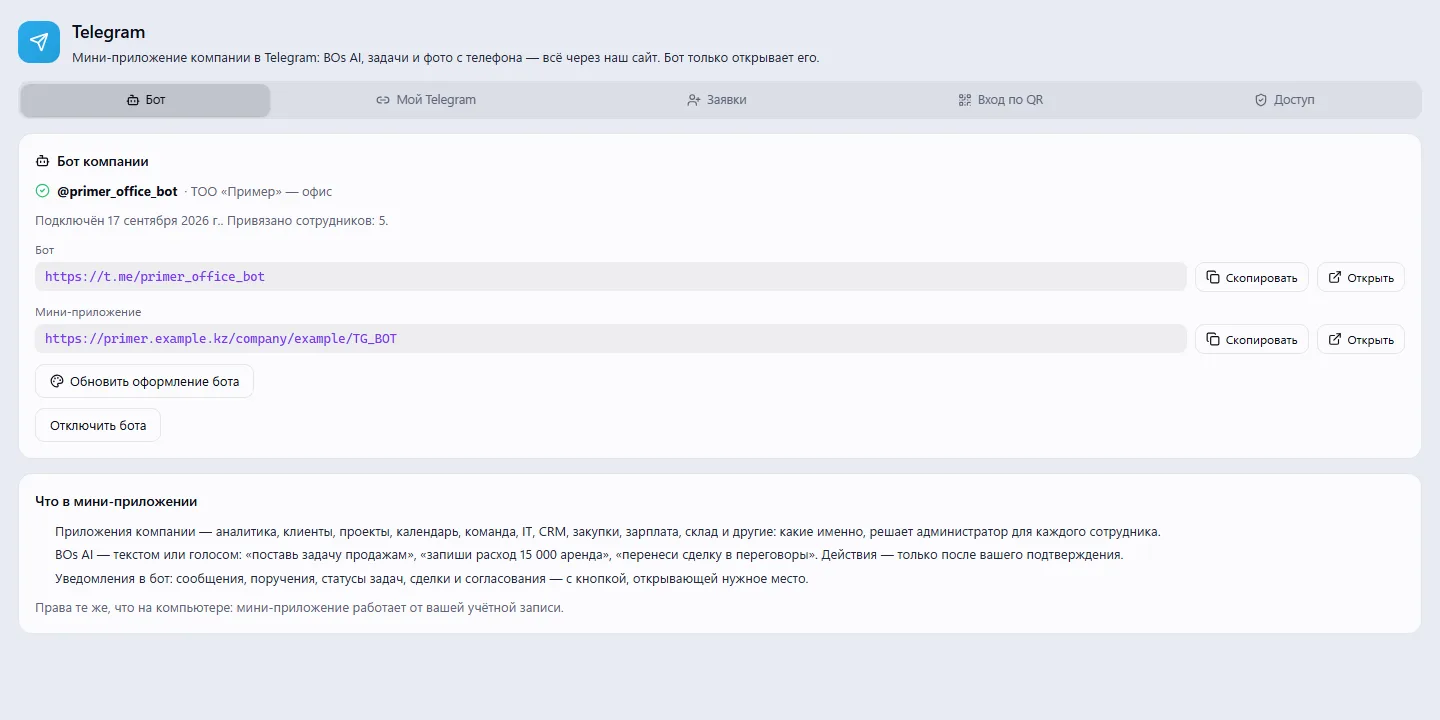
Employees link their own Telegram on the “My Telegram” tab
- 4
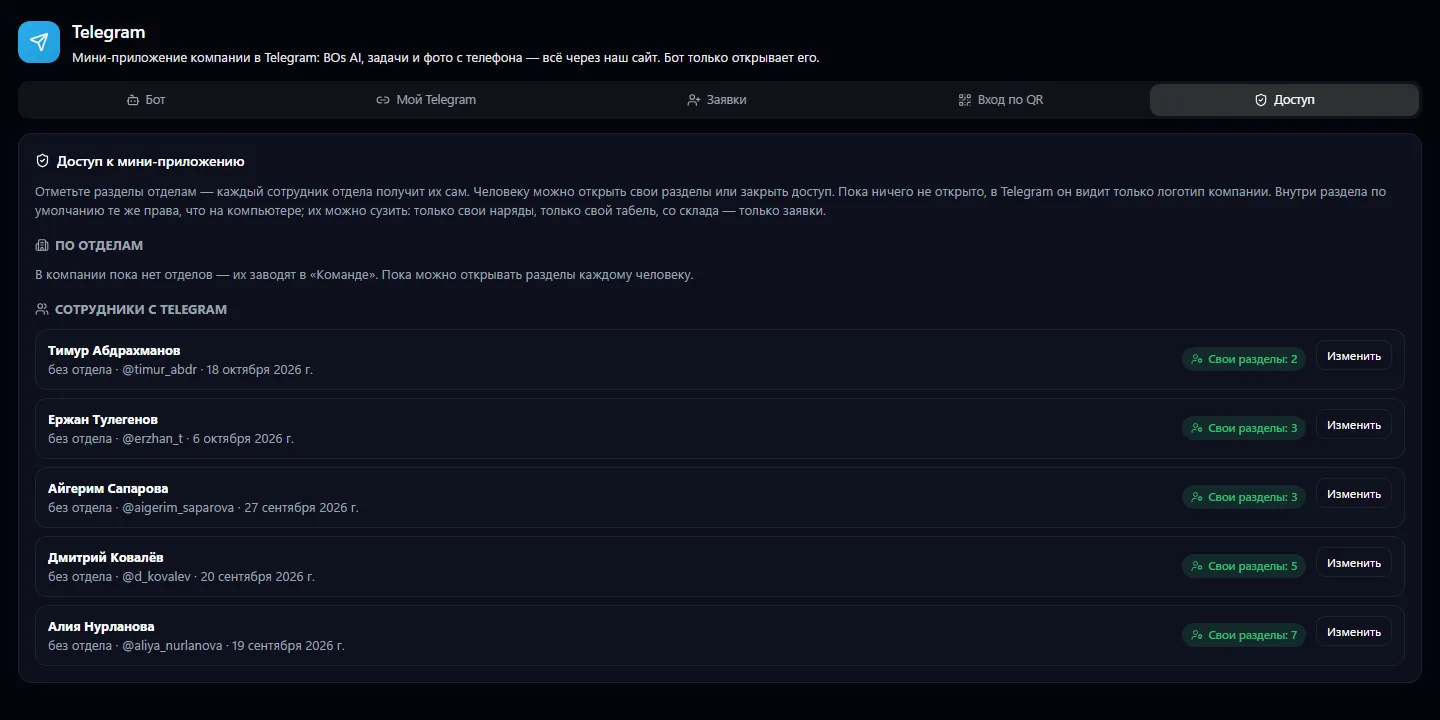
The administrator opens sections in “Access”
- 5
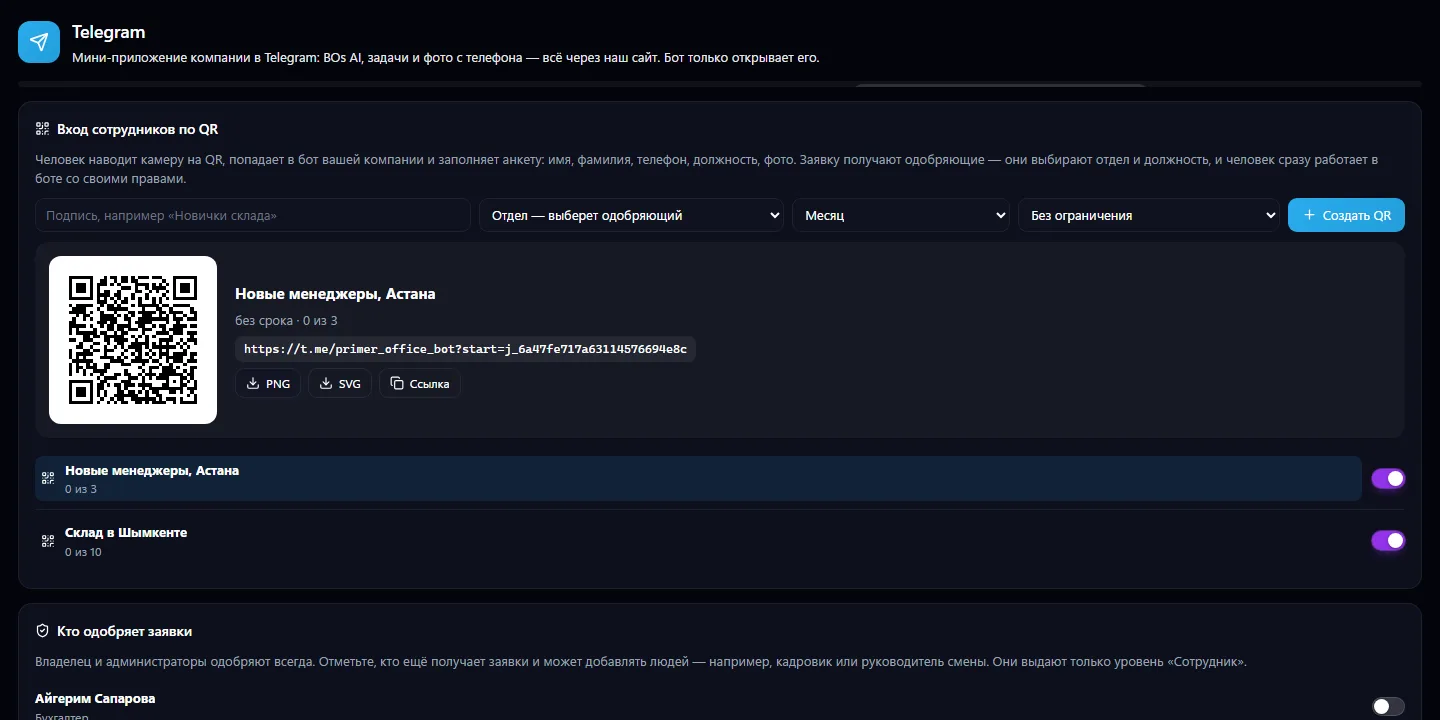
Invite new employees with a QR code and approve their requests
What you can do
- Your company's own Telegram bot is connected by token with a step-by-step wizard
- The Business OS mini app inside Telegram, with password-free sign-in via Telegram's signature
- BOs AI by text or voice: create a task, record an expense, move a deal
- Any change — only after you tap “Yes”
- Each employee links their own Telegram
- Access to sections — by department or for each person
- Narrowing permissions within a section: only your own work permits, only your own timesheet, only requests from the warehouse
- A hint if a section won't be available without a license
- New employee sign-up by QR code with a form
- Sign-up requests are approved by the owner, administrators and assigned people
- Notifications in the bot: messages, tasks, CRM, approvals
- The bot's look (name, description, menu, photo) is updated with a button
What it looks like
Real app windows with a fictional company as an example. Click a screenshot to enlarge it.
Works together with
- Tasks, Timesheet, Contacts, Calendar, Team, analytics, CRM, warehouse and more — as mini app sections
- BOs AI — an assistant inside the bot
- System notifications arrive in the bot with a button that opens the right place
Related apps
Business Meetings
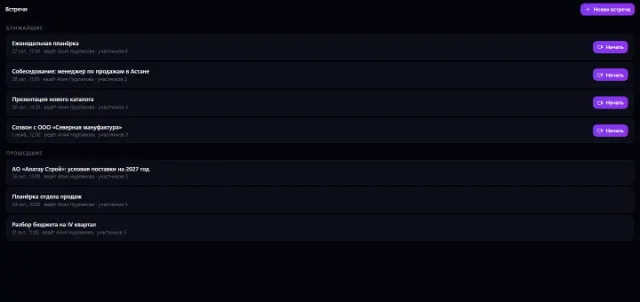
Company video meetings: calendar, link, video, chat, minutes, decisions
Learn more about the app
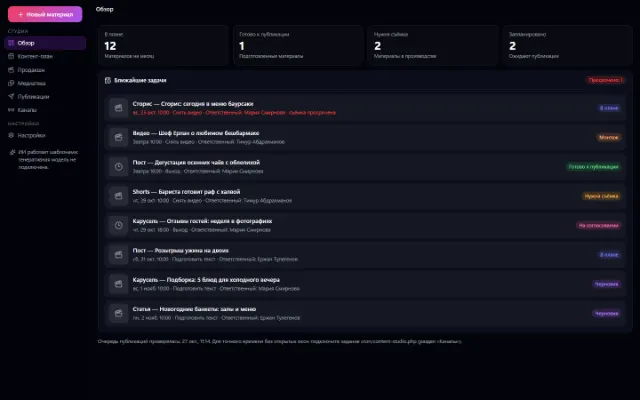
Content Studio
A content factory: plan, shooting, copy, media library and publishing in one window
Learn more about the appTry the Telegram bot in your company
Connect your company — the app is enabled in the app store in a minute. If a feature is missing, the CODE44 team can build it for you free of charge.