

Entries by group
Collect accounts and notes into groups. Use clear names and addresses so you can find the right service.
Logins for work services easily get lost among chats and notes. Password Vault helps you organize entries into groups: a name, address, login, password and extra details. Opening the vault requires a separate master password.
For employees who need to organize their work accounts and stop hunting for credentials in different places.
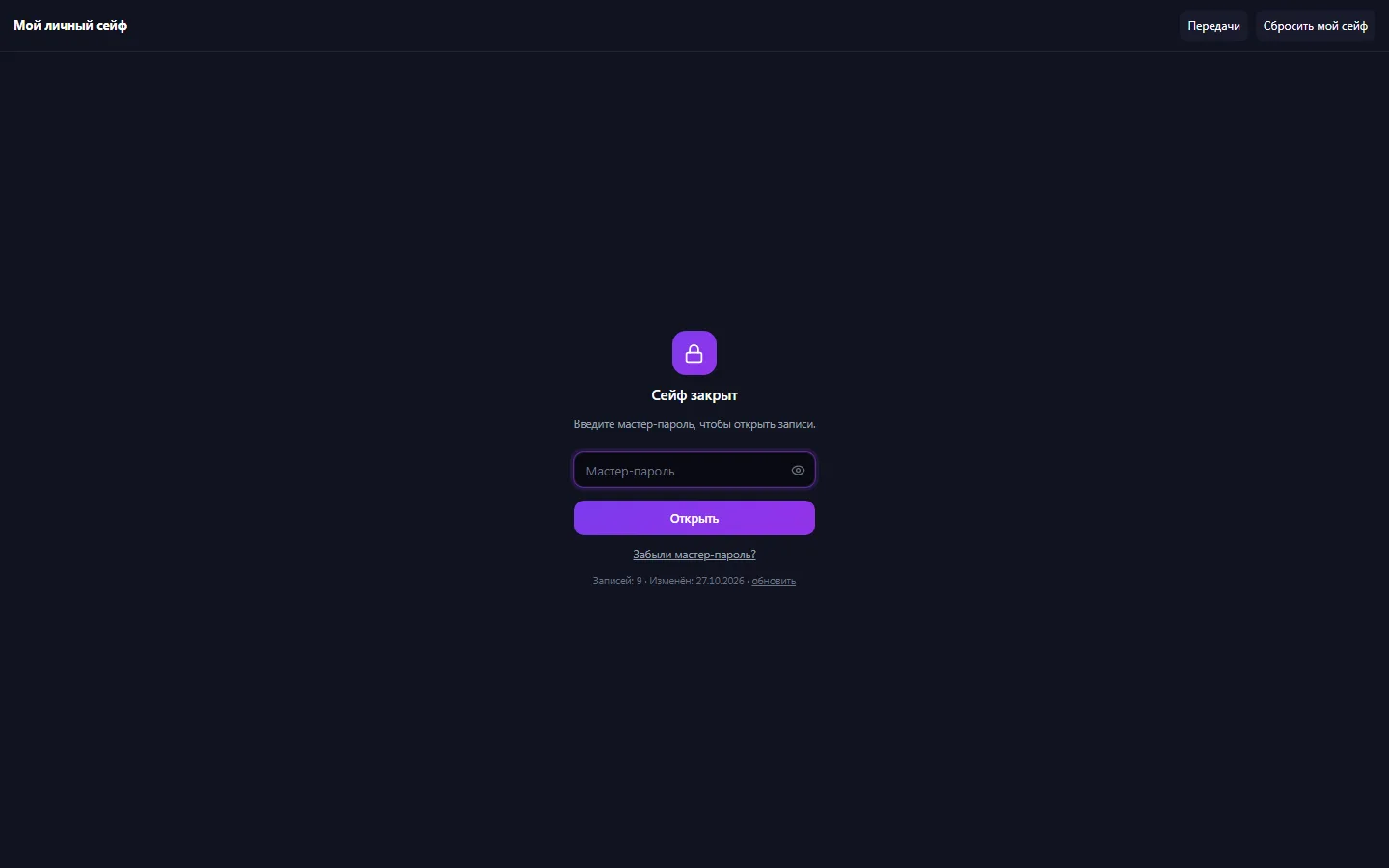
Real app windows with a fictional company as an example. Click a screenshot to enlarge it.
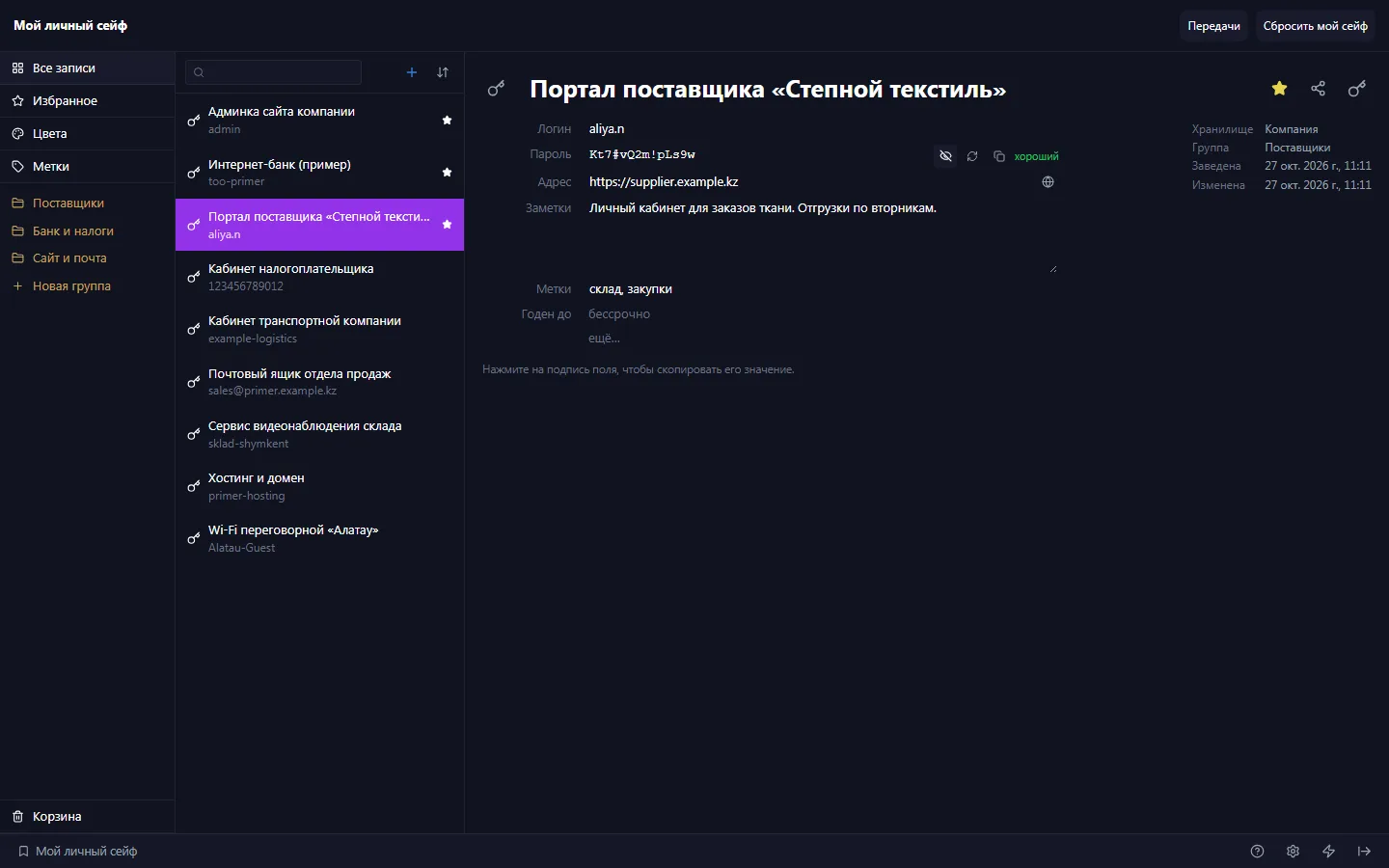
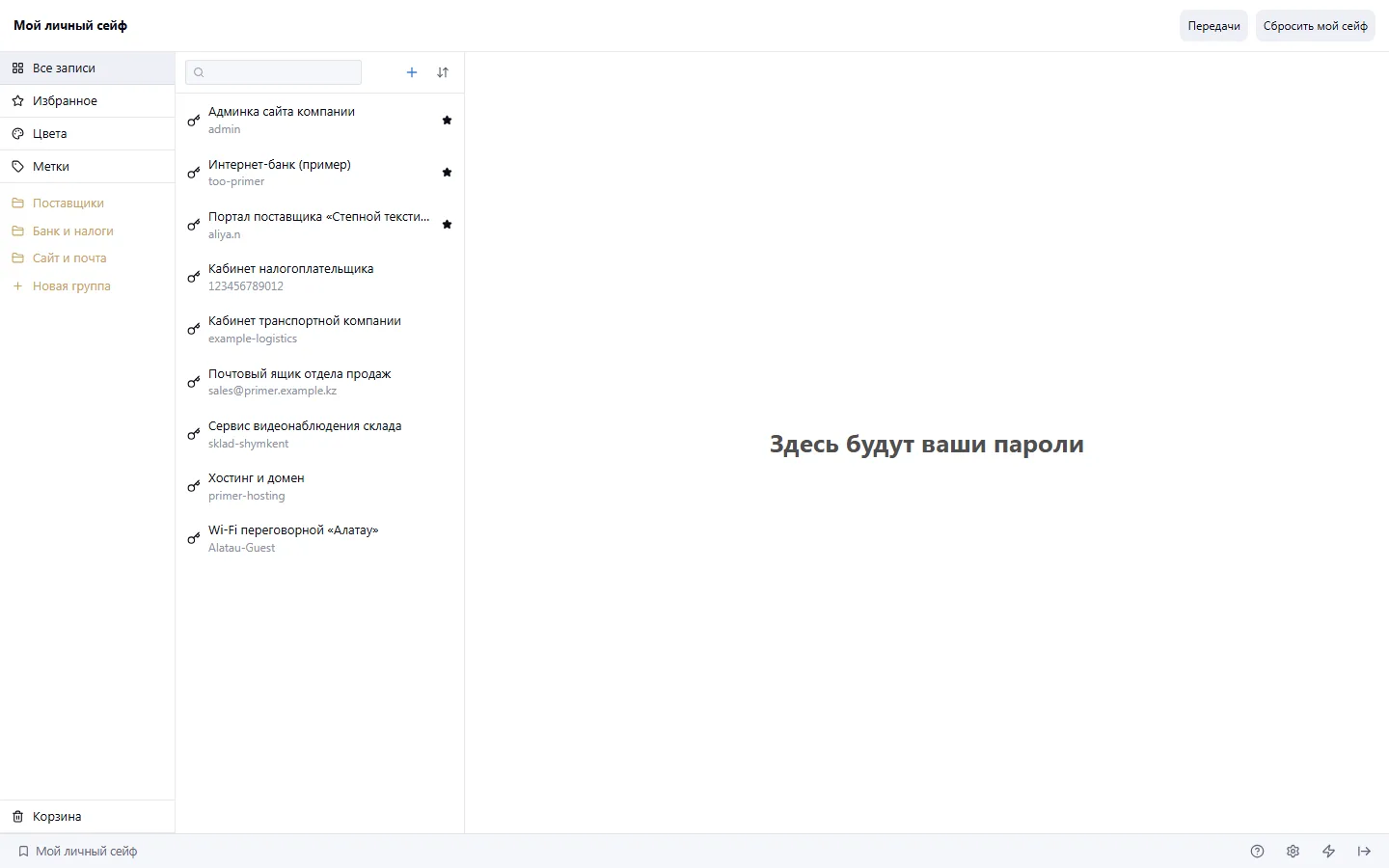
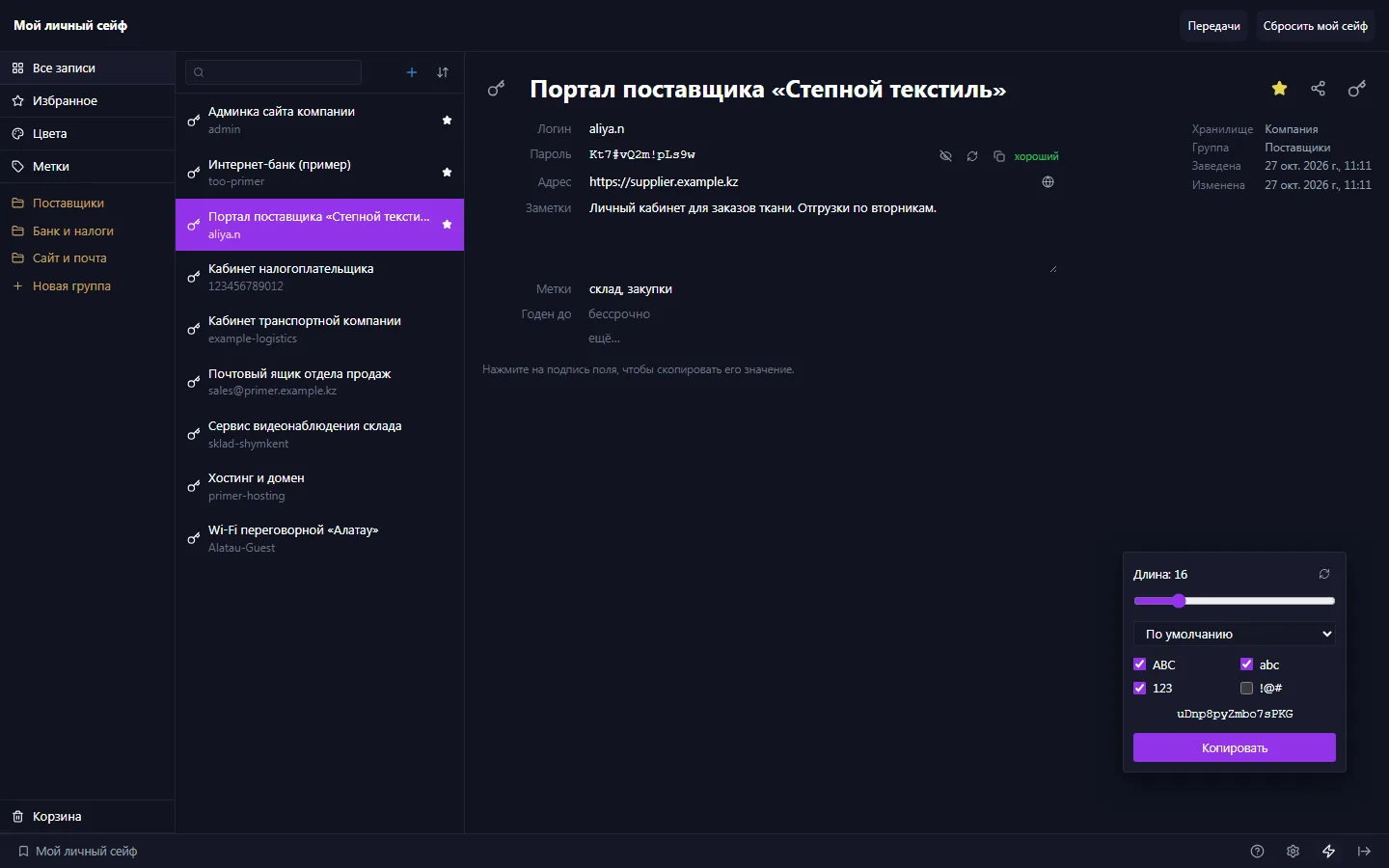
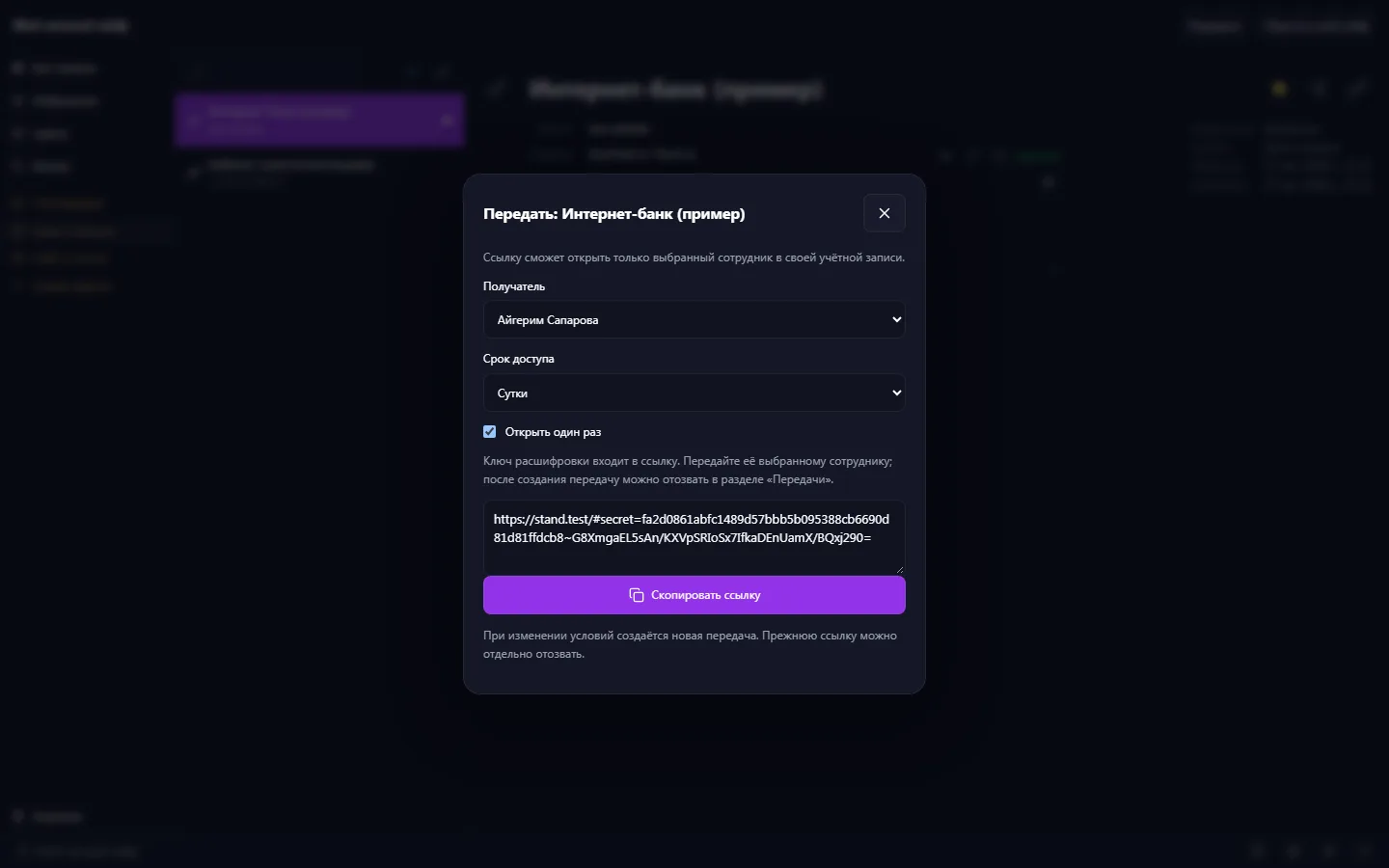
Collect accounts and notes into groups. Use clear names and addresses so you can find the right service.
Search entries and copy the fields you need when signing in to a work service. Check the destination address before using credentials.
Create new passwords with the built-in generator and save them in the corresponding entry.
The vault's contents are encrypted in the browser. During setup you get a separate recovery key, which you should keep somewhere only you can access.
Set a master password and save the recovery key you're given separately.
Split services into groups, add addresses and move over current credentials.
After changing a password, update the entry. When you finish working, lock the vault.
The vault's protection also depends on the master password, keeping the recovery key safe and the user's device. Encryption doesn't protect against every threat on an already compromised device and doesn't replace the company's access management rules.
If your scenario is different, tell the CODE44 team about it.
Discuss your needsIt's a separate secret for opening the vault. You set it when setting up the password vault.
Use the recovery key you saved in advance. If both the master password and the key are unavailable, you can't rely on a regular password reset to decrypt the vault.
Yes. Entries can hold the details you need about an account, and groups and search help you find them.
We want every company to work comfortably. The CODE44 team can build additional features for you free of charge: we will discuss the task, scope and implementation order.
Business OS is updated continuously with the support of a team of more than 40 people. Delivered features and plans are collected in the development plan.