

Recent and favorite files
Go back to your latest documents, mark important files and search by name or tag. Folders help keep different work topics apart.
Business Office helps you find a file and keep working on it. It is a catalog of working materials and the entry point to the Document, Spreadsheet and Presentation apps. You can upload a file from your device, create a new one or start from a personal template.
For teams that prepare proposals, instructions, calculations and presentations in one workspace.
Real app windows with a fictional company as an example. Click a screenshot to enlarge it.
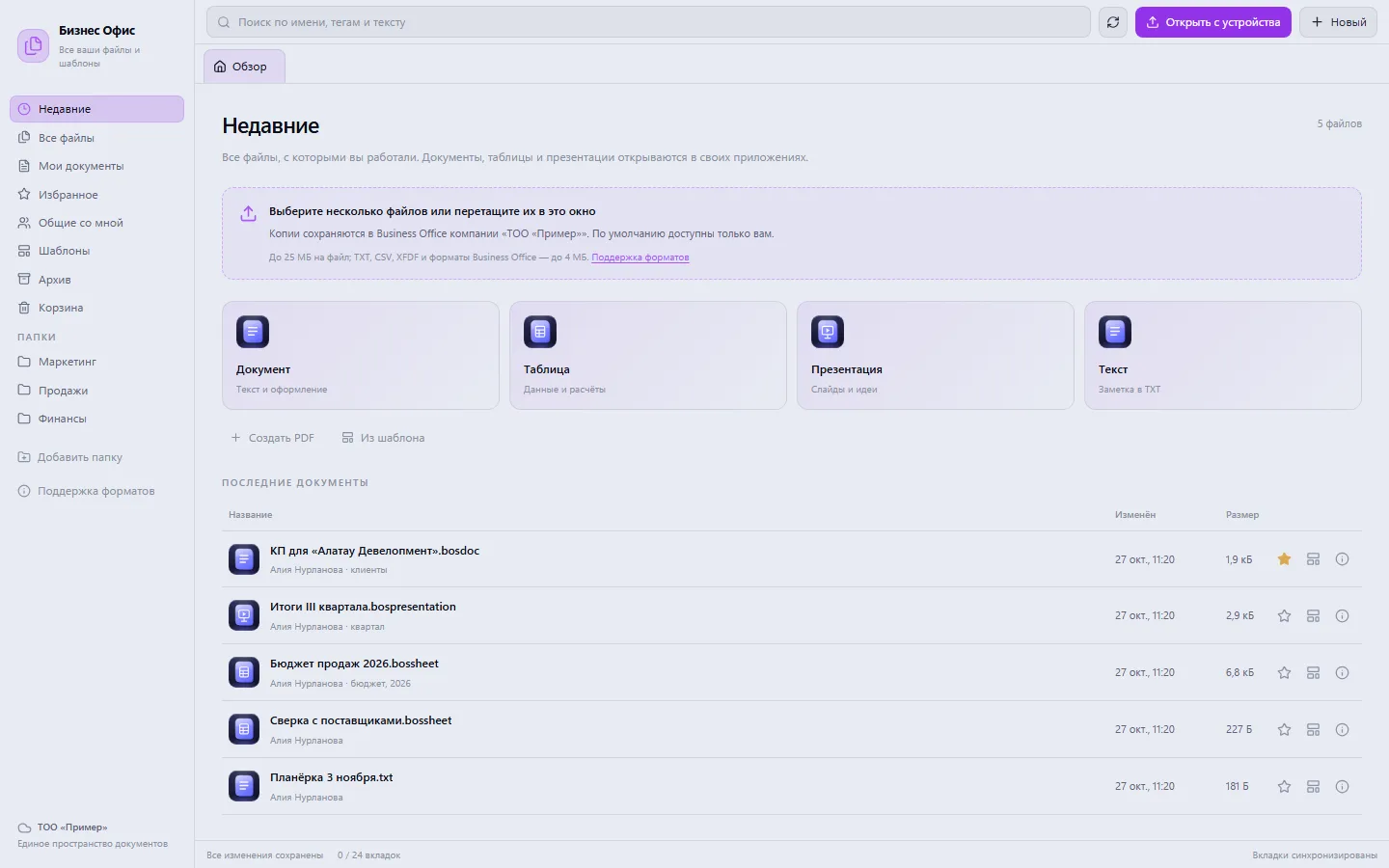
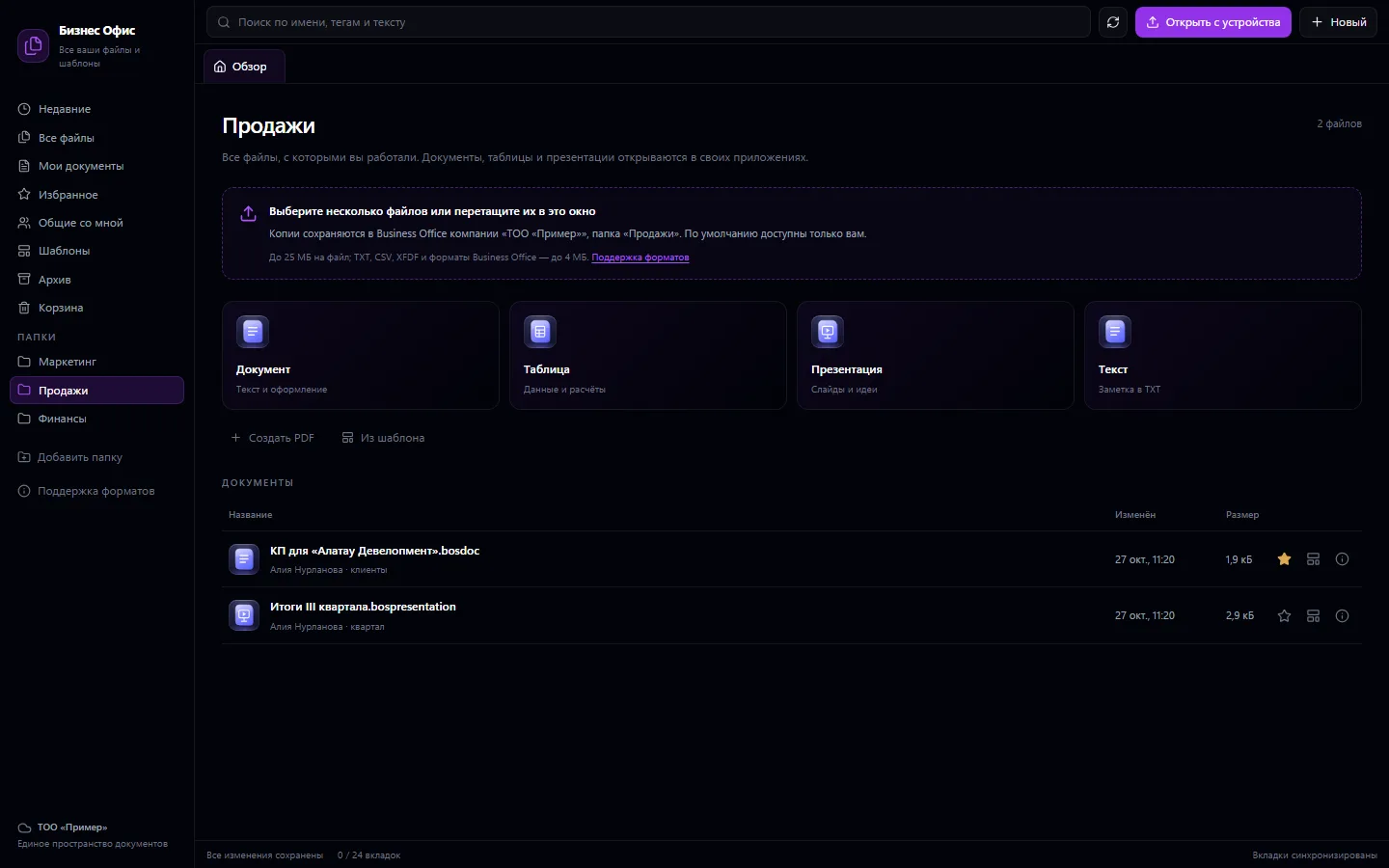
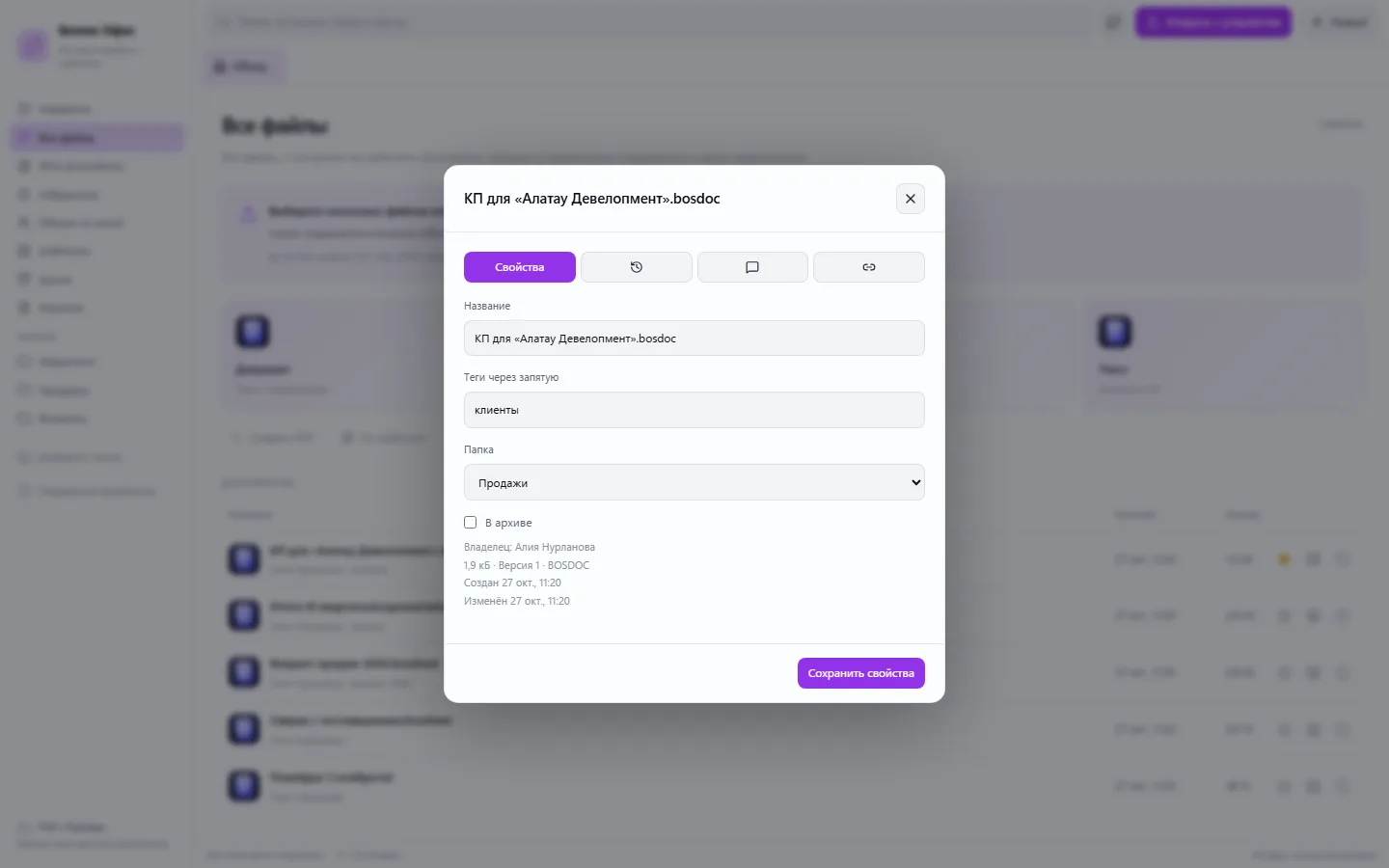
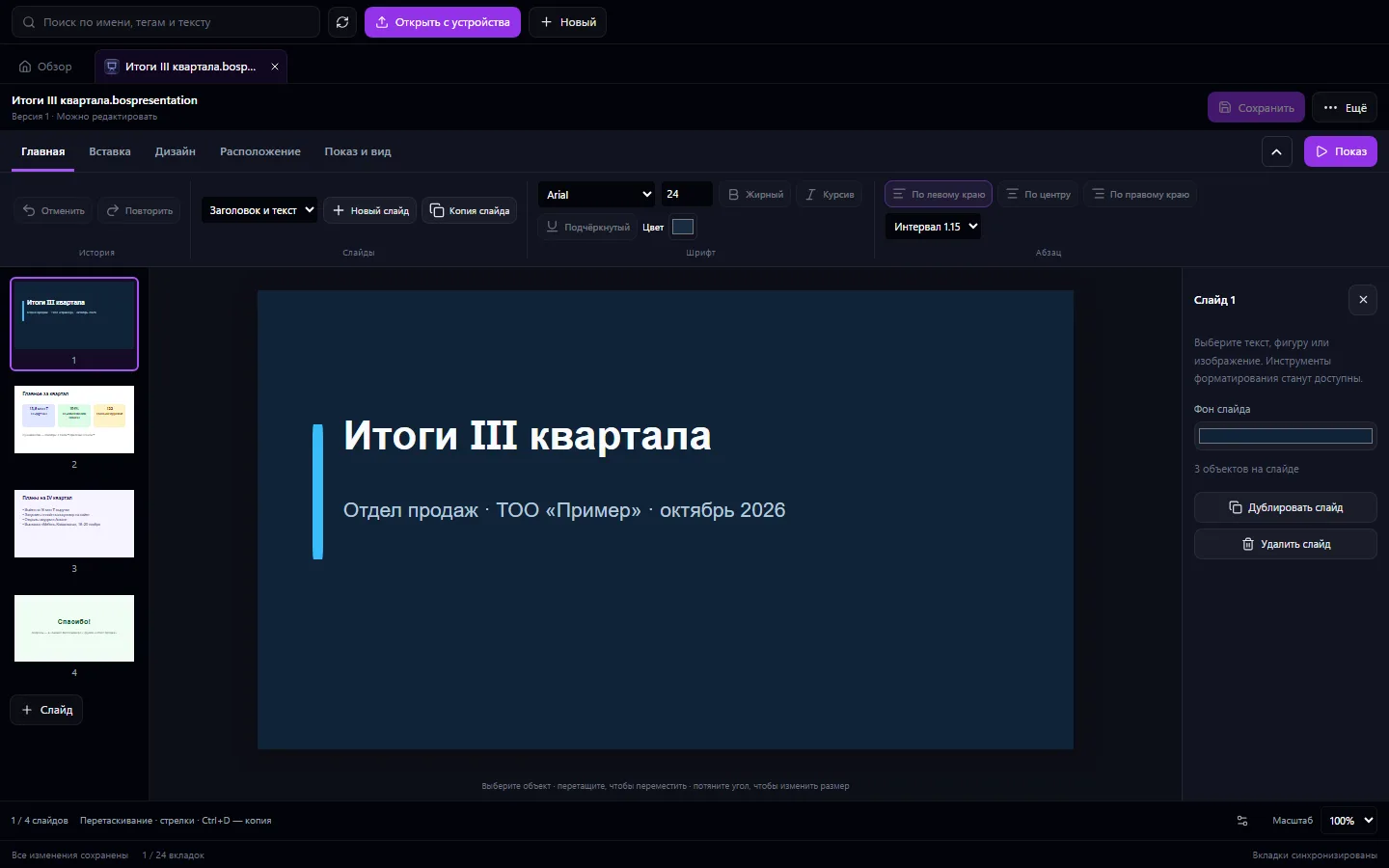
Go back to your latest documents, mark important files and search by name or tag. Folders help keep different work topics apart.
Documents, spreadsheets and presentations open in their own apps. Their files remain available through Business Office.
Save a prepared file as a personal template. Using it creates a new file, so the base for your next job stays intact.
See a file's history, discuss materials in comments and grant colleagues access. View and edit permissions are separate.
Create a document with the standard sections or upload a file from your computer.
After saving your changes, click “To templates” and give the base a clear name.
Choose the template, create a new file and fill in the specific customer's details.
Support for storing a file and support for editing it are different things. On import, the original is kept and an editable copy is created for work. Complex elements of external formats may not carry over.
If your scenario is different, tell the CODE44 team about it.
Discuss your needsYes. Choose files on your device and upload them to Business Office. Whether you can edit them depends on the format.
No. A personal template is saved separately, and using it creates a new document.
This page describes access, comments and file versions. Real-time co-editing is not offered; agree with your colleagues on the order of editing.
We want every company to work comfortably. The CODE44 team can build additional features for you free of charge: we will discuss the task, scope and implementation order.
Business OS is updated continuously with the support of a team of more than 40 people. Delivered features and plans are collected in the development plan.