

A standard-format editor
Enter and Tab fill in the next element, and selection works across lines, as in a regular editor. The tags [SCENE], [CHARACTER], [DIALOGUE] give pasted text the right formatting at once.
A screenplay isn't just text: scenes, characters, shots, props and versions. Screenwriter itself understands where a scene heading, action, character and dialogue are, and formats the page to the standard. Next to it — a storyboard, scene and character cards, a production breakdown and version history with rollback.
For screenwriters, production and content teams, advertising agencies and studios.
Real app windows with a fictional company as an example. Click a screenshot to enlarge it.
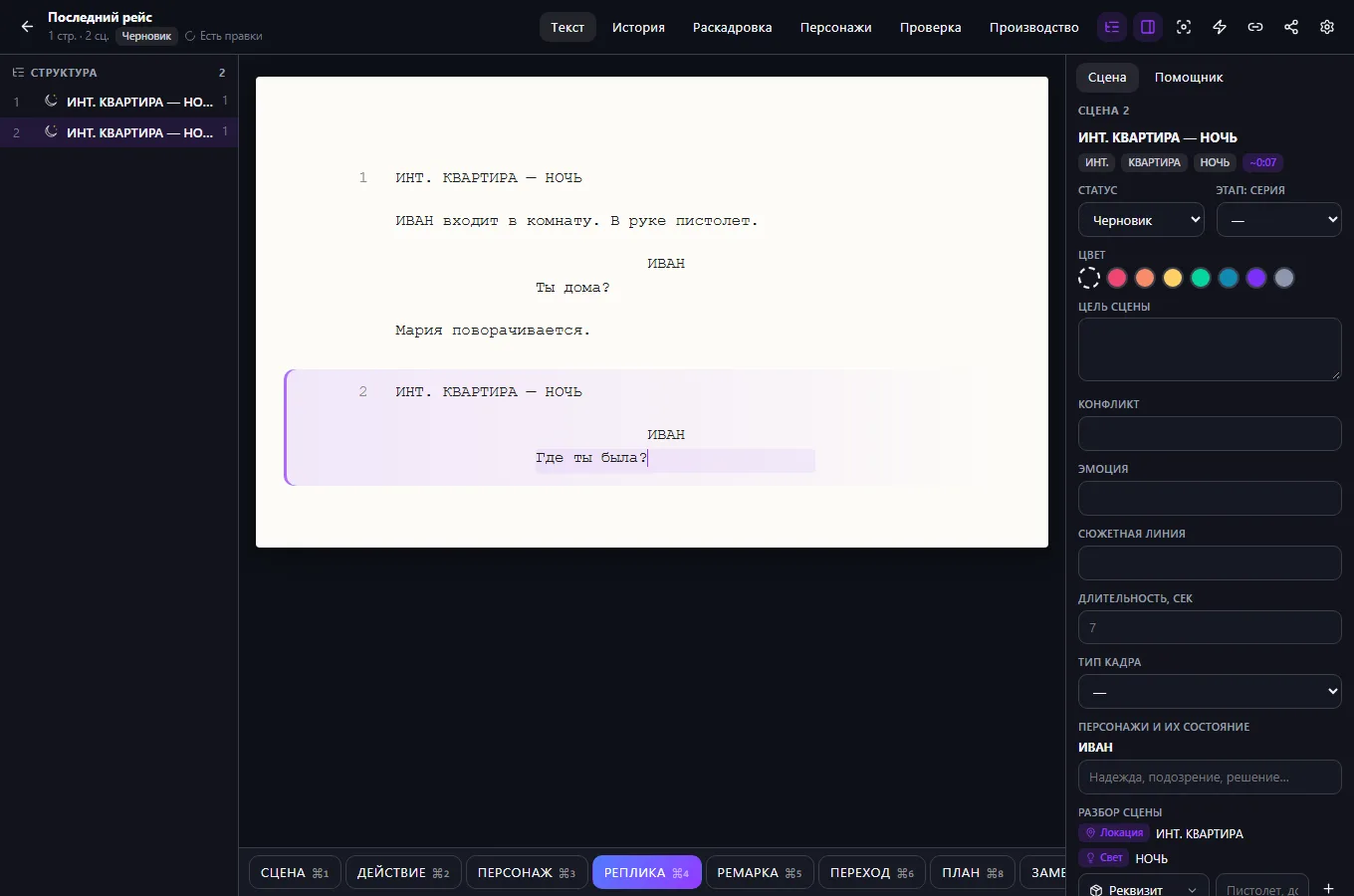
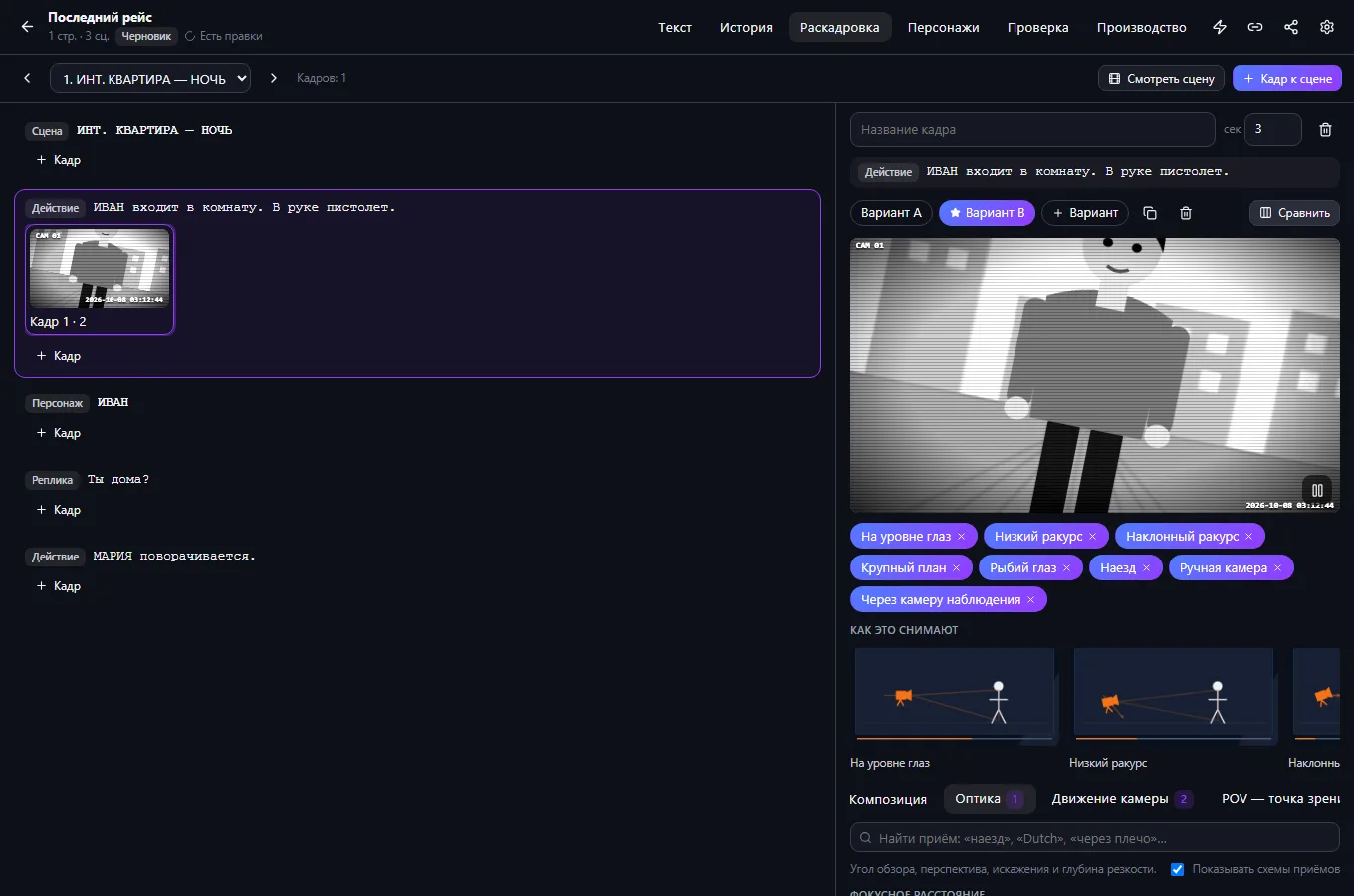
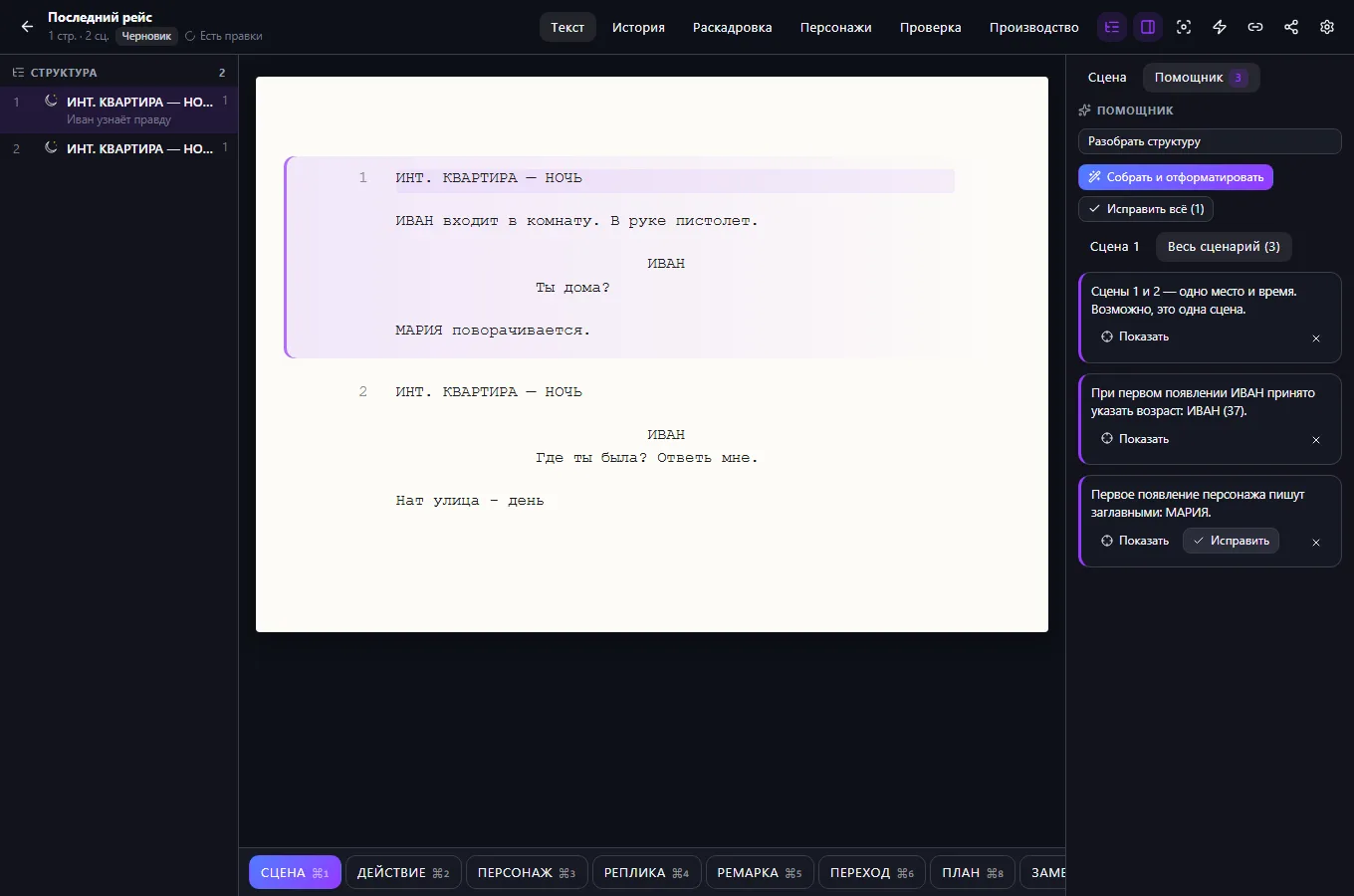
Enter and Tab fill in the next element, and selection works across lines, as in a regular editor. The tags [SCENE], [CHARACTER], [DIALOGUE] give pasted text the right formatting at once.
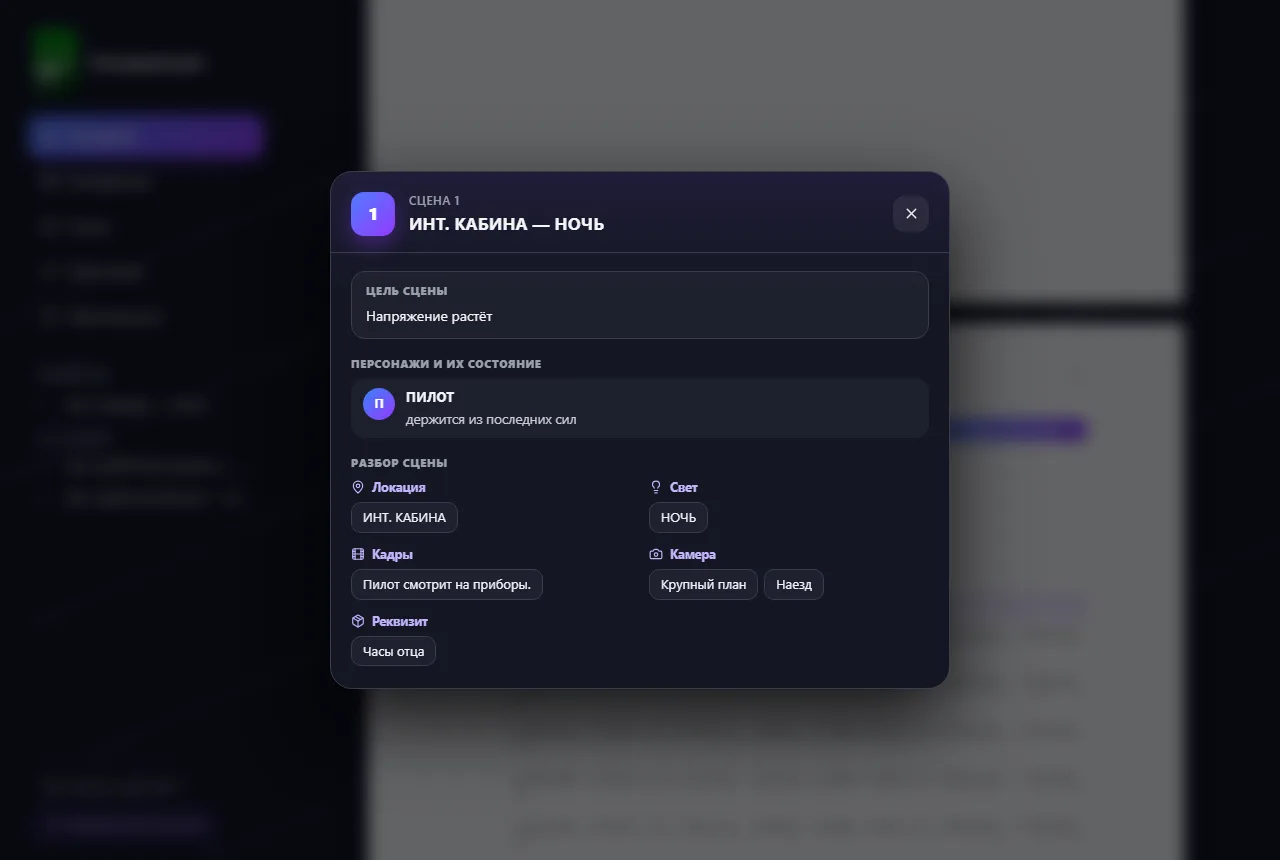
The act and scene structure follows the cursor. A scene has a goal, conflict, stage and shot type; a character has an arc and statistics; main characters can be ranked, and duplicate names merged.
Shots for scene lines with camera techniques and animated diagrams. The breakdown finds locations, lighting, props, shots and camera on its own; manual items add to it without duplicates.
A link opens only the selected parts, with a password, expiry and number of opens. Protected view renders pages as images, hides the text when you leave the window and adds a watermark with the link number.
Paste a draft with tags or import .fountain — scenes, characters and dialogue format themselves.
Mark the goal and shot type of scenes, the main characters and the breakdown — so the producer sees more than just text.
Choose what to show and set an expiry and password. You can copy the active link again at any time.
Only the author and the co-authors they invite can see the project. A browser can't block screenshots — protected view makes copying harder and shows which link the text leaked through. Export: PDF, Fountain, Final Draft, TXT and .bosscript.
If your scenario is different, tell the CODE44 team about it.
Discuss your needsYes. Import .fountain or .txt, or paste text with tags like [SCENE] and [CHARACTER] — the formatting applies itself.
Merge the two characters into one: dialogue, per-scene states and the card move to the one you choose.
Yes. Every save goes into the history, you can roll back to any point, and a deleted project is kept for 90 days.
We want every company to work comfortably. The CODE44 team can build additional features for you free of charge: we will discuss the task, scope and implementation order.
Business OS is updated continuously with the support of a team of more than 40 people. Delivered features and plans are collected in the development plan.