Live
Business Office
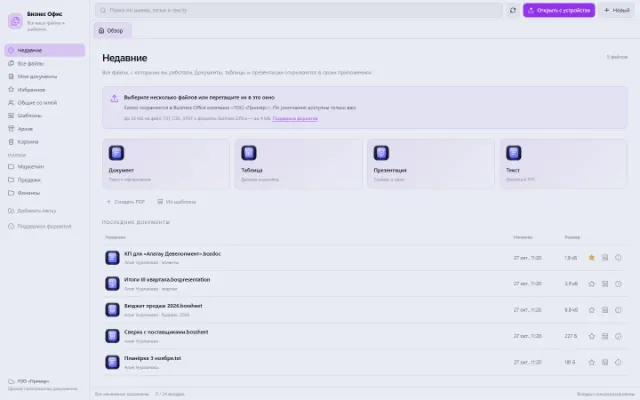
All working files, recent documents and personal templates
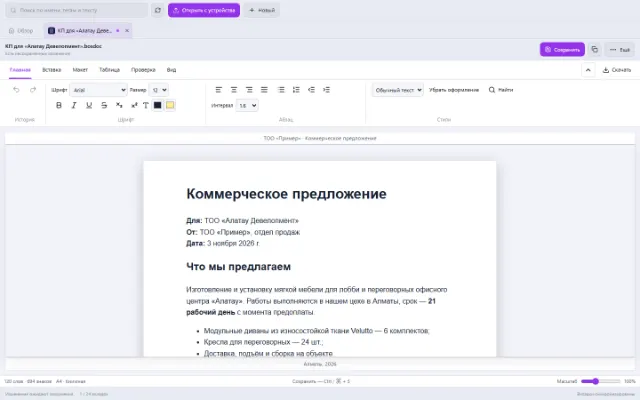
Learn more about the appYou can prepare an instruction, a letter or a commercial proposal right in Business OS. In the Document app, tools are organized in tabs: text, inserting elements, layout, tables, review and view. The file is saved in Business Office.
For employees who need neat work documents without constantly switching between services.
Real app windows with a fictional company as an example. Click a screenshot to enlarge it.
All working files, recent documents and personal templates
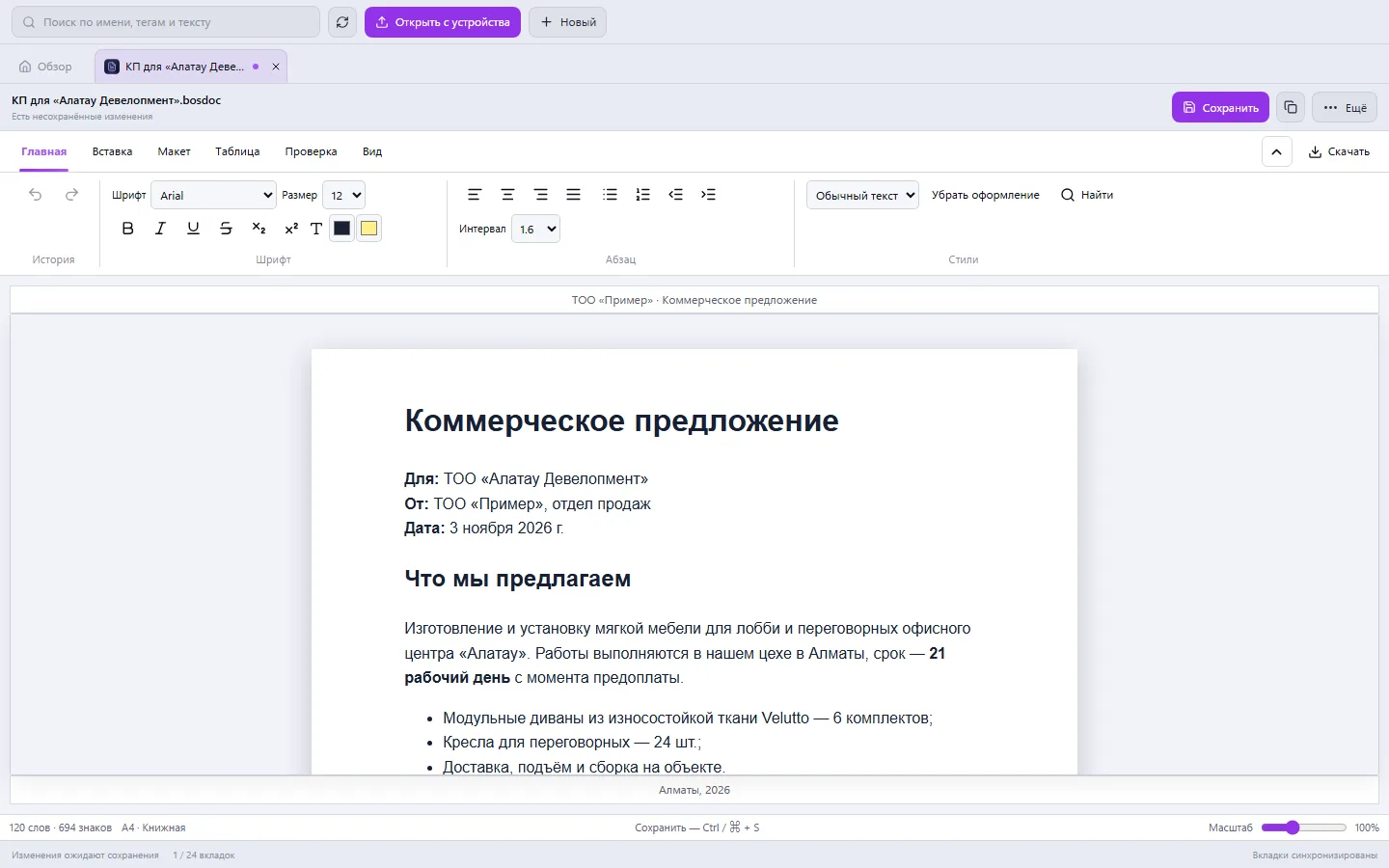
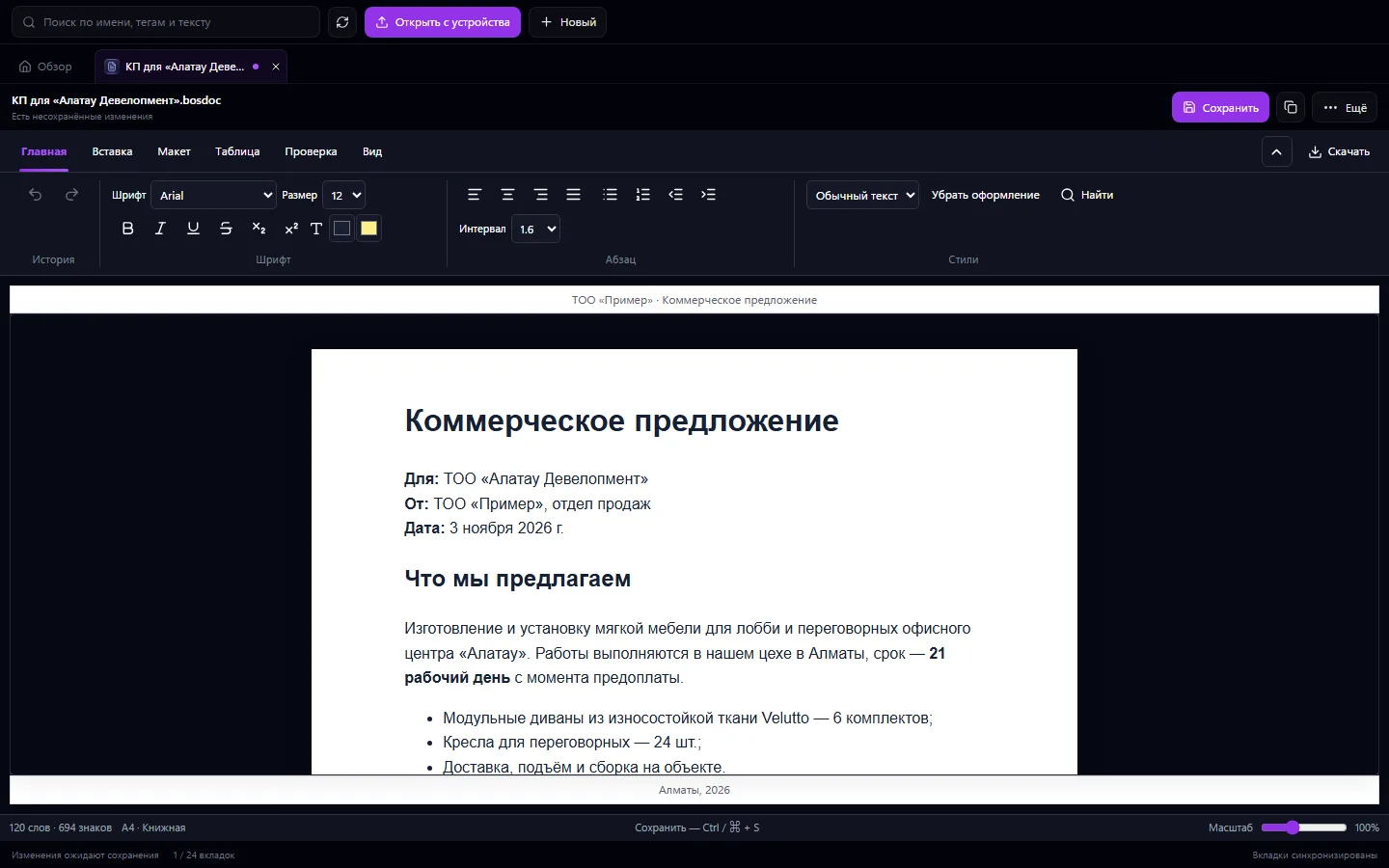
Learn more about the appChoose fonts, size, color, alignment and line spacing. Use headings, lists, quotes, superscripts and subscripts.
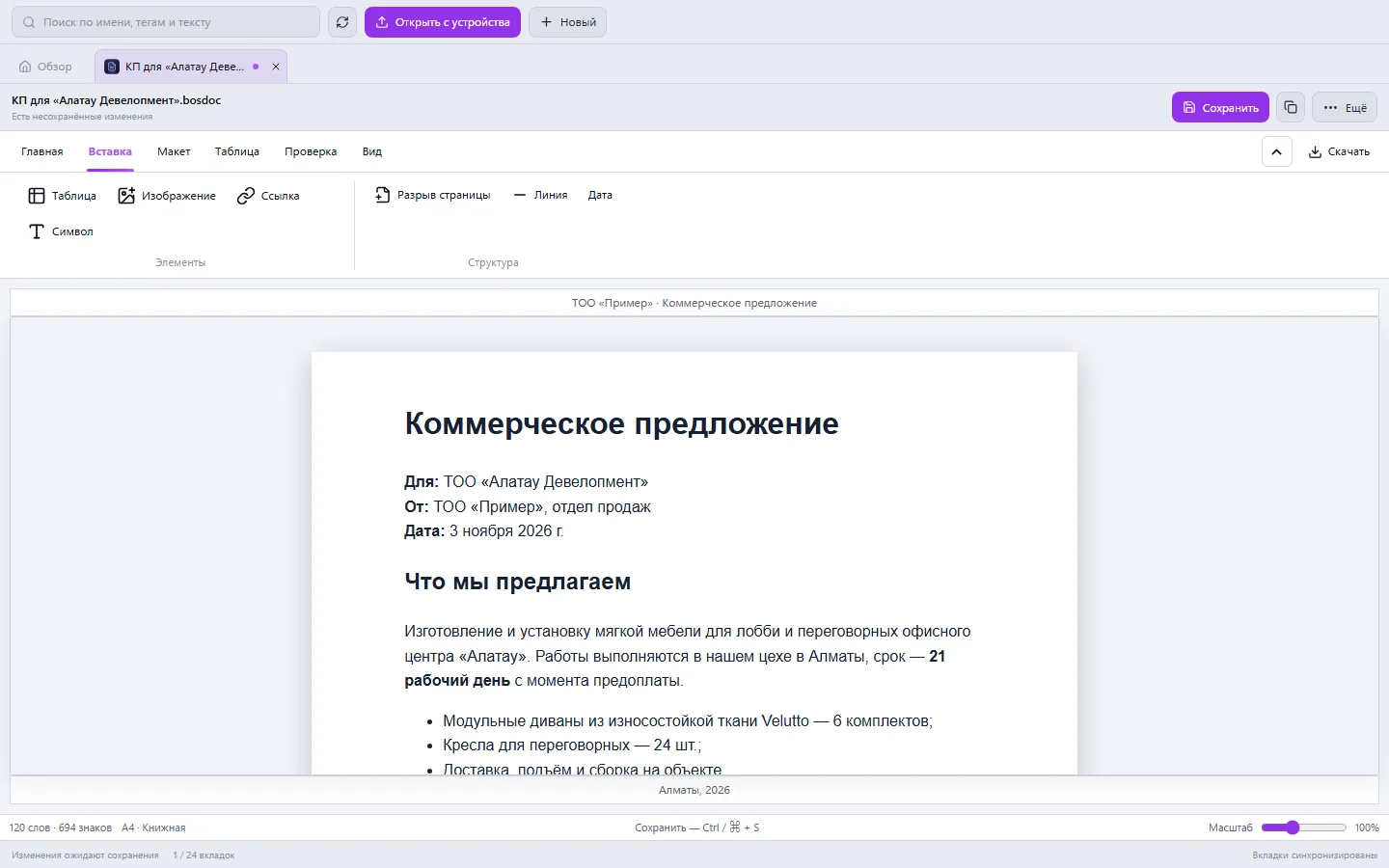
Insert tables and add or delete rows and columns. Upload images from your device, insert links and special characters.
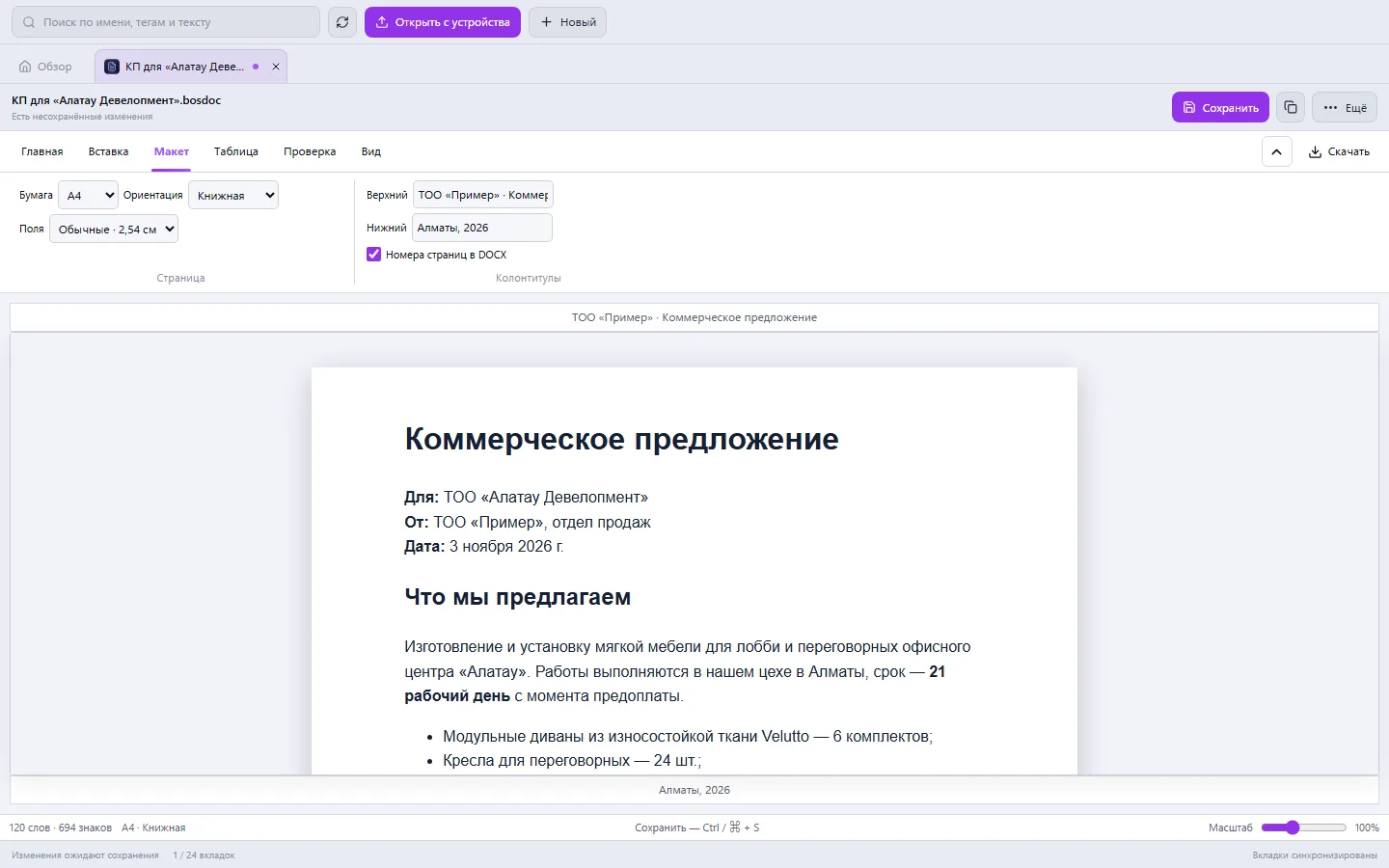
Choose the paper format, orientation and margins. Set the header and footer; page numbers are available on DOCX export.
Navigate by heading structure, find and replace text. See the word and character count, change the zoom and open a preview.
Create a document and add section headings and a list of steps.
Insert illustrations and a contact table. Set the margins and the company header.
Save the file, grant colleagues access or download a DOCX to share outside the system.
DOCX, ODT, RTF and TXT are supported for editing, as well as the native format. Import doesn't reproduce every feature of desktop office suites. TXT and RTF keep the text without formatting on export; the old binary DOC is available for storing the original.
If your scenario is different, tell the CODE44 team about it.
Discuss your needsYes. Upload it and check the editable copy after import, especially tables, images and complex layout.
Save the formatted file as a personal template in Business Office. Create your next document from that base.
No. The editor works inside Business OS. Uploading and saving files requires access to your system's server.
We want every company to work comfortably. The CODE44 team can build additional features for you free of charge: we will discuss the task, scope and implementation order.
Business OS is updated continuously with the support of a team of more than 40 people. Delivered features and plans are collected in the development plan.