Live
Business Office
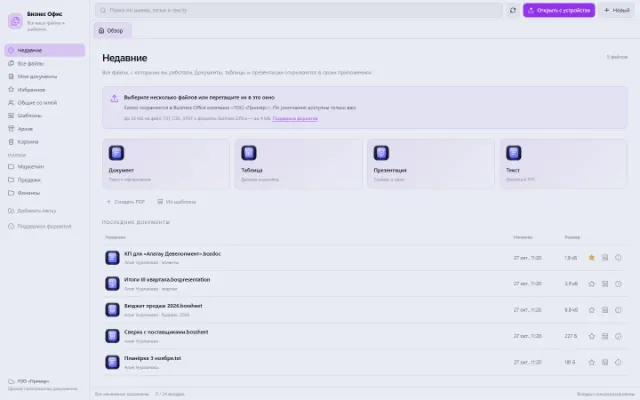
All working files, recent documents and personal templates
Learn more about the appA cost estimate, a purchase list or a work plan is handy to keep next to the company's other materials. The Spreadsheet app gives you a grid of cells, several sheets and tools for working with ranges. Files are available through Business Office.
For small calculations, registers and lists that only need basic spreadsheet functions.
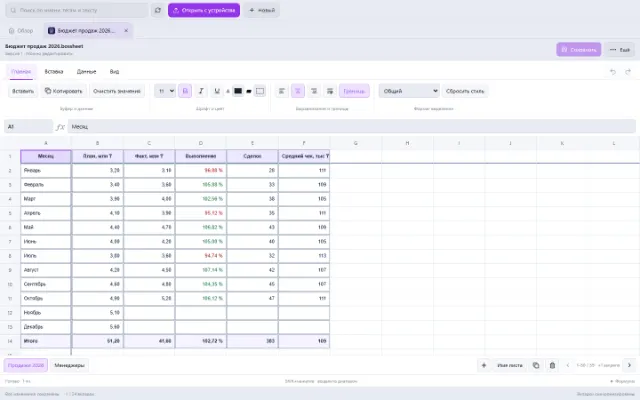
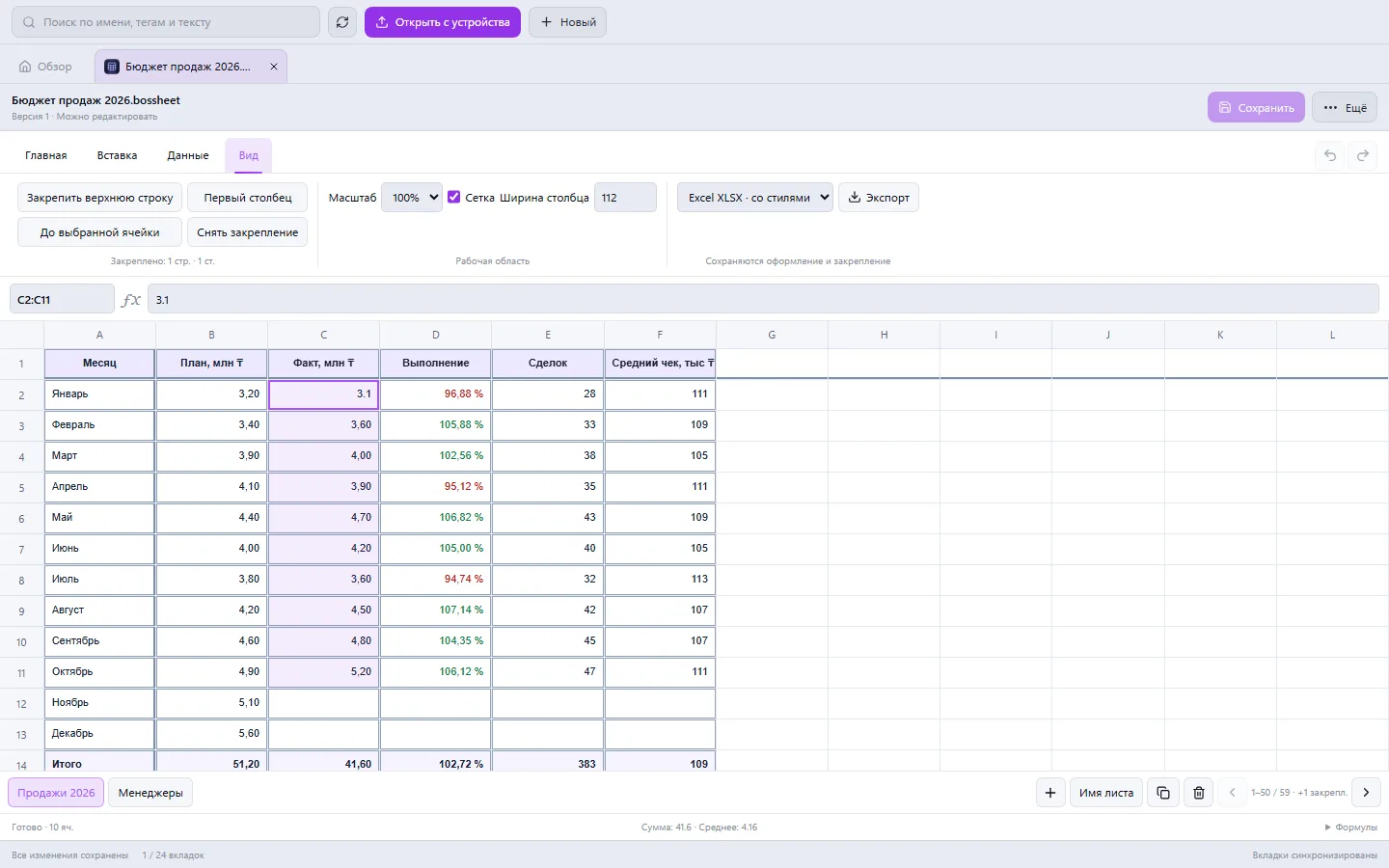
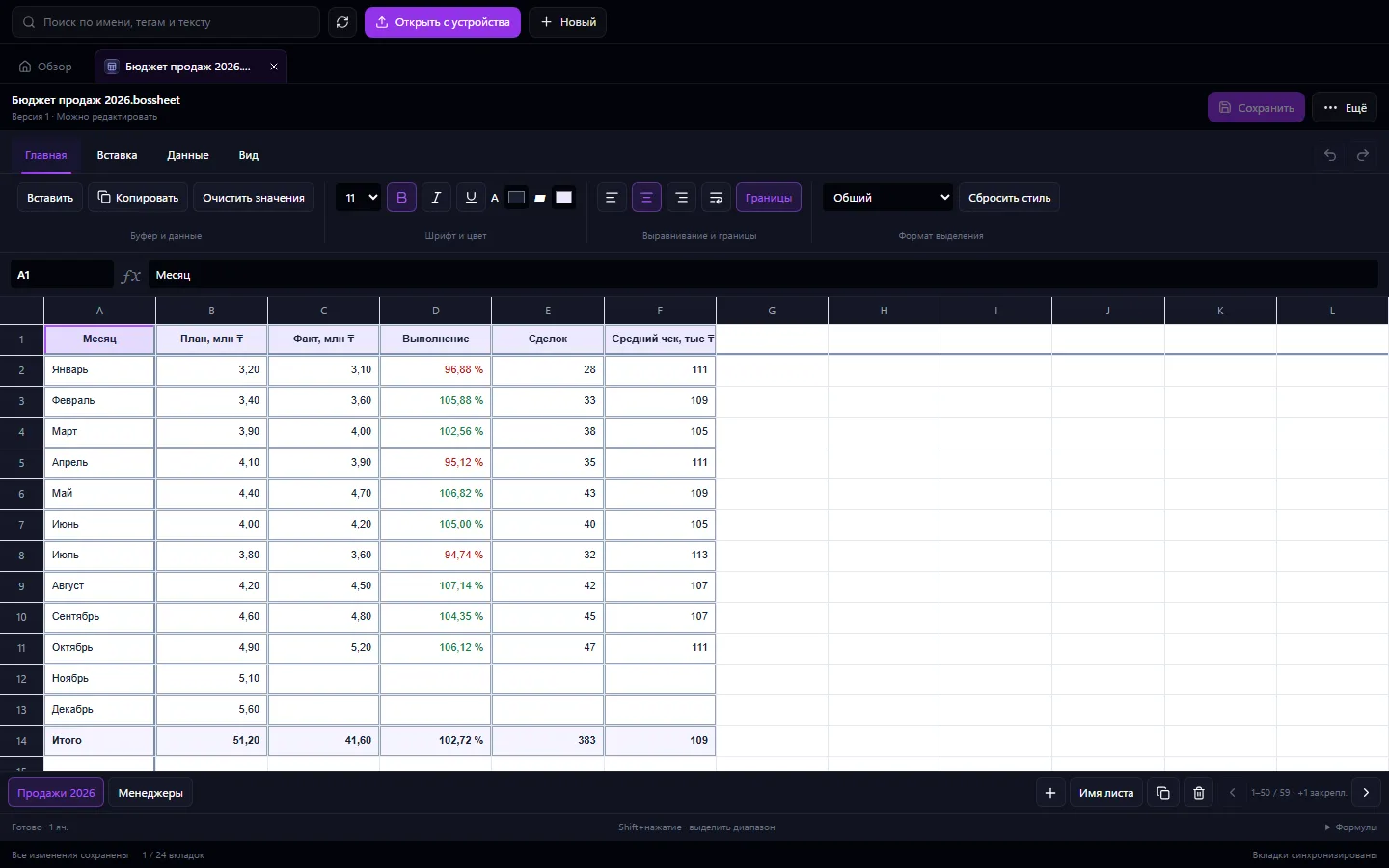
Real app windows with a fictional company as an example. Click a screenshot to enlarge it.
All working files, recent documents and personal templates
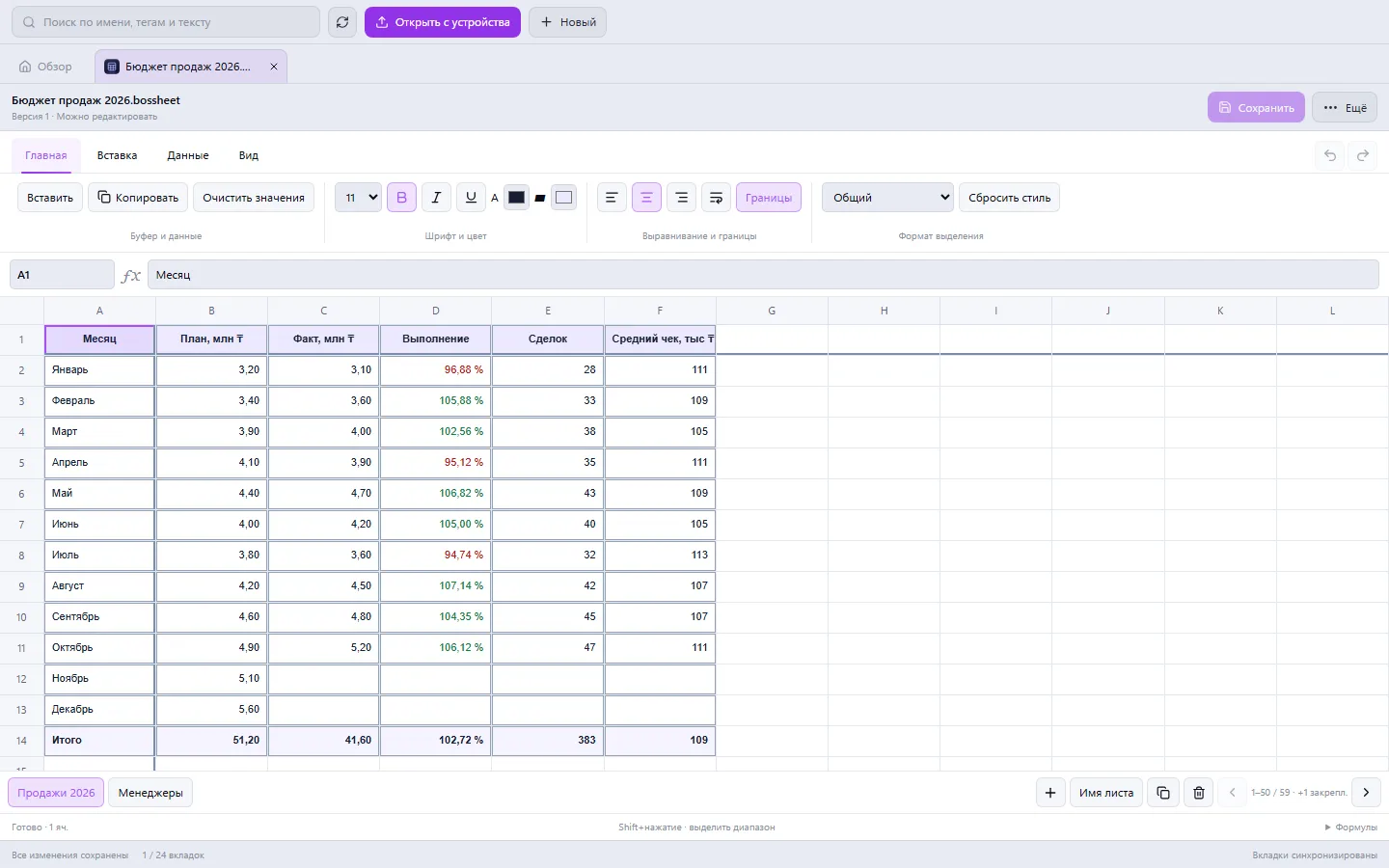
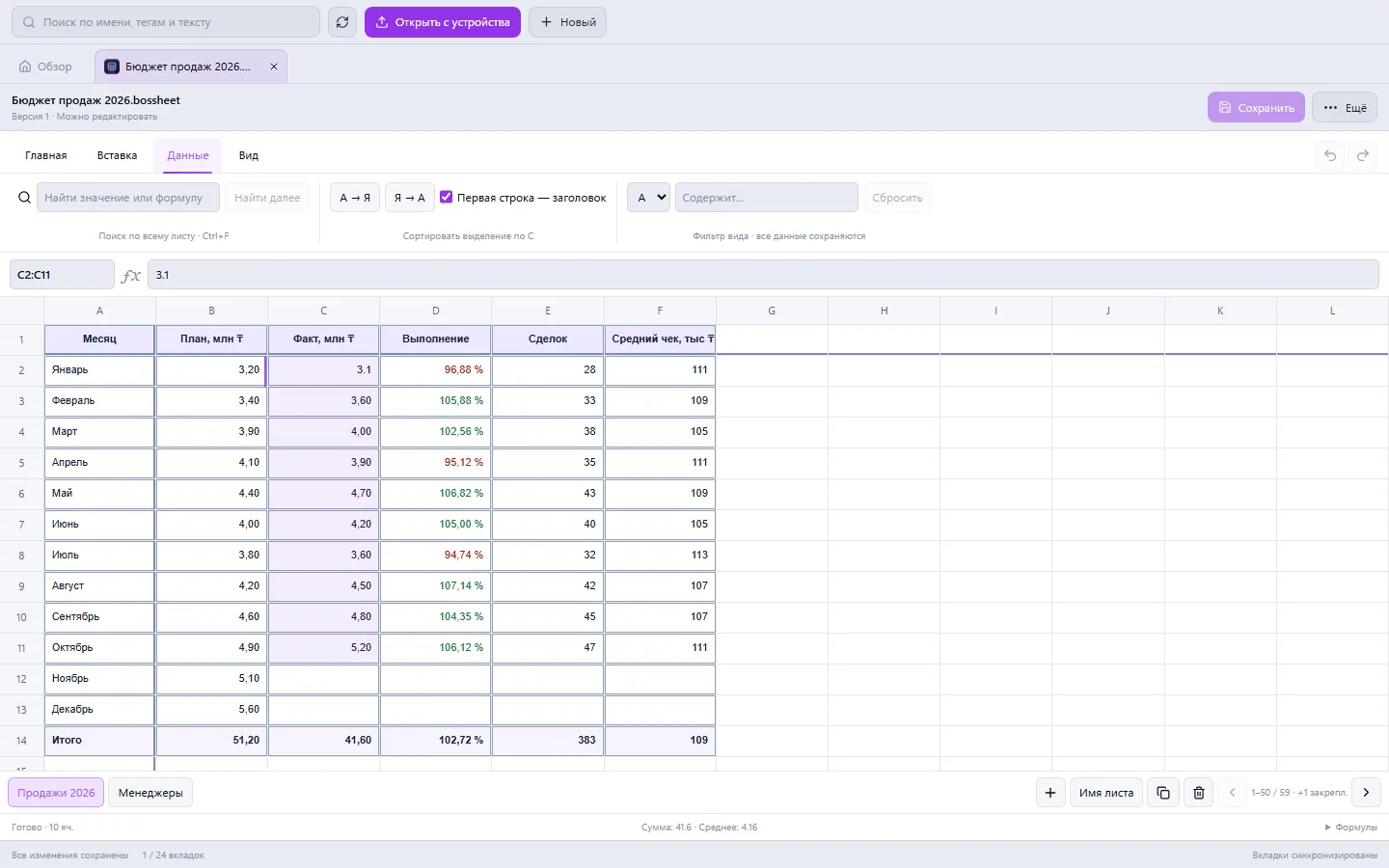
Learn more about the appEnter data in a cell or in the formula bar. Basic calculations are supported, including SUM, AVERAGE, MIN, MAX and COUNT, with references to cells on the current sheet.
Select a range and change the font, text color, fill, borders and alignment. Set the number format, percentages, date or currency format.
Search for values and formulas, and filter rows by column contents. Sorting is available for supported data sets.
Add, rename and copy sheets, change column width, zoom and gridline visibility. Undo and redo help you fix changes.
Create columns for item, quantity, price and amount. Or import a ready-made list.
Set row formulas and a SUM total. Highlight the headers and apply the currency format.
Check the results, save the file and, if needed, download an XLSX or CSV of the current sheet.
The editor supports part of spreadsheet functionality. Macros, charts, merged cells and external links don't carry over. Unsupported formulas are kept for XLSX but aren't calculated here; operations that could break such references are restricted.
If your scenario is different, tell the CODE44 team about it.
Discuss your needsXLSX, XLS, XLSM, XLSB, XLT, CSV and ODS are supported. Basic formatting also carries over from XLSX. After import, it's worth checking formulas and structure.
Use XLSX or the native Business Office format. XLS and XLSB export is meant for values, and CSV for the current sheet's data.
No, the feature set is different. For a complex model with macros, external links or specialized formulas, check compatibility on a copy of the file first.
We want every company to work comfortably. The CODE44 team can build additional features for you free of charge: we will discuss the task, scope and implementation order.
Business OS is updated continuously with the support of a team of more than 40 people. Delivered features and plans are collected in the development plan.