Live
Business Office
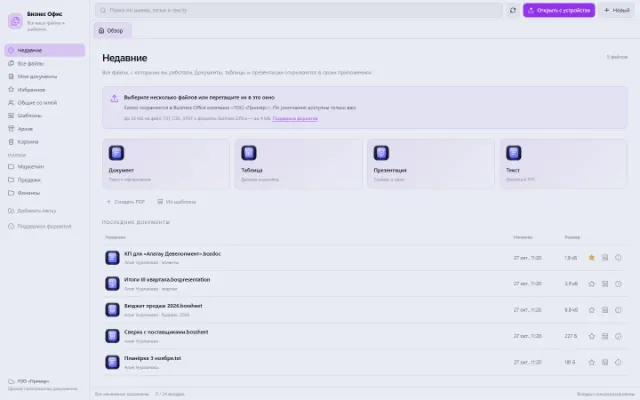
All working files, recent documents and personal templates
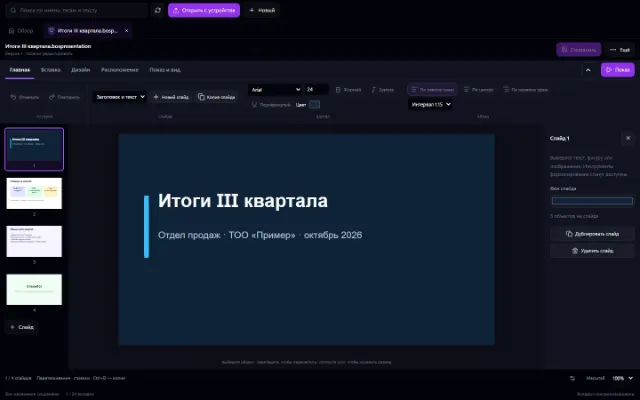
Learn more about the appA project plan, monthly results or a customer proposal can be put together in the Presentation app. Create slides from layouts, place objects on the canvas and start the slideshow. The file itself, its versions and templates are kept in Business Office.
For short work talks, project reviews and proposals with a clear visual structure.
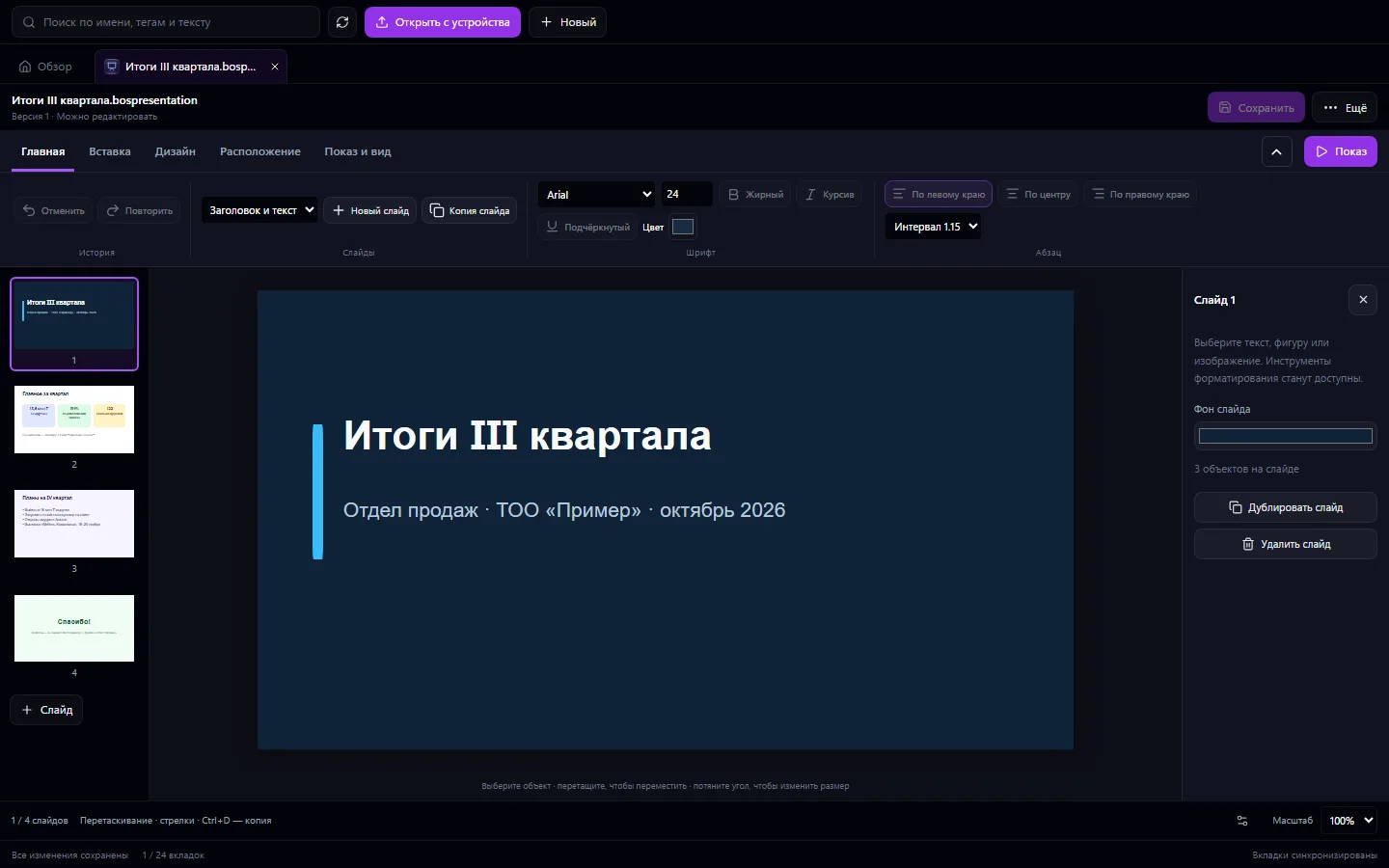
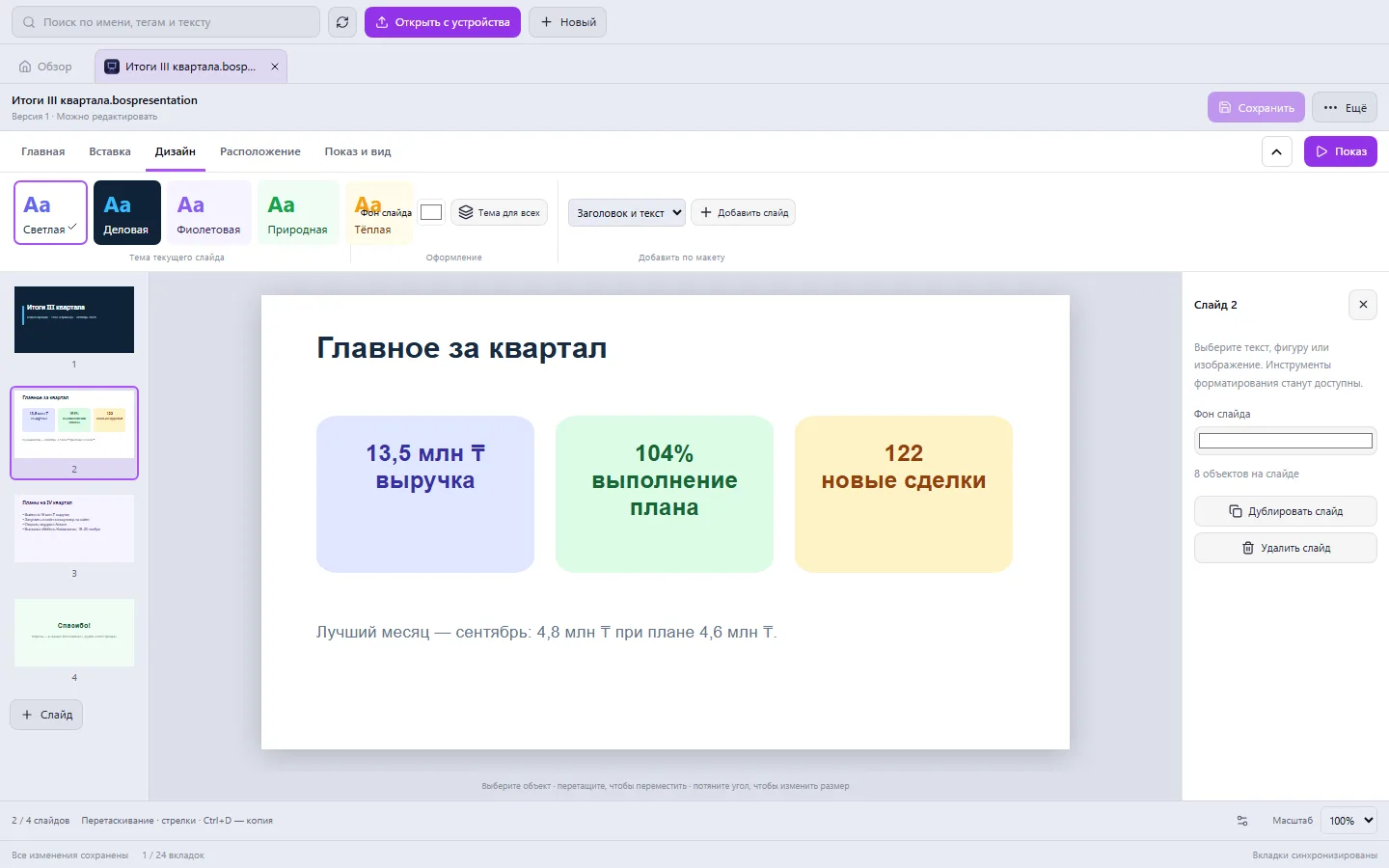
Real app windows with a fictional company as an example. Click a screenshot to enlarge it.
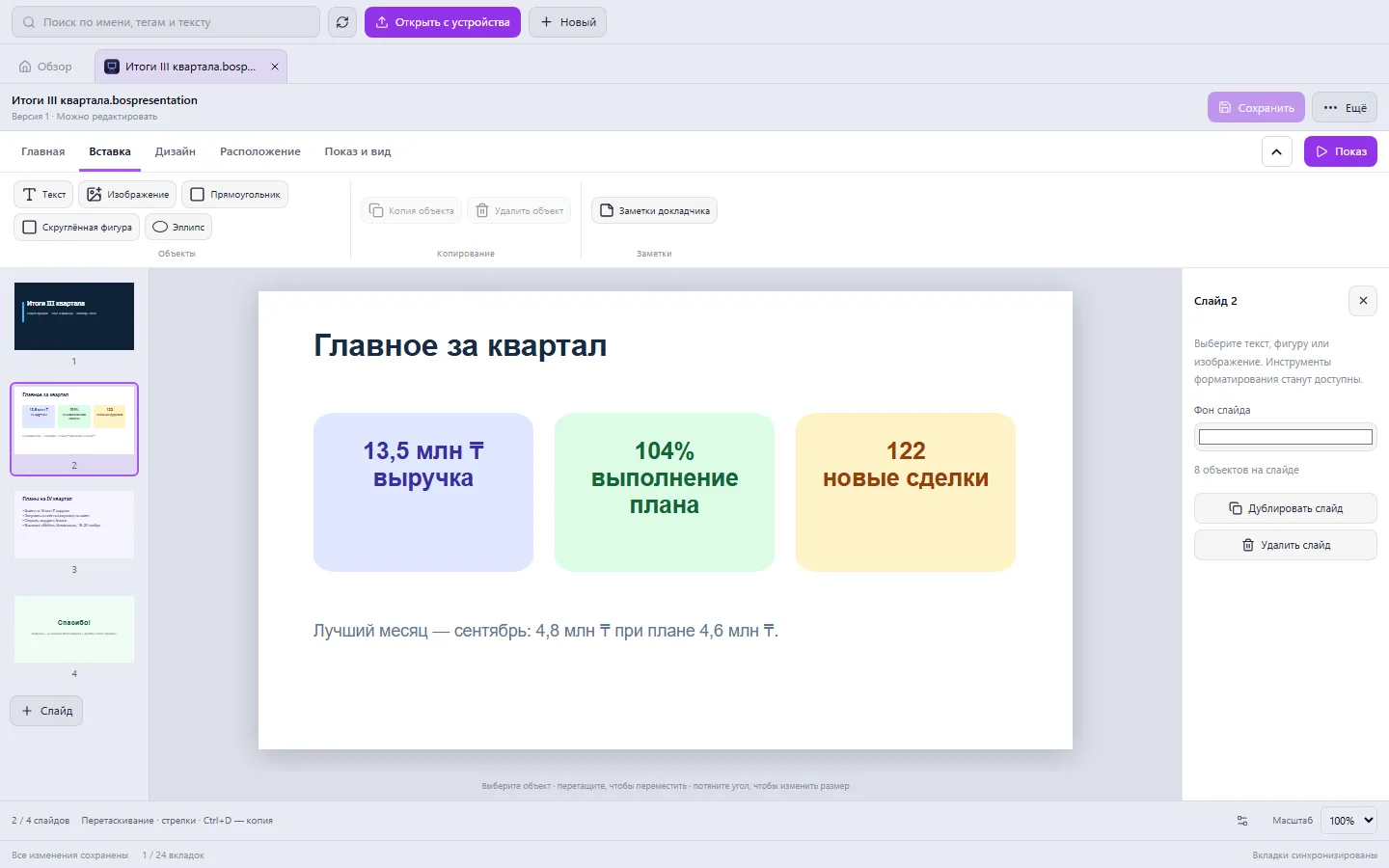
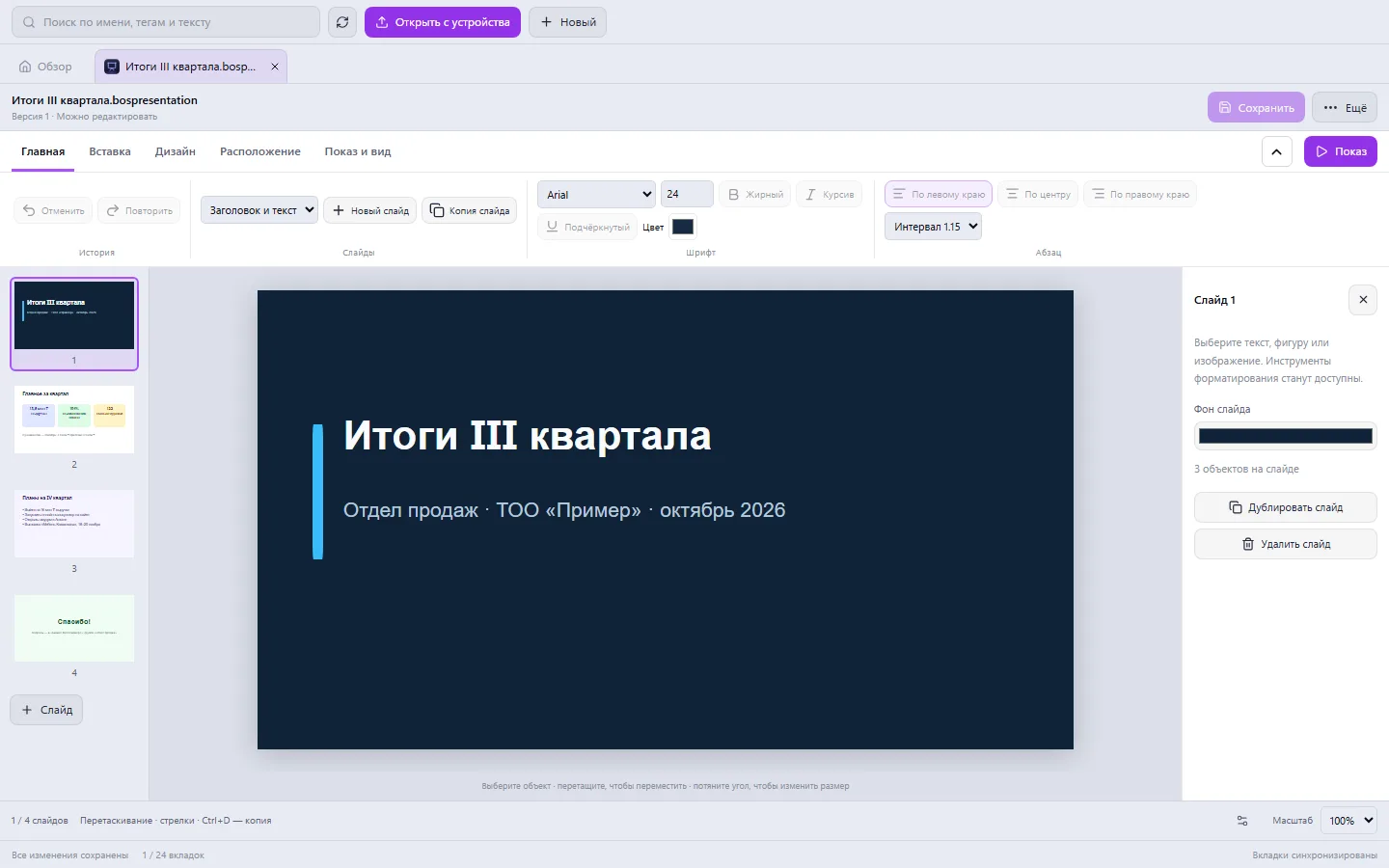
All working files, recent documents and personal templates
Learn more about the appAdd slides from ready-made layouts, copy successful pages and apply a theme to one slide or the whole presentation.
Create text boxes, upload illustrations and add rectangles or ellipses. Adjust the font, size, color and alignment.
Change the layer order, align objects to the slide and move the slides themselves. Zoom and grid help with composition.
Prepare speaker notes and start the slideshow from the chosen slide. The finished presentation can be exported to PPTX.
Create a title slide, a results slide and a next-steps slide.
Place text, images and highlights. Choose a shared theme and check readability.
Start the slideshow, fix the details and save the file. For a recurring report, make a personal template.
Presentation import and export support the basic slide structure. Complex animations, embedded video, charts and effects from external editors may not carry over. Check the imported copy before you present.
If your scenario is different, tell the CODE44 team about it.
Discuss your needsYes, supported formats open through Business Office. Element compatibility depends on the source file; the original remains available.
Yes. Save the presentation as a personal template and create new files from it.
Yes, the editor has a slideshow mode. It lets you move between slides and return to editing.
We want every company to work comfortably. The CODE44 team can build additional features for you free of charge: we will discuss the task, scope and implementation order.
Business OS is updated continuously with the support of a team of more than 40 people. Delivered features and plans are collected in the development plan.