Live
Business HR
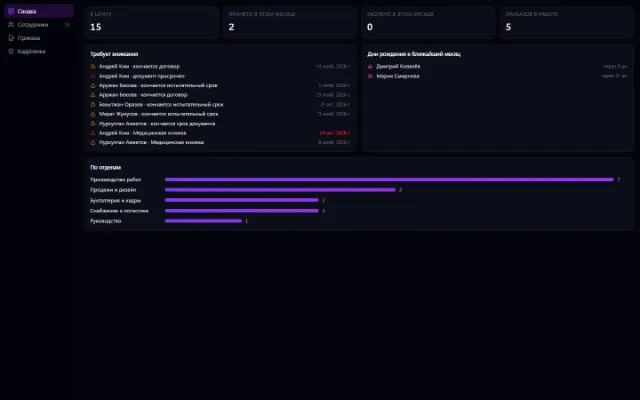
HR records on top of the org chart: cards, orders, documents, history
Learn more about the appOne window for every “approve this before I do it”
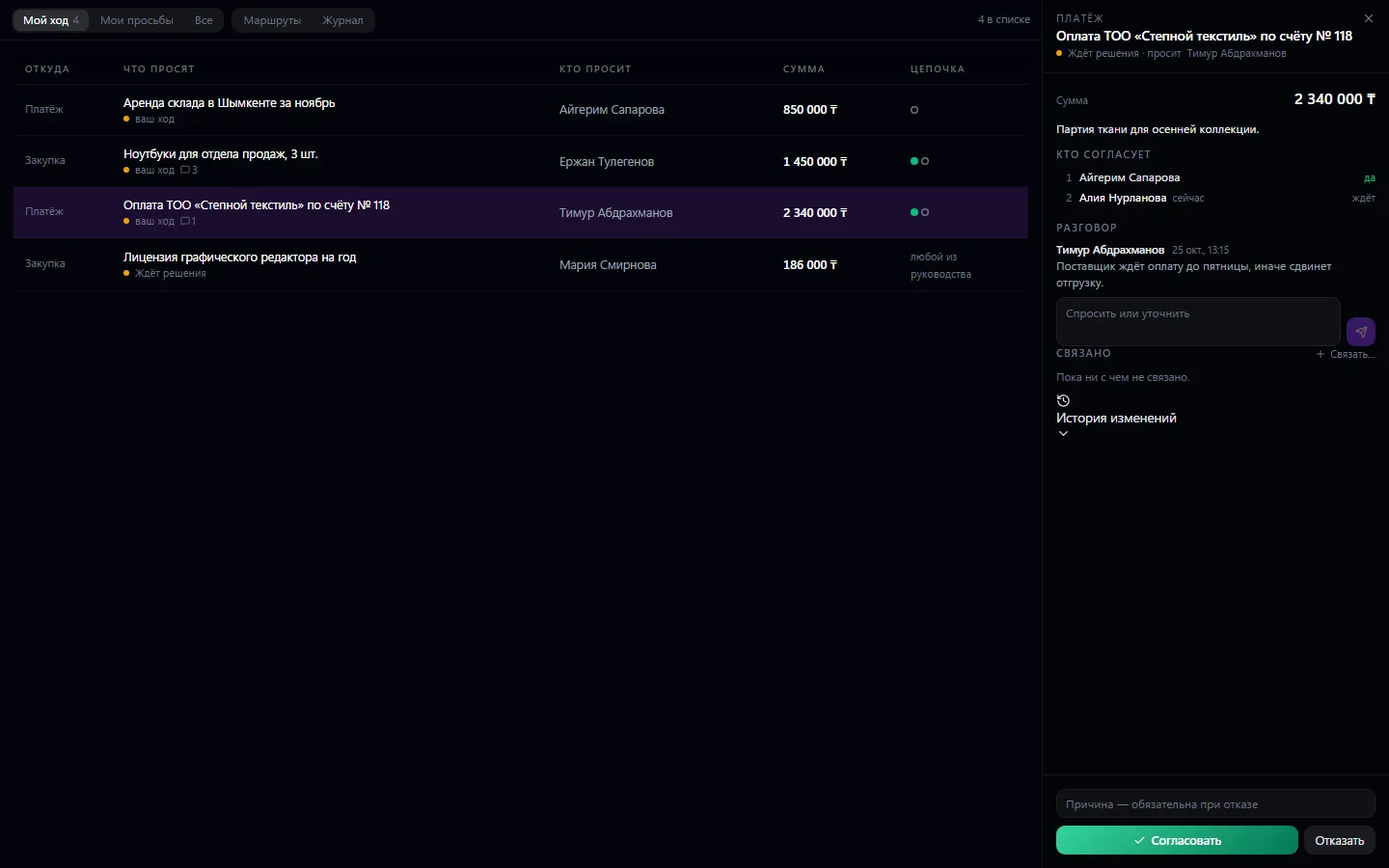
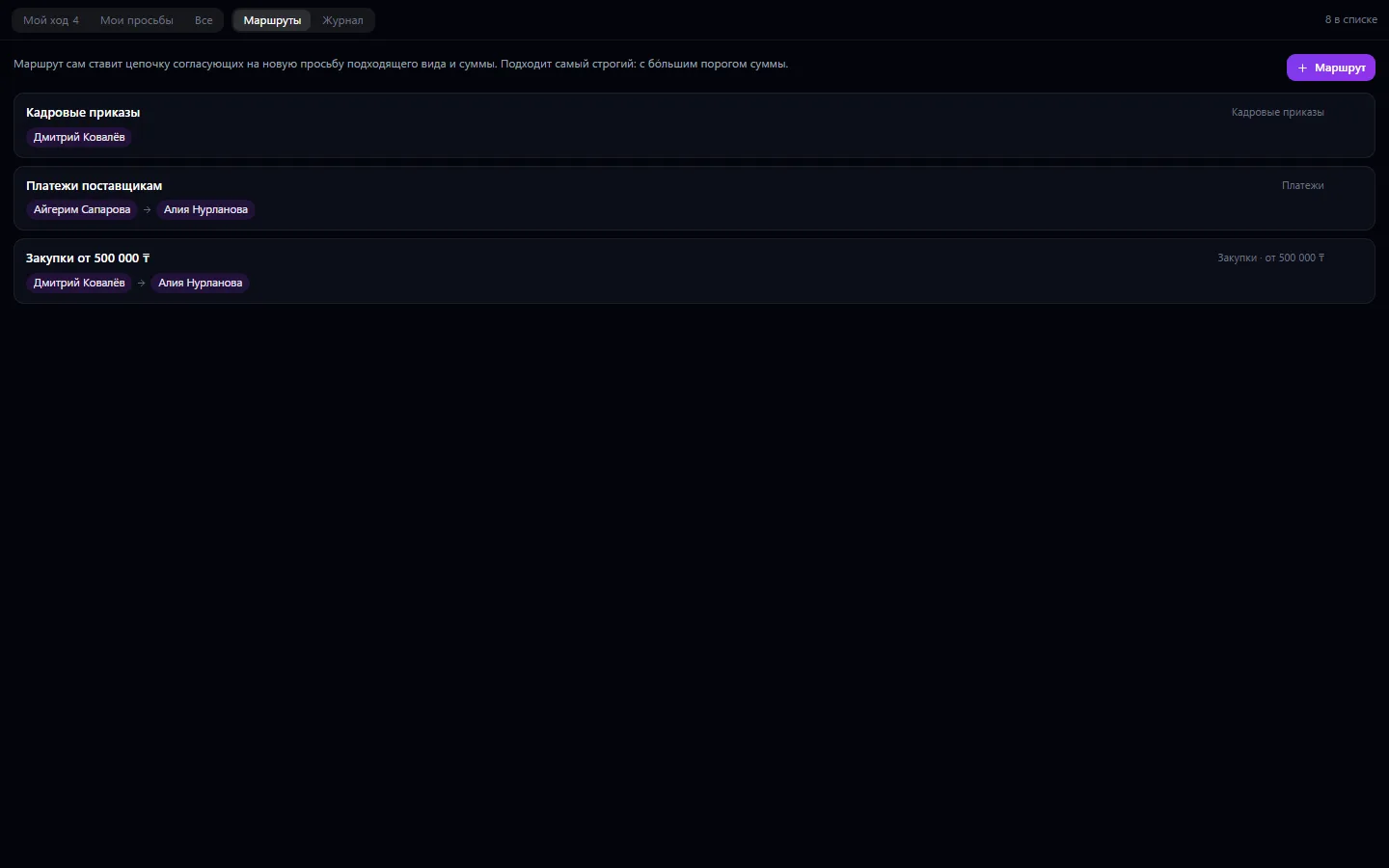
A single place for company approvals: expenses, purchases, invoices, payroll — everything someone has to approve comes here. A request can have a chain of approvers in order: until the first one responds, the second does not see it.
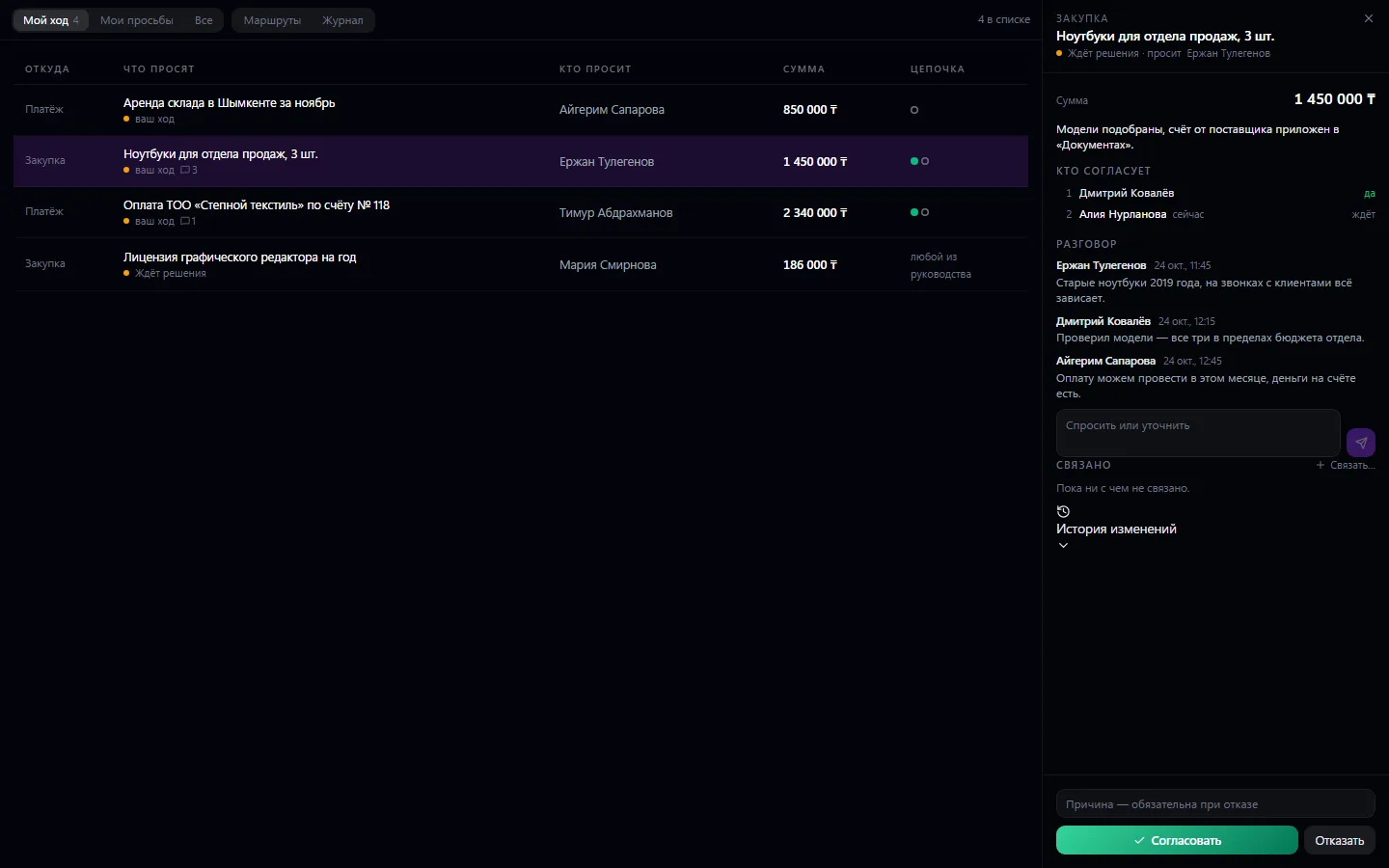
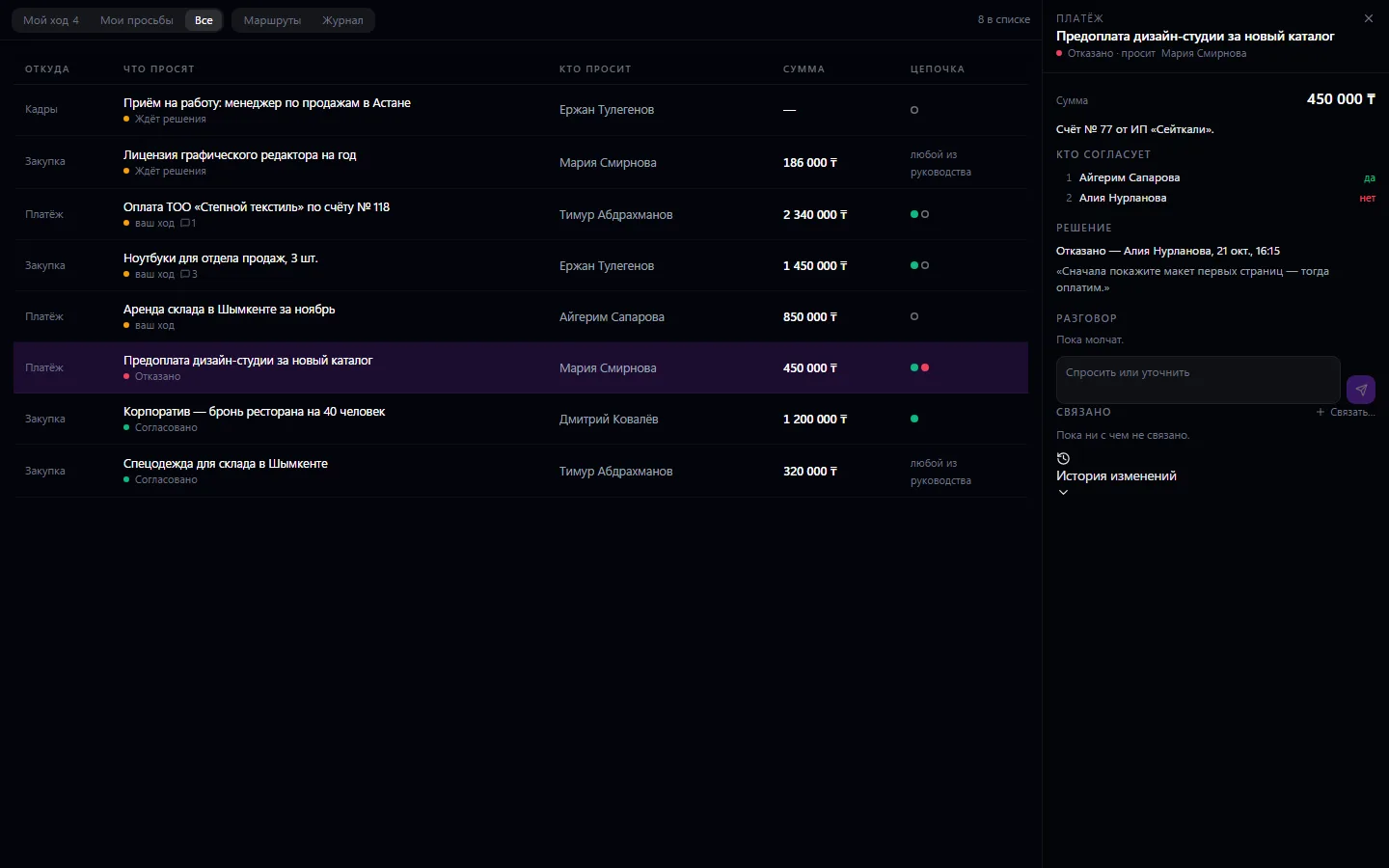
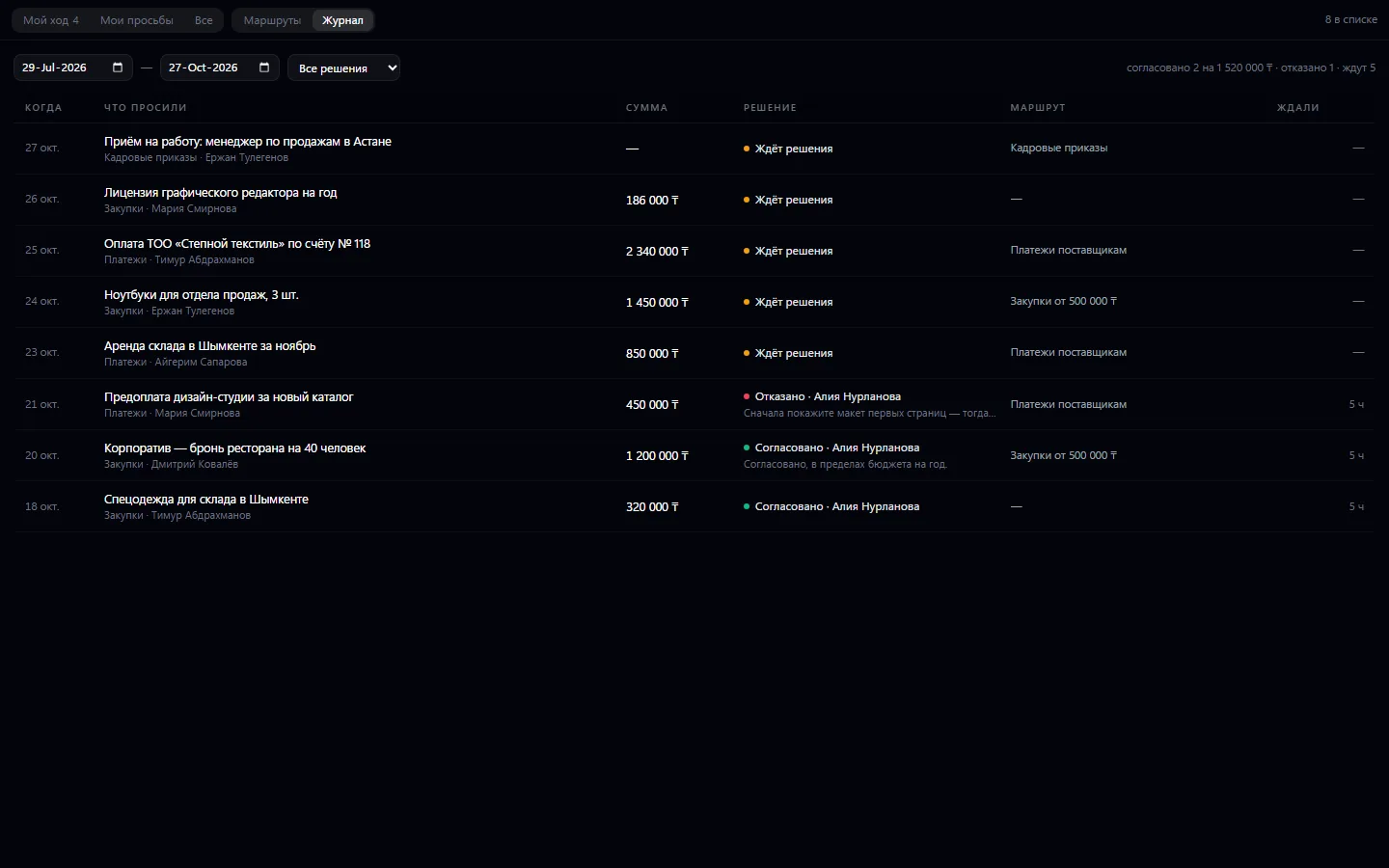
A single place for company approvals: expenses, purchases, invoices, payroll — everything someone has to approve comes here. A request can have a chain of approvers in order: until the first one responds, the second does not see it. The answer is “yes” or “no” with a reason; a rejection without a reason is not accepted. People comment on each request, and all correspondence and decisions stay in its history, so six months later you can see who approved it and on what grounds.
An employee submits a request from their app — an expense, a purchase, a payment
The route sets up the approver chain automatically
The approver opens “My turn”, reads and clarifies in the conversation
They click “Approve” or “Reject” with a reason
Management sees the shared feed and the decision log
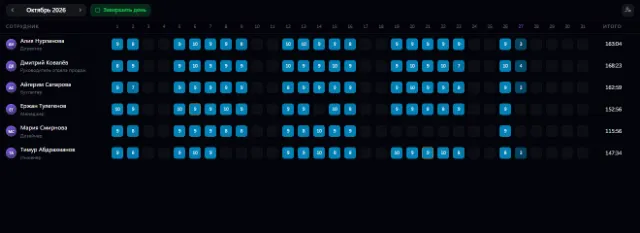
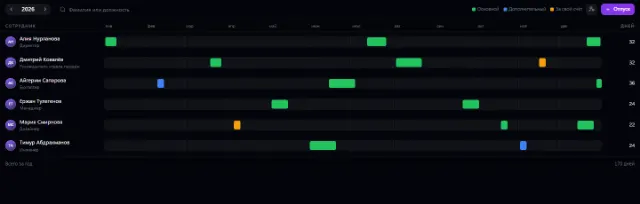
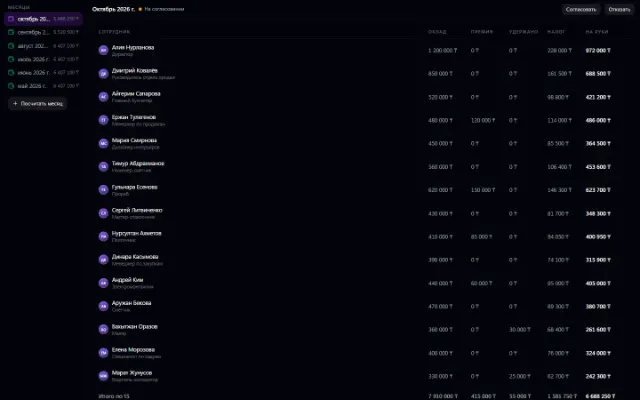
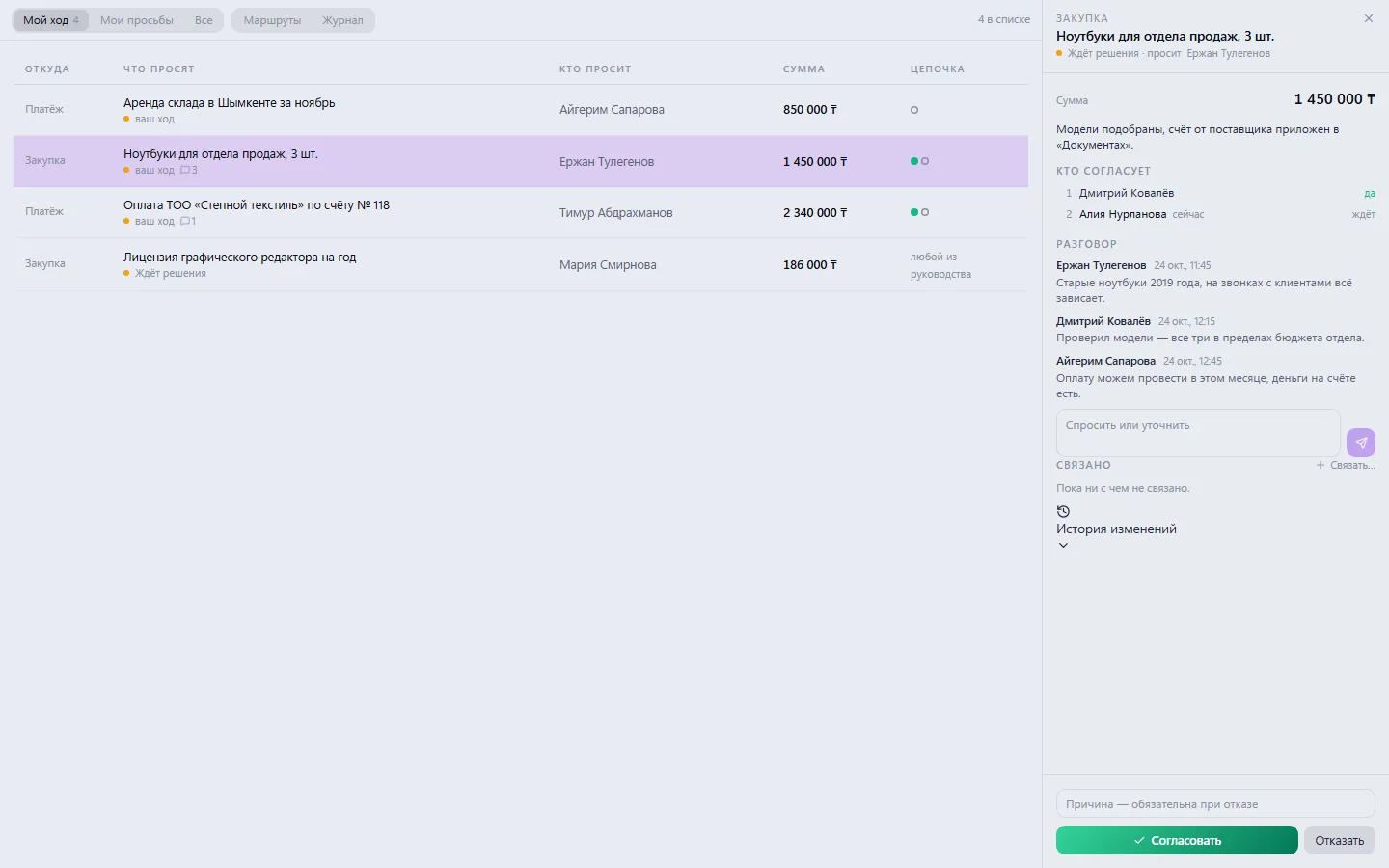
Real app windows with a fictional company as an example. Click a screenshot to enlarge it.
HR records on top of the org chart: cards, orders, documents, history
Learn more about the appAccruals, bonuses, deductions and payouts — month by month
Learn more about the appConnect your company — the app is enabled in the app store in a minute. If a feature is missing, the CODE44 team can build it for you free of charge.