

Business HR
HR records on top of the org chart: cards, orders, documents, history
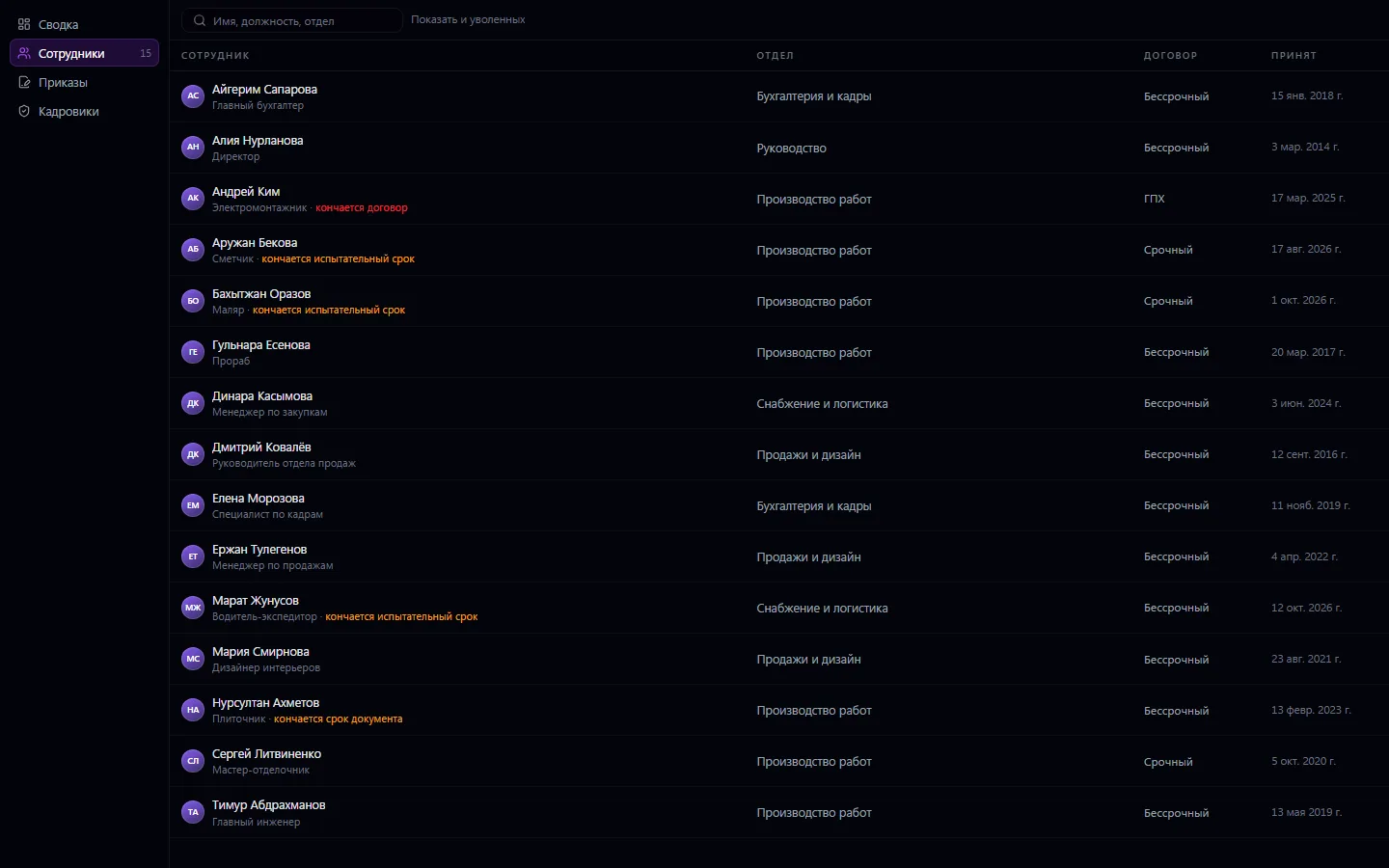
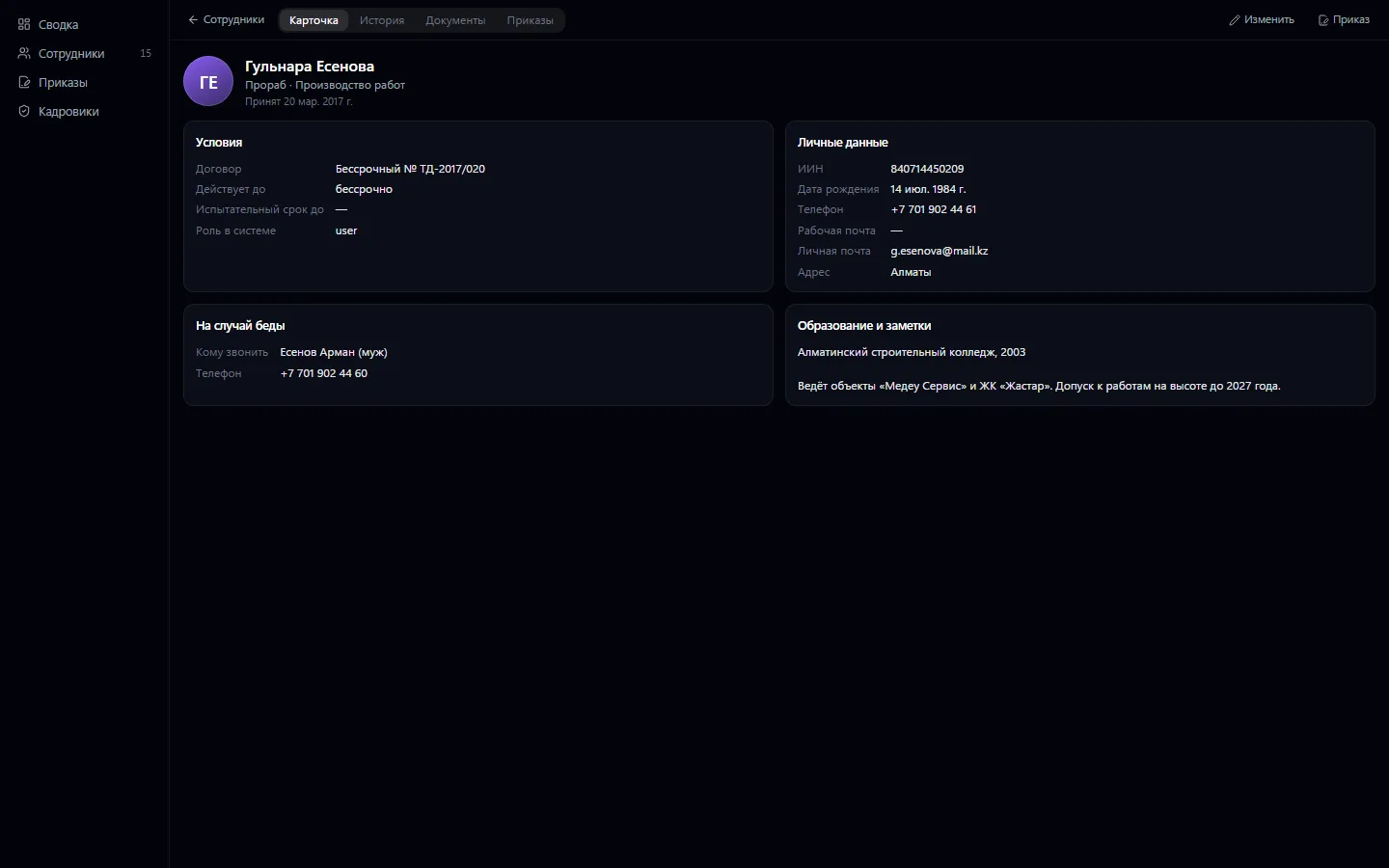
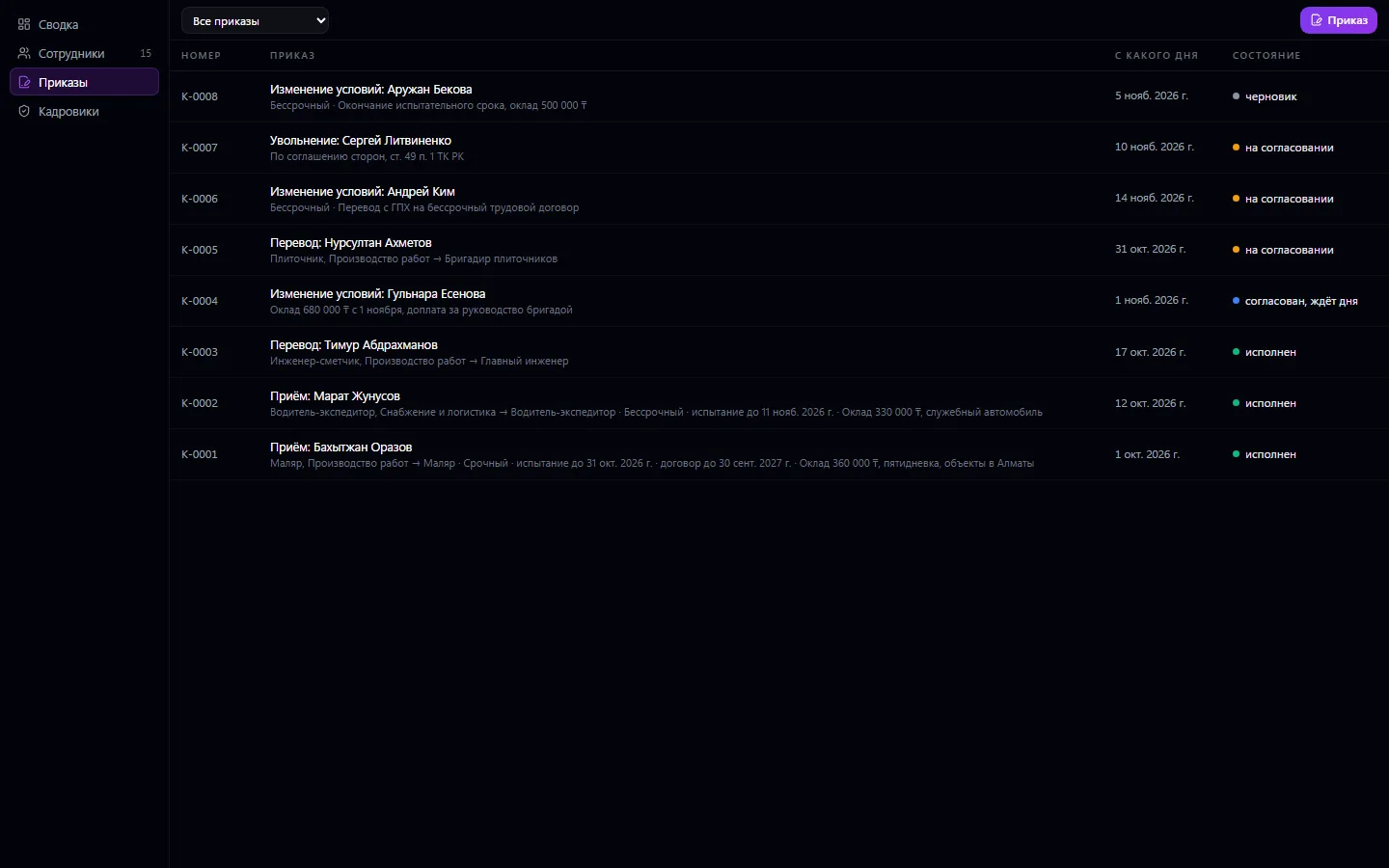
An HR card for every employee: the contract and its term, probation period, IIN, emergency contacts, education. Hiring, transfers, changes of terms and dismissal are done by orders: an order is approved in Approvals and takes effect on its date — the employee moves to the new department and position automatically, and on dismissal their sign-in is closed.
HR: what it does and how it works
An HR card for every employee: the contract and its term, probation period, IIN, emergency contacts, education. Hiring, transfers, changes of terms and dismissal are done by orders: an order is approved in Approvals and takes effect on its date — the employee moves to the new department and position automatically, and on dismissal their sign-in is closed. Employee documents are files with a validity period: the system reminds you about the health certificate and ID. The employee's history shows all orders, documents and edits by day.
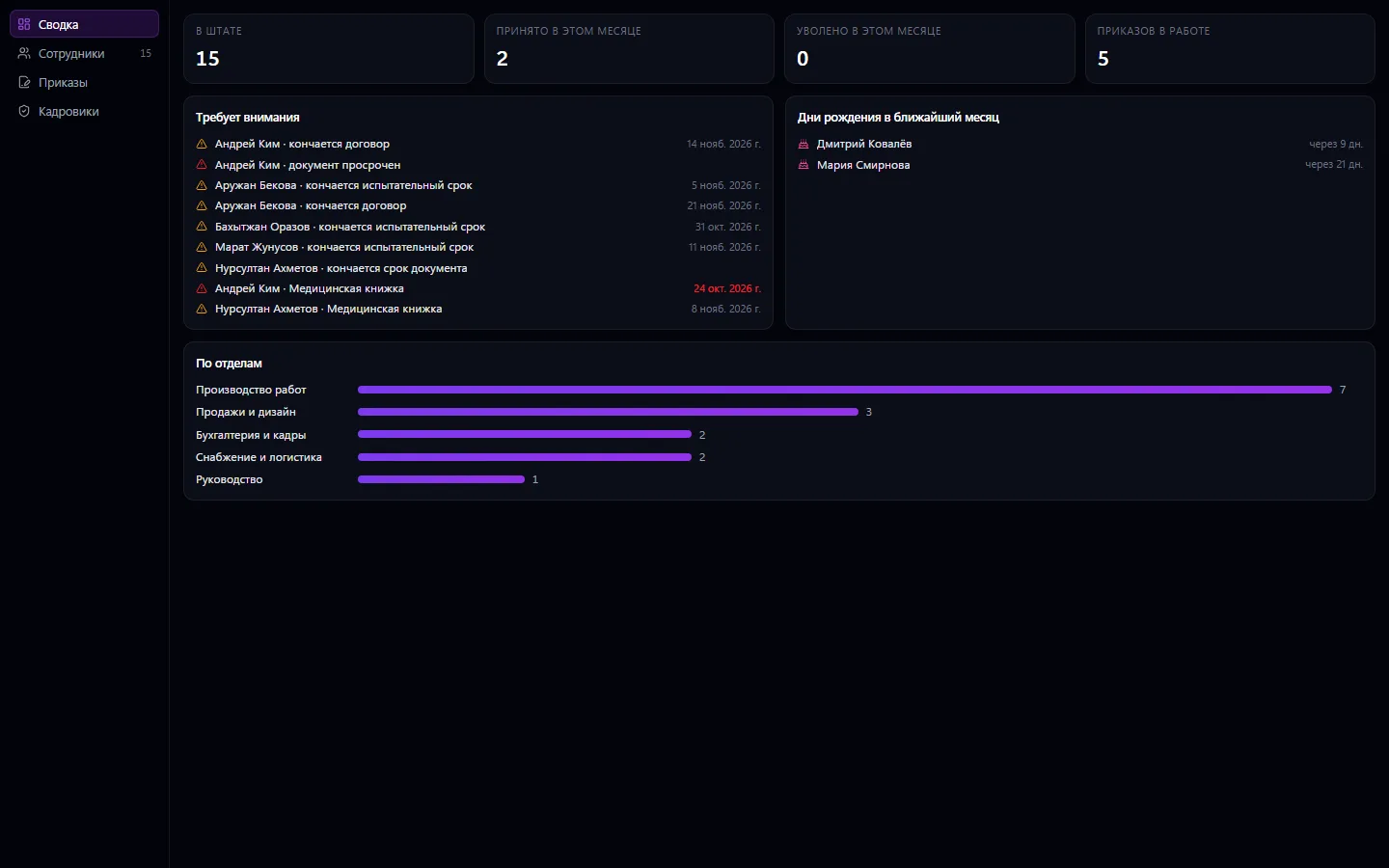
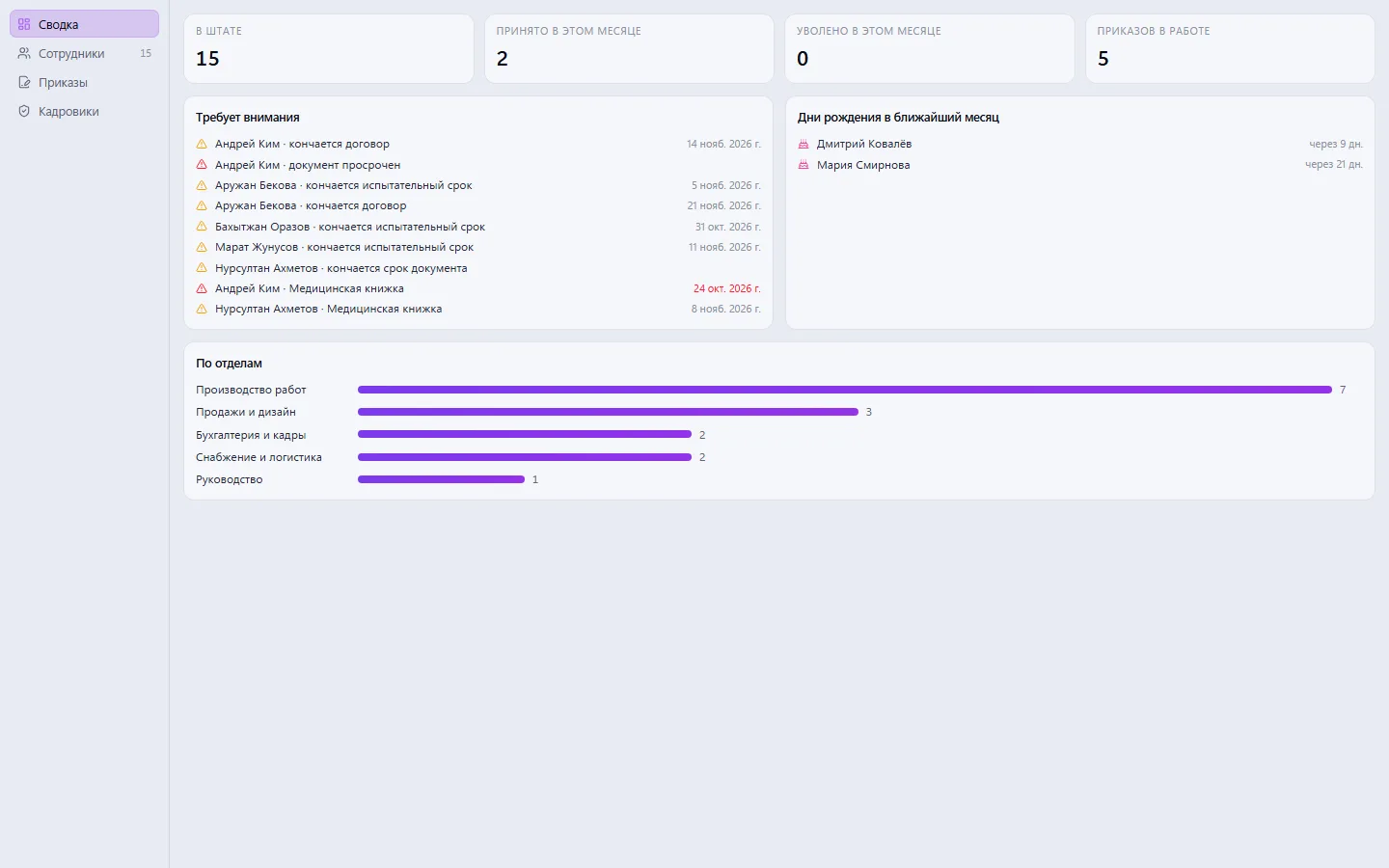
HR summary: headcount by department, hires and dismissals for the month, expiring contracts and probation periods, birthdays. Records are kept by the owner, administrators and assigned HR officers; an employee sees only their own card.
How to use it, step by step
- 1
Assign an HR officer in the “HR officers” section
- 2
Fill in HR cards and attach documents with expiry dates
- 3
Process hires, transfers and dismissals through orders
- 4
Send the order for approval — it executes itself on its date
- 5
Check the summary every morning: expiring deadlines and birthdays
What you can do
- HR card: the contract and its term, probation period, IIN, emergency contact, education
- Orders: hiring, transfer, change of terms and dismissal
- An order takes effect on its date: the employee moves to the new department and position automatically
- On dismissal by order, the employee's sign-in is closed
- HR officer orders are approved by management; the owner signs their own immediately
- Employee documents as files with a validity period and a reminder
- Summary: headcount, hires and dismissals for the month, orders in progress
- “Needs attention”: expiring contracts, probation periods and documents
- Birthdays for the coming month
- Headcount by department as clear bars
- The employee's history by day: orders, documents and edits
- Records are kept by the owner, administrators and assigned HR officers; an employee sees only their own card
What it looks like
Real app windows with a fictional company as an example. Click a screenshot to enlarge it.
Works together with
- Team: employees and departments are the company's accounts and org chart
- Approvals: an HR officer's order goes to management in the shared queue
- Notifications: the employee learns that an order about them has taken effect
Not connected yet
We are honest about what works only with an external provider or is still planned:
- The app has no recruitment (job openings and candidates)
Need an integration for your company? Tell us about the task.
Related apps
Business Payroll
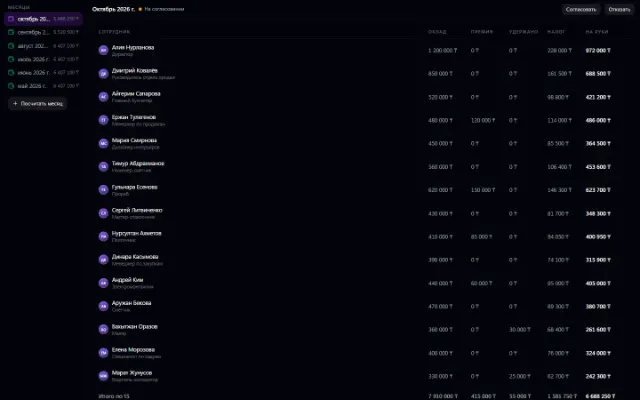
Accruals, bonuses, deductions and payouts — month by month
Learn more about the app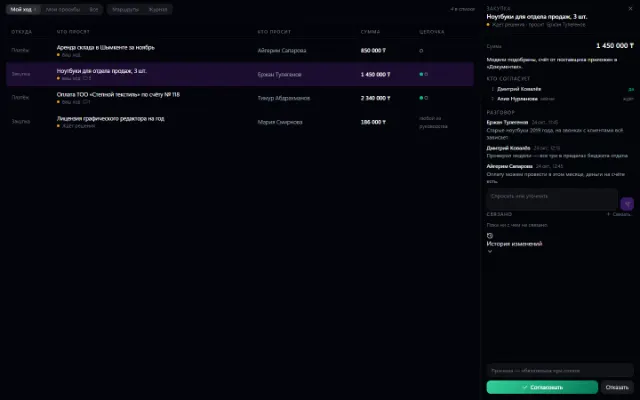
Try HR in your company
Connect your company — the app is enabled in the app store in a minute. If a feature is missing, the CODE44 team can build it for you free of charge.