Live
Business HR
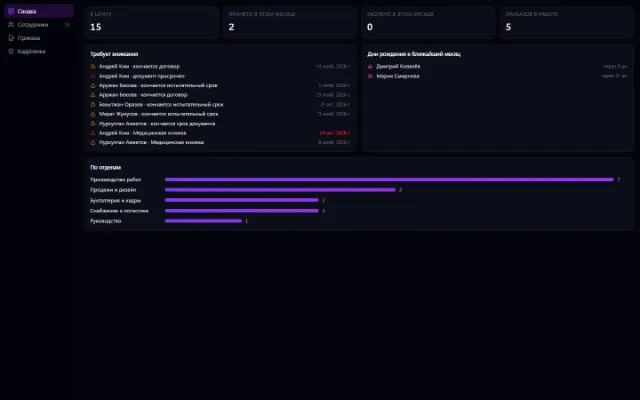
HR records on top of the org chart: cards, orders, documents, history
Learn more about the appWho is off when — on one sheet
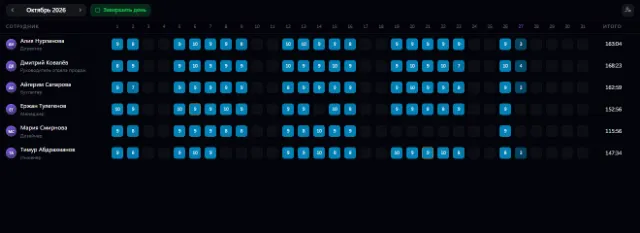
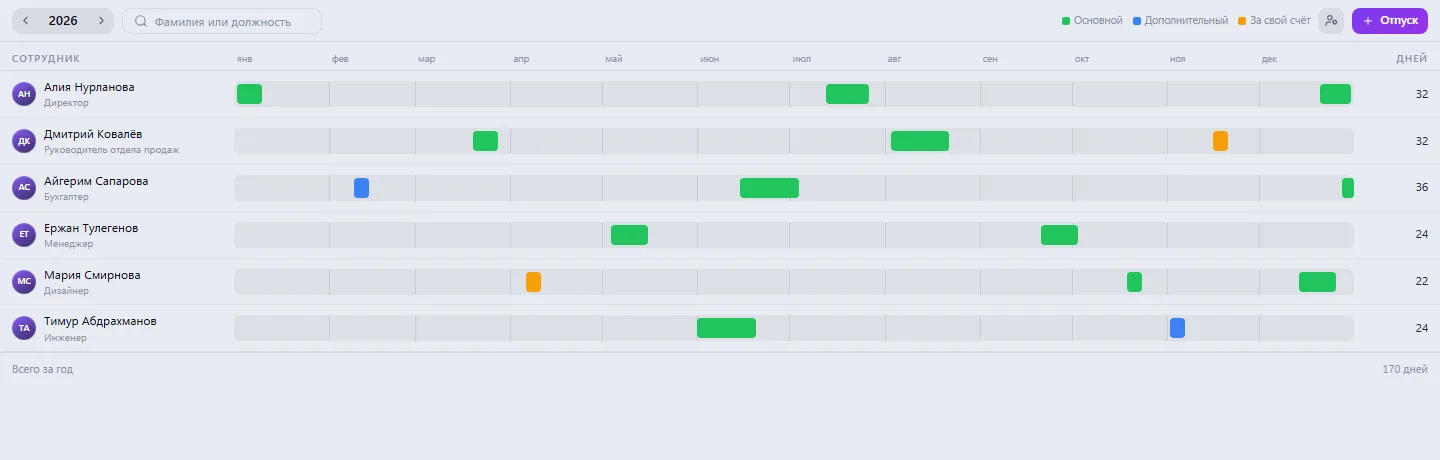
The company's annual leave schedule: employees on the left, a strip by month and week on the right. A leave period shows as a segment with start and end dates, with the number of days next to it.
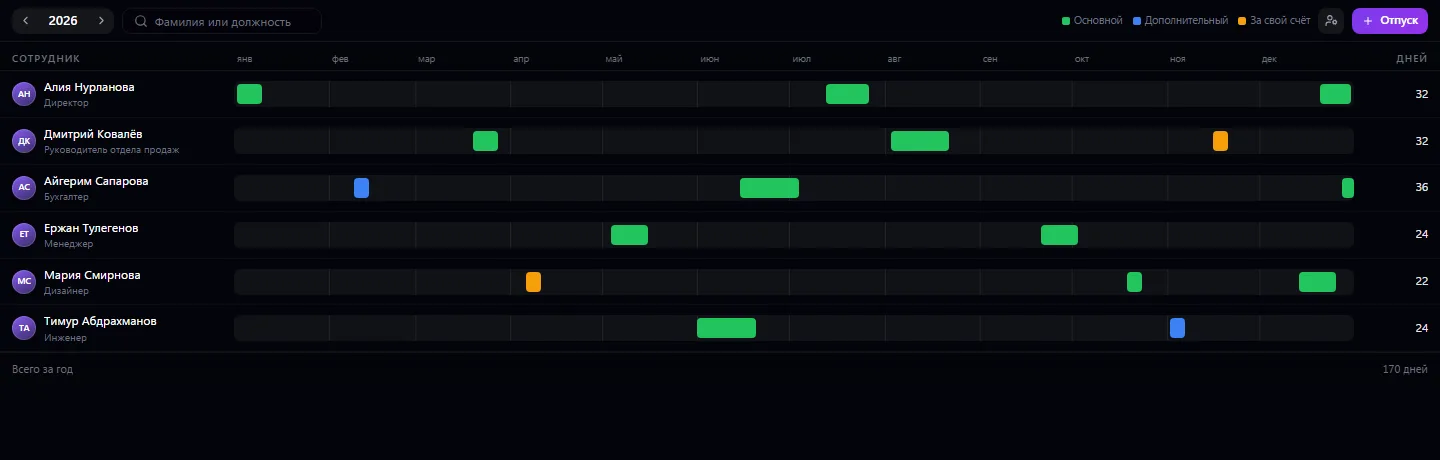
The company's annual leave schedule: employees on the left, a strip by month and week on the right. A leave period shows as a segment with start and end dates, with the number of days next to it. Only those the company administrator has assigned can edit the schedule; everyone else can view it and knows when each person is on leave.
Open the schedule for the year you need
Click “+ Leave” or double-click an employee's row
Enter the dates, leave type and a note
Mark it “Approved” — the employee gets a notification
Check overlapping leave and the company's total days
Real app windows with a fictional company as an example. Click a screenshot to enlarge it.


HR records on top of the org chart: cards, orders, documents, history
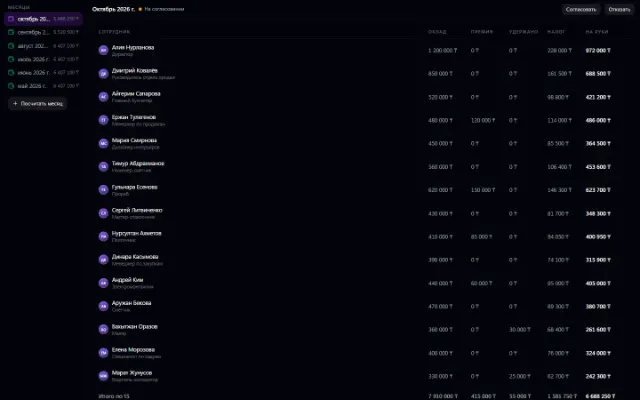
Learn more about the appAccruals, bonuses, deductions and payouts — month by month
Learn more about the appConnect your company — the app is enabled in the app store in a minute. If a feature is missing, the CODE44 team can build it for you free of charge.