Live
Business Catering
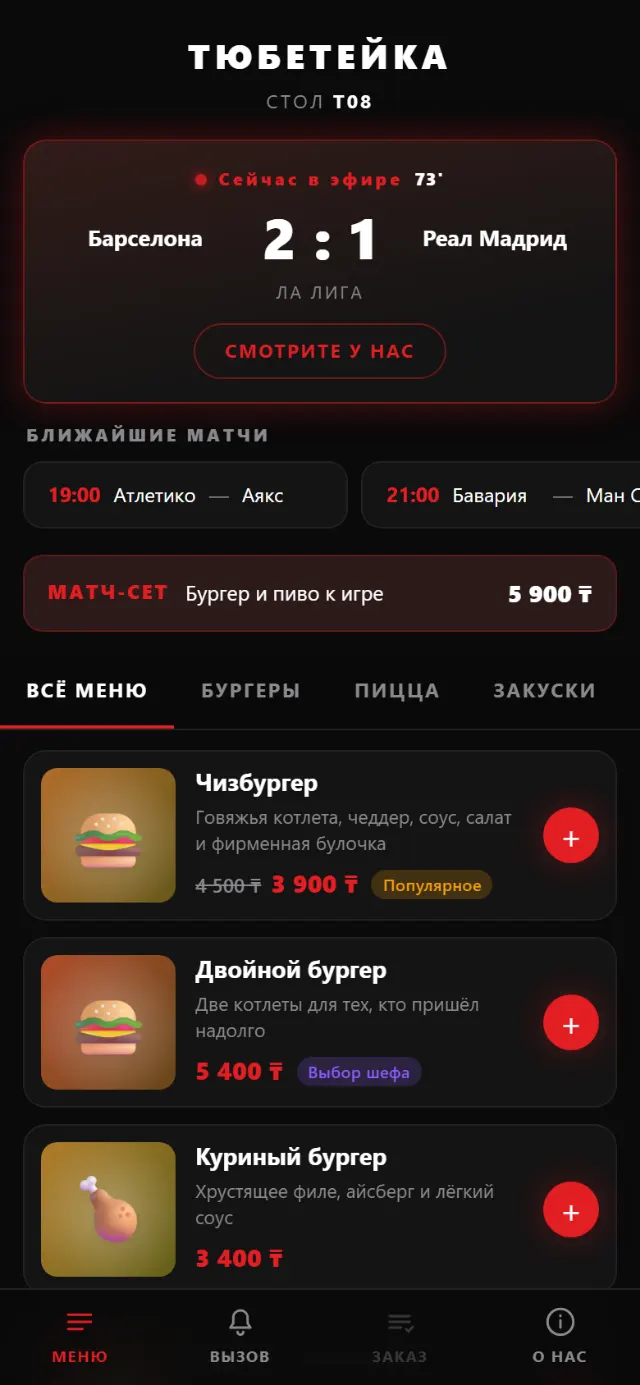
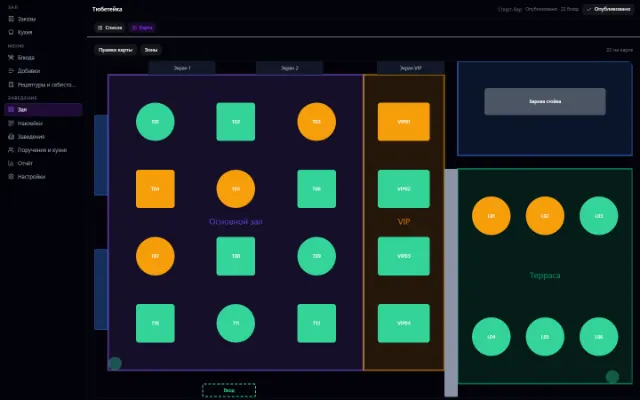
A menu by QR code at the table, orders and the venue floor
Learn more about the appThe venue's shift, checkout and money: cash, card, gift certificate
An add-on to the Business Catering module — a cashier's workstation with its own window. The cashier opens a shift and states how much cash is in the drawer; closes it and states how much there is now.
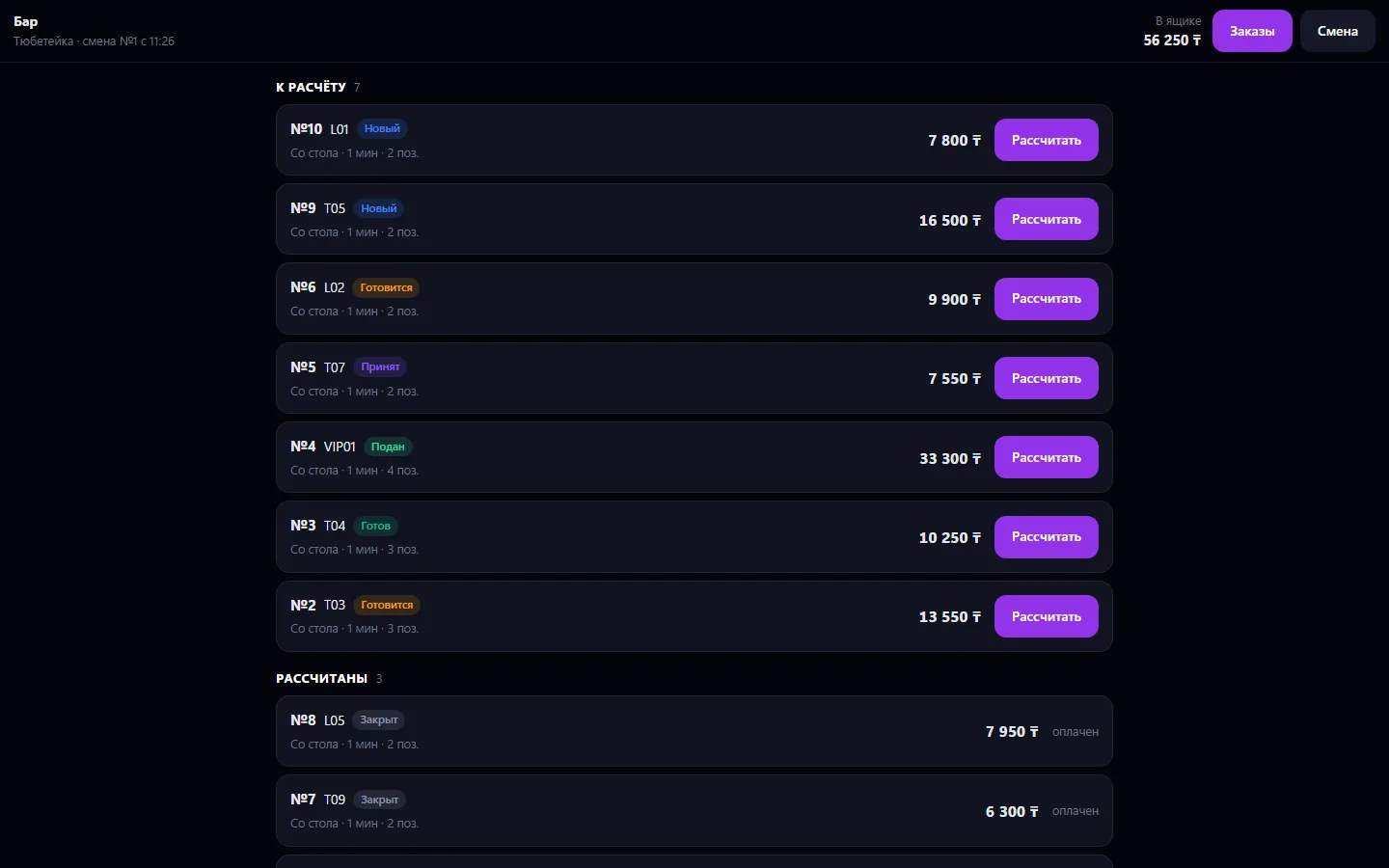
An add-on to the Business Catering module — a cashier's workstation with its own window. The cashier opens a shift and states how much cash is in the drawer; closes it and states how much there is now. Everything in between the system calculates itself, and the difference between its calculation and the cashier's count is the one number shifts exist for. Settlement goes by method: one receipt can be closed partly with a gift certificate and the rest in cash, and change is calculated from the notes handed over and is not counted as revenue.
Float is paid in and cash collection is taken out — with a reason, otherwise there's nothing to explain an evening discrepancy. A venue can have several registers: bar, floor, summer terrace — each with its own drawer and its own shift. An order from a table via the sticker and an order rung up at the register are the same order and the same revenue. The server always calculates the amount, not the cashier's tablet.
The window is separate on purpose: a waiter with a tablet has no need to see the venue's prices and settings. Useless without the Business Catering module.
Choose a register and open a shift, entering the float in the drawer
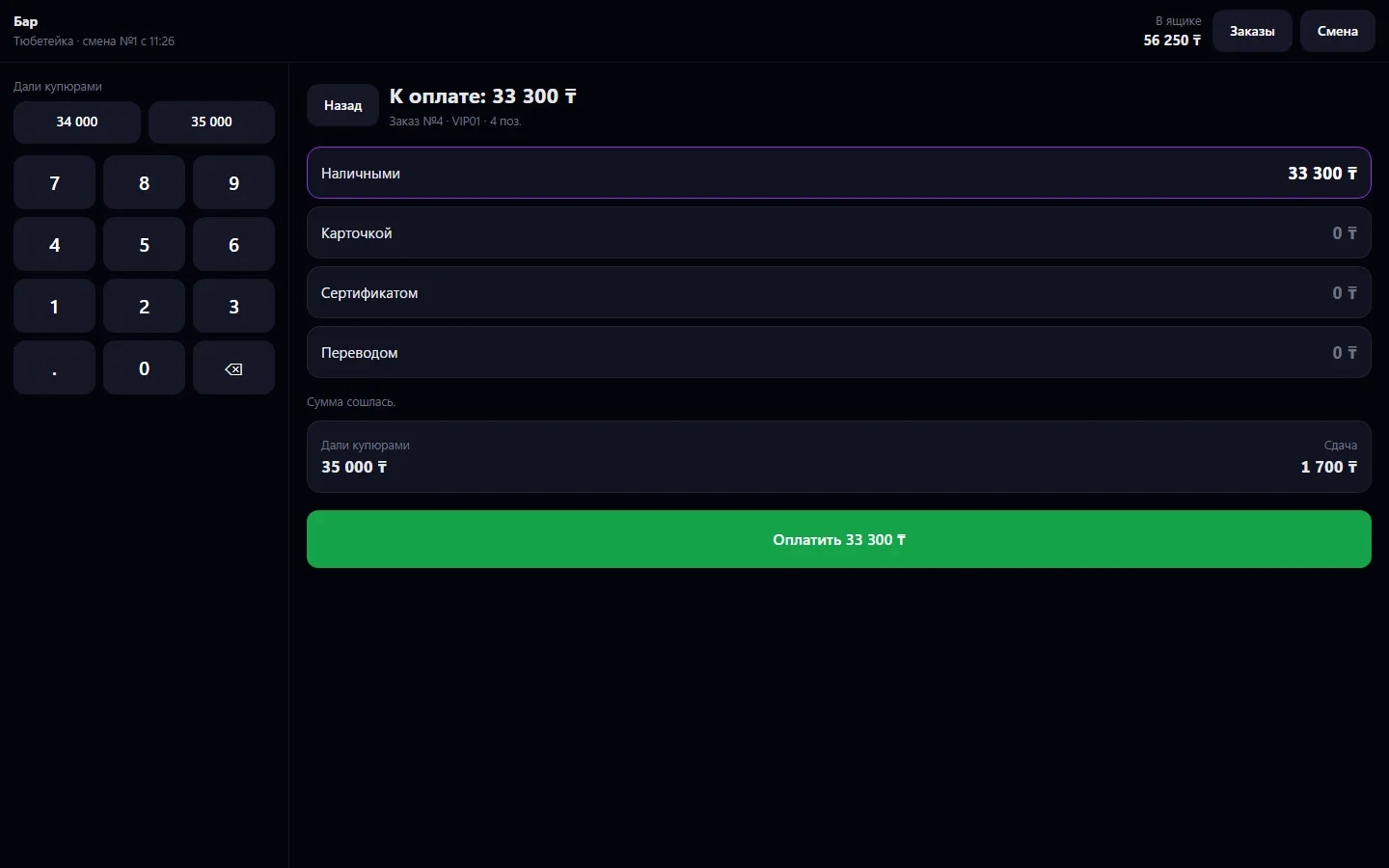
Click “Settle” on an order and split the amount by payment method
For cash, enter how much the guest handed over and give change
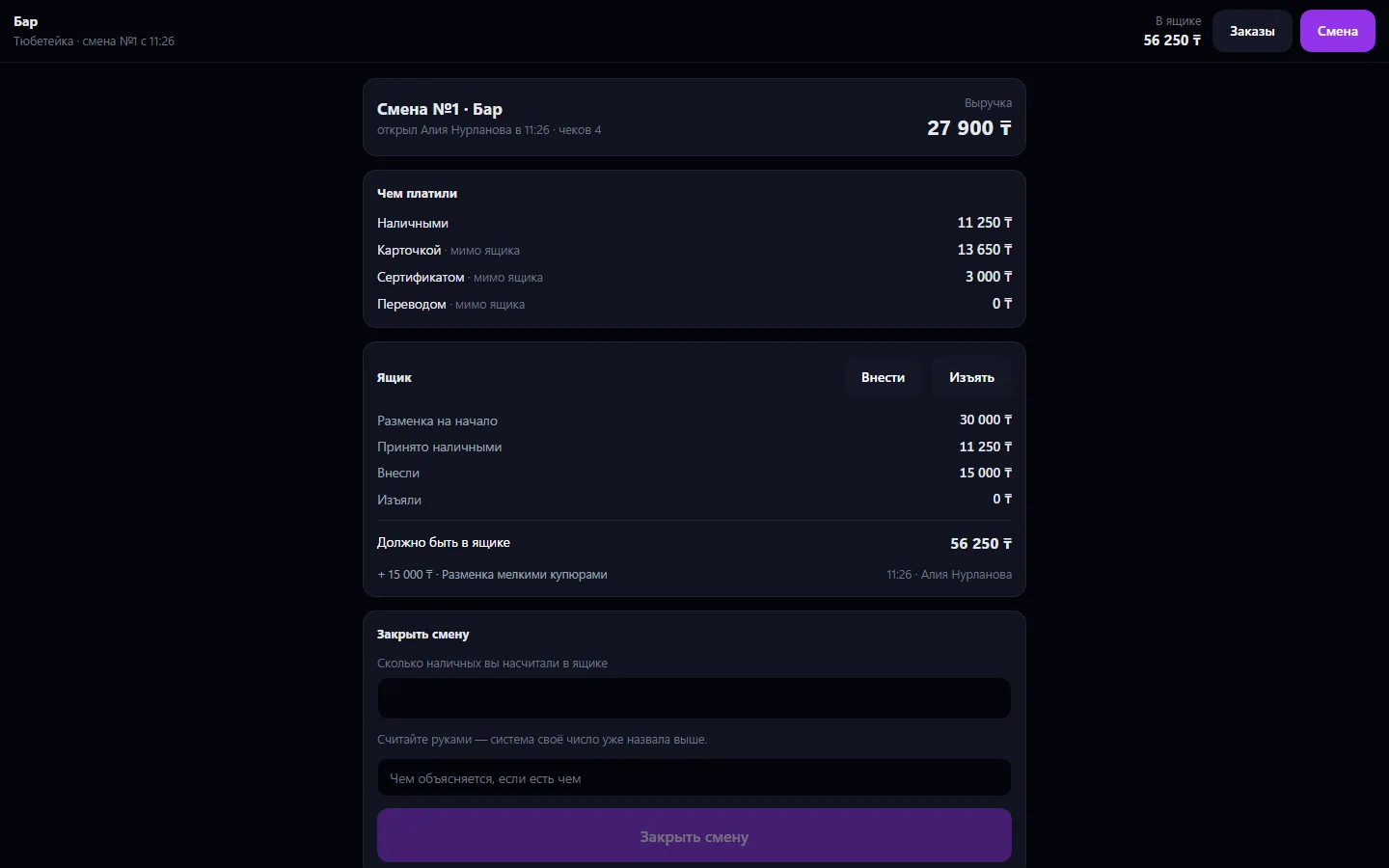
Pay in float and take out cash collection with a reason
In the evening, count the drawer and close the shift
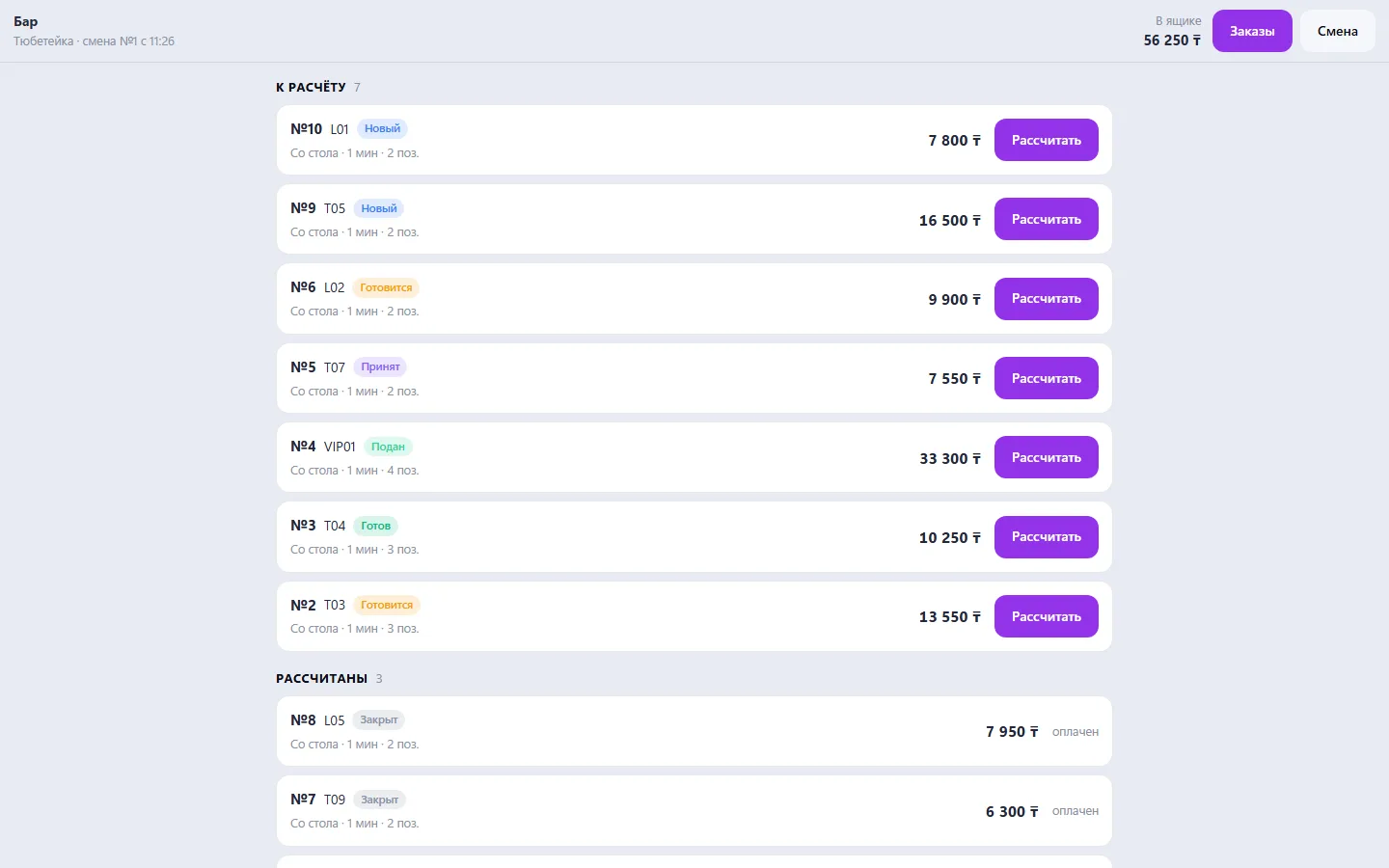
Real app windows with a fictional company as an example. Click a screenshot to enlarge it.
We are honest about what works only with an external provider or is still planned:
Need an integration for your company? Tell us about the task.
A menu by QR code at the table, orders and the venue floor
Learn more about the appThe venue's menu via a code at the table: stickers, templates, guest orders
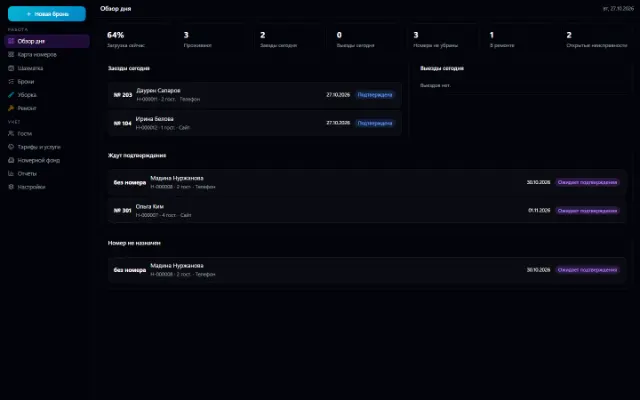
Learn more about the appRoom inventory, a booking grid, bookings with no double sales, check-in and check-out, room cleaning and repairs
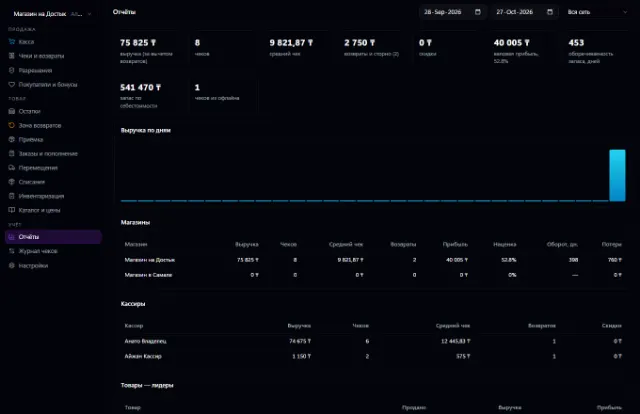
Learn more about the appA store or chain: a register with a scanner, shifts, receipts, returns and exchanges, prices with history, receiving against orders, loyalty points and reports — on top of Warehouse
Learn more about the appConnect your company — the app is enabled in the app store in a minute. If a feature is missing, the CODE44 team can build it for you free of charge.