Live
Business Catering
A menu by QR code at the table, orders and the venue floor
Learn more about the appThe venue's menu via a code at the table: stickers, templates, guest orders
An add-on to the Business Catering module. The guest points the camera at their table's sticker and sees the venue's menu — with photos, add-ons, prices and a choice of language, no app to install and no sign-up.
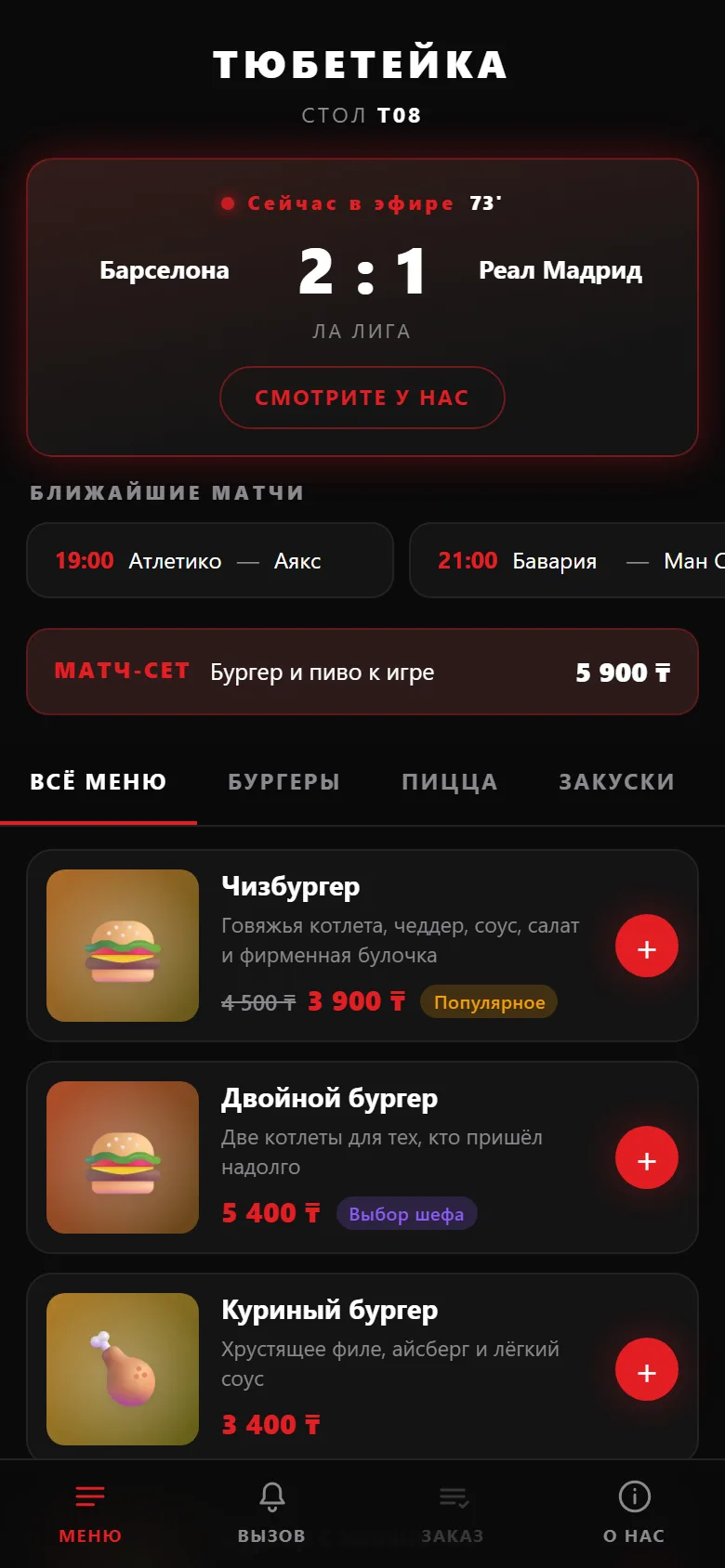
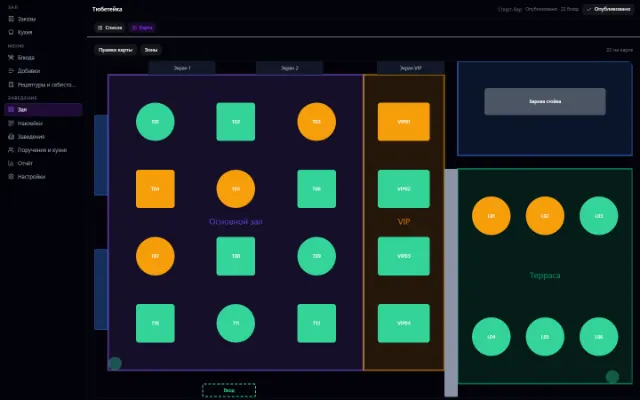
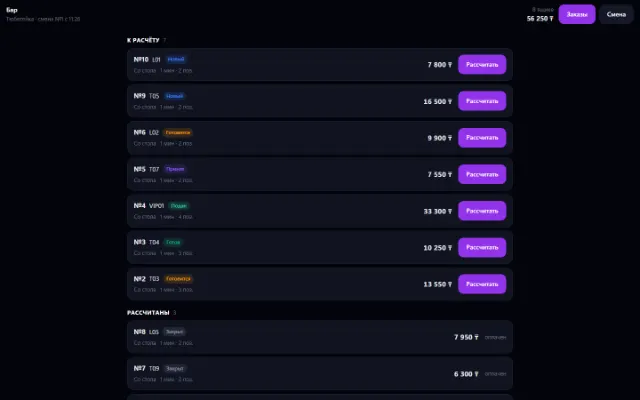
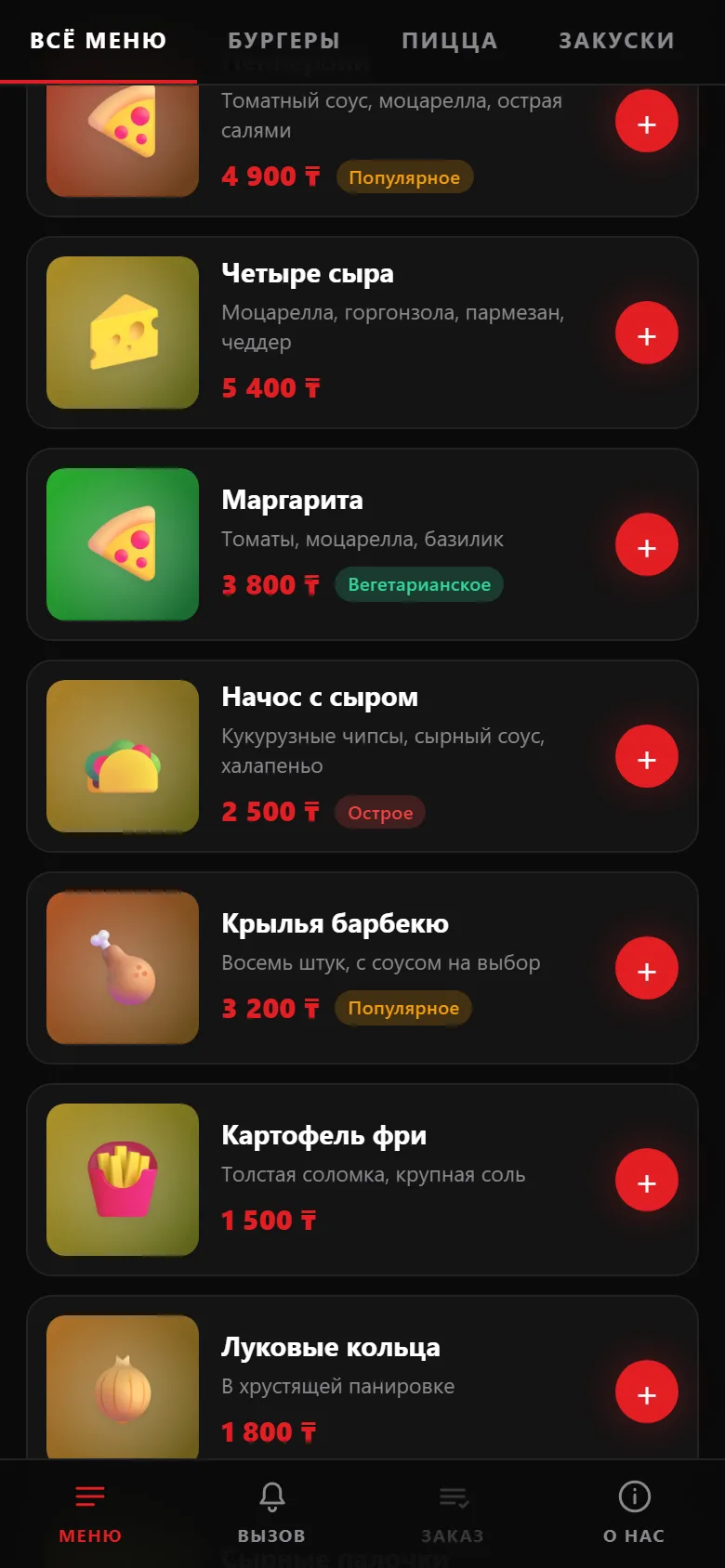
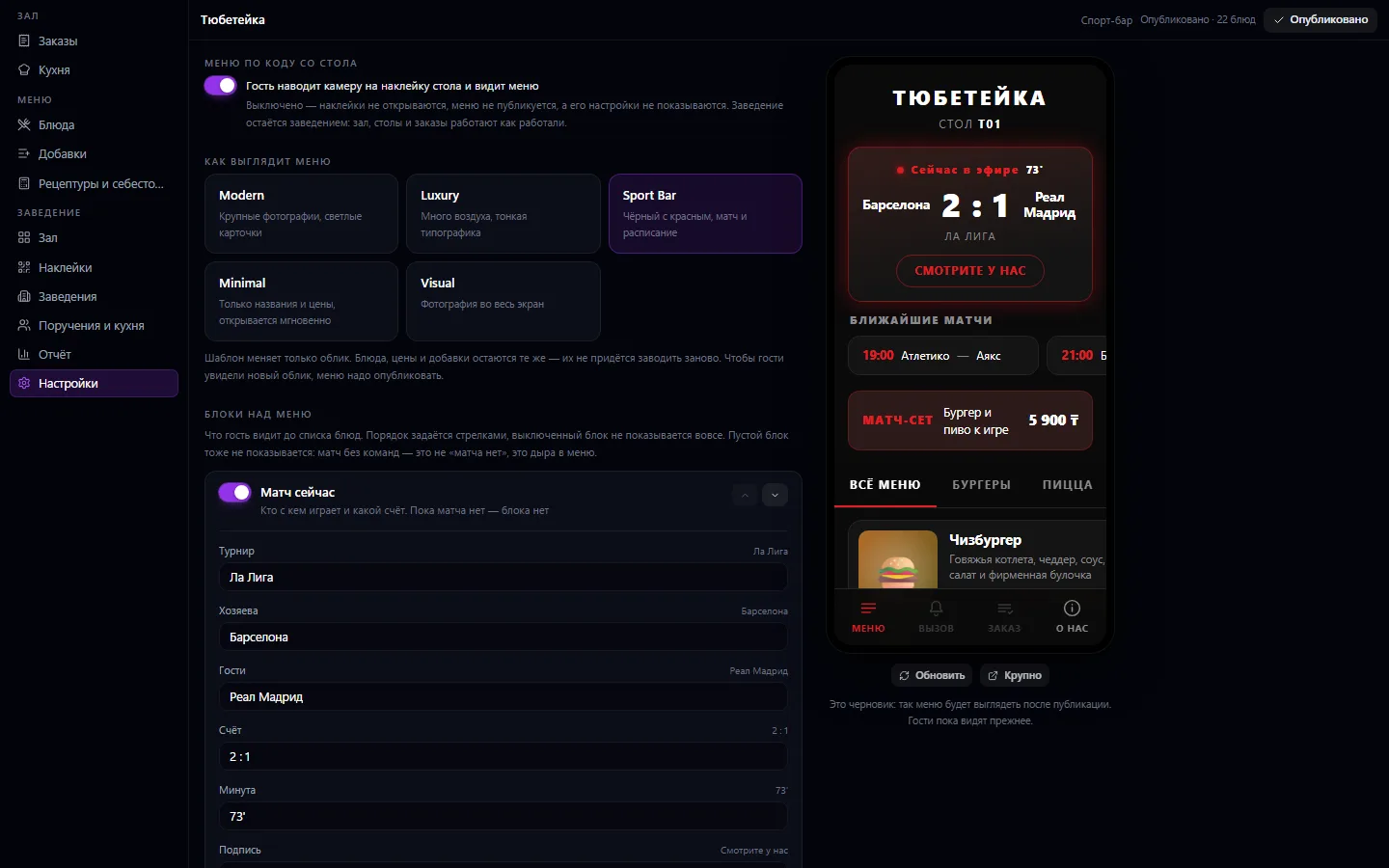
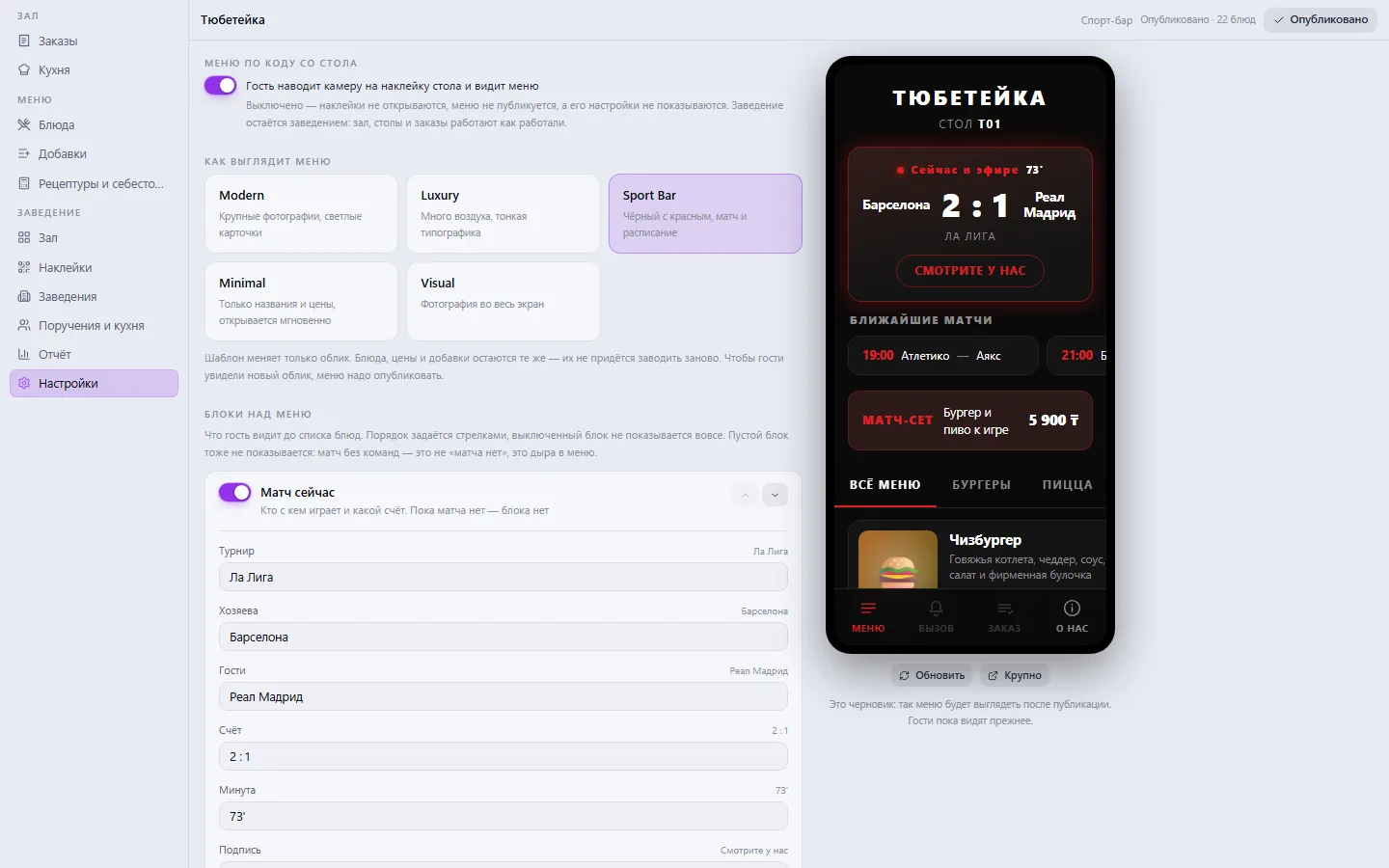
An add-on to the Business Catering module. The guest points the camera at their table's sticker and sees the venue's menu — with photos, add-ons, prices and a choice of language, no app to install and no sign-up. From there they place an order and call the waiter: the order arrives on the floor, the call as a notification with a countdown. The menu's look is chosen from ready-made templates and painted in the venue's colors, and the showcase blocks are configurable: match score, upcoming games, promotions.
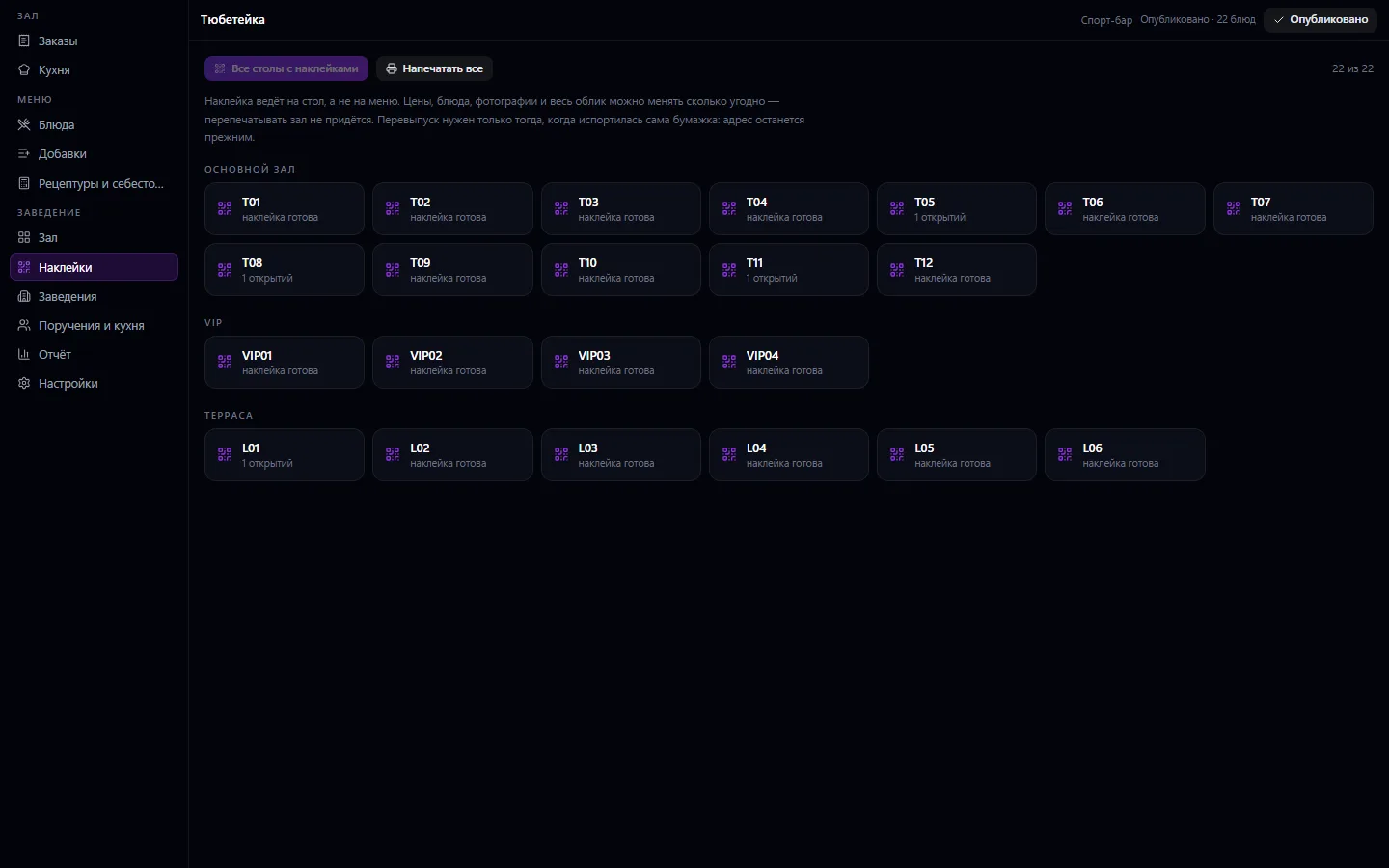
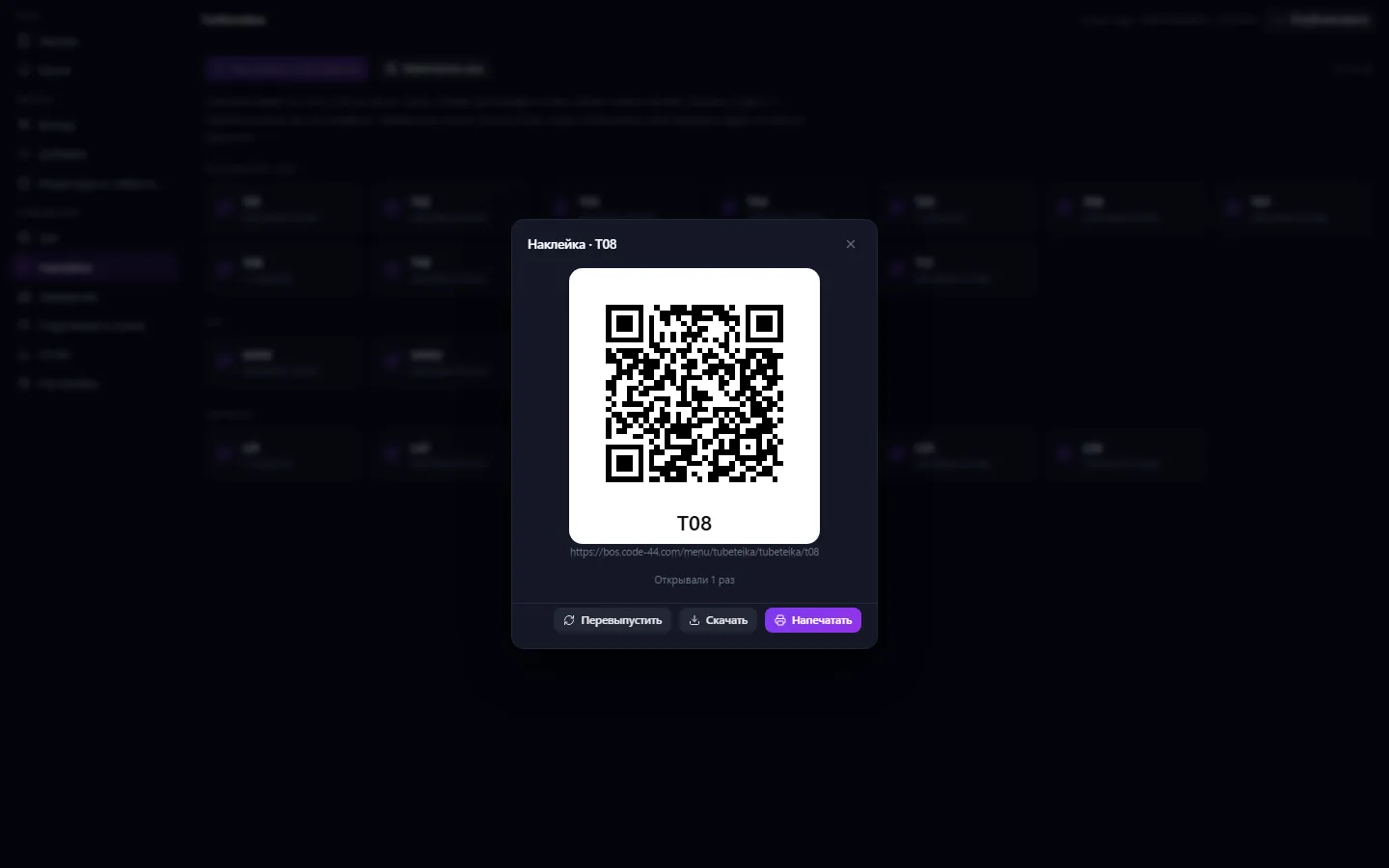
The server always calculates the price, not the guest's phone. A sticker points to the table, not the menu — prices and dishes change, and there's no need to reprint the whole floor. It works inside Catering; the add-on has no window of its own. Useless without the Business Catering module.
Turn on the QR menu in the venue settings and choose a template
Set up the blocks above the menu: the match, the game schedule, a promotion
Publish the menu and print stickers for the tables
The guest scans the sticker, picks dishes and sends the order or calls the waiter
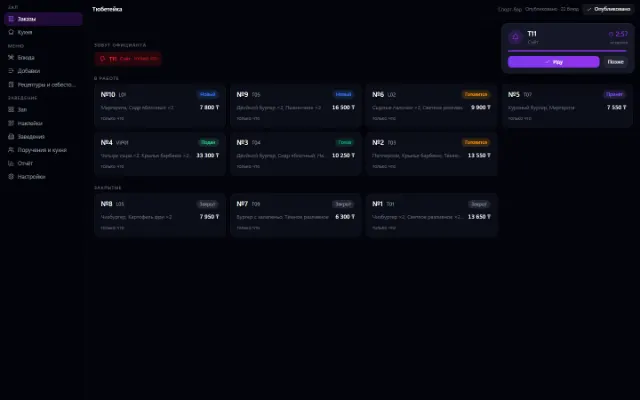
The order and the call appear on the order board in Business Catering
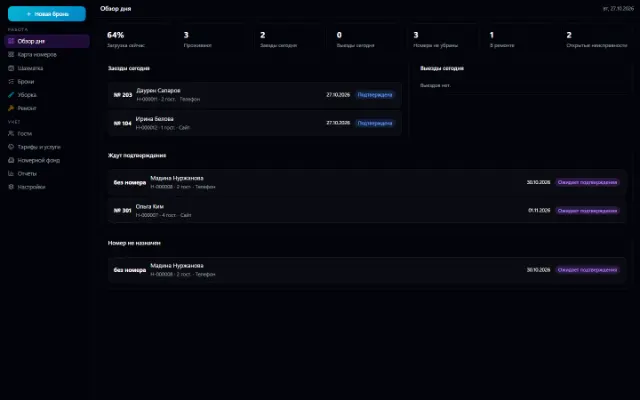
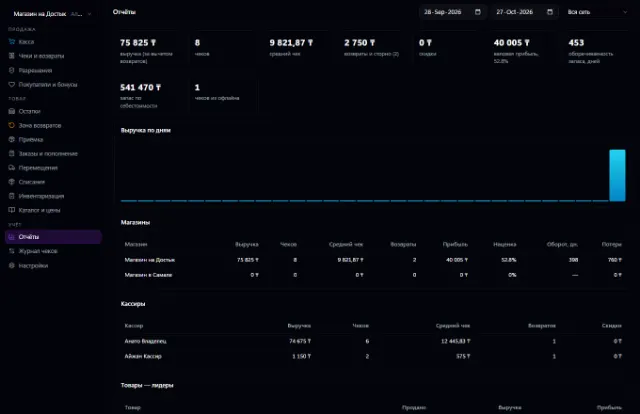
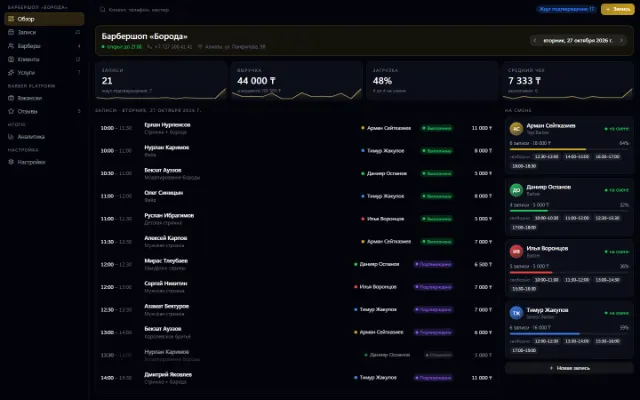
Real app windows with a fictional company as an example. Click a screenshot to enlarge it.
We are honest about what works only with an external provider or is still planned:
Need an integration for your company? Tell us about the task.
A menu by QR code at the table, orders and the venue floor
Learn more about the appThe venue's shift, checkout and money: cash, card, gift certificate
Learn more about the appRoom inventory, a booking grid, bookings with no double sales, check-in and check-out, room cleaning and repairs
Learn more about the appA store or chain: a register with a scanner, shifts, receipts, returns and exchanges, prices with history, receiving against orders, loyalty points and reports — on top of Warehouse
Learn more about the appConnect your company — the app is enabled in the app store in a minute. If a feature is missing, the CODE44 team can build it for you free of charge.