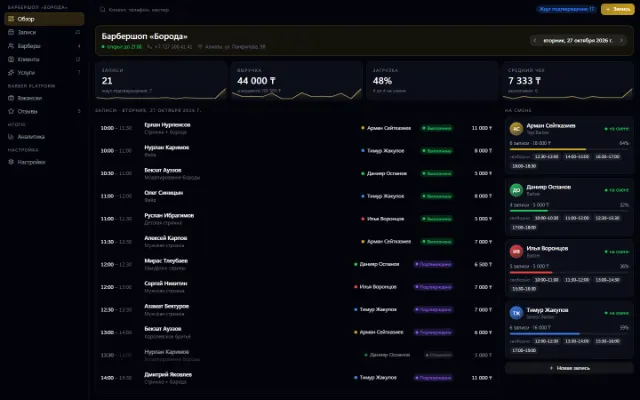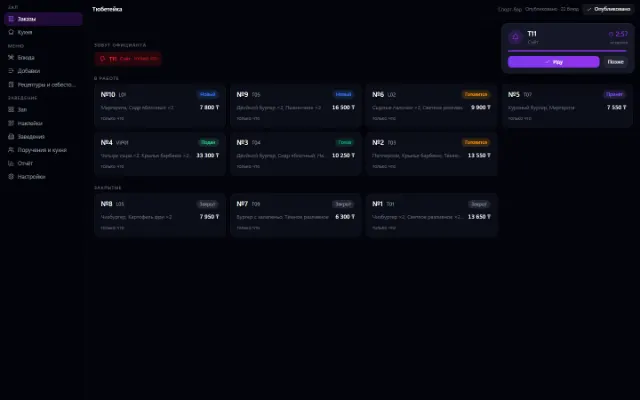
Live
Business Catering
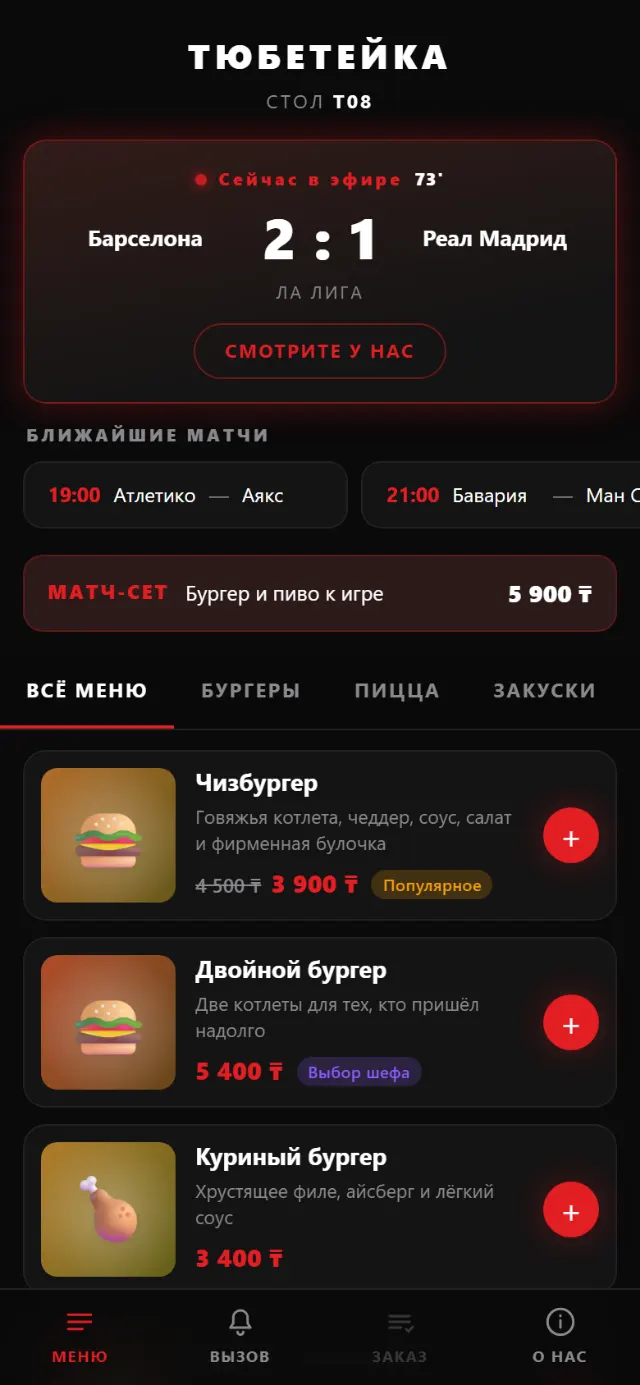
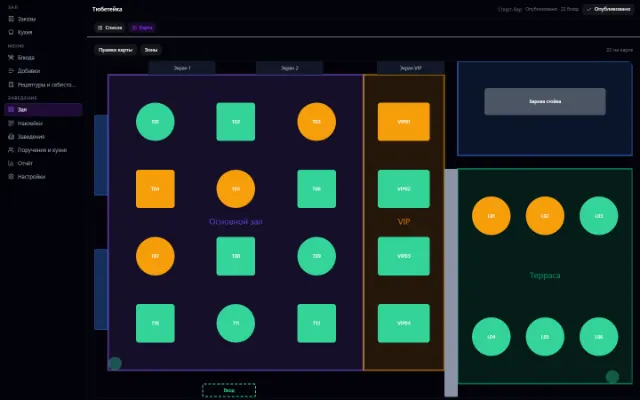
A menu by QR code at the table, orders and the venue floor
Learn more about the appA store or chain: a register with a scanner, shifts, receipts, returns and exchanges, prices with history, receiving against orders, loyalty points and reports — on top of Warehouse
Retail is an app for a store or chain of stores on top of the shared Warehouse. It has a register, shifts, returns with a returns zone, prices with history, loyalty points and promo codes, receiving, stocktaking and reports, and the register keeps selling even without a connection.
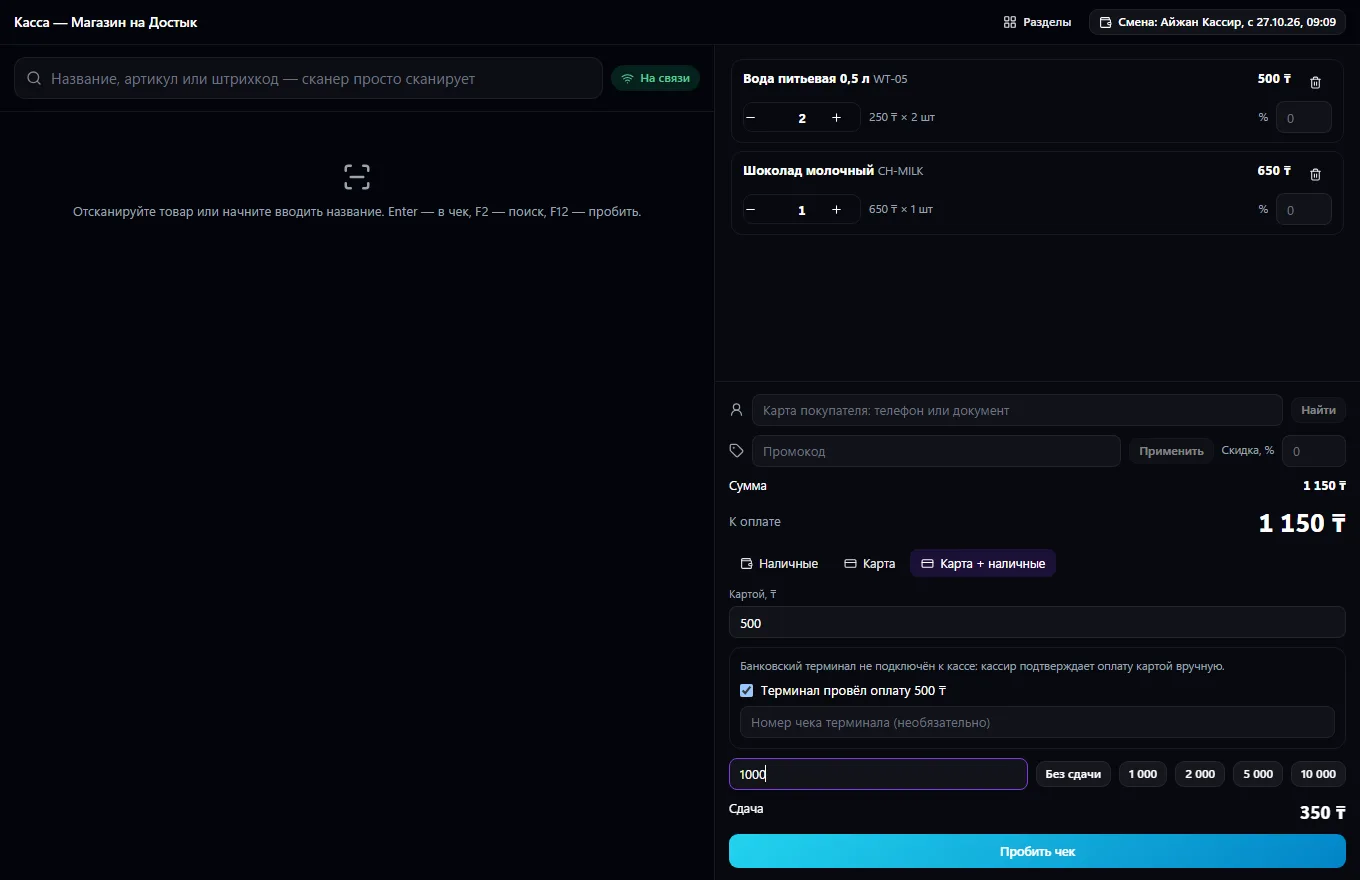
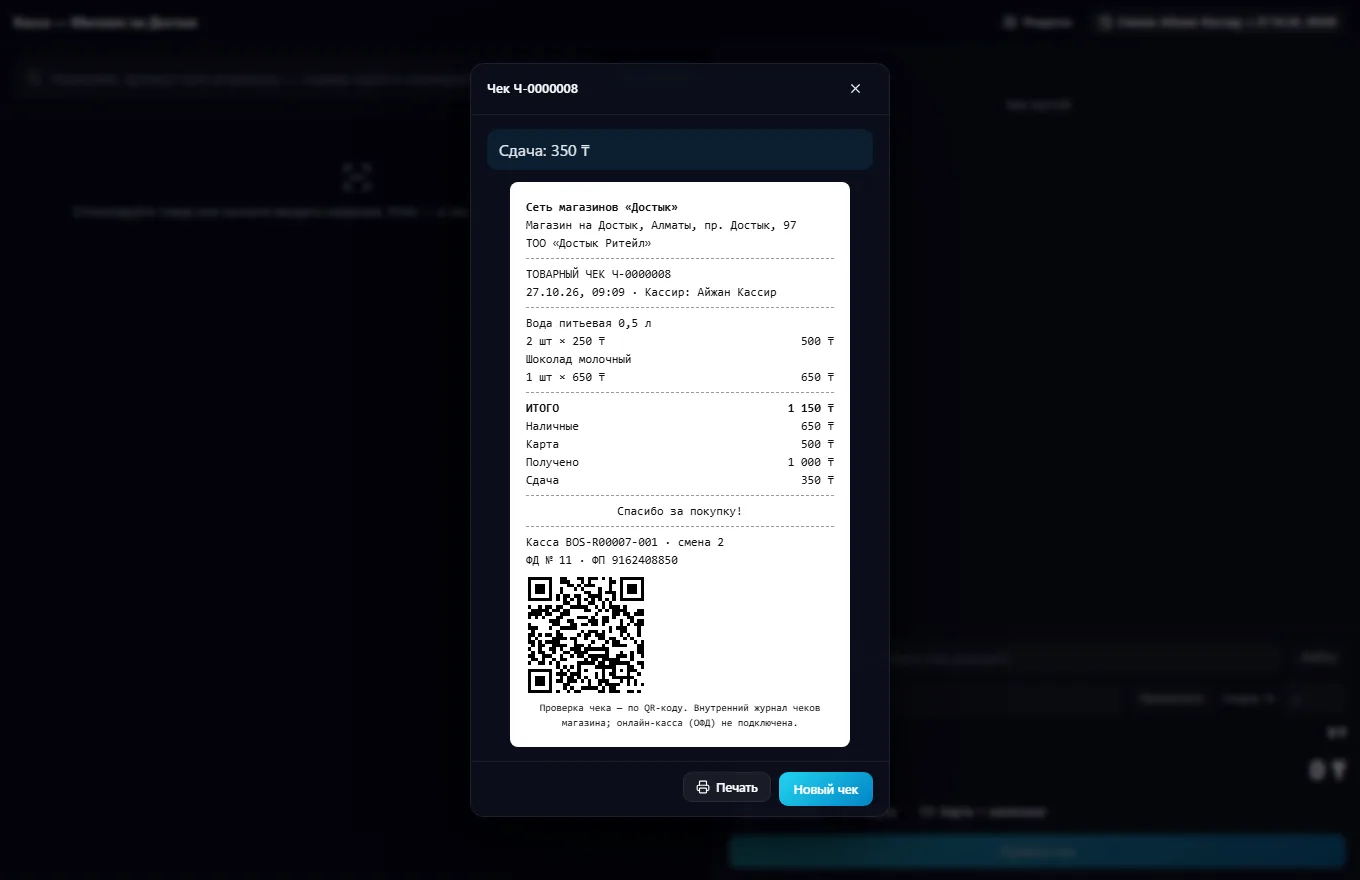
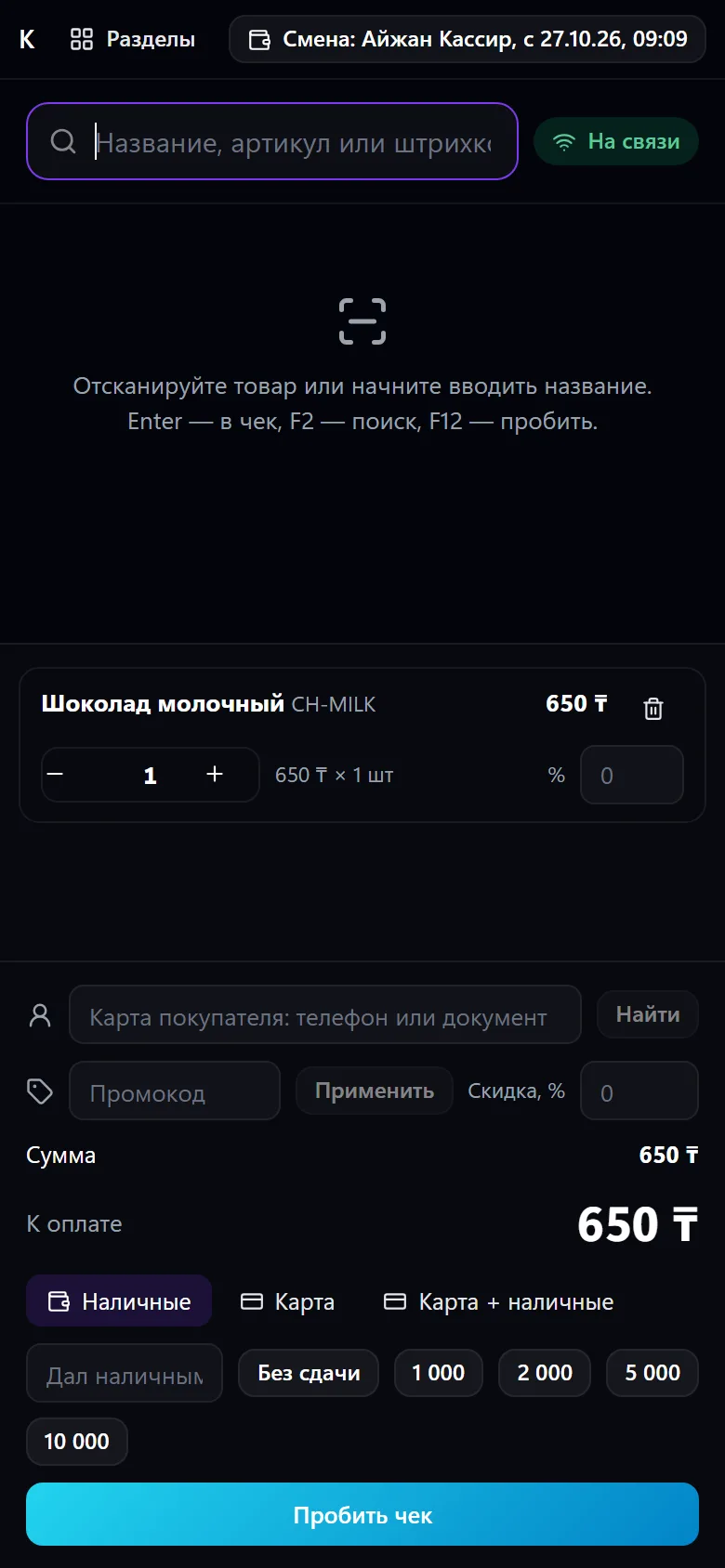
A store or chain of stores in one window on top of Warehouse. The catalog is shared: products, variants (size, color), barcodes; chain-wide and per-store prices with history — who changed them, when and why. A full-screen register: scanner, keypad, search by name and code, weighed goods, customer age, marking codes; a cashier discount within limits, above that with the manager's permission; promo codes and offers from Promotions; a customer card with points and tiers. Payment in cash, by card or both, with change and total rounding according to the store's setting.
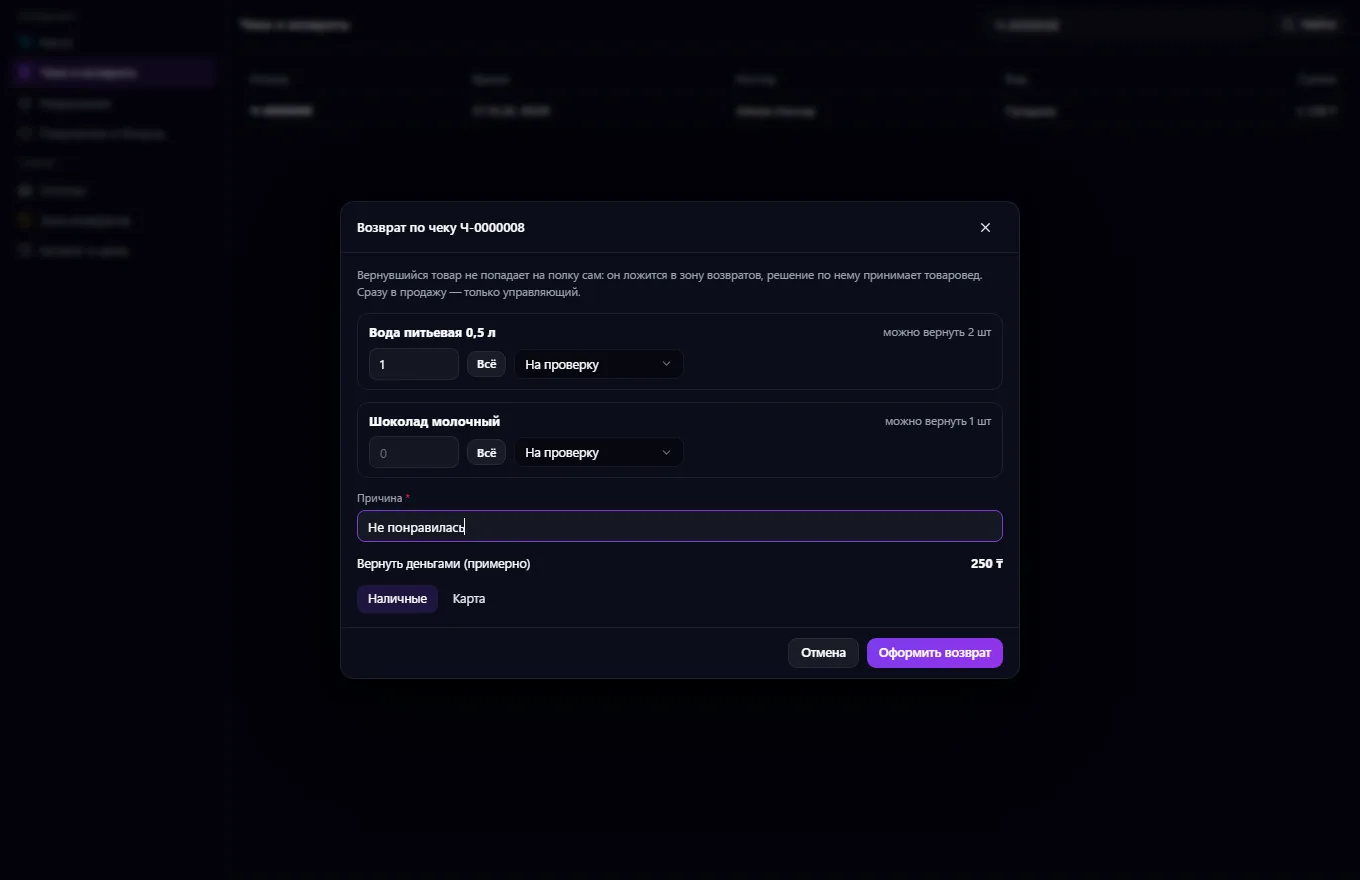
Without a connected bank, the cashier confirms the terminal payment themselves; with a connection (a signed integrator bridge, Freedom Pay QR), only the bank's response confirms payment. The receipt is printed and verified by QR in the internal log; an online cash register (fiscal data operator) and marking code verification come through a provider connection, and without one it honestly says “not connected”, and the receipt is a sales receipt. Returns by receipt number: partial, no more than what remains, and the goods go not to the shelf but to a returns zone: for inspection, damaged, defective, return to supplier; exchange in one operation; cancelling a receipt is a reversal with a reason, without deletion. Shift: float, cash collection, X-report, closing with a count and a discrepancy notification.
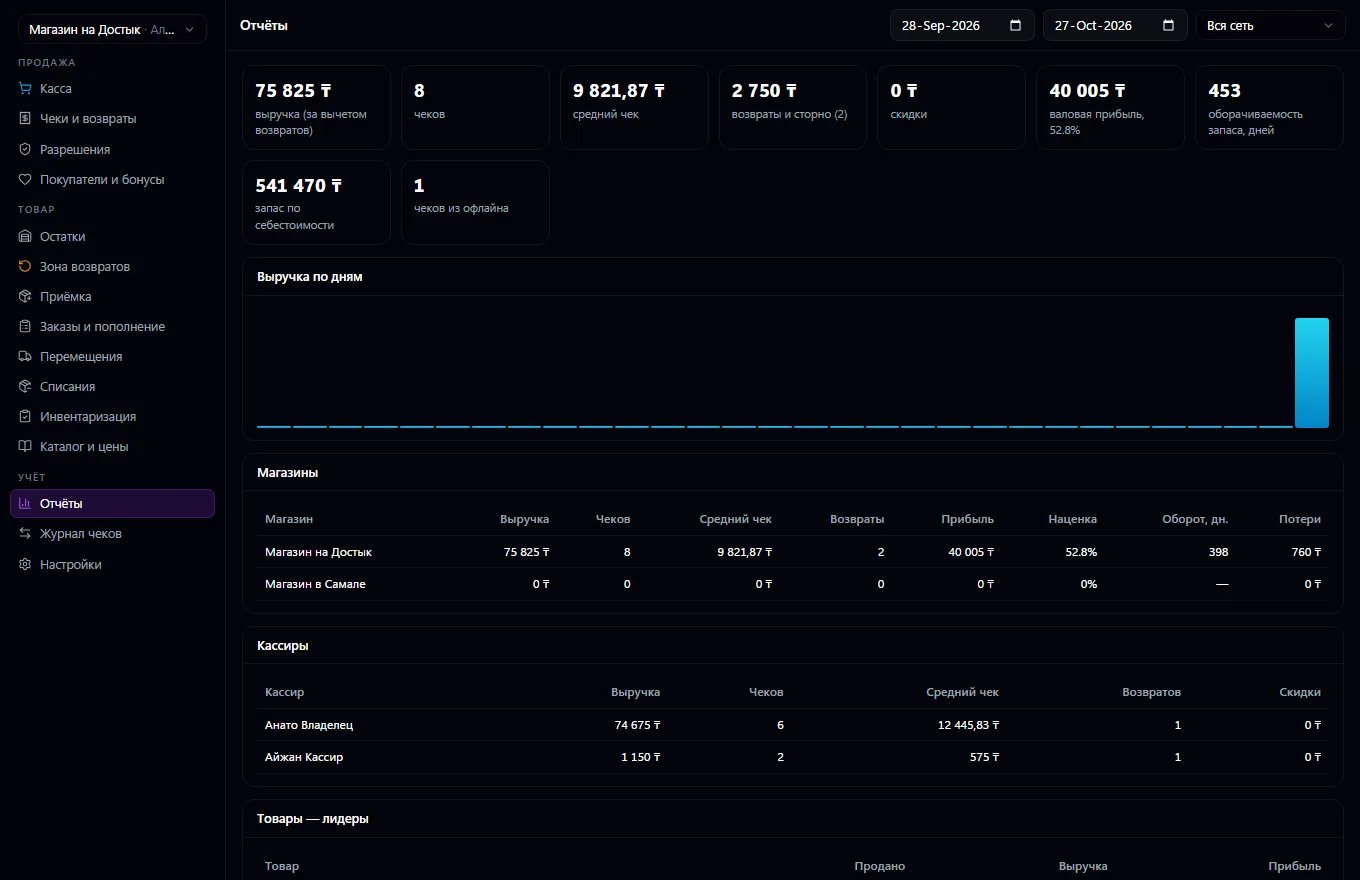
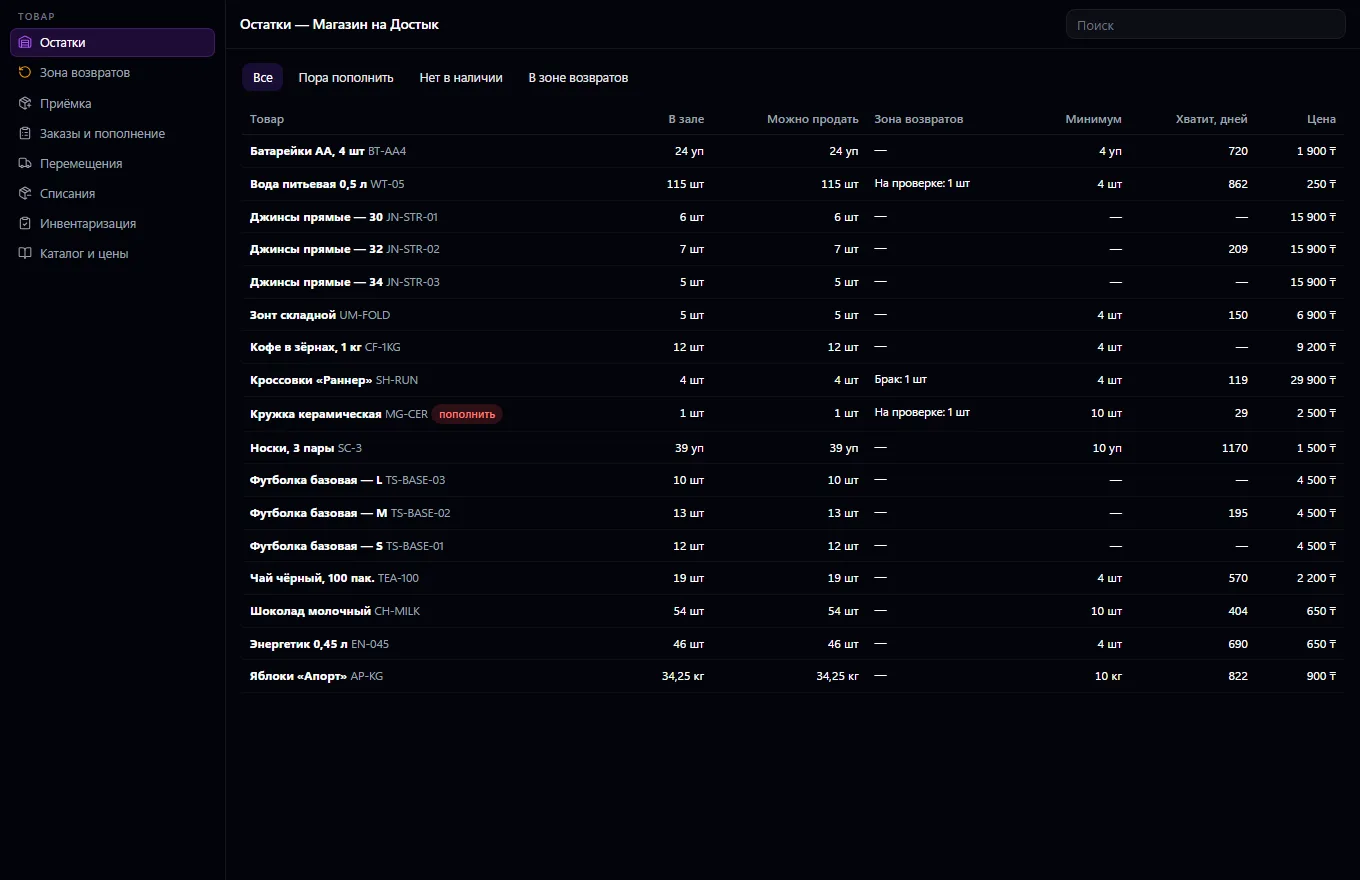
Goods: floor and returns-zone stock, supplier orders through Procurement based on recommendations, receiving with discrepancies and defects, returns to supplier, transfers, write-offs, stocktaking. Reports: revenue, cost from Warehouse, gross profit, turnover, by store, cashier and product, losses. The register works offline: cash and card sales queue up and go to the server without duplicates. Who can do what — cashier, manager, merchandiser, buyer, reports, finance — is chosen in settings.
Set up stores, registers and a catalog with prices, and assign roles to people
Open a shift and sell: scanner or search, discounts and points, payment and receipt printing
Process returns and exchanges by receipt number, and decide what happens to goods in the returns zone
Order goods through Procurement, receive deliveries with discrepancies, transfer and write off
Close the shift with a cash count and review reports by store, cashier and product
Real app windows with a fictional company as an example. Click a screenshot to enlarge it.
We are honest about what works only with an external provider or is still planned:
Need an integration for your company? Tell us about the task.
A menu by QR code at the table, orders and the venue floor
Learn more about the appThe venue's menu via a code at the table: stickers, templates, guest orders
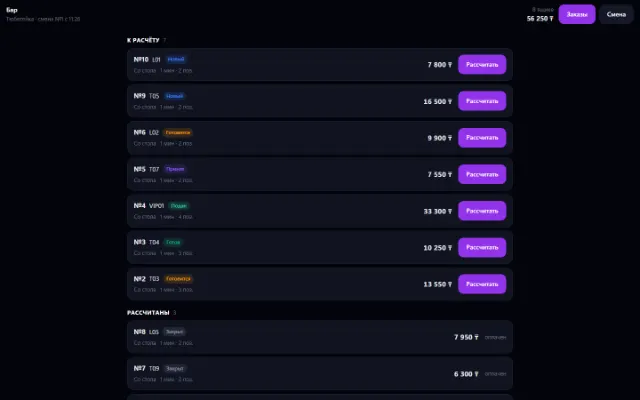
Learn more about the appThe venue's shift, checkout and money: cash, card, gift certificate
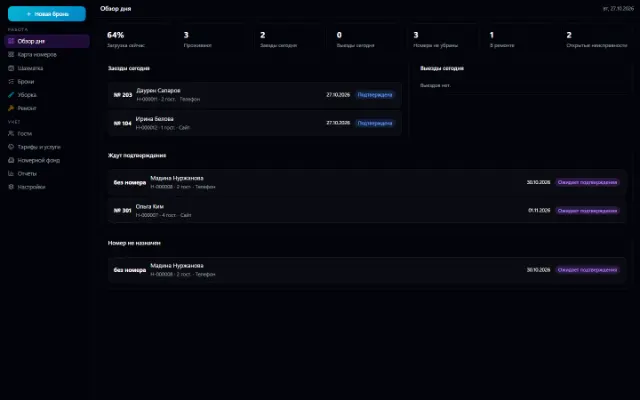
Learn more about the appRoom inventory, a booking grid, bookings with no double sales, check-in and check-out, room cleaning and repairs
Learn more about the appConnect your company — the app is enabled in the app store in a minute. If a feature is missing, the CODE44 team can build it for you free of charge.