Live
Business Catering
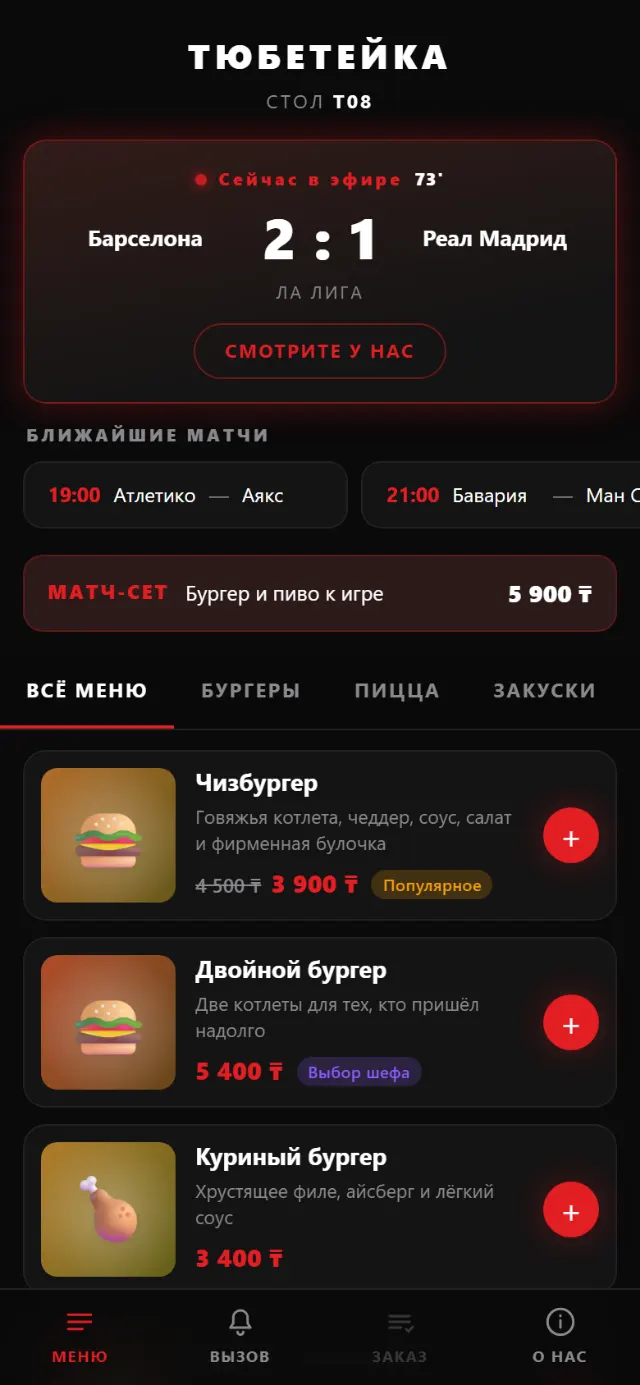
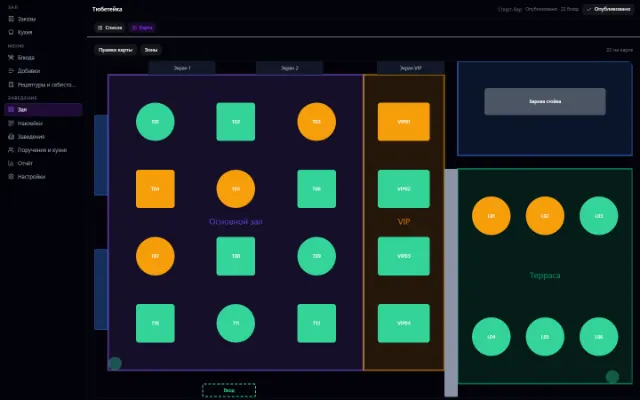
A menu by QR code at the table, orders and the venue floor
Learn more about the appRoom inventory, a booking grid, bookings with no double sales, check-in and check-out, room cleaning and repairs
A hotel, mini-hotel, hostel or guest house in one window. Properties, buildings, floors and rooms with categories and amenities that the company defines itself.
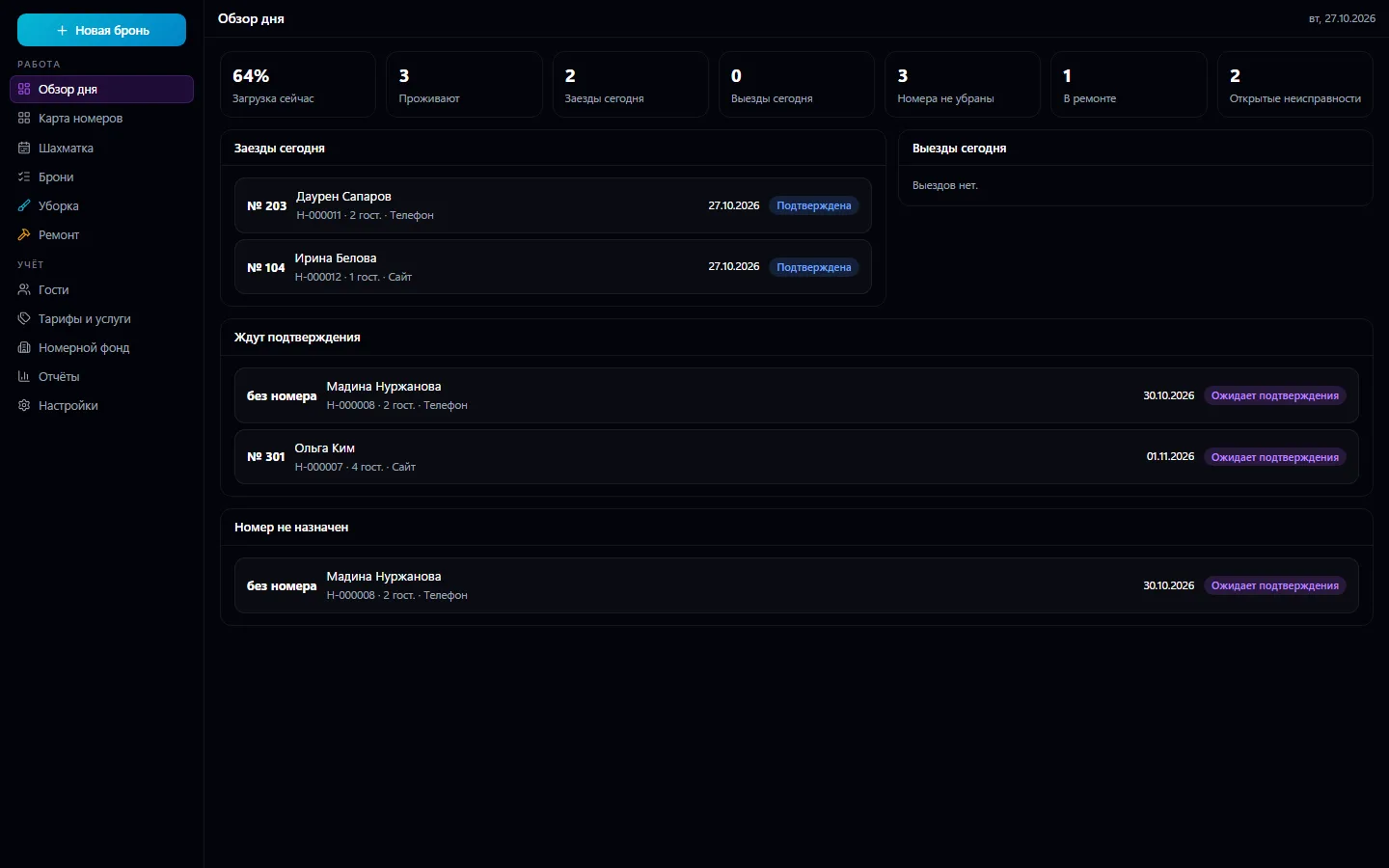
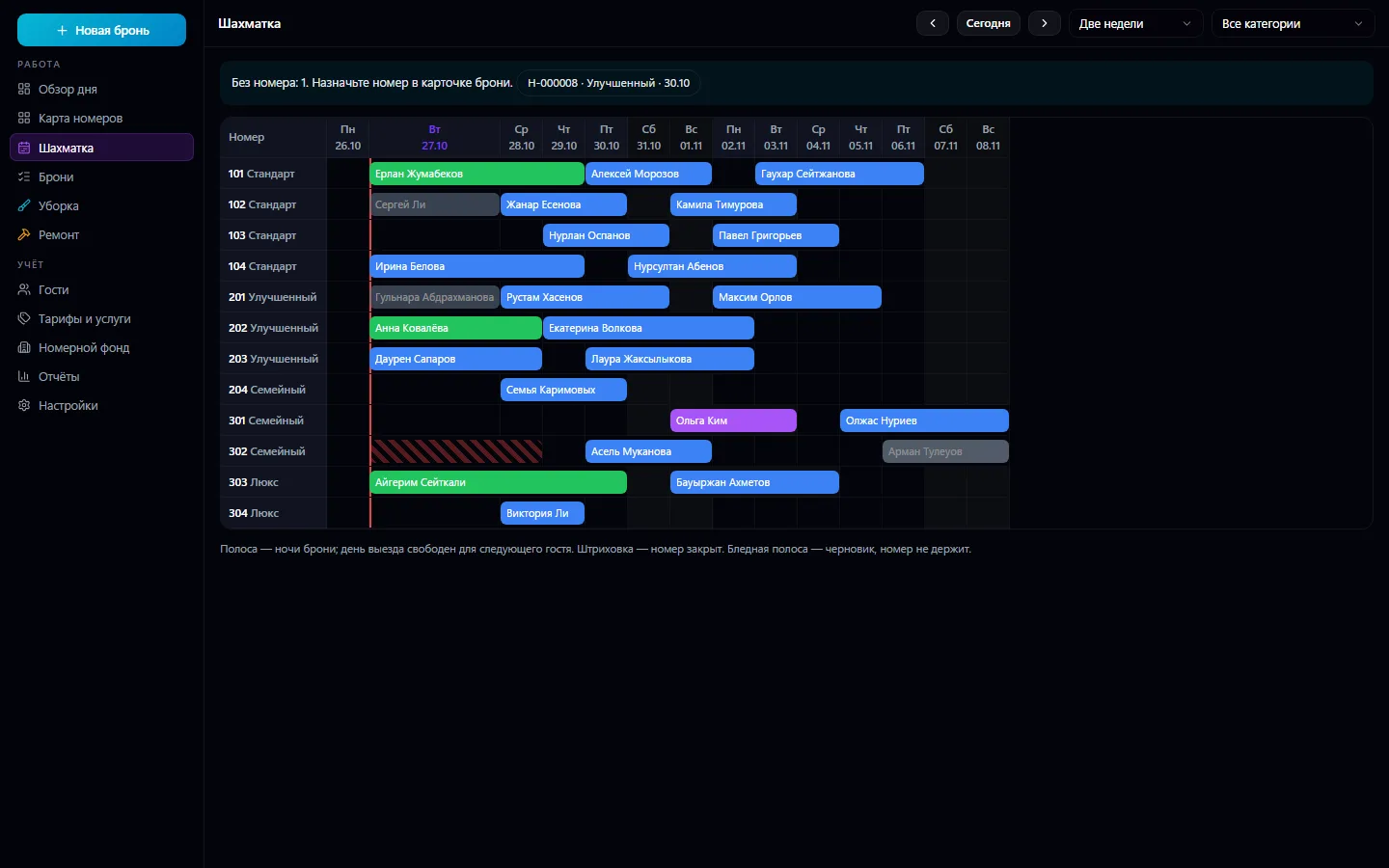
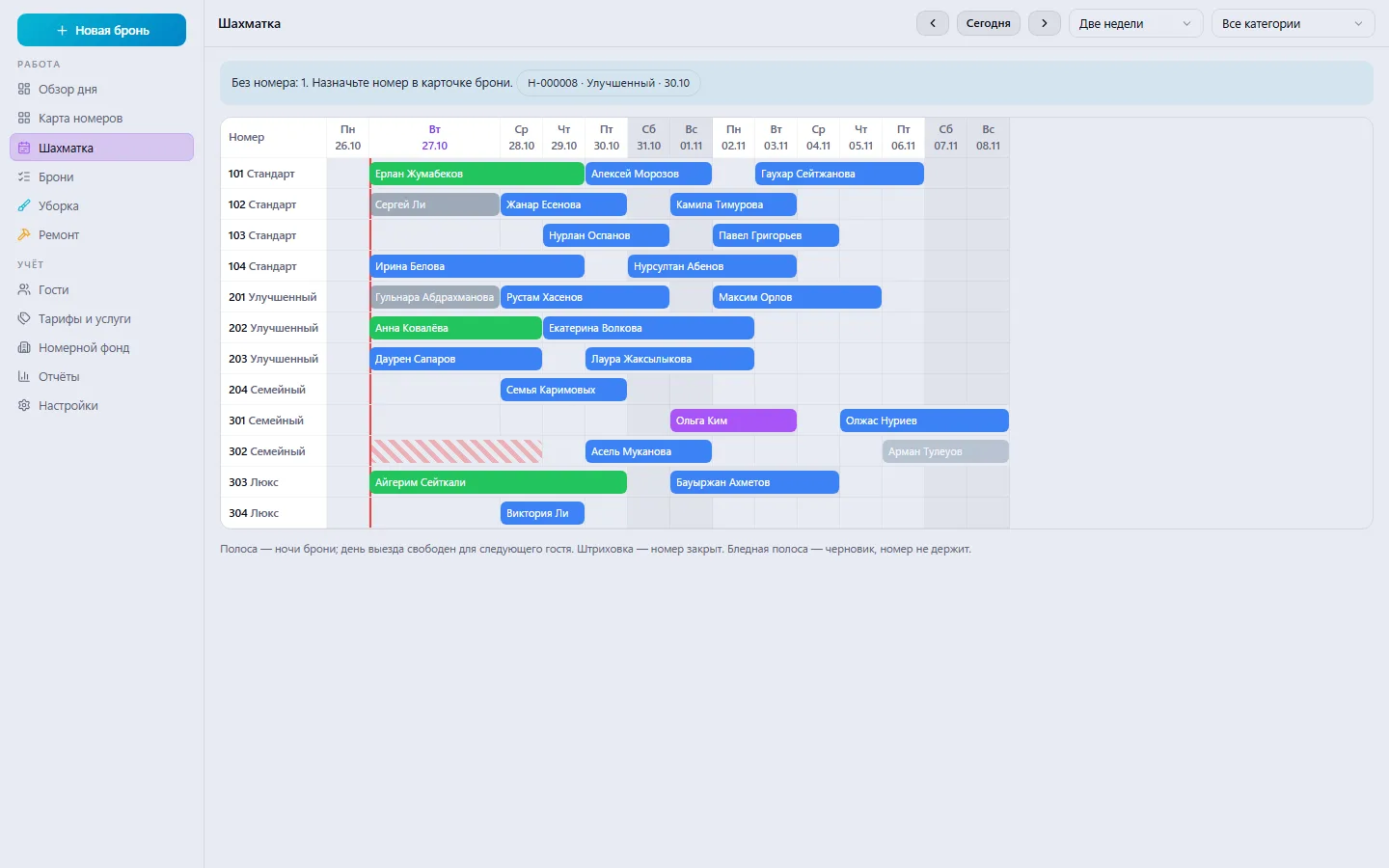
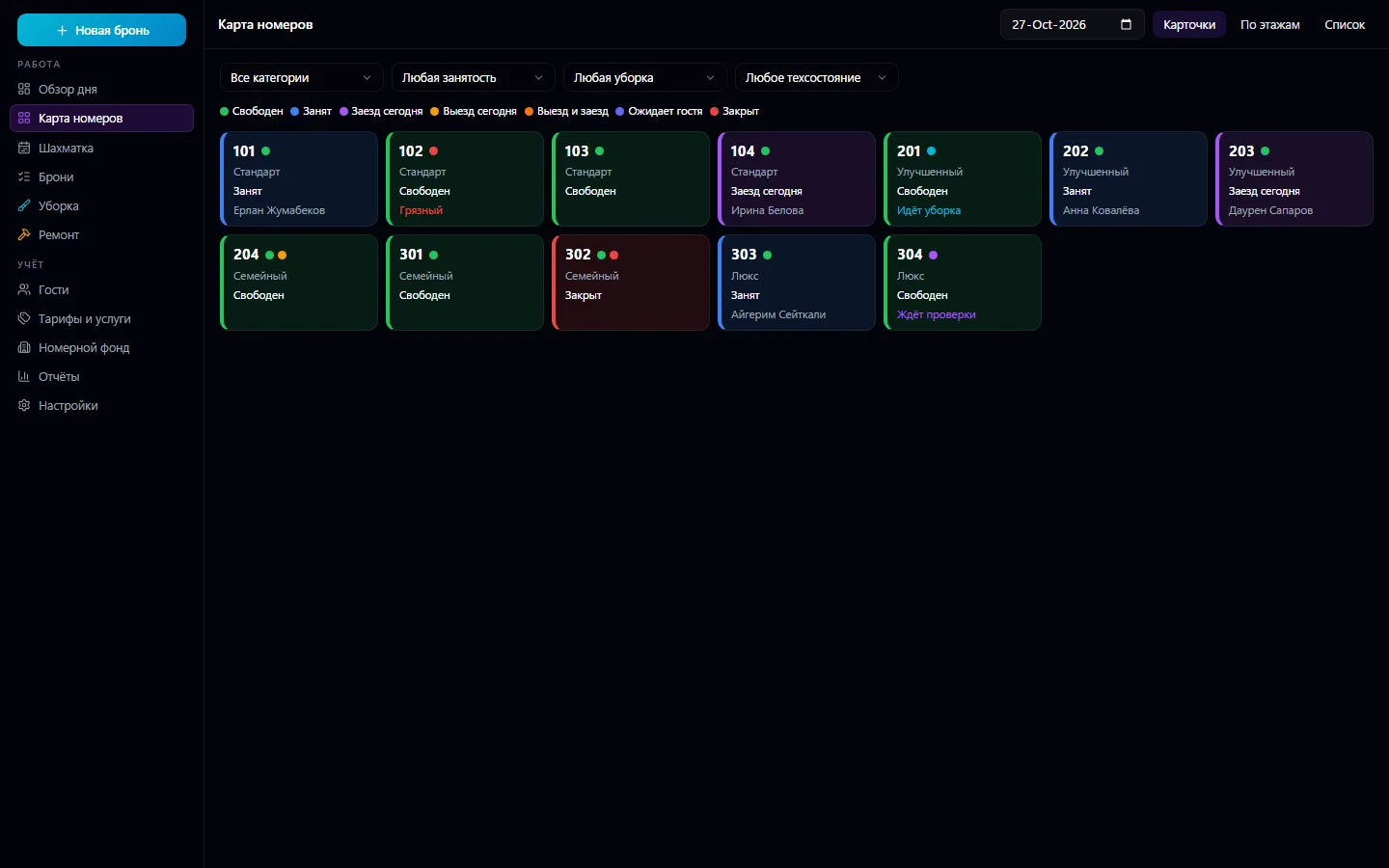
A hotel, mini-hotel, hostel or guest house in one window. Properties, buildings, floors and rooms with categories and amenities that the company defines itself. A room has three separate states: occupancy (from bookings), housekeeping and technical. The room map as a list, as cards and by floor, and a two-week booking grid with bookings as bars.
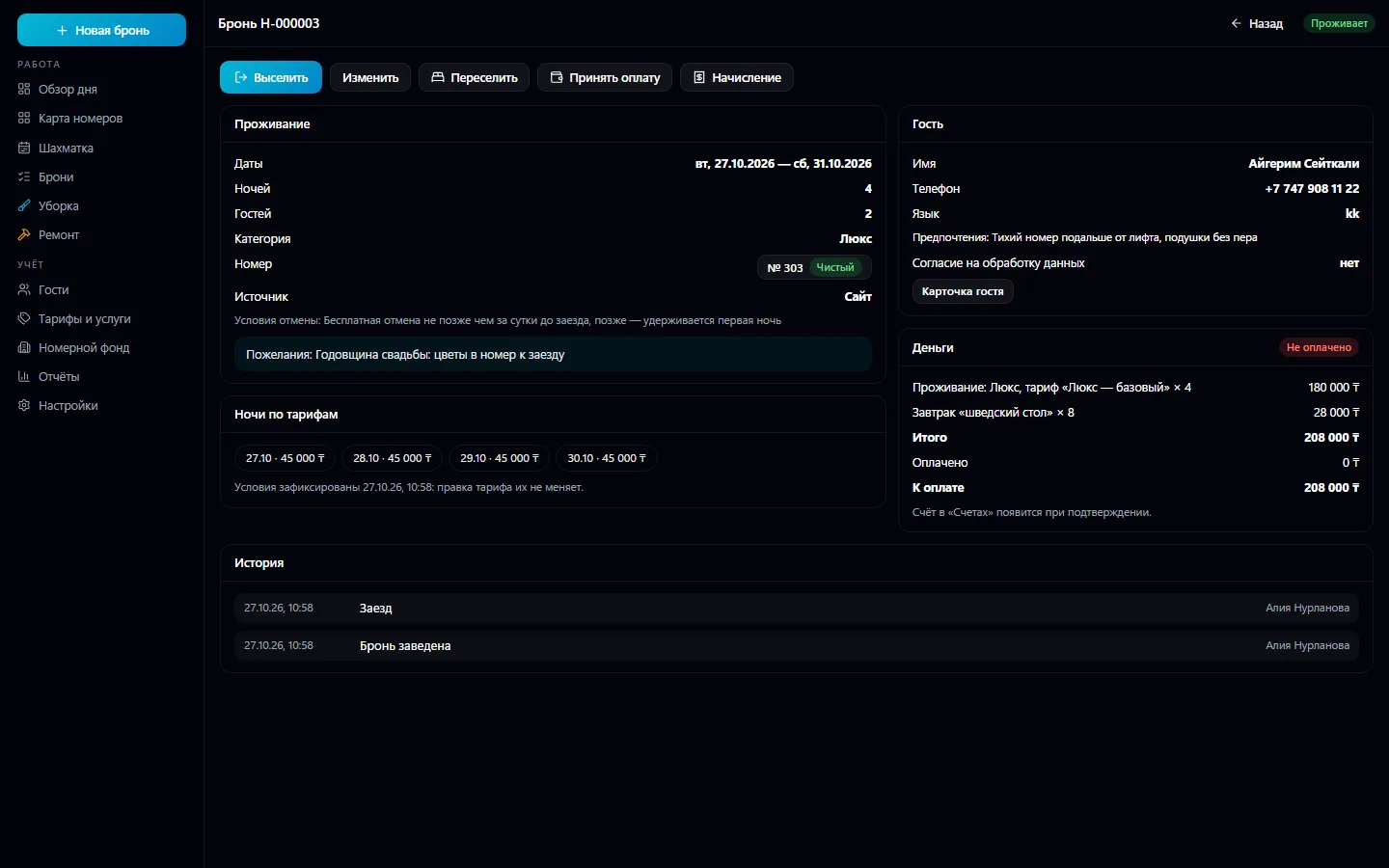
Book a room or a category: the server won't sell the same room twice even with simultaneous requests, the check-out day isn't a night, and “today” follows the hotel's time zone. Nightly rates with periods, days of the week, minimum nights, number of guests, sales channels, meals, cancellation terms and priority; a booking has a per-night breakdown and a snapshot of the terms: changing a rate doesn't change old bookings. Check-in with checks and a clear reason why it isn't possible; check-out with charges, balance and payment through Invoices and Payments, and after check-out the room goes to housekeeping automatically. Housekeeping: cleaning types, checklists by category, inspection on handover, tasks in Tasks.
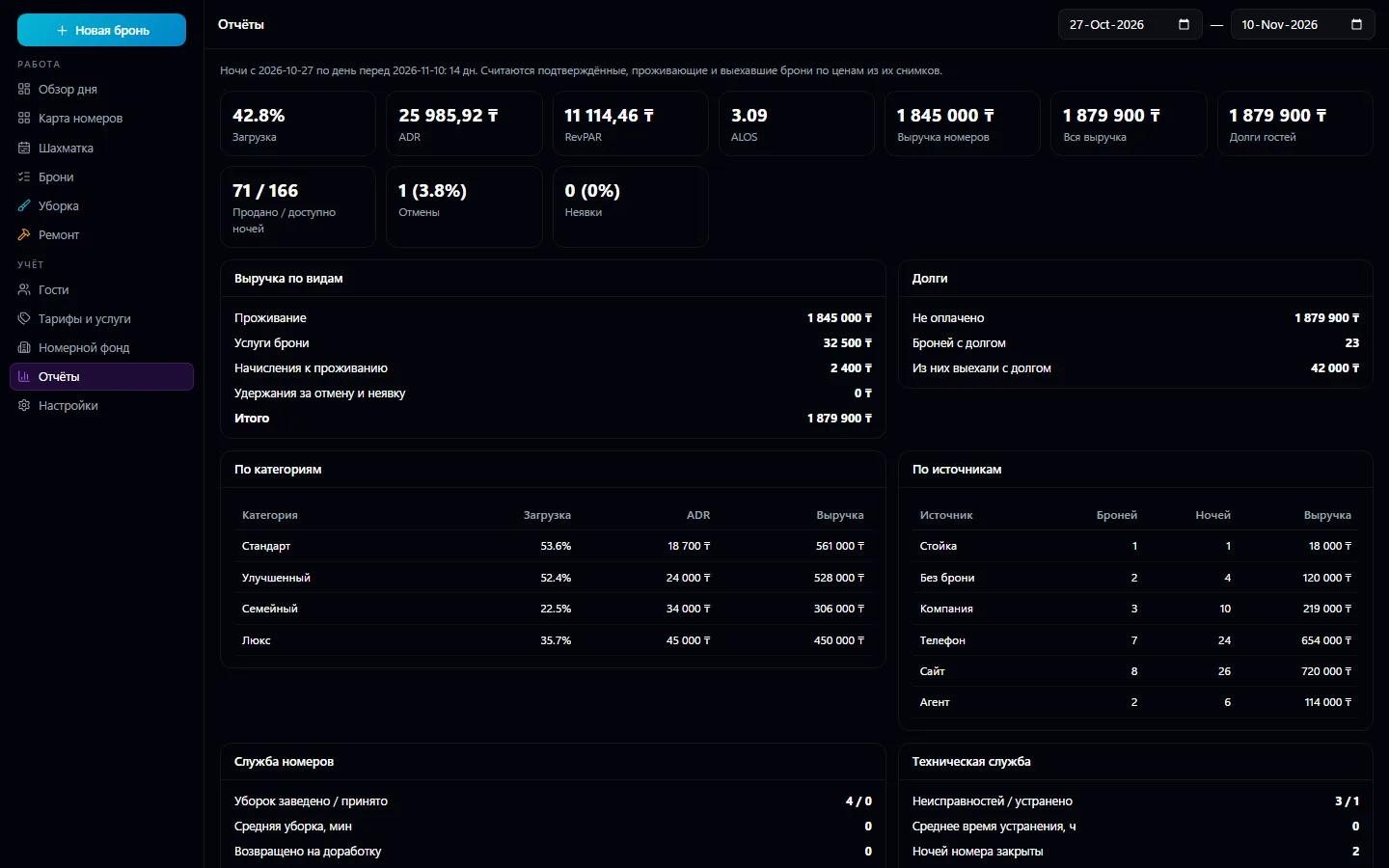
Maintenance: faults, closing a room for certain dates — bookings aren't cancelled, and the server shows them along with free rooms for relocation. Guests come from the shared contact book with no duplicates, and personal data is shown only to those who need it. Reports: occupancy, ADR, RevPAR, average length of stay, cancellations and no-shows, by category and source, housekeeping and repairs. A public booking request page — with no made-up online payment.
Set up the hotel: buildings, floors, categories and rooms with amenities.
Set up nightly rates and extra services — breakfast, transfer, parking.
Take bookings by phone, from the website or at the desk — the booking grid immediately shows free nights.
On arrival day, check the guest in from the day overview; at check-out, post the charges and payment.
Housekeepers take cleanings from the list, the supervisor inspects the room, and faults go to repair.
At the end of the month, check occupancy, ADR and RevPAR in the reports.
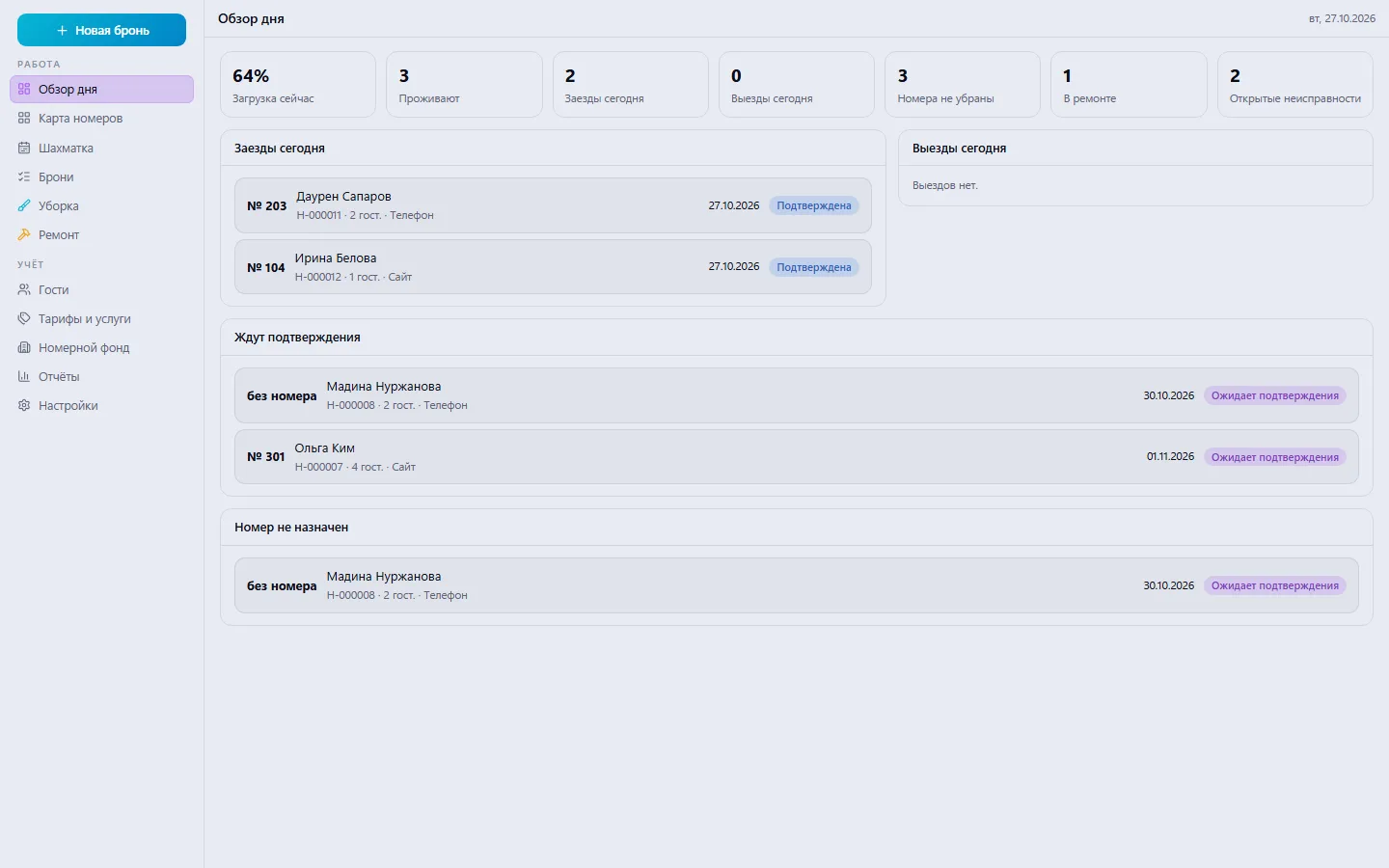
Real app windows with a fictional company as an example. Click a screenshot to enlarge it.
We are honest about what works only with an external provider or is still planned:
Need an integration for your company? Tell us about the task.
A menu by QR code at the table, orders and the venue floor
Learn more about the appThe venue's menu via a code at the table: stickers, templates, guest orders
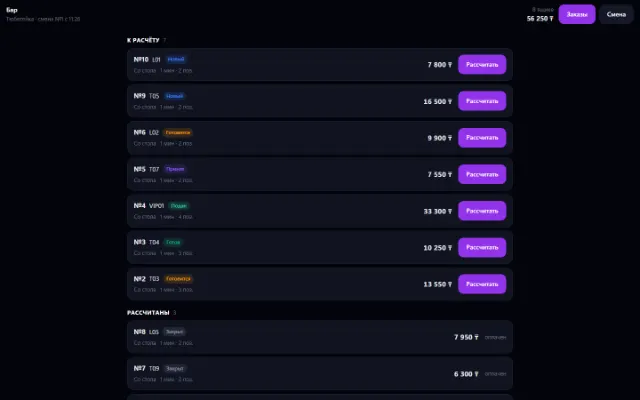
Learn more about the appThe venue's shift, checkout and money: cash, card, gift certificate
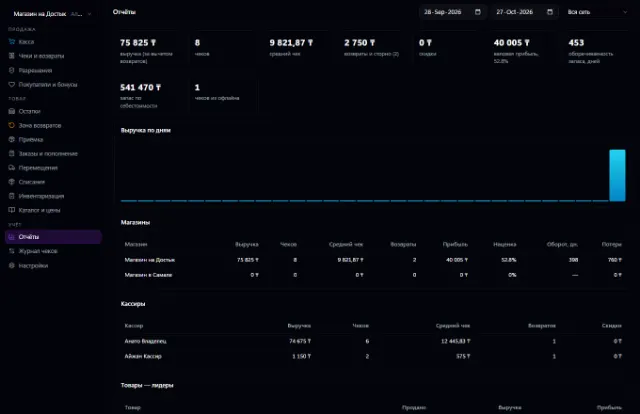
Learn more about the appA store or chain: a register with a scanner, shifts, receipts, returns and exchanges, prices with history, receiving against orders, loyalty points and reports — on top of Warehouse
Learn more about the appConnect your company — the app is enabled in the app store in a minute. If a feature is missing, the CODE44 team can build it for you free of charge.