

Business Invoices
Issued and received — with payment status
Company invoices both ways: the ones it has issued to customers and the ones it has received from suppliers. An invoice has a number, line items with quantity and price, an issue date and a due date.
Invoices: what it does and how it works
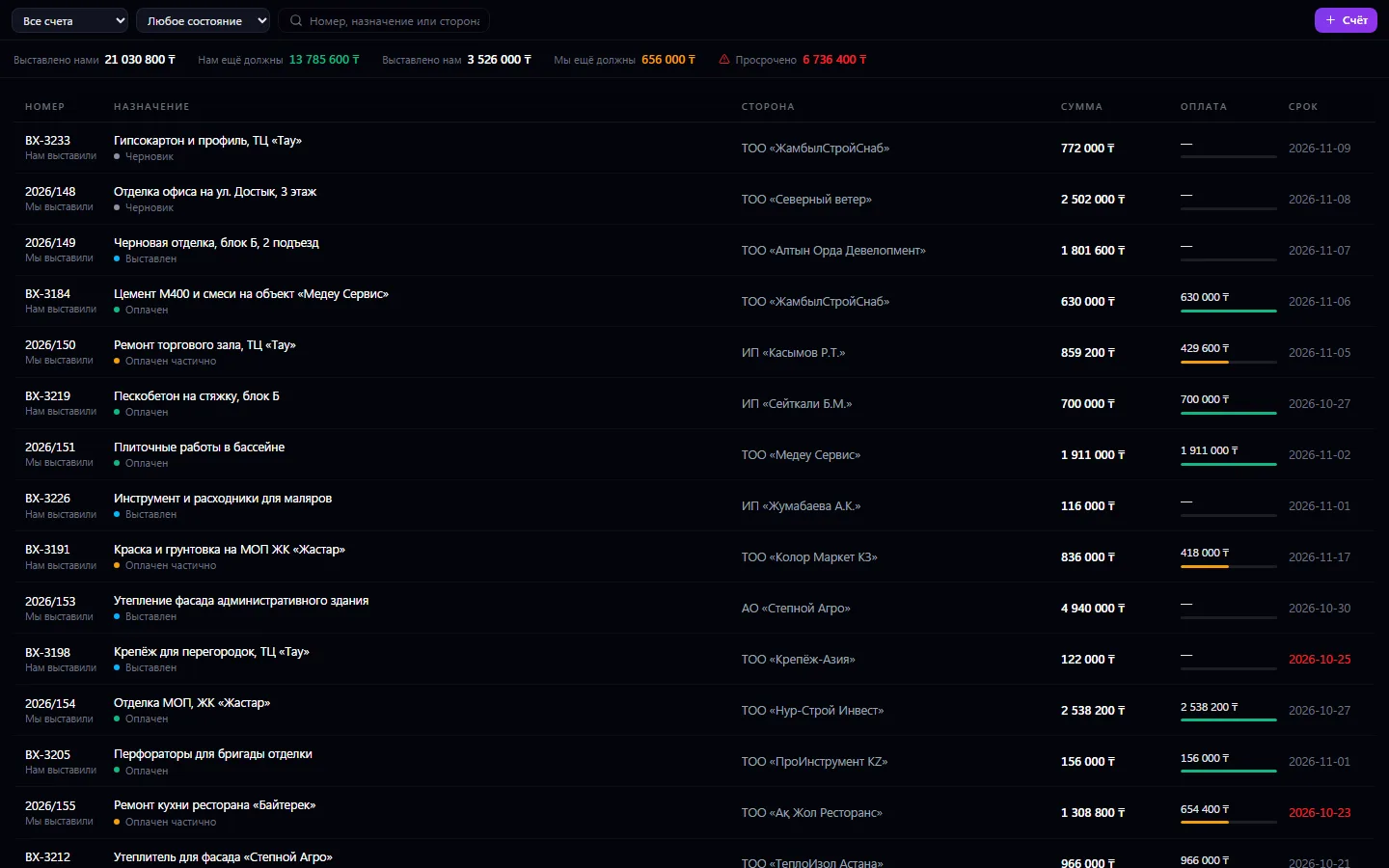
Company invoices both ways: the ones it has issued to customers and the ones it has received from suppliers. An invoice has a number, line items with quantity and price, an issue date and a due date. Payment status isn't set by hand — it builds up from payments: pay half and the invoice becomes “partially paid”, pay it all and it's “paid”. Overdue invoices are visible at once, and each invoice has a history: who issued it, when it was sent and what settled it.
How to use it, step by step
- 1
Click “+ Invoice” and choose the direction and the buyer or supplier
- 2
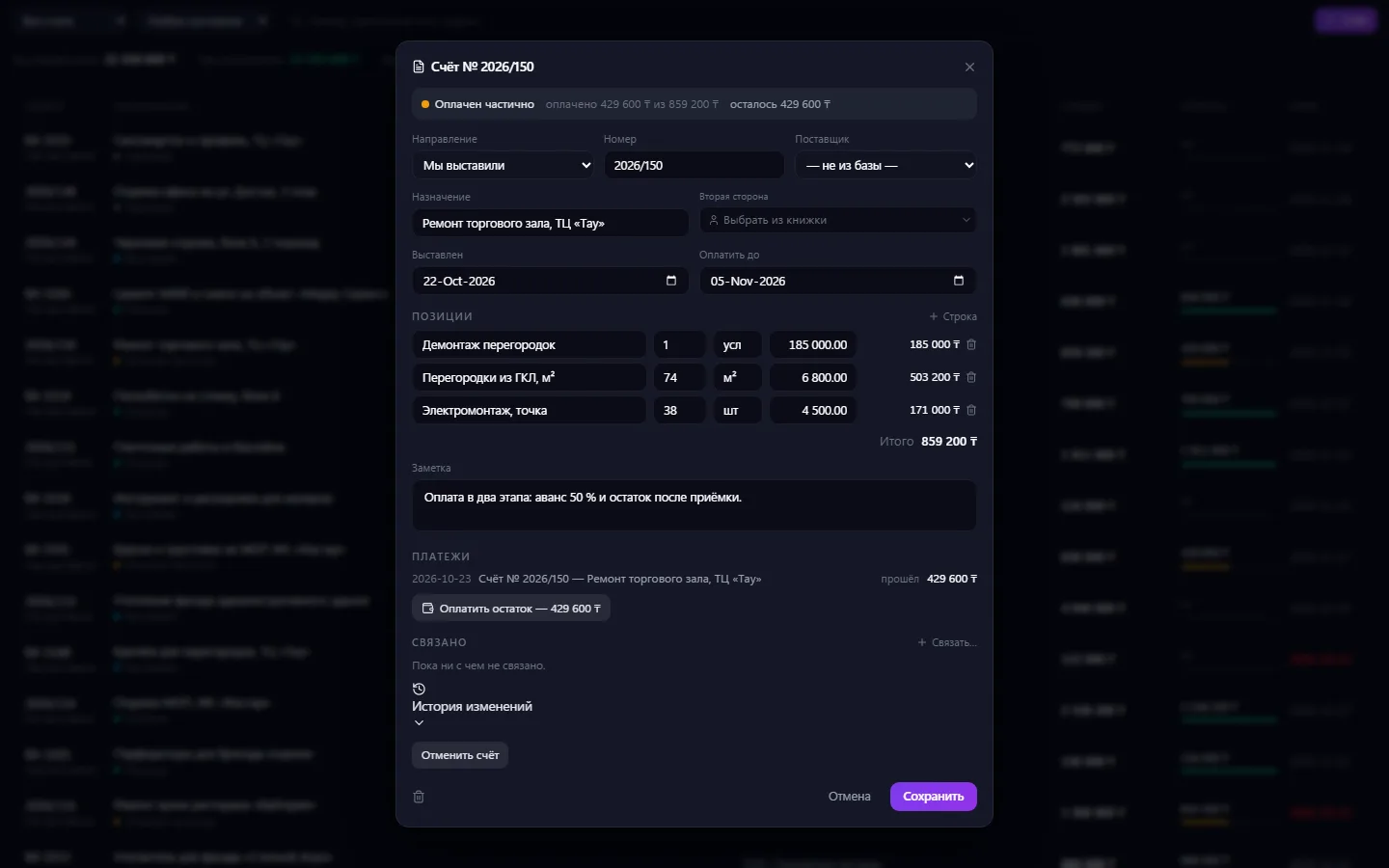
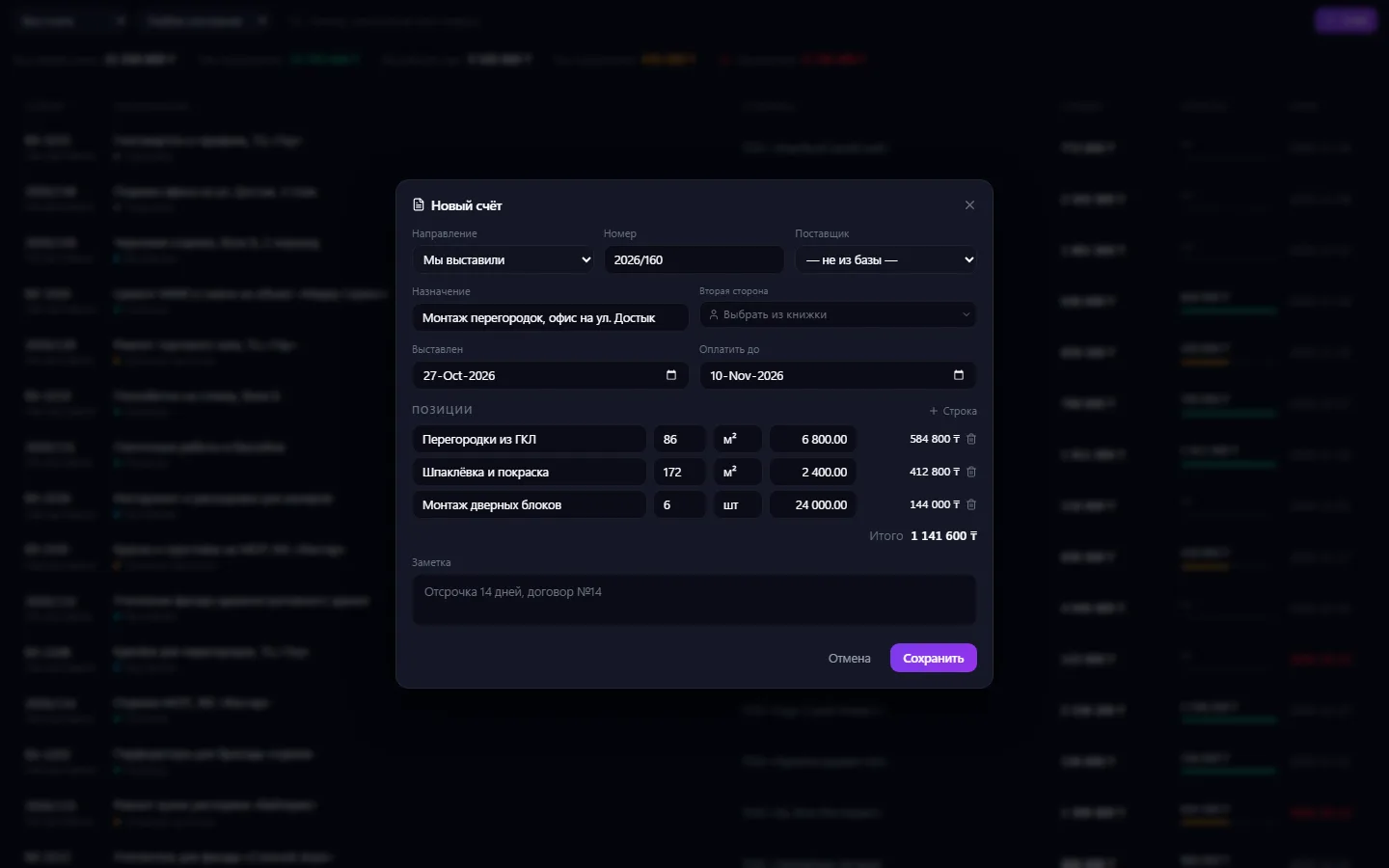
Add lines: name, quantity, unit and price — the total calculates itself
- 3
Save the draft and move the invoice to “Issued” once you send it to the customer
- 4
When money comes in, create a payment right from the invoice card — the payment status updates itself
- 5
Watch the summary and the red due dates so you can remind people of debts in time
What you can do
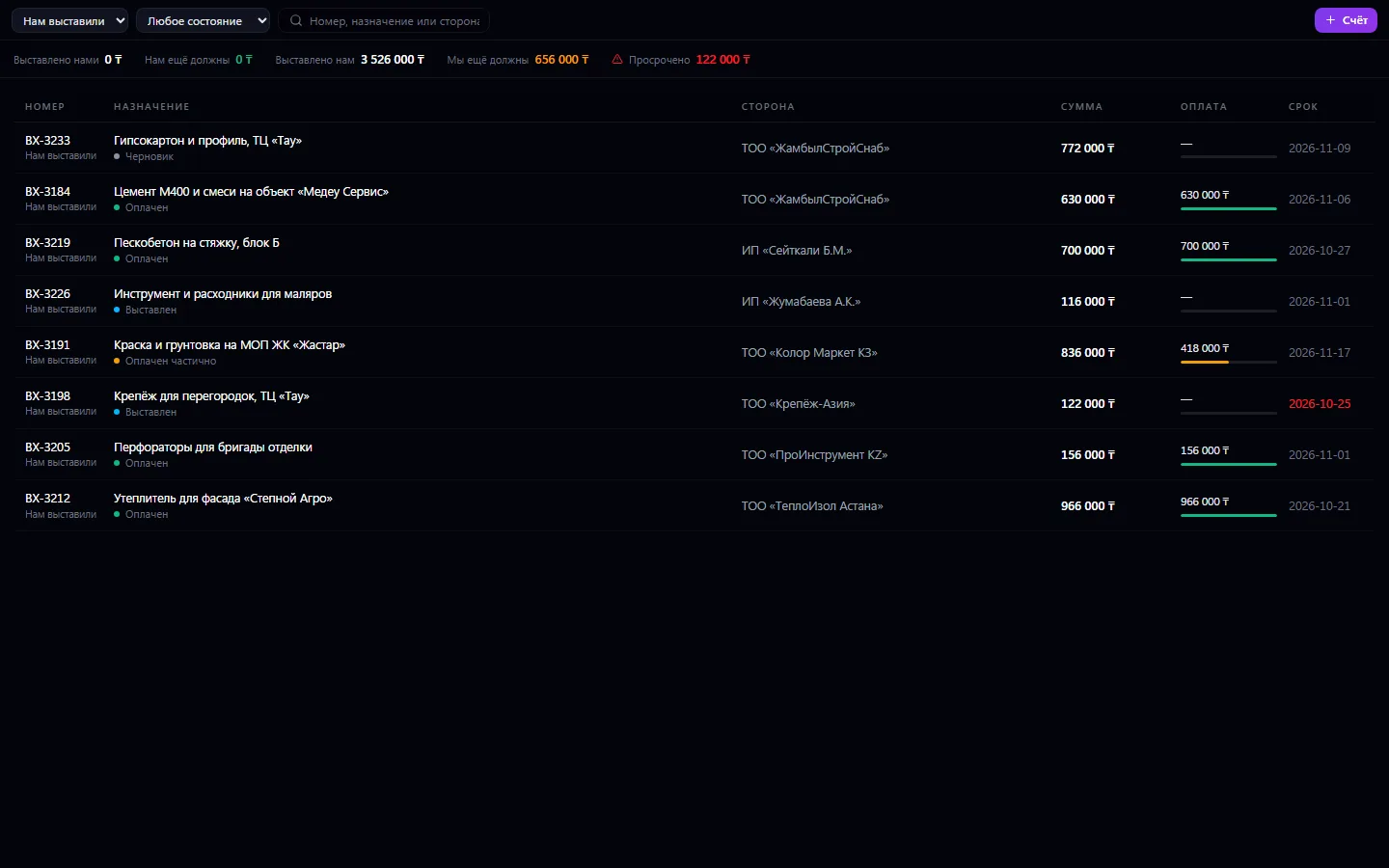
- Invoices both ways: “We issued” and “Issued to us” in one register
- Line items with quantity, unit and price; the invoice amount is calculated from the lines
- The next invoice number is suggested in sequence, but you can enter your own
- Payment status isn't set by hand: “partially paid” and “paid” build up from payments
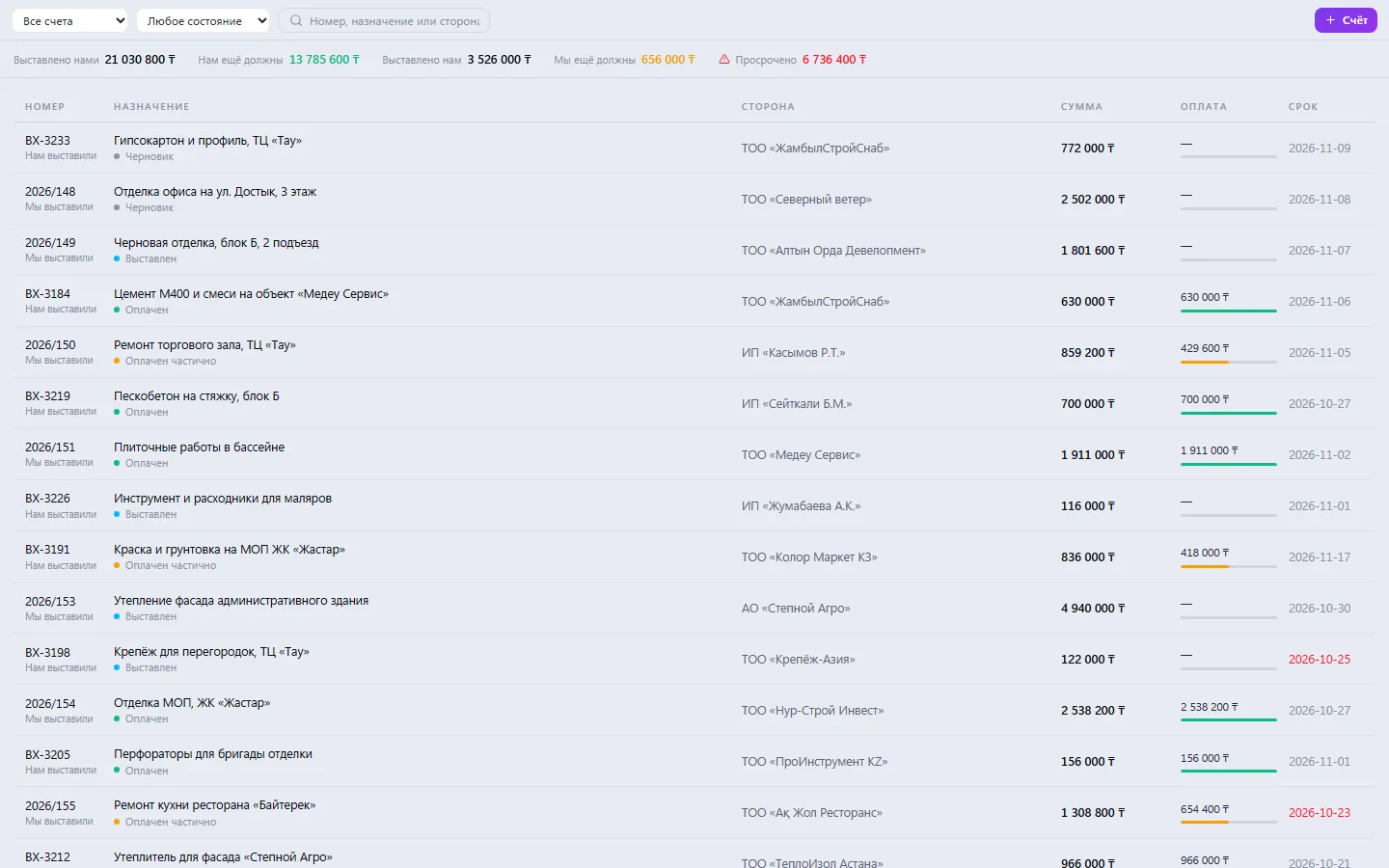
- Overdue status is determined by the due date and highlighted in red
- A summary at the top: how much has been issued, how much we're still owed, how much we owe, how much is overdue
- A payment bar on each line shows how much of the amount has already arrived
- A payment for an invoice is created right from the card — with the “Pay the balance” button
- The buyer is chosen from the shared contact book, the supplier from the Suppliers base
- Filters by direction and status, search by number, purpose and party
- Draft → issued → cancelled: a person controls only these steps
- A “Related” block and change history in every card
What it looks like
Real app windows with a fictional company as an example. Click a screenshot to enlarge it.
Works together with
- Payments: a payment for the invoice is created in the payment register, and the invoice status is recalculated from it
- Suppliers: an incoming invoice is linked to a supplier from the base
- Contacts: the buyer is chosen from the shared counterparty book
- Business CRM: an invoice for a deal fills in the deal's buyer automatically
- Procurement: an invoice is created from a request in one click with the same lines
Not connected yet
We are honest about what works only with an external provider or is still planned:
- There is no bank connection or bank statement import — payment is marked with a manual payment entry
Need an integration for your company? Tell us about the task.
Related apps
Promotions
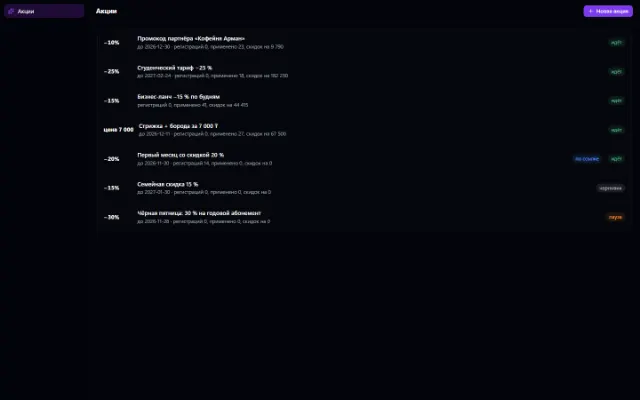
Discounts, promo codes, coupons and sign-ups for offers — for any company app
Learn more about the app
Warehouse
Stock, quality, procurement and sales in one business context
Learn more about the appTry Invoices in your company
Connect your company — the app is enabled in the app store in a minute. If a feature is missing, the CODE44 team can build it for you free of charge.