

Business Procurement
Request, approval, order, receiving
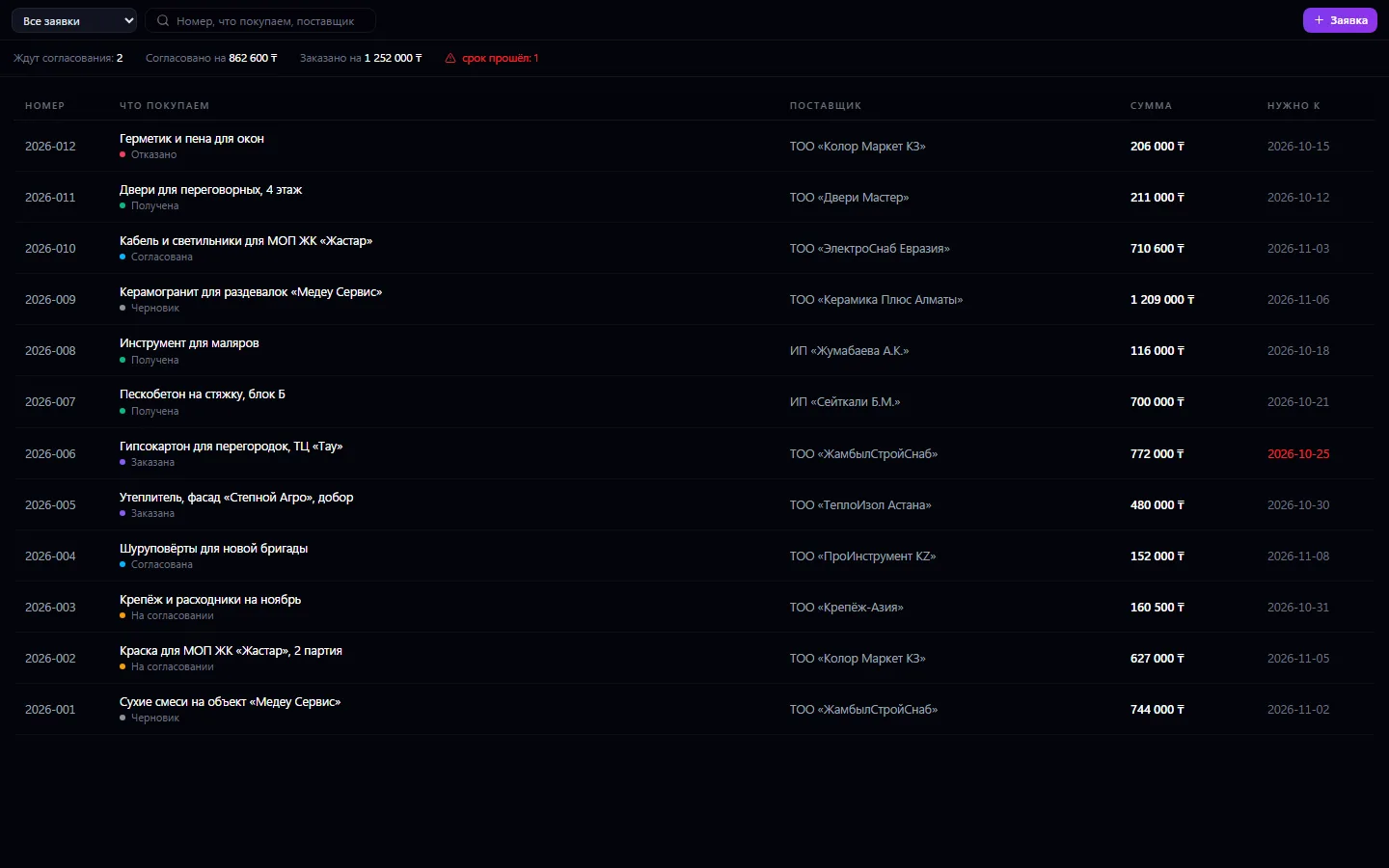
Purchase requests from the first line to goods received. An employee writes down what's needed and by when; the request goes to management for approval and comes back with a decision, not silence.
Procurement: what it does and how it works
Purchase requests from the first line to goods received. An employee writes down what's needed and by when; the request goes to management for approval and comes back with a decision, not silence. An approved request is ordered from the supplier, and a received one is marked with a goods receipt. Prices are filled in from the supplier's price list, and a finished request creates an invoice and payment in one click — no need to retype the same lines a second time.
How to use it, step by step
- 1
Click “+ Request”, choose a supplier and enter what's needed and by when
- 2
Write a justification and send the request for approval
- 3
The manager approves or rejects with a reason
- 4
Order what's approved from the supplier and mark it “Ordered”
- 5
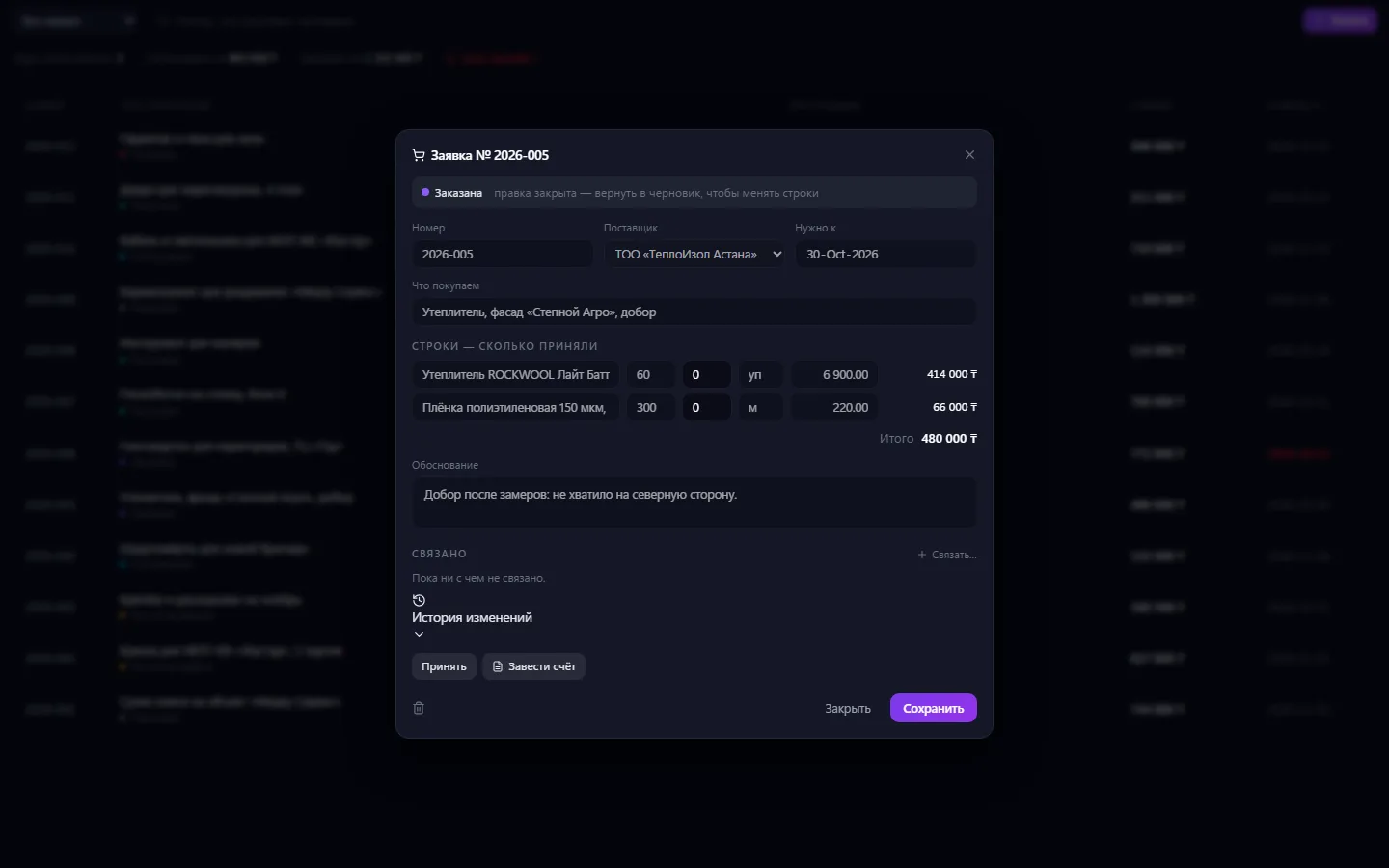
On delivery, mark the receipt and create an invoice from the request
What you can do
- The request's path: draft → approval → order → receipt
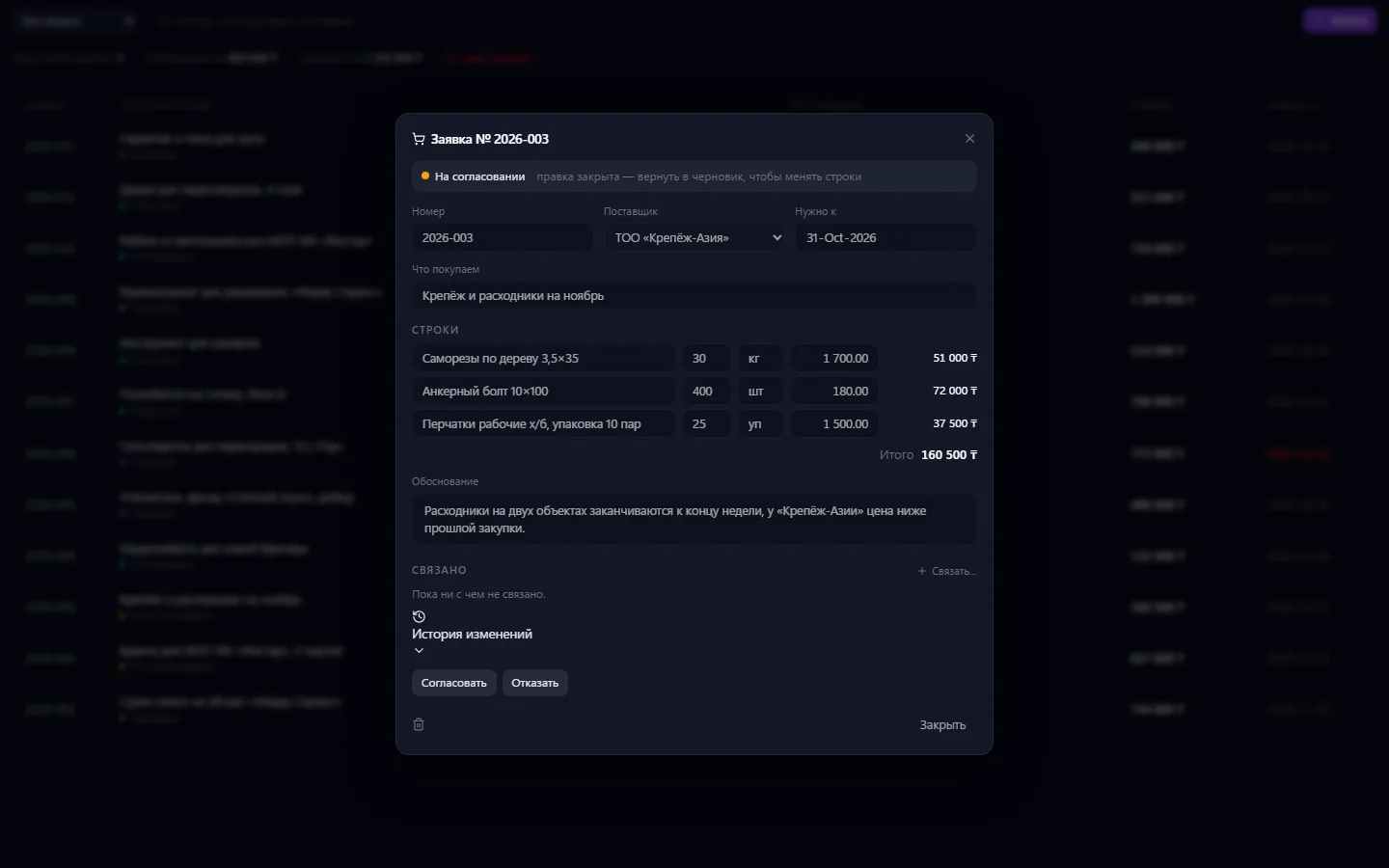
- Lines with quantity, unit and price; the total calculates itself
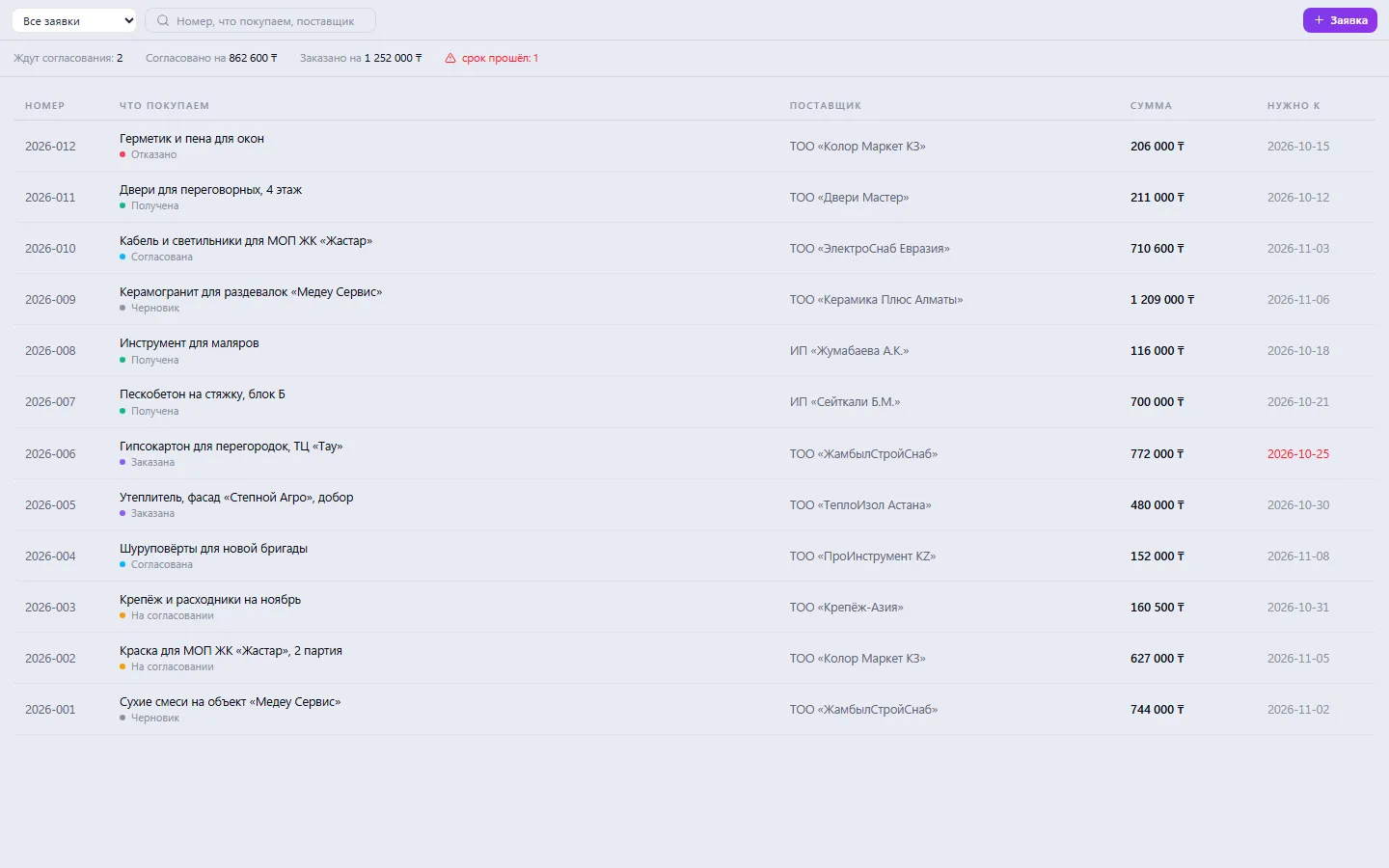
- A “needed by” date and a red mark if it has passed and the goods haven't arrived
- A justification that the approver reads
- One-click manager approval; rejection only with a reason
- Once sent for approval, the lines are locked for editing
- Receipt with a note of how much actually arrived for each line
- An invoice with the same lines is created from the request in one click
- Summary: how much is awaiting approval, and the amount approved and ordered
- Filter by status and search by number, item and supplier
What it looks like
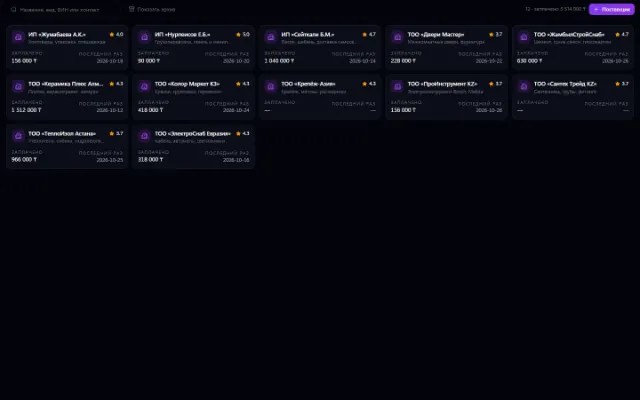
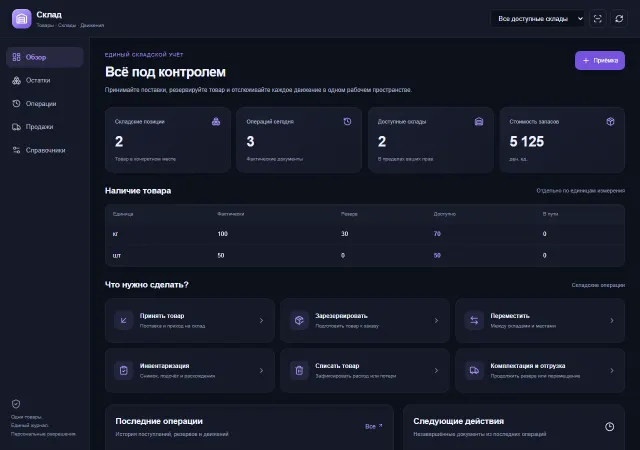
Real app windows with a fictional company as an example. Click a screenshot to enlarge it.
Works together with
- Suppliers: choosing a supplier and prices from its price list
- Invoices: an invoice for the request is created in one click
- Payments: payment for the delivery goes into the shared payment register
- Approvals: the request goes into the manager's shared decision queue
- Warehouse: stock replenishment requests are accepted through the warehouse
Related apps
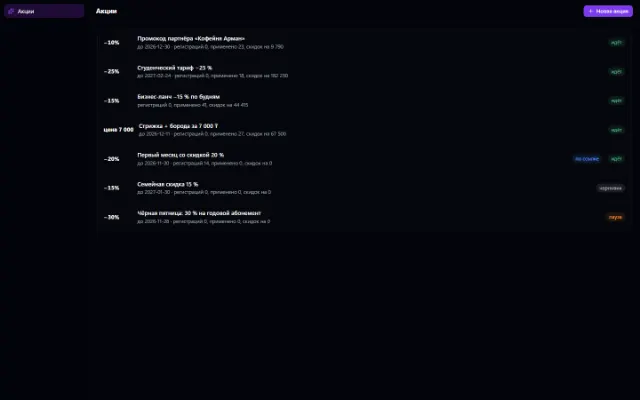
Promotions
Discounts, promo codes, coupons and sign-ups for offers — for any company app
Learn more about the app
Warehouse
Stock, quality, procurement and sales in one business context
Learn more about the appTry Procurement in your company
Connect your company — the app is enabled in the app store in a minute. If a feature is missing, the CODE44 team can build it for you free of charge.