

Business Suppliers
Who the company buys from — in one place
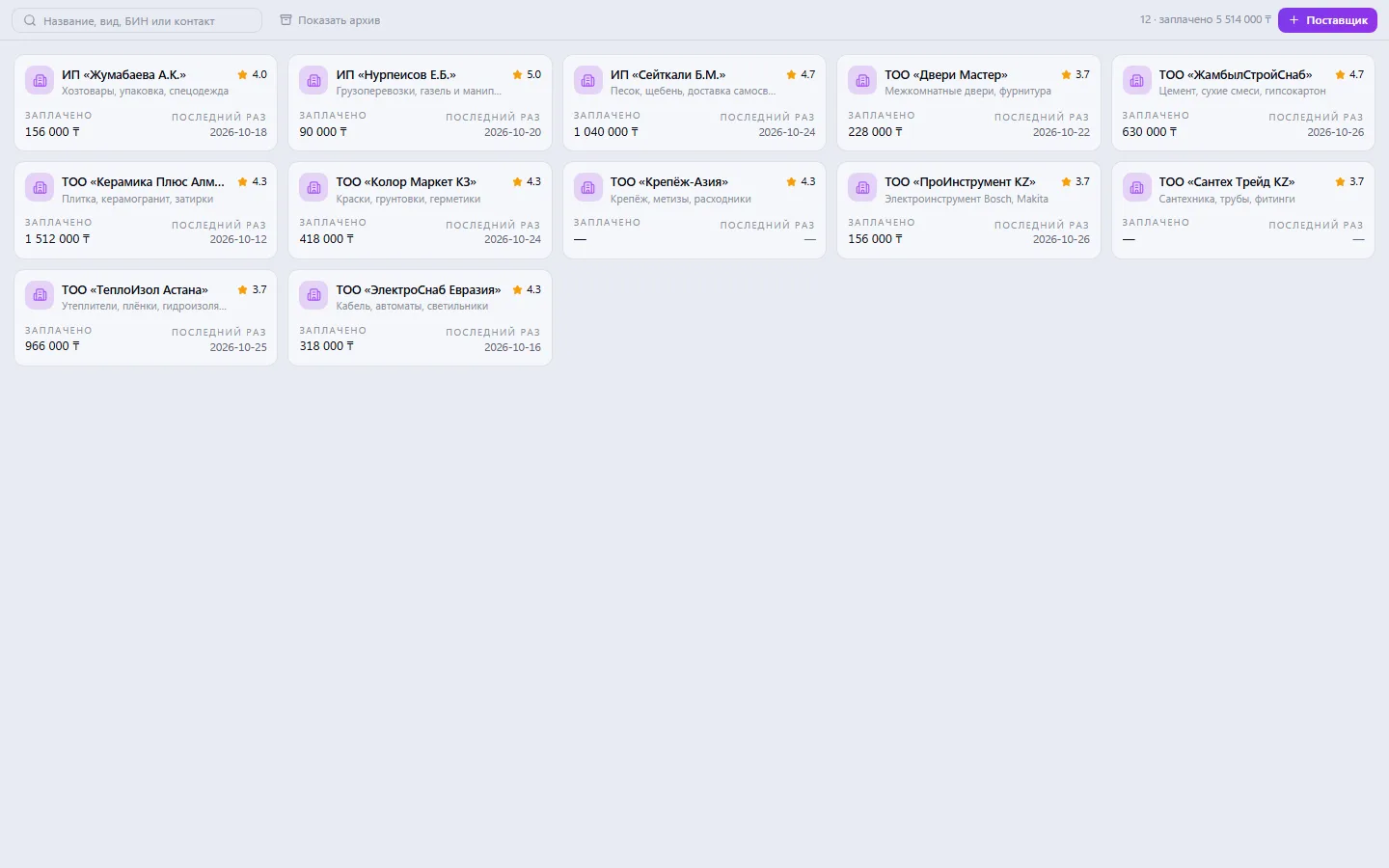
The company's supplier base — the same records as in the shared Contacts book: company details, the supplier's people with job titles, bank details, a price list with price history and product links, a rating. Each supplier shows its history of purchases, invoices and payments, and Contacts has the full counterparty profile with debts both ways.

Suppliers: what it does and how it works
The company's supplier base — the same records as in the shared Contacts book: company details, the supplier's people with job titles, bank details, a price list with price history and product links, a rating. Each supplier shows its history of purchases, invoices and payments, and Contacts has the full counterparty profile with debts both ways. The rating is based on three questions: do they deliver on time, do they deliver the right thing, are they easy to deal with. The price from the price list is filled into the purchase request.
How to use it, step by step
- 1
Click “+ Supplier” and enter company details, contact and terms
- 2
Add the supplier's people and price list lines with prices
- 3
After a delivery, rate it on three questions
- 4
Update prices — the change history is saved automatically
- 5
Move suppliers you no longer use to the archive
What you can do
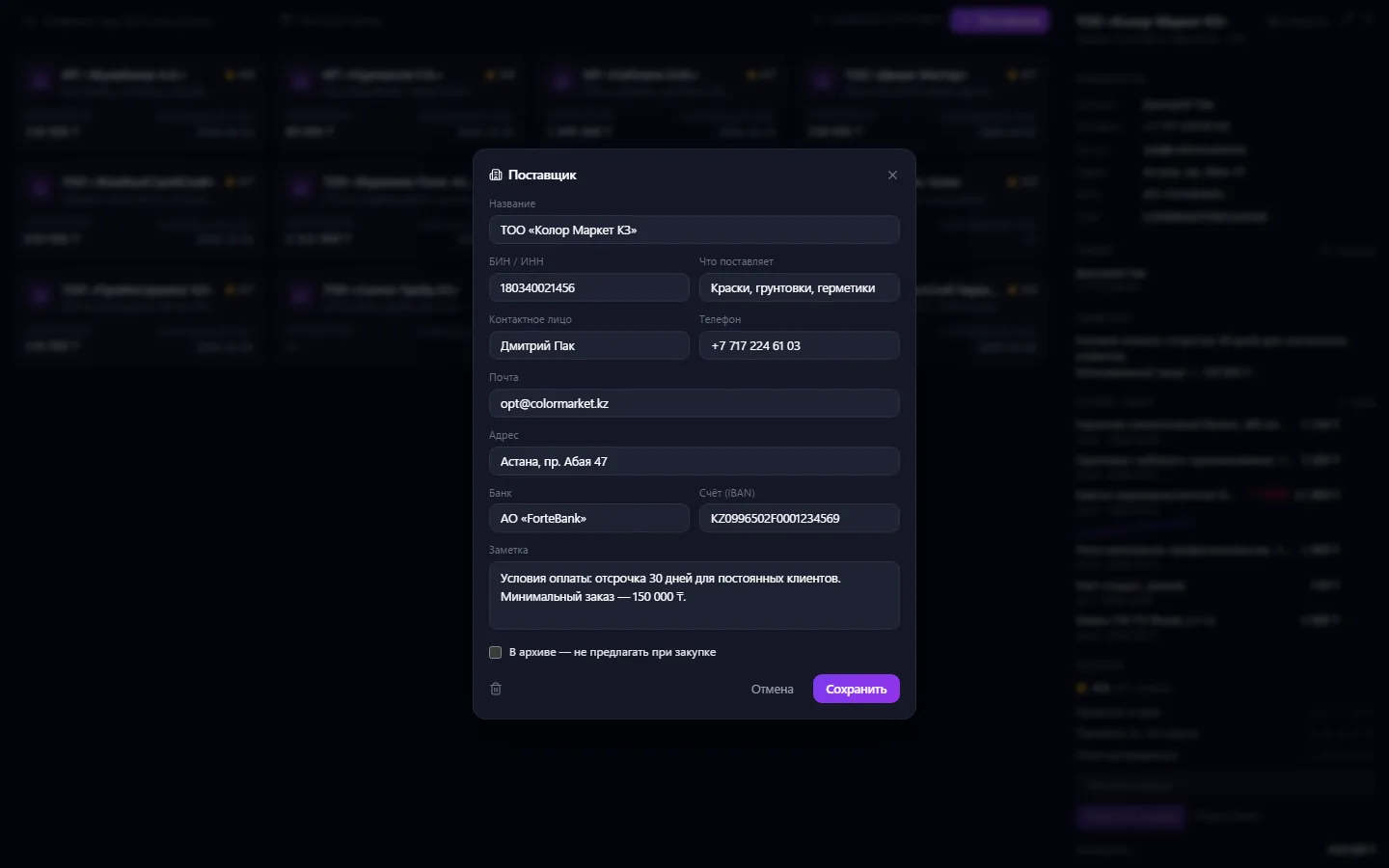
- A supplier base with supply type, BIN, contact, phone and address
- Bank details: bank and IBAN account
- The supplier's people with job titles and phones
- A price list with price dates and history: you can see by what percentage an item has gone up
- Price list lines are linked to catalog products
- Rating on three questions: do they deliver on time, do they deliver the right thing, are they easy to deal with
- For each supplier — how much has been paid and when the last payment was
- A note with payment and delivery terms
- An archive for suppliers you've stopped working with
- Search by name, supply type, BIN and contact
- Overall total: how many suppliers and how much has been paid to them in total
What it looks like
Real app windows with a fictional company as an example. Click a screenshot to enlarge it.


Works together with
- Contacts: a supplier is an organization in the shared book, and the supplier's people are its employees
- Procurement: the price from the price list is filled into the purchase request
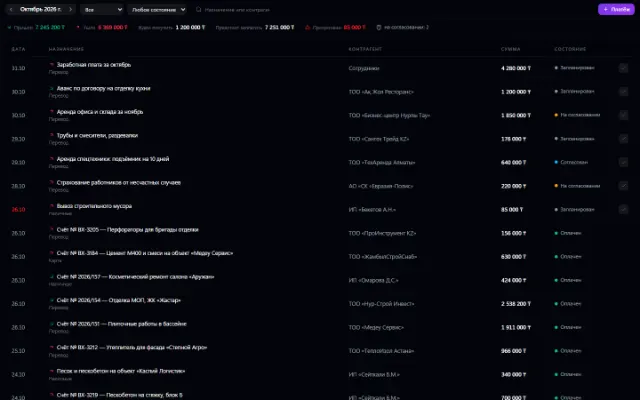
- Invoices and Payments: each supplier shows its invoice history and total payments
- Warehouse: a price list line is linked to a catalog product by SKU
Related apps


Promotions
Discounts, promo codes, coupons and sign-ups for offers — for any company app
Learn more about the app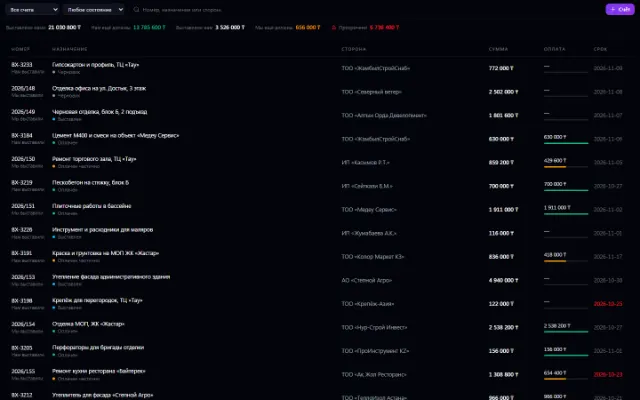


Warehouse
Stock, quality, procurement and sales in one business context
Learn more about the appTry Suppliers in your company
Connect your company — the app is enabled in the app store in a minute. If a feature is missing, the CODE44 team can build it for you free of charge.