Live
Clinics
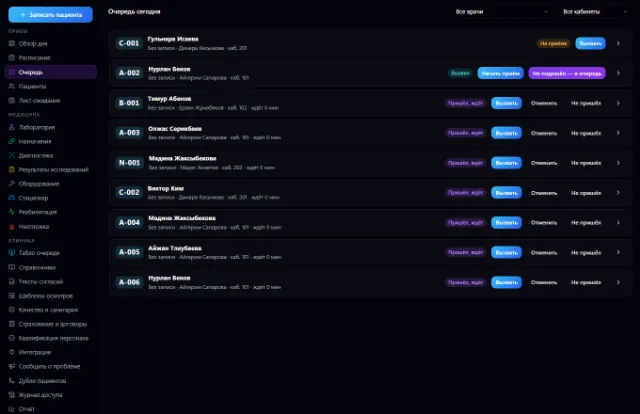
Appointments and a queue with a display board, doctor visits, medical records, lab and prescriptions — on top of CRM, calendar and invoices
Learn more about the appOdontogram, dental visits and treatment plans — on top of Clinics, CRM, calendar and invoices
Dental Clinics is an app on top of Clinics for a dental practice: an odontogram, dental visits and treatment plans. The patient, booking, medical record and invoices are shared with Clinics — there is no second medical system.
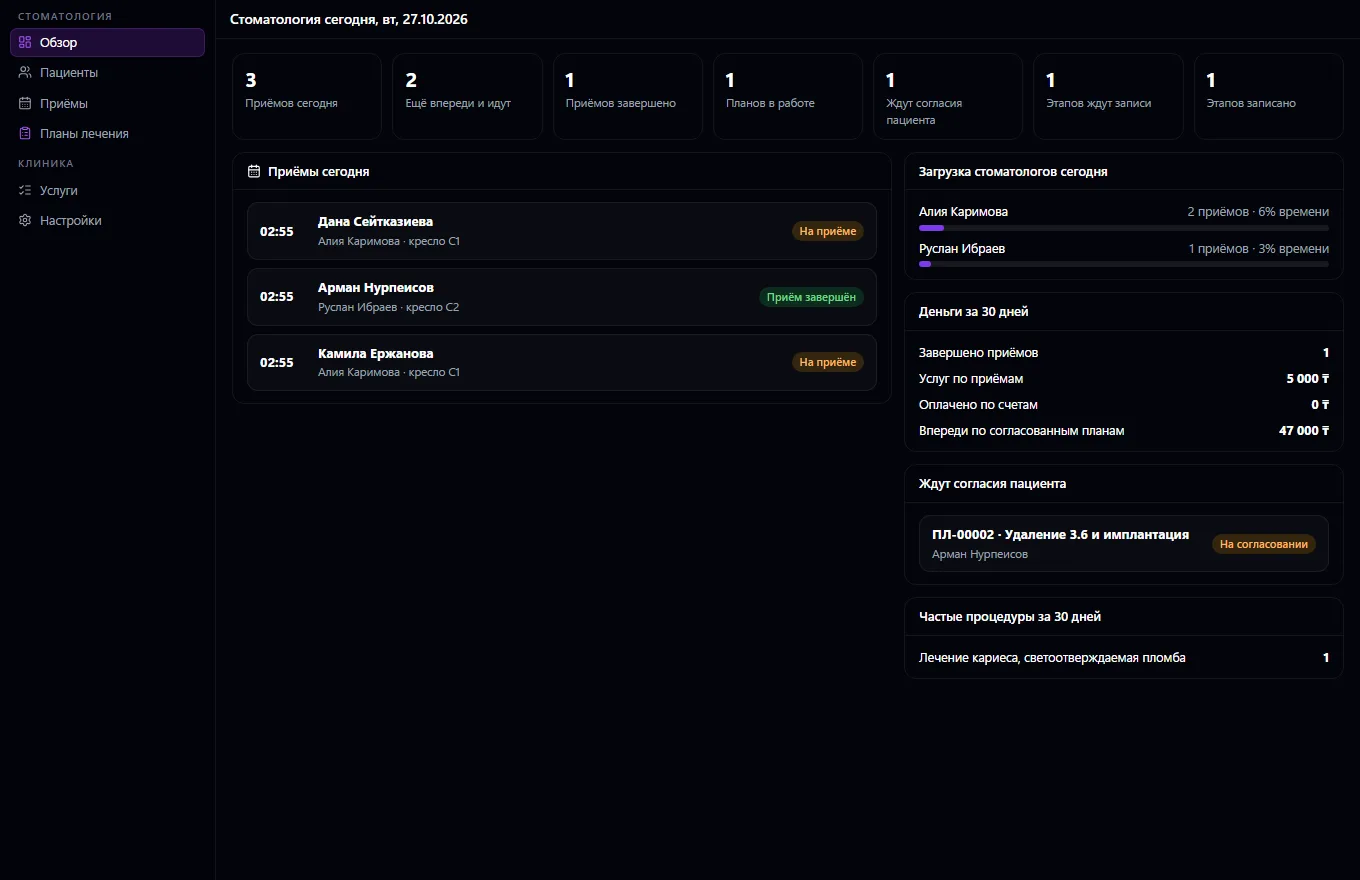
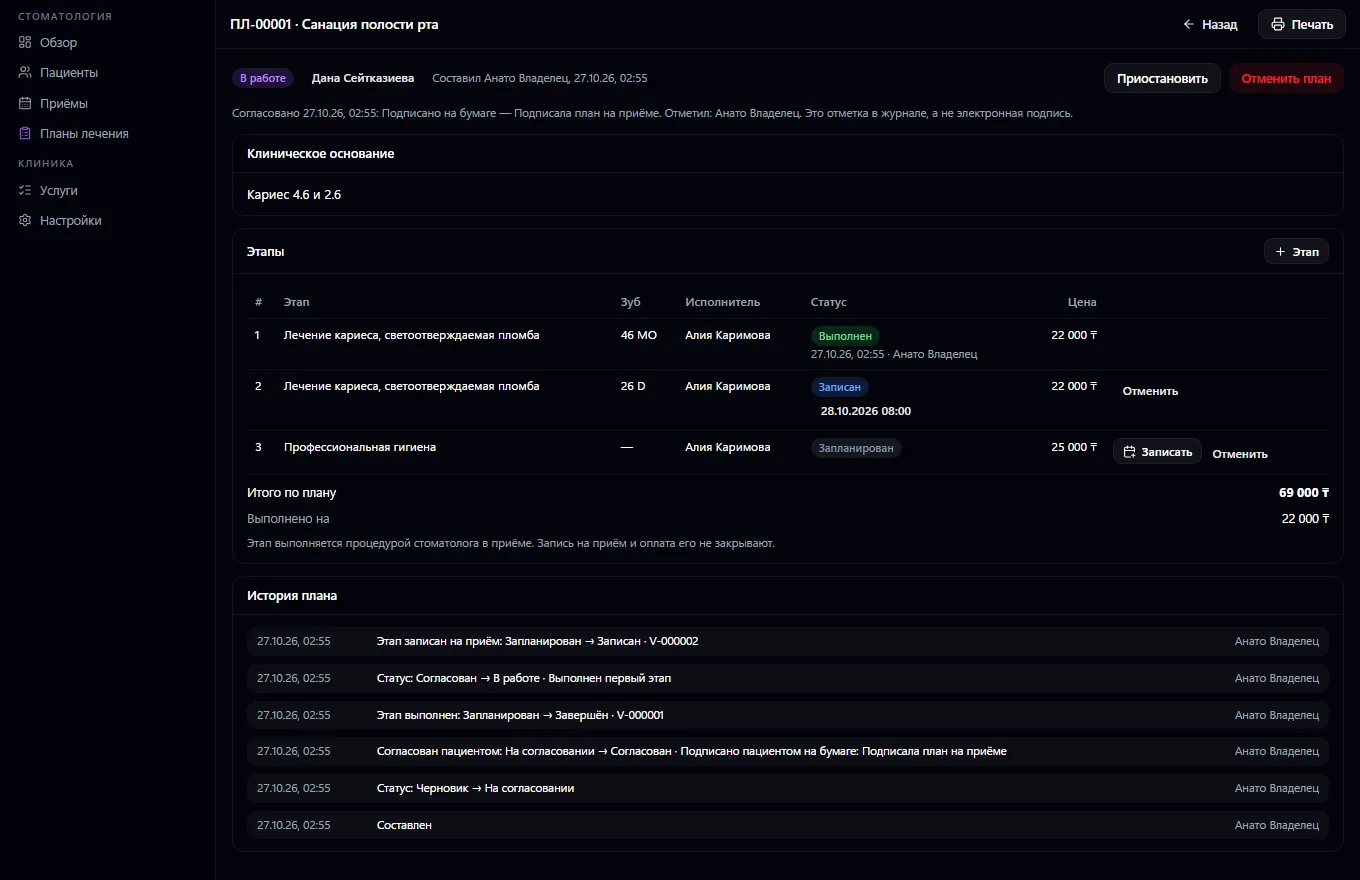
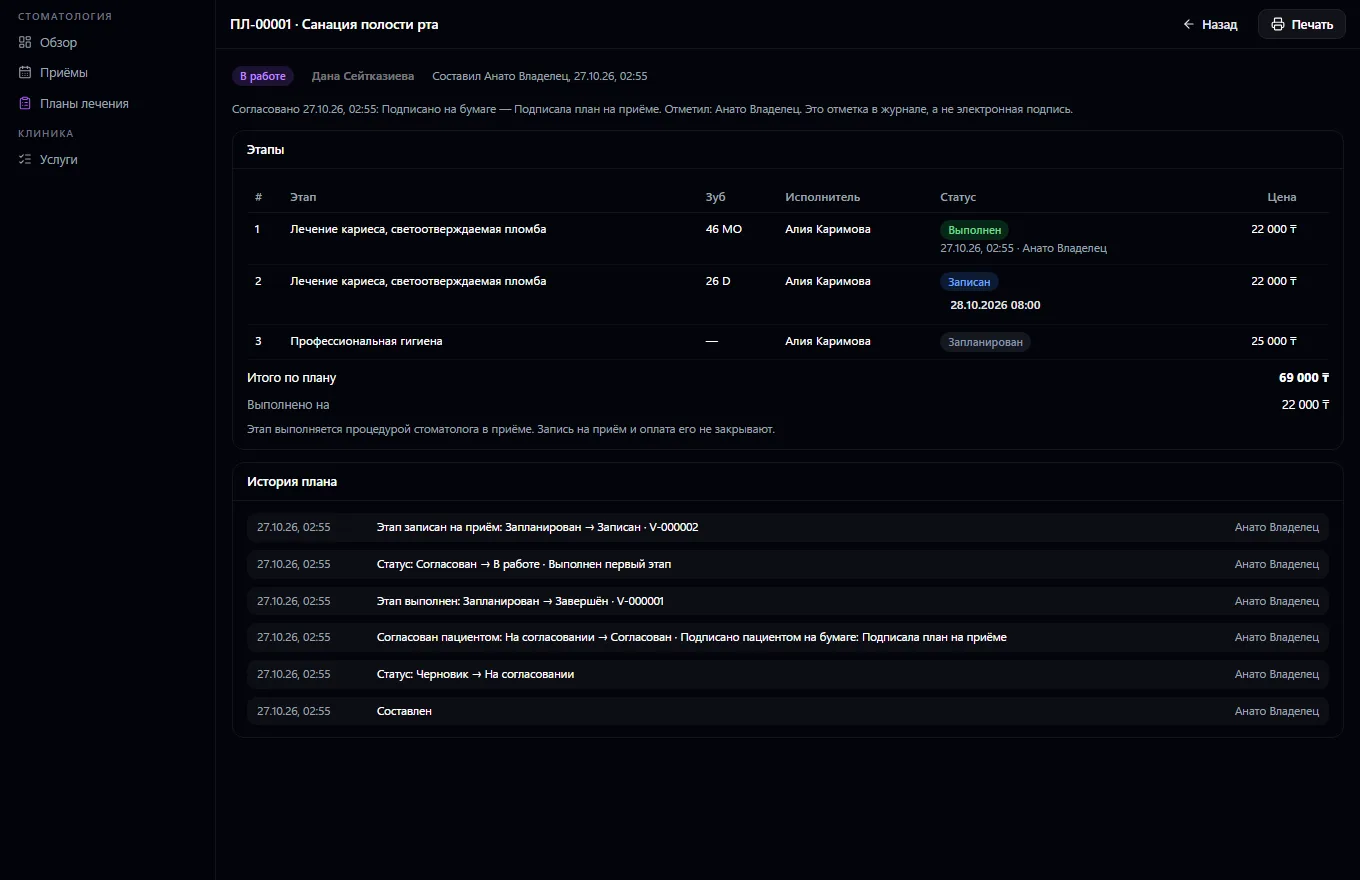
A dental clinic or practice in one window, with no second medical system: the patient comes from the shared contact book, and the medical record, booking, queue, examination, diagnoses, invoice and calendar come from Clinics. An FDI odontogram: permanent and primary teeth, five surfaces, caries, fillings, crowns, implants, root canals and the clinic's own conditions; several conditions on one tooth; a history of every tooth with the date, doctor and visit — an entry is never edited, only closed or voided with a reason. Dental visit: bite, hygiene, the teeth treated, procedures by tooth and surface; the service goes onto the clinic invoice. Treatment plan: stages with a service, tooth, price, provider and date, statuses by rules — draft, patient consent with a document in the medical record, in progress, paused, completed; a stage is completed only by a dentist's procedure during a visit, not by a booking or payment; a stage is booked into a chair with no double booking.
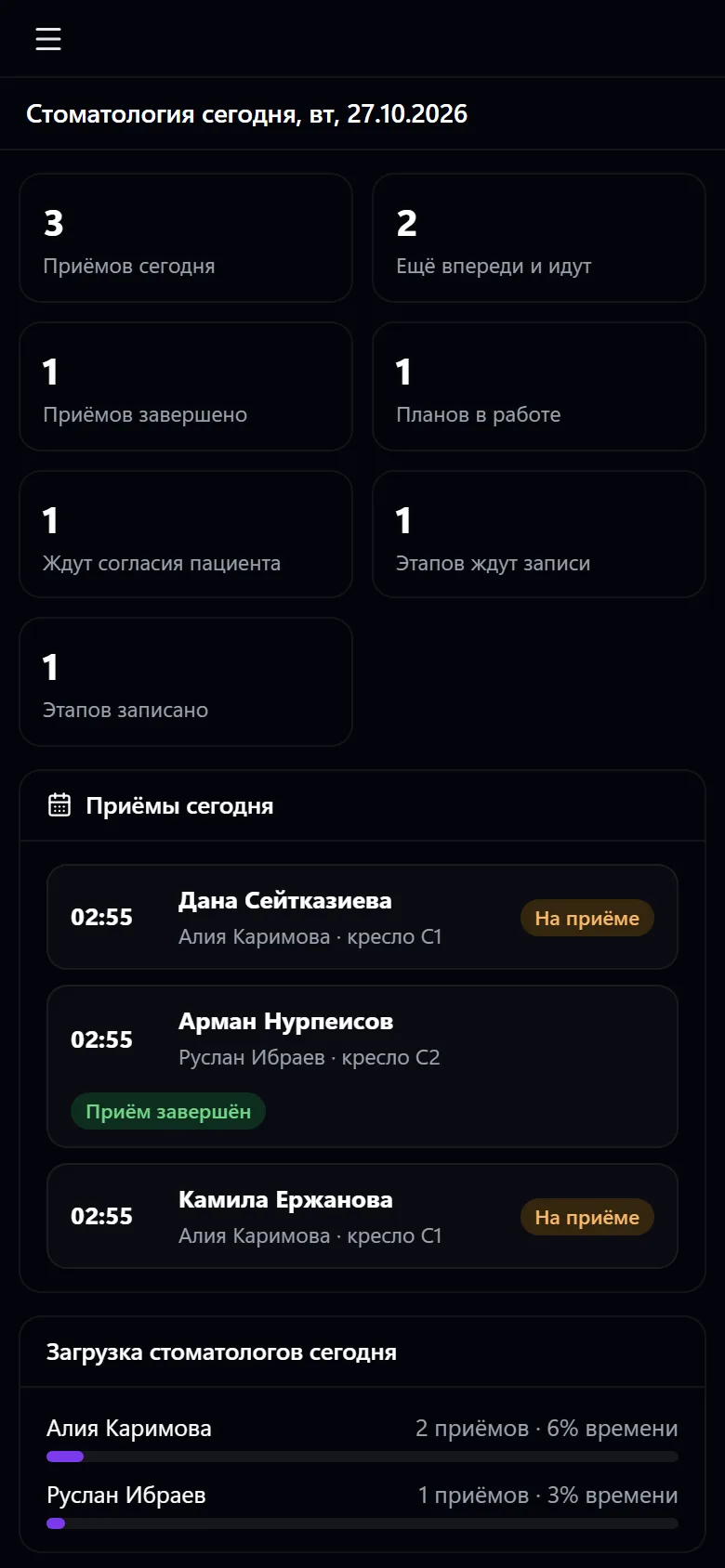
Area-based permissions: dentist, assistant, consent, finance, manager; the finance person doesn't see the odontogram, and reception can't change clinical records. Every opening of a record goes into the clinic log. Overview: today's visits, plans, stages, doctor workload, revenue.
Connect Clinics and mark the dentists, chairs and dental services
Open the patient's record and mark the state of the teeth on the odontogram
Draw up a treatment plan with stages and prices and record the patient's consent
Book a stage into a chair with the right doctor
During the visit, perform the stage's procedure — the service goes onto the invoice and the stage closes
Track visits, plans and doctor workload in the overview
Real app windows with a fictional company as an example. Click a screenshot to enlarge it.
We are honest about what works only with an external provider or is still planned:
Need an integration for your company? Tell us about the task.
Appointments and a queue with a display board, doctor visits, medical records, lab and prescriptions — on top of CRM, calendar and invoices
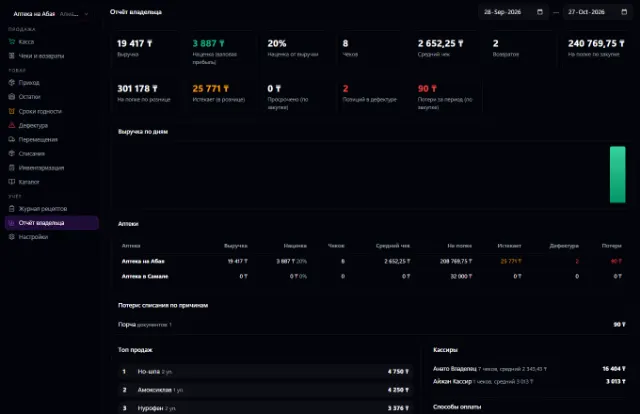
Learn more about the appA register with a scanner, receiving with lots and expiry dates, prescriptions and product marking, shortage lists and a report for the pharmacy chain owner
Learn more about the appConnect your company — the app is enabled in the app store in a minute. If a feature is missing, the CODE44 team can build it for you free of charge.