

Notepad
Write it down and keep it
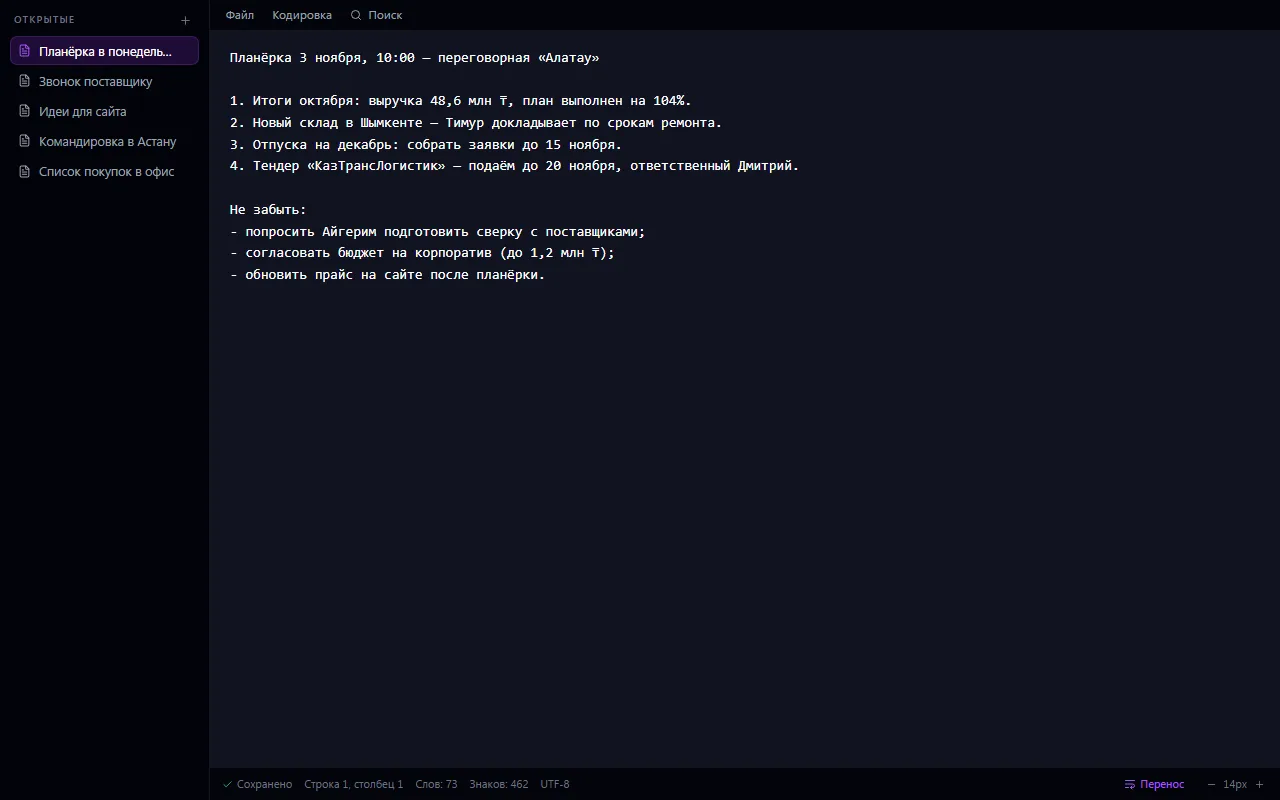
Notepad as you know it from Windows: a blank page and plain text with no formatting. Opens instantly, saves itself, asks nothing.
Notepad: what it does and how it works
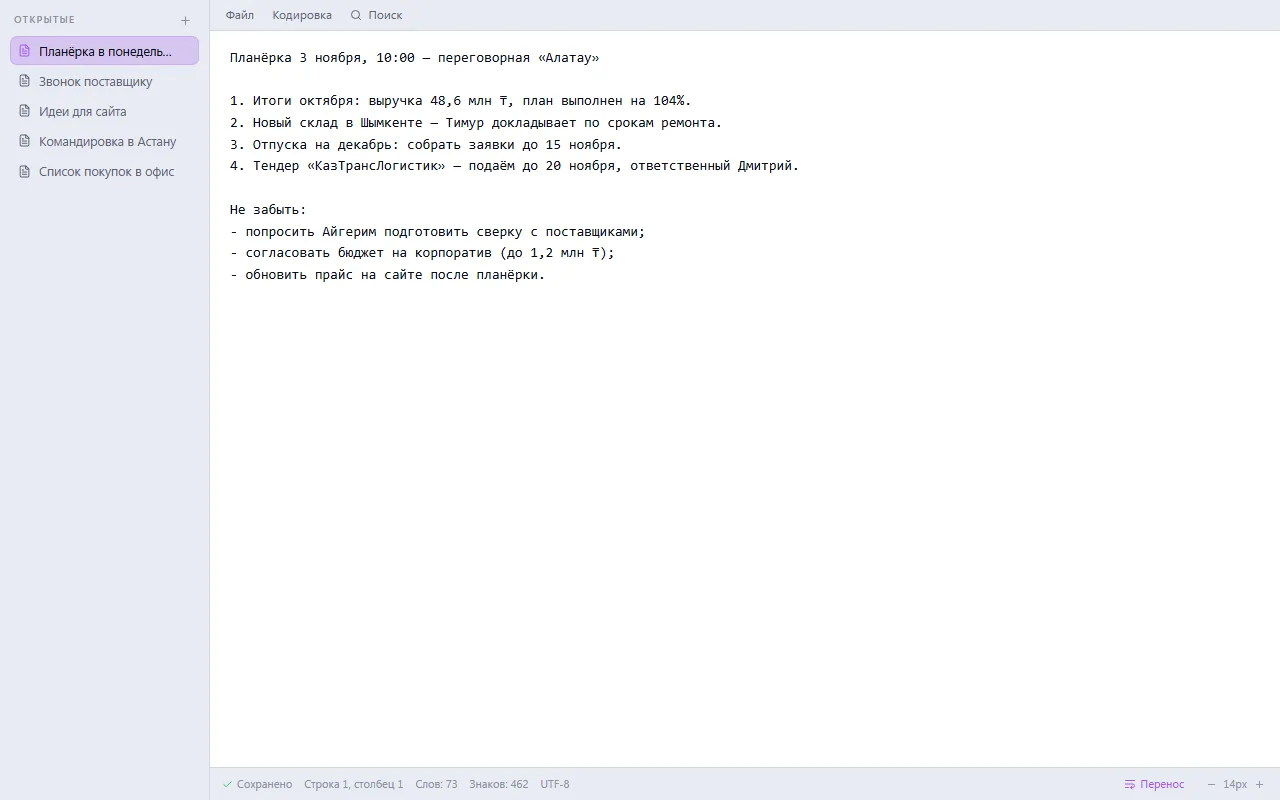
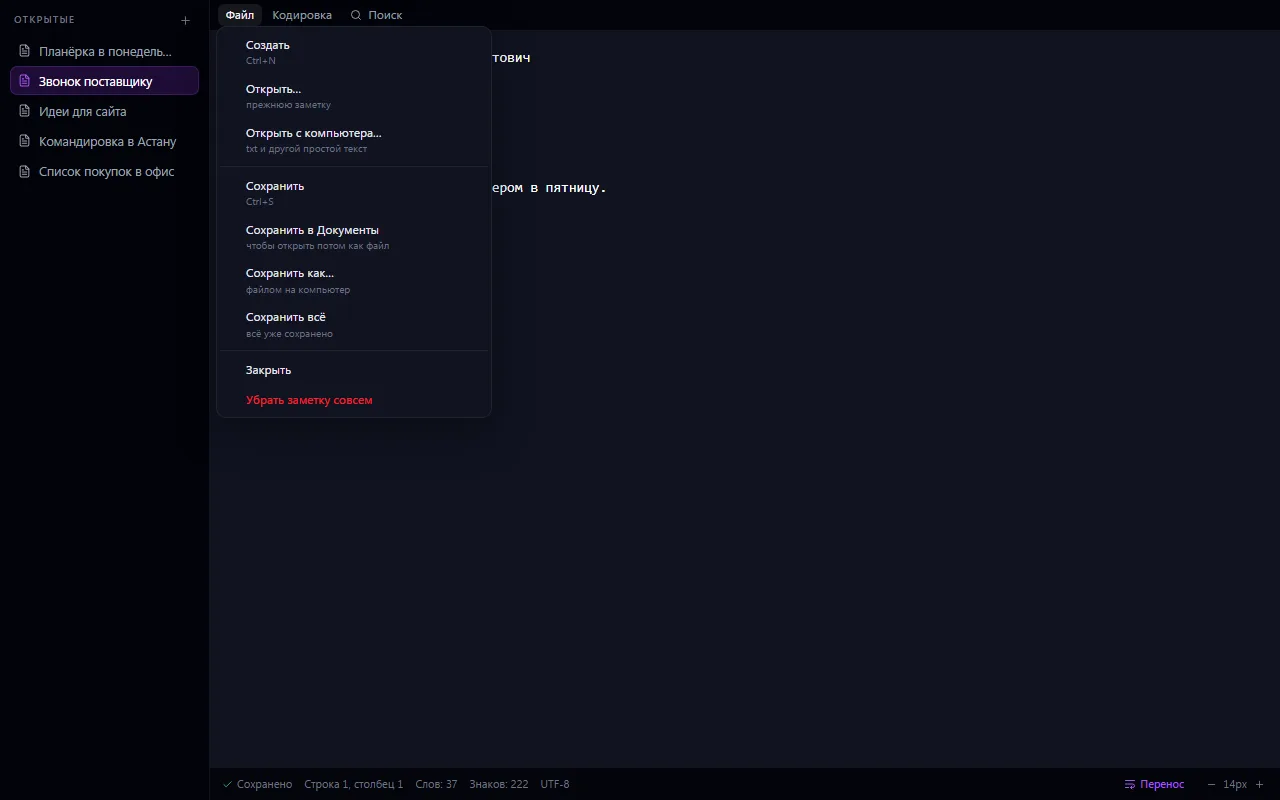
Notepad as you know it from Windows: a blank page and plain text with no formatting. Opens instantly, saves itself, asks nothing. Notes are personal — only the person who wrote them can see them. Tabs at the top, word wrap and font size can be toggled, and the line, column and word count are shown at the bottom.
No tables, fonts or colors: when you need formatting, there's Mail and News.
How to use it, step by step
- 1
Open Notepad — your last note opens on its own
- 2
Press “+” or Ctrl+N and start typing
- 3
Text saves itself; tabs on the left keep the notes you need at hand
- 4
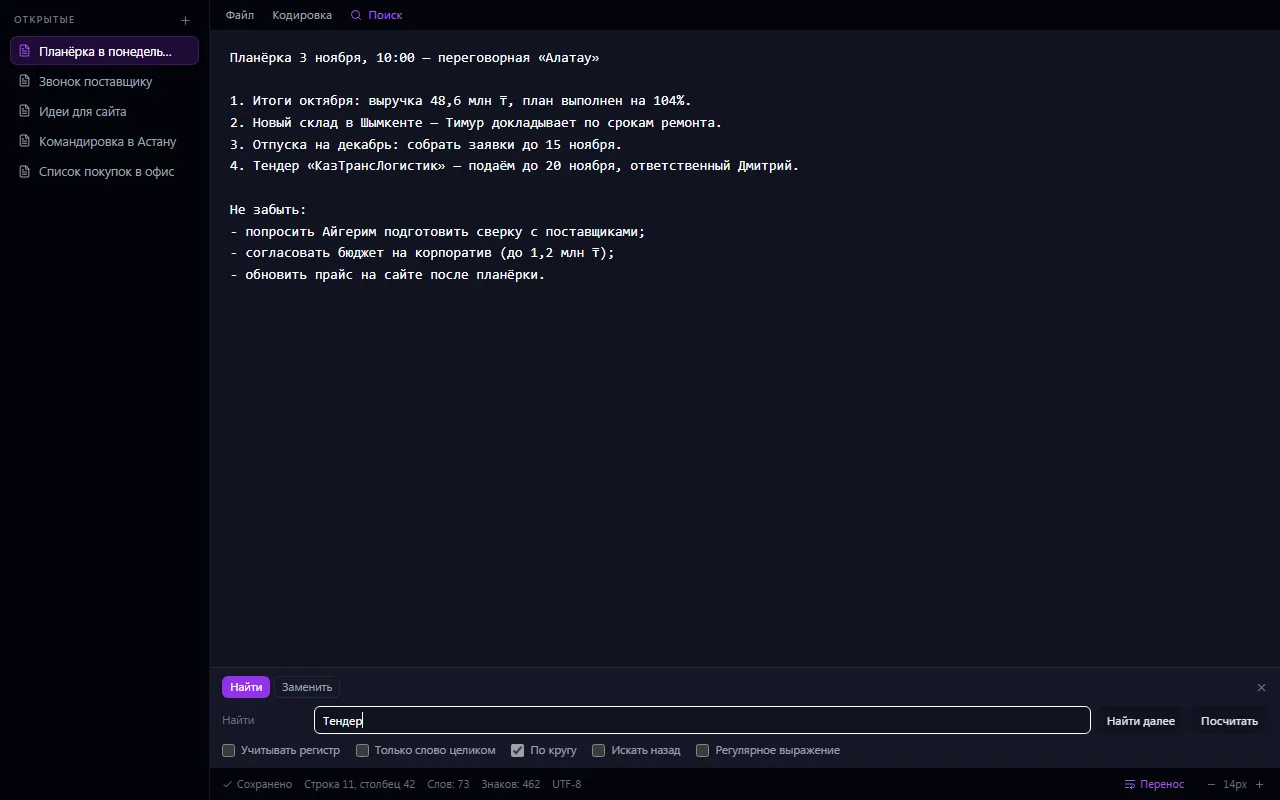
Find or replace a word with Ctrl+F
- 5
If needed, save the note to Documents or as a file on your computer
What you can do
- Plain text with no formatting — opens instantly
- Autosave on the server, no “Save” button
- Unsaved text stays in the browser if the connection drops, so nothing is lost
- Notes are personal: only the author sees them
- Tabs of open notes; reorder them by dragging
- Find and replace: match case, whole words, wrap around, regular expressions
- Status bar: line, column, word and character count
- Word wrap and font size can be toggled
- Open a text file from your computer with encoding detection
- Save to your computer in the chosen encoding (UTF-8, Windows-1251 and others)
- A shortcut to the note in Documents — it opens back in Notepad
- Keyboard shortcuts as in Windows: Ctrl+N, Ctrl+S, Ctrl+F
What it looks like
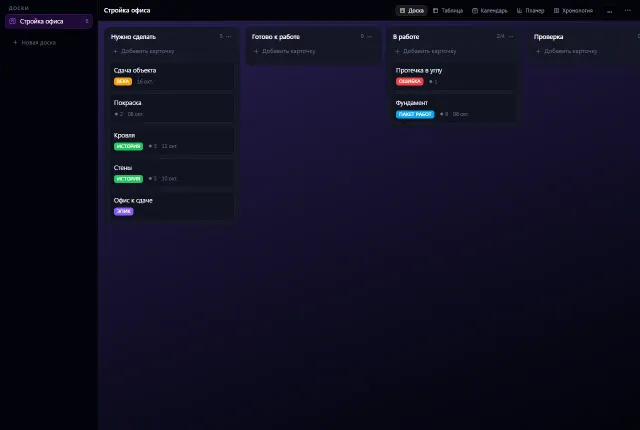
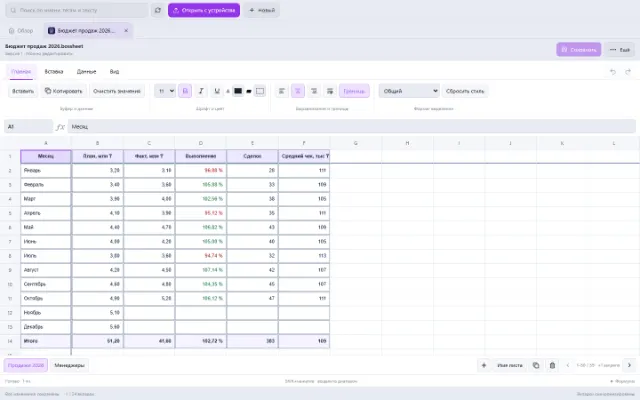
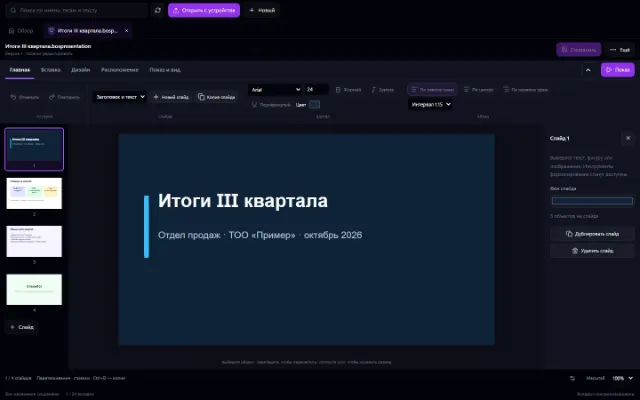
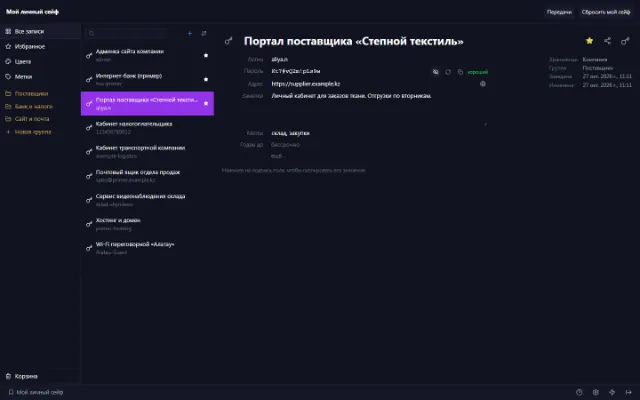
Real app windows with a fictional company as an example. Click a screenshot to enlarge it.
Works together with
- Documents: a note can be placed there as a shortcut and opened from there again
Related apps
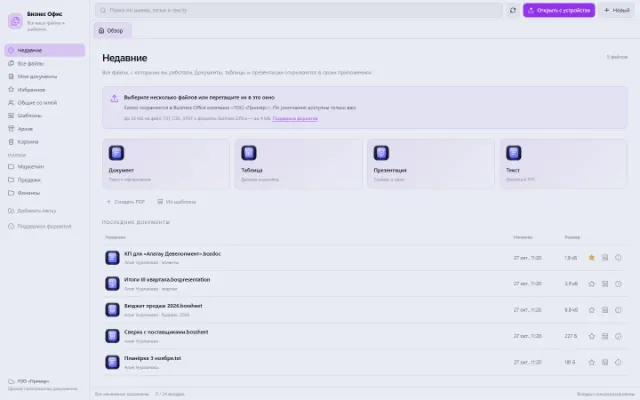
Business Office
All working files, recent documents and personal templates
Learn more about the app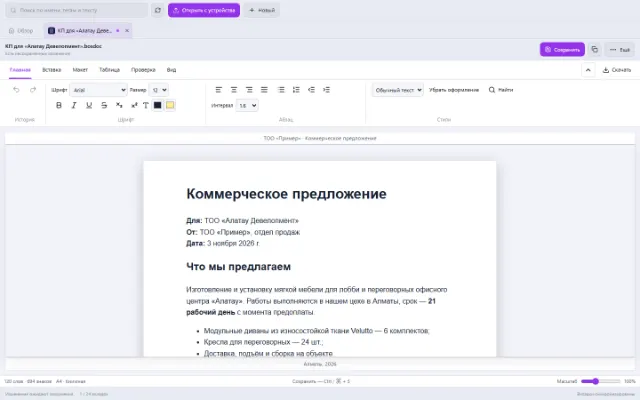
Try Notepad in your company
Connect your company — the app is enabled in the app store in a minute. If a feature is missing, the CODE44 team can build it for you free of charge.