LiveNew · release 372
Fleet
Company vehicles, drivers, trips, maintenance, fuel, expenses and GPS
Learn more about the appA car's whole history by VIN: mileage, rentals, inspections, damage, service and warranties
Vehicle Passport gathers everything that has happened to a car into one history: rentals, inspections, damage, repairs, warranties and mileage. The shared VIN passport shows anonymized entries to other companies only if you allow it, and suspected odometer rollback is flagged immediately.
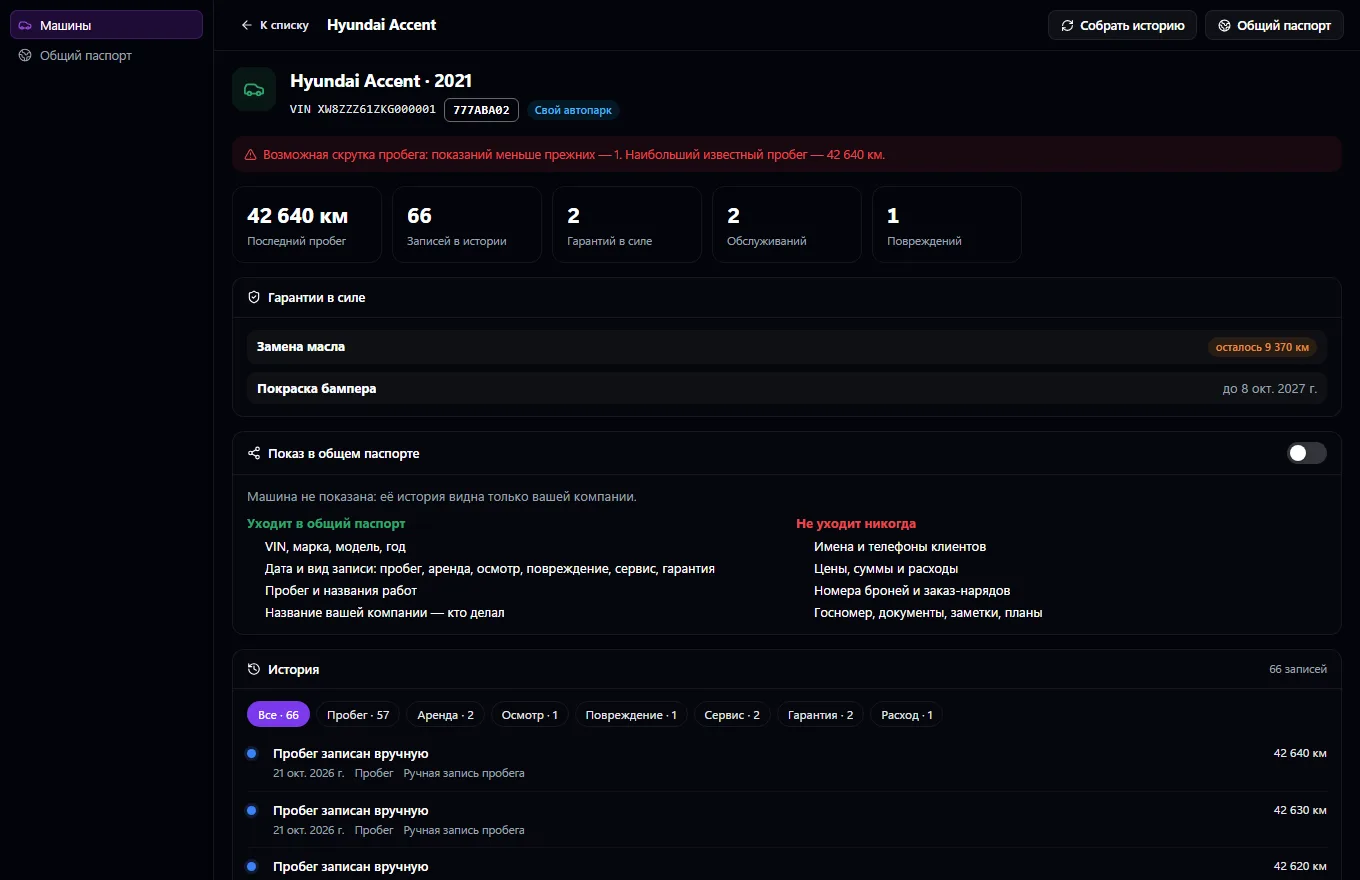
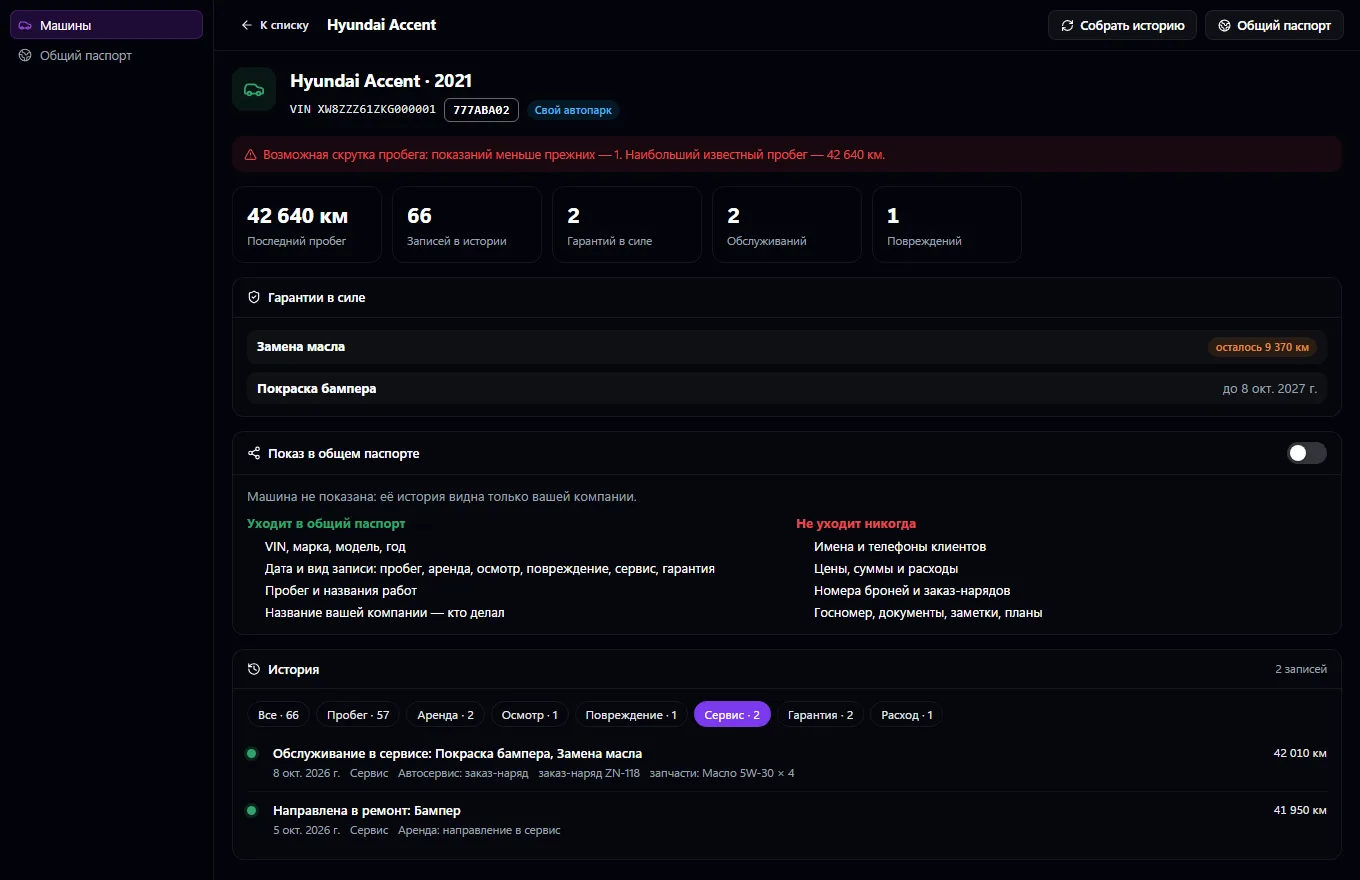
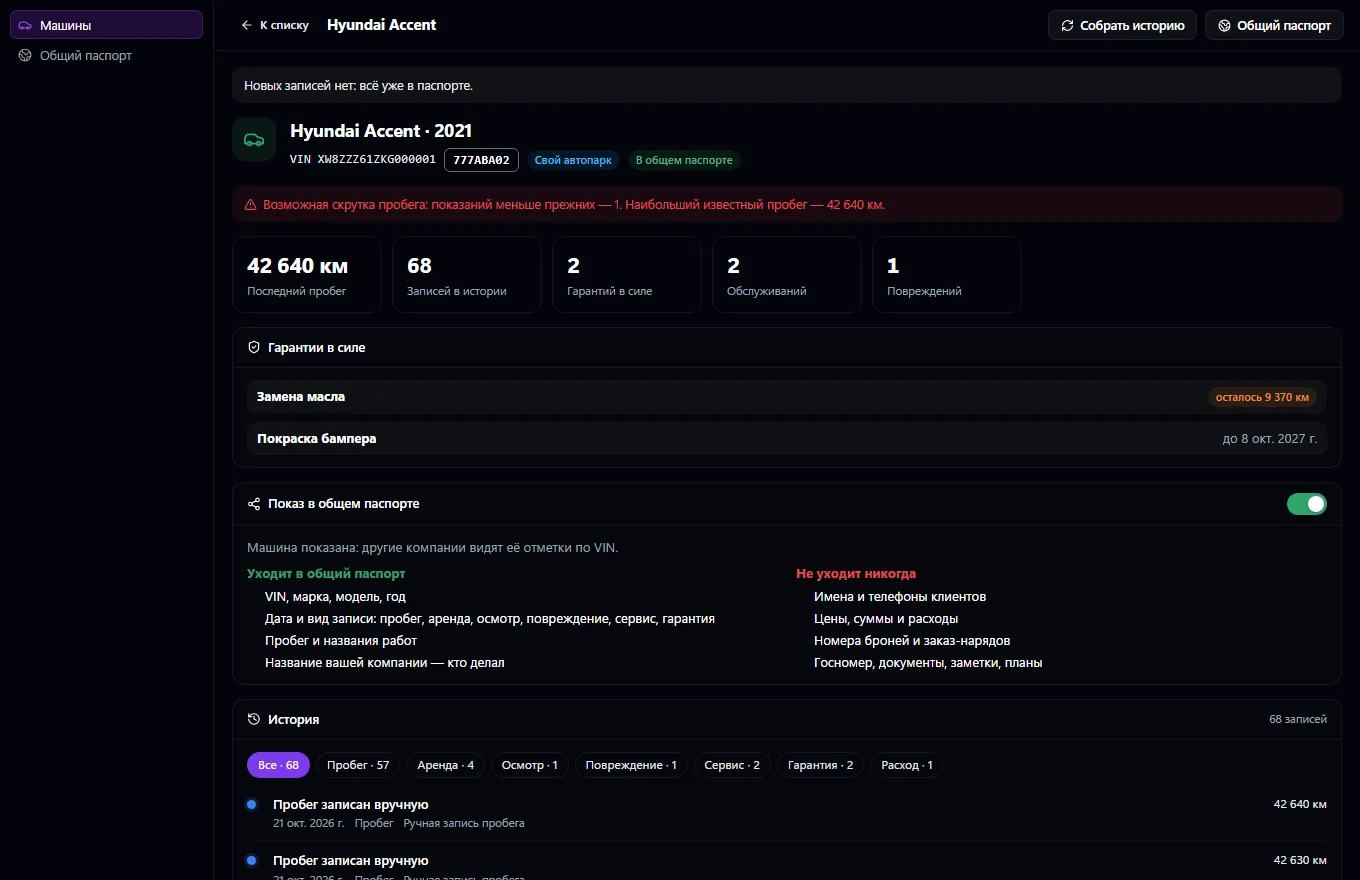
A car has one history, wherever it's worked on. The passport builds it itself from Car Rental and Car Service: mileage with its source, pickups and returns, inspections and damage, work orders and jobs, warranties with remaining time and mileage, expenses, documents. A car is recognized by VIN, or by license plate if there's no VIN; a repeated event never duplicates anything. A mileage reading lower than before from any source is flagged as possible rollback, and management is notified.
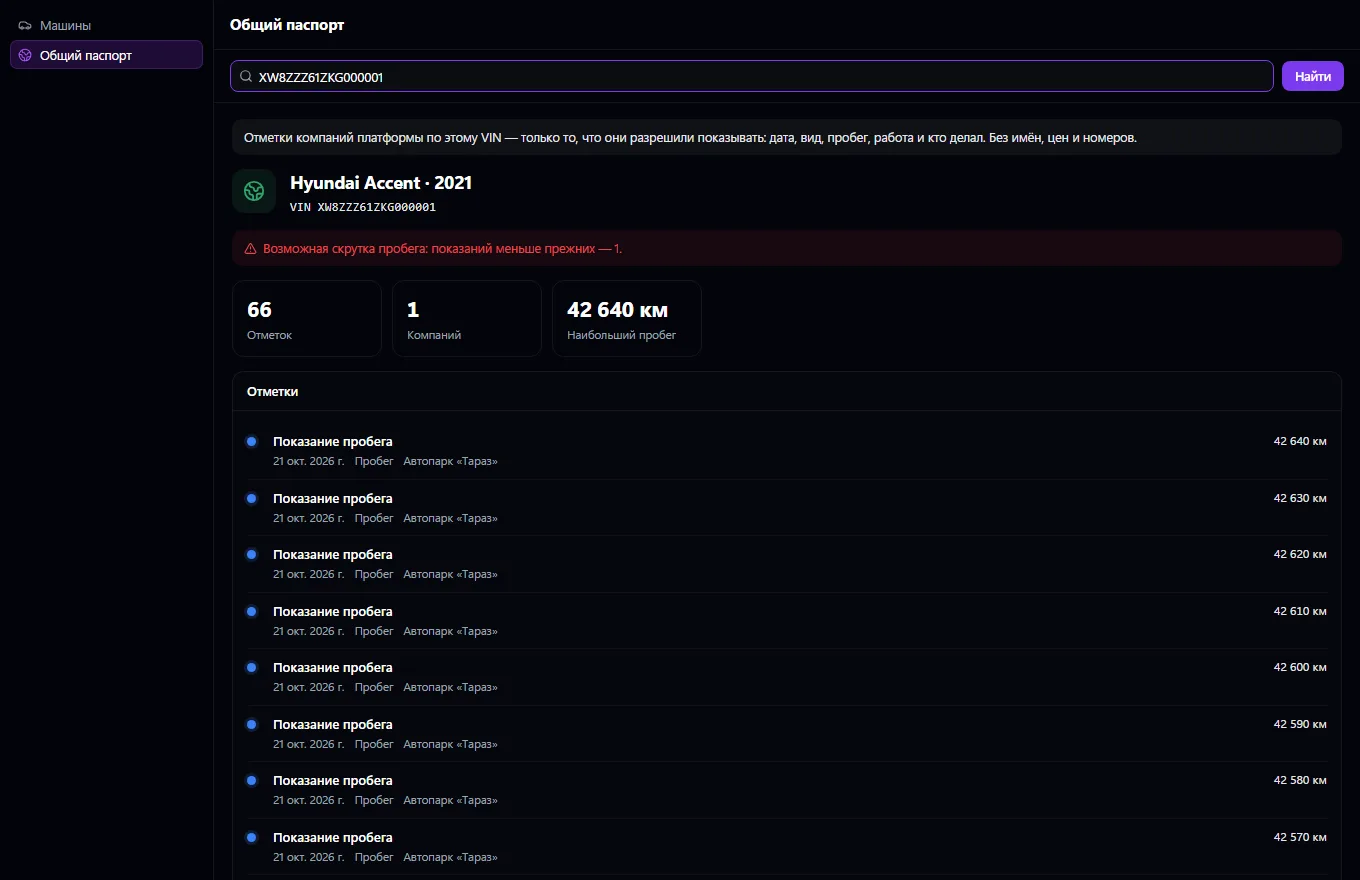
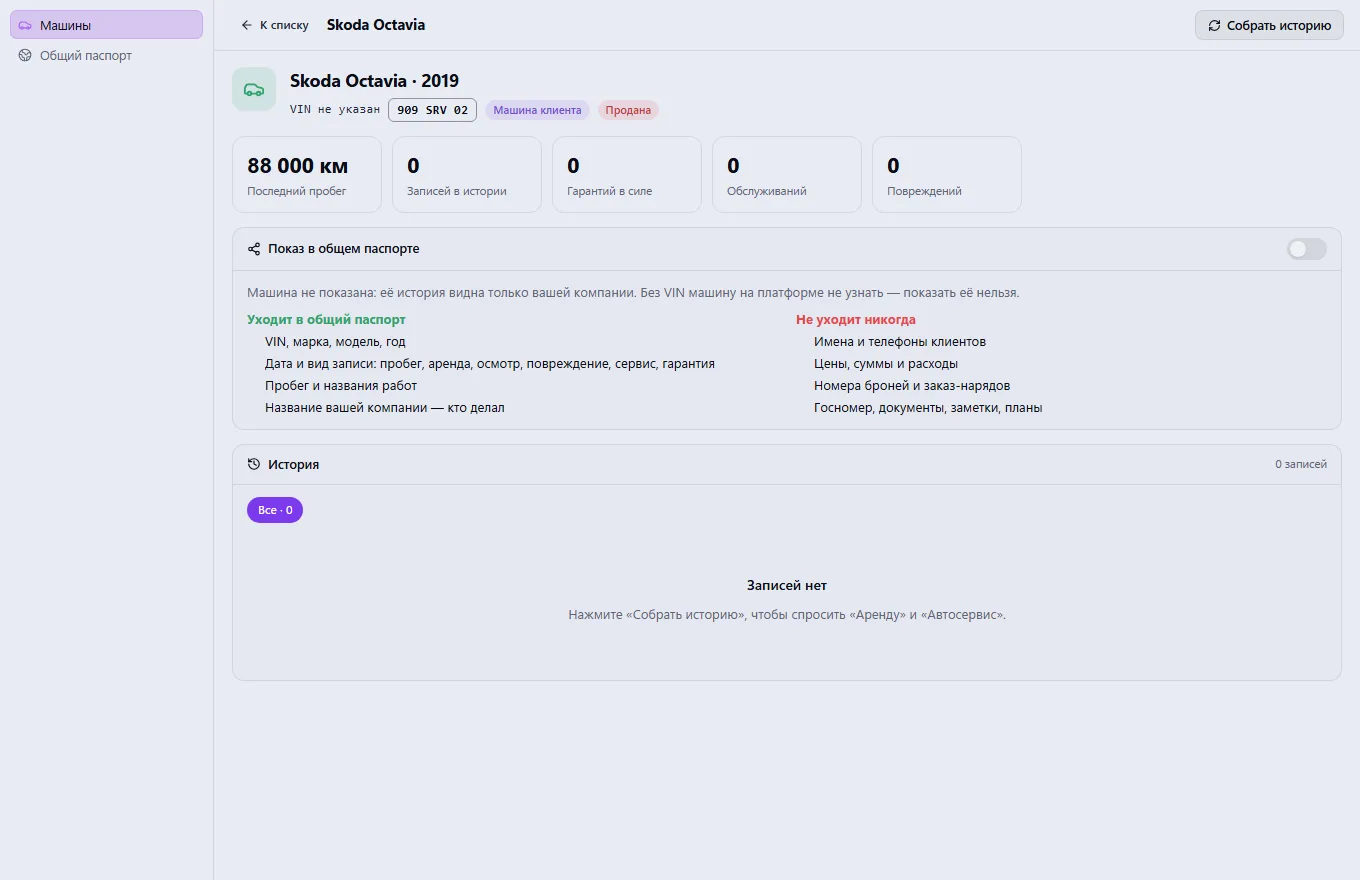
The “Collect history” button asks the apps to send everything they know about the car. The shared VIN passport works like an athlete's passport: companies add entries to it, but only what the manager allows is visible, and only anonymized — the date, type of work, mileage and who did it, without names, phones, prices or booking numbers. A customer's car can be shown only with the owner's permission.
Work as usual in Car Rental and Car Service — entries go into the passport automatically
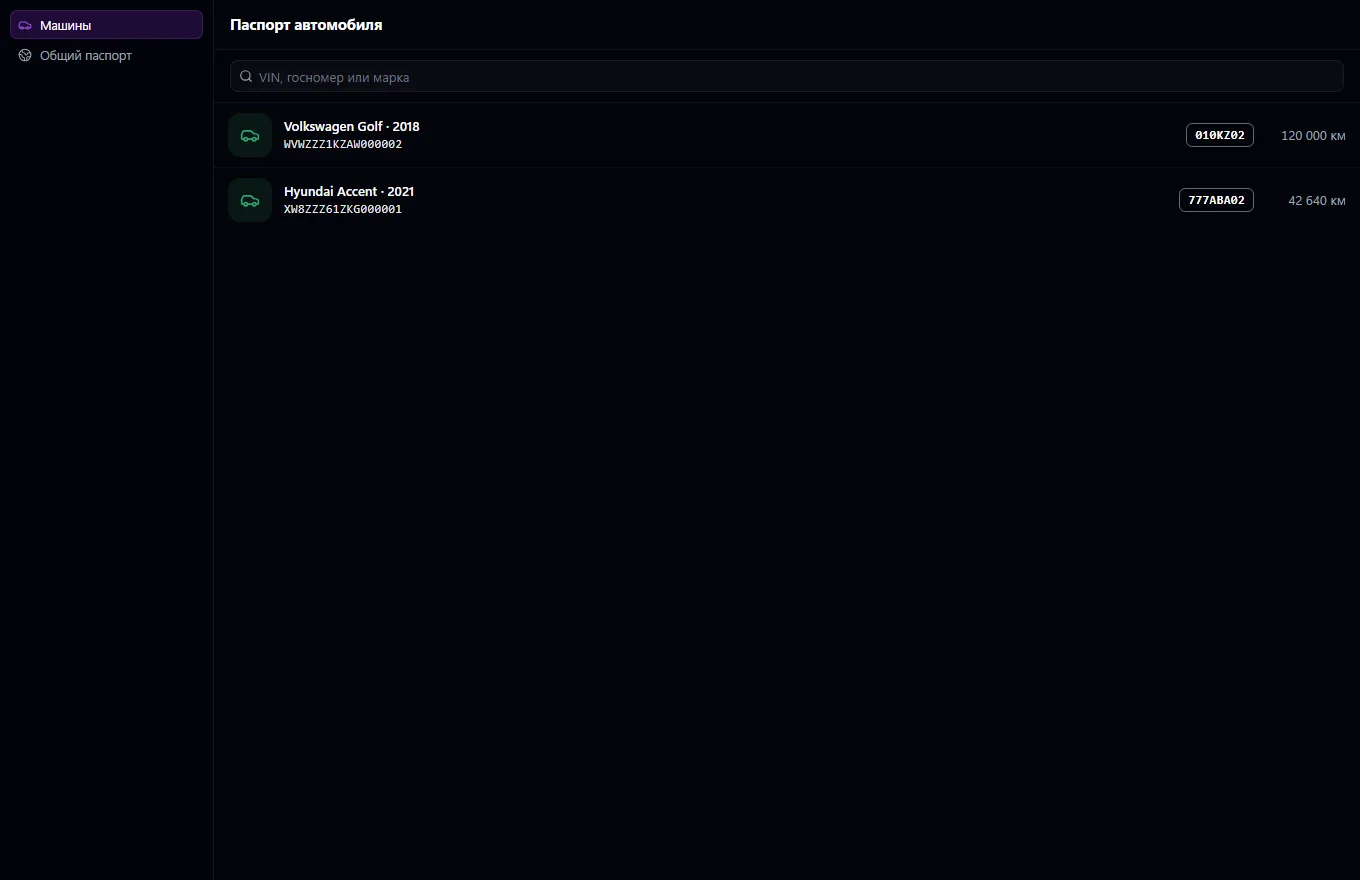
Open a car in the list or find it by VIN, license plate or make
Click “Collect history” to pull in everything the other apps know
Review mileage, warranties and history, and filter the entries you need
Optionally, turn on showing the car in the shared passport
Before buying or taking in a car, check its shared passport by VIN
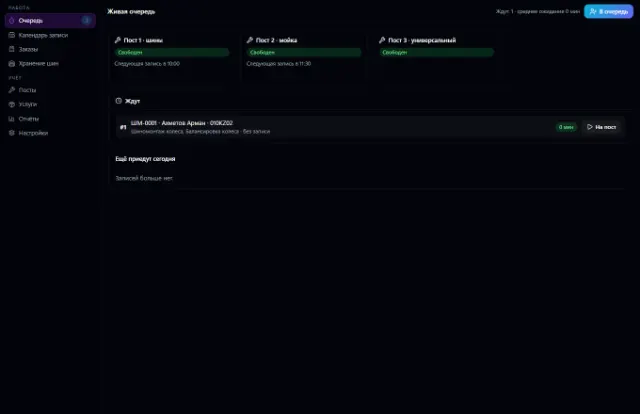
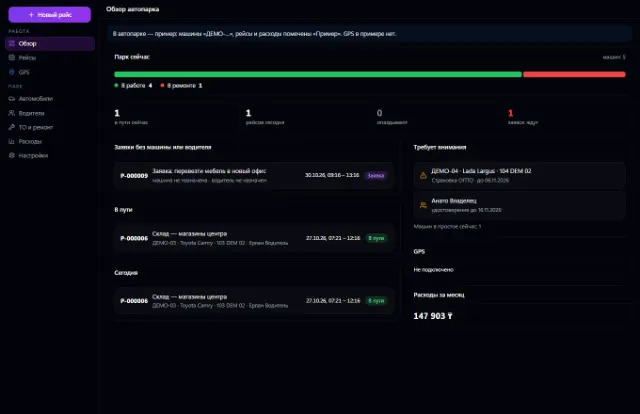
Real app windows with a fictional company as an example. Click a screenshot to enlarge it.
Company vehicles, drivers, trips, maintenance, fuel, expenses and GPS
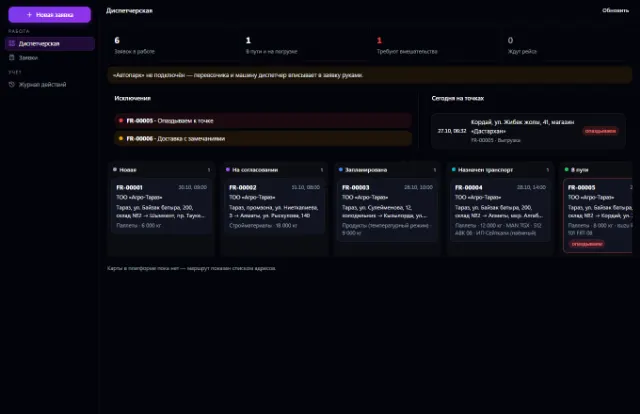
Learn more about the appShipping requests, a dispatcher workstation, proof of delivery and trip margin
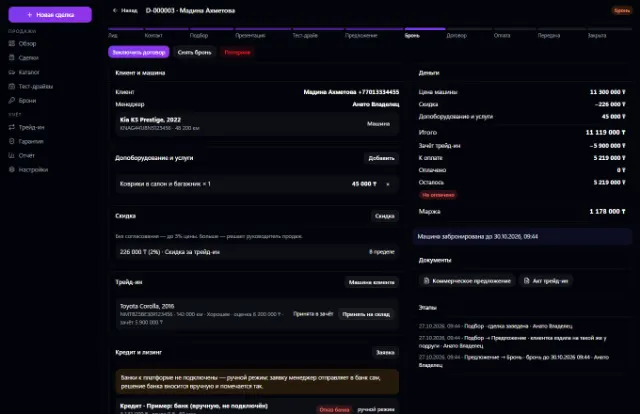
Learn more about the appVehicle stock, deals, test drives, reservations, trade-ins, discounts with approval, sale and handover
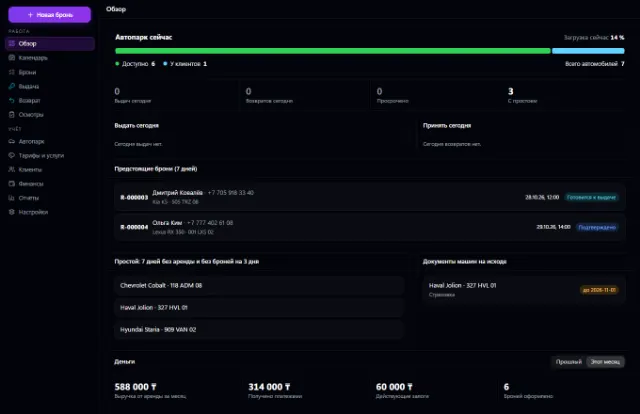
Learn more about the appFleet, bookings with no double overlaps, pickup, return, inspections and deposits
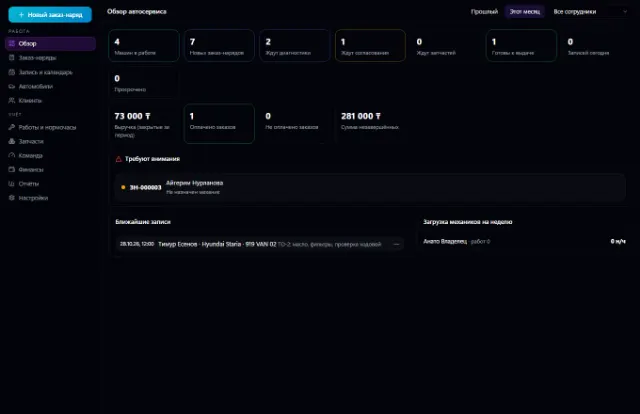
Learn more about the appThe whole service station: customer vehicles, work orders, labor hours, parts from the warehouse, mechanics and payments
Learn more about the appBay bookings with no overlaps, a walk-in queue, orders with materials from the warehouse, customer tire storage and bay workload
Learn more about the appConnect your company — the app is enabled in the app store in a minute. If a feature is missing, the CODE44 team can build it for you free of charge.