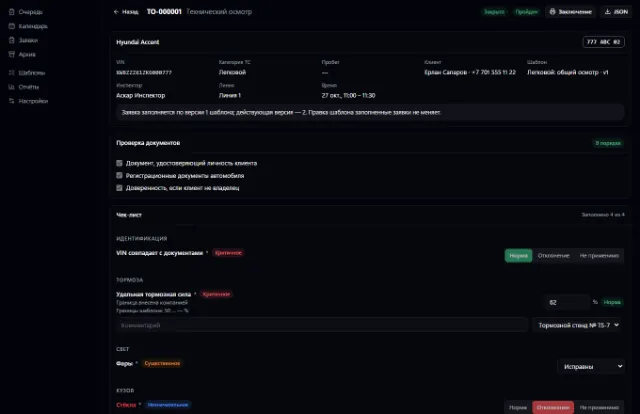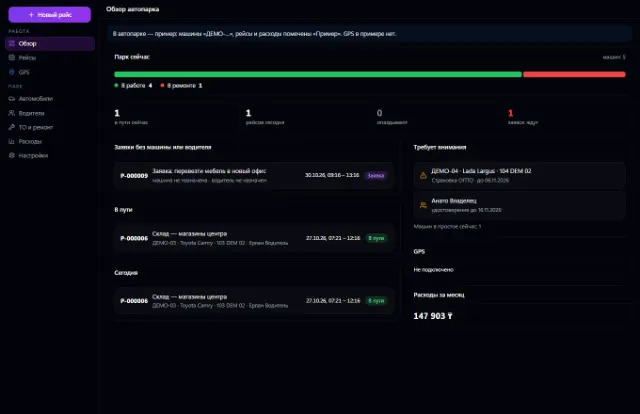
LiveNew · release 372
Fleet
Company vehicles, drivers, trips, maintenance, fuel, expenses and GPS
Learn more about the appVehicle stock, deals, test drives, reservations, trade-ins, discounts with approval, sale and handover
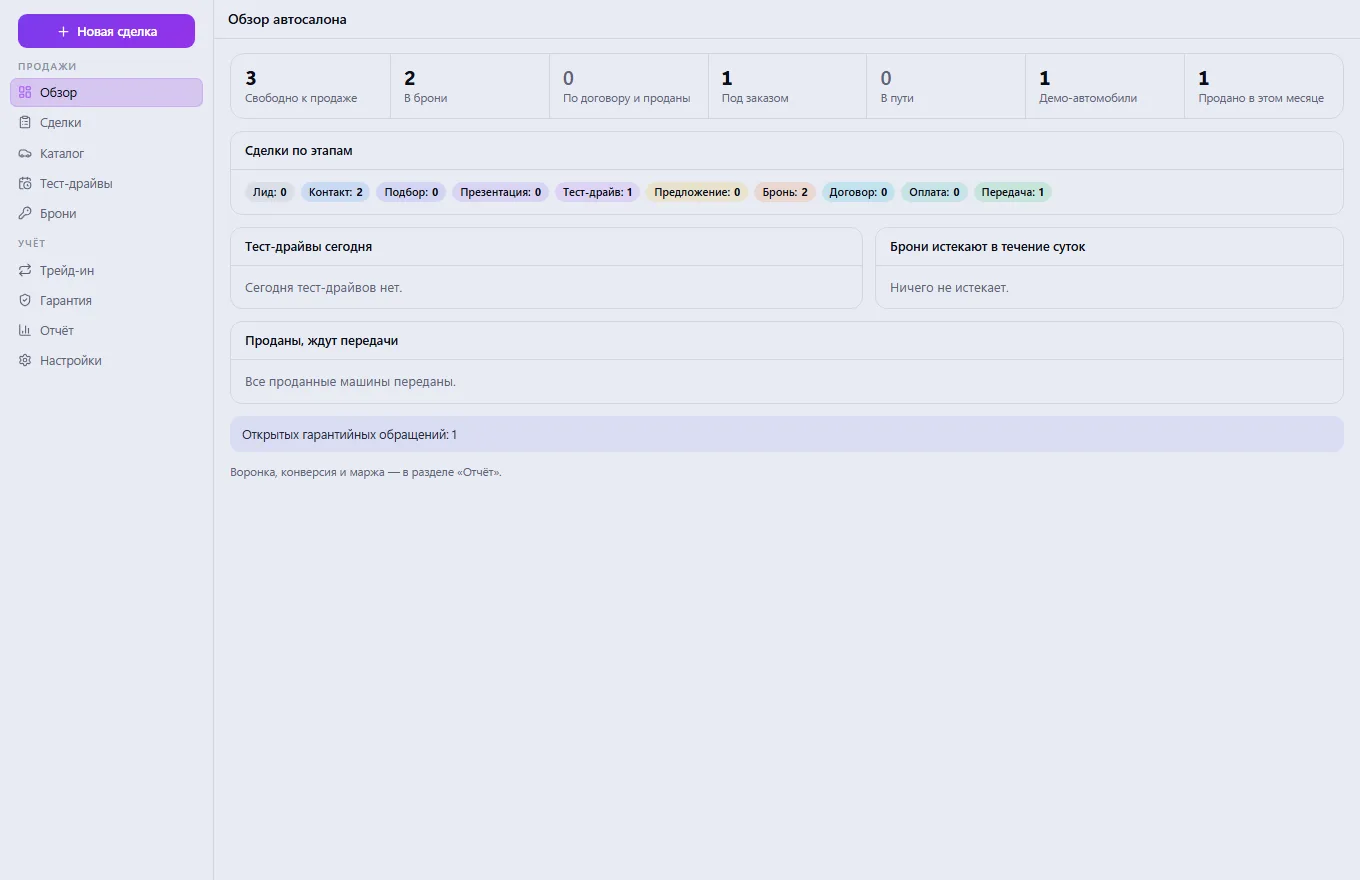
Car Dealership is the Business OS app for selling cars: vehicle stock, deals from the first call to the key handover, test drives, reservations, trade-ins and loan applications. A car exists once for the whole company, so a car that is sold or rented out can't be sold a second time. The sales and margin report is built from the same data.
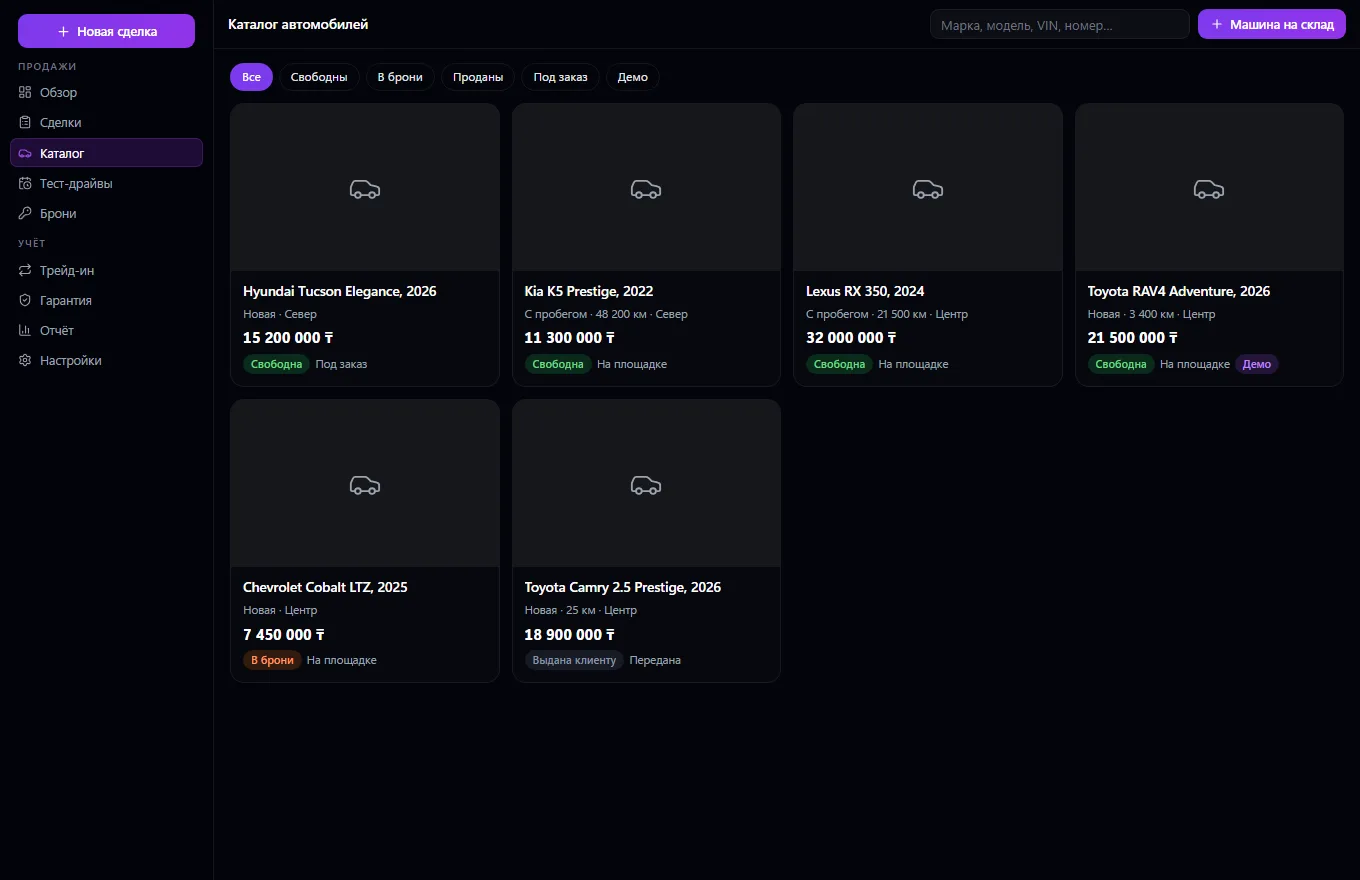
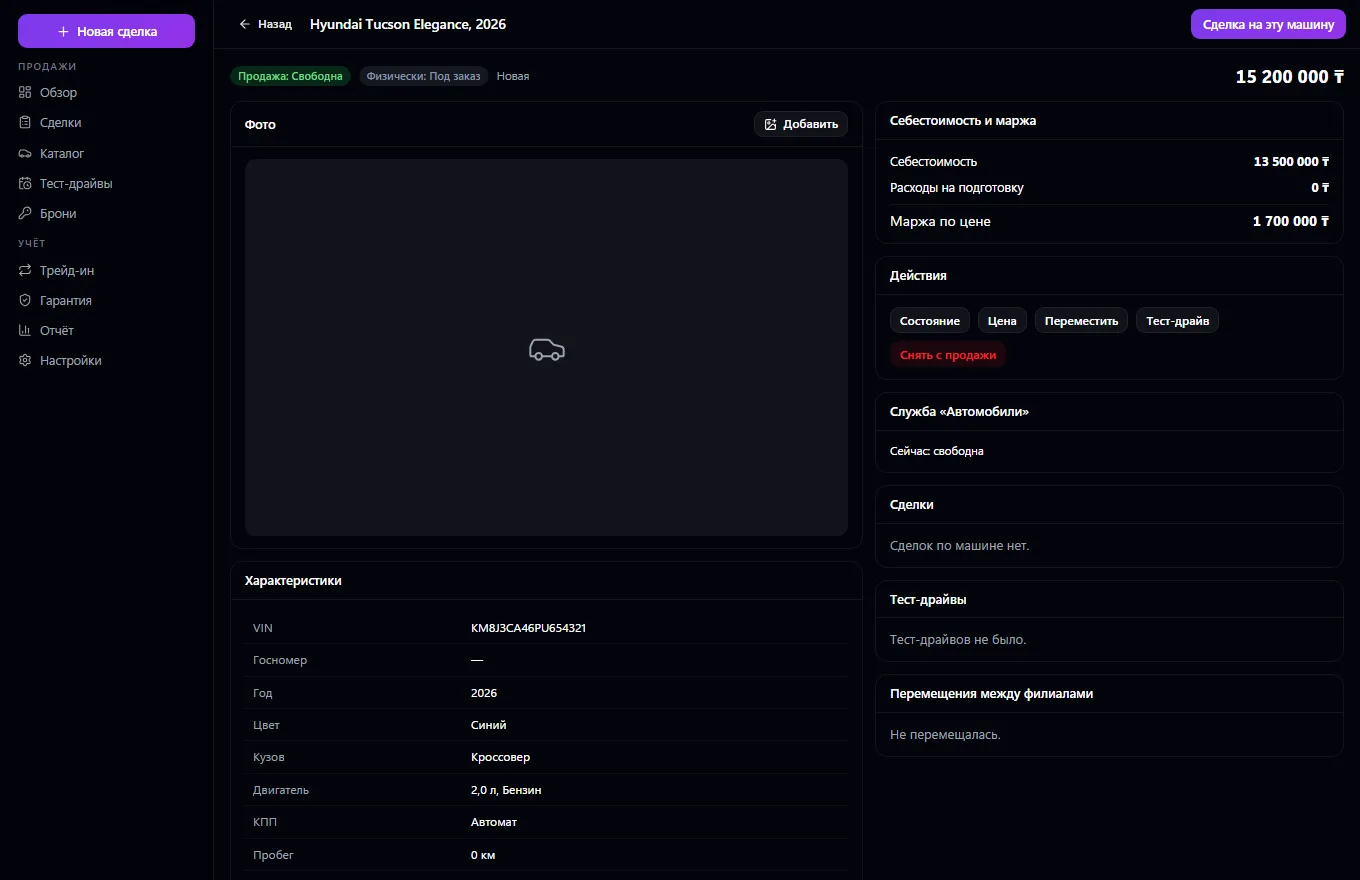
The entire dealership in one window. Stock of new and used cars: in stock, on order or in transit, VIN, trim, mileage, condition, photos, documents, price, cost (visible only to the sales manager), transfers between branches with history. The car's physical condition and sales status are separate fields: a sold car never stays “available”. A car exists once for the whole company in the Vehicles service: a reservation holds it until its deadline, a sale holds it forever, neither rentals nor trips will take a sold car, and a rented car can't be reserved.
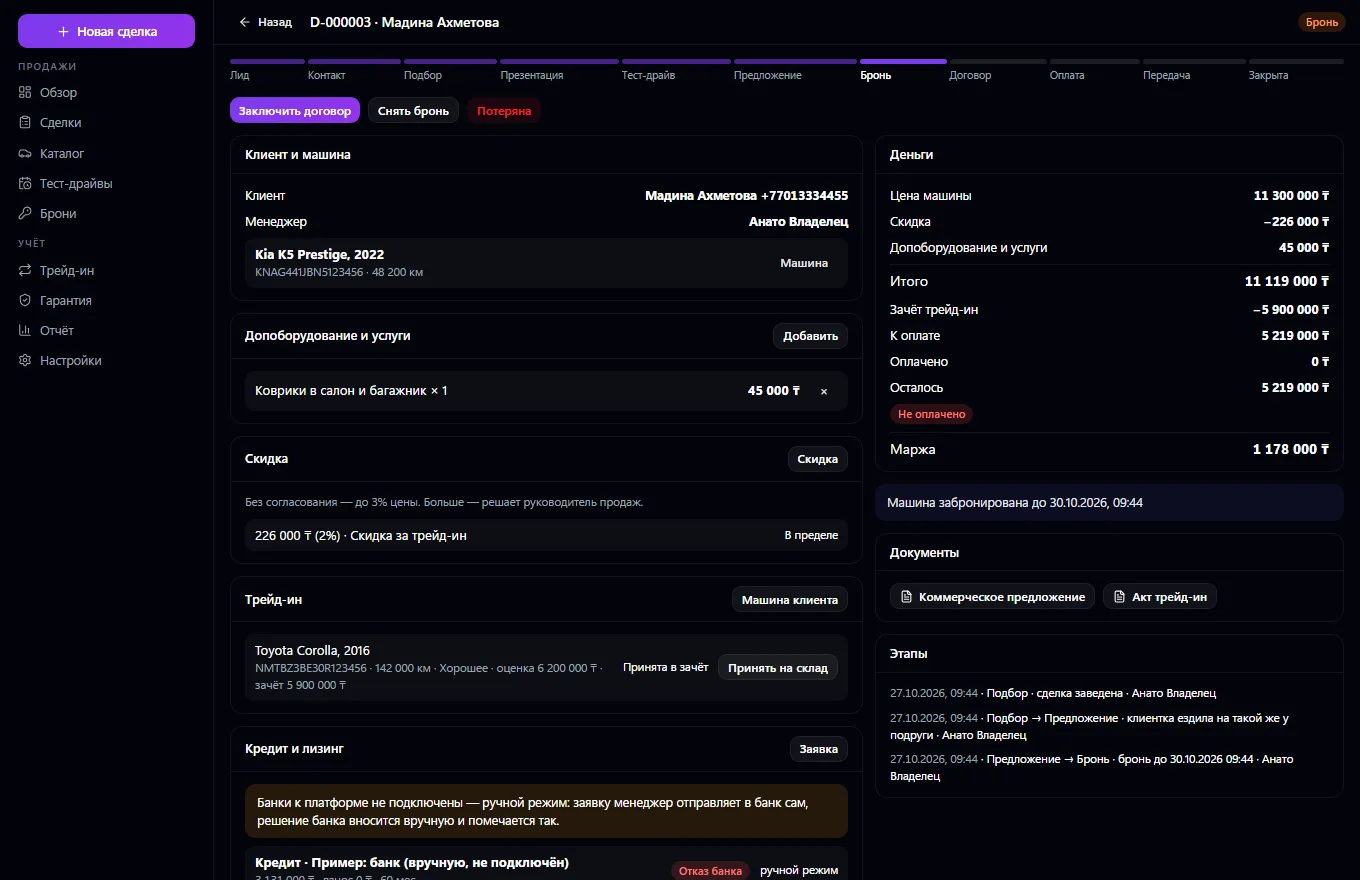
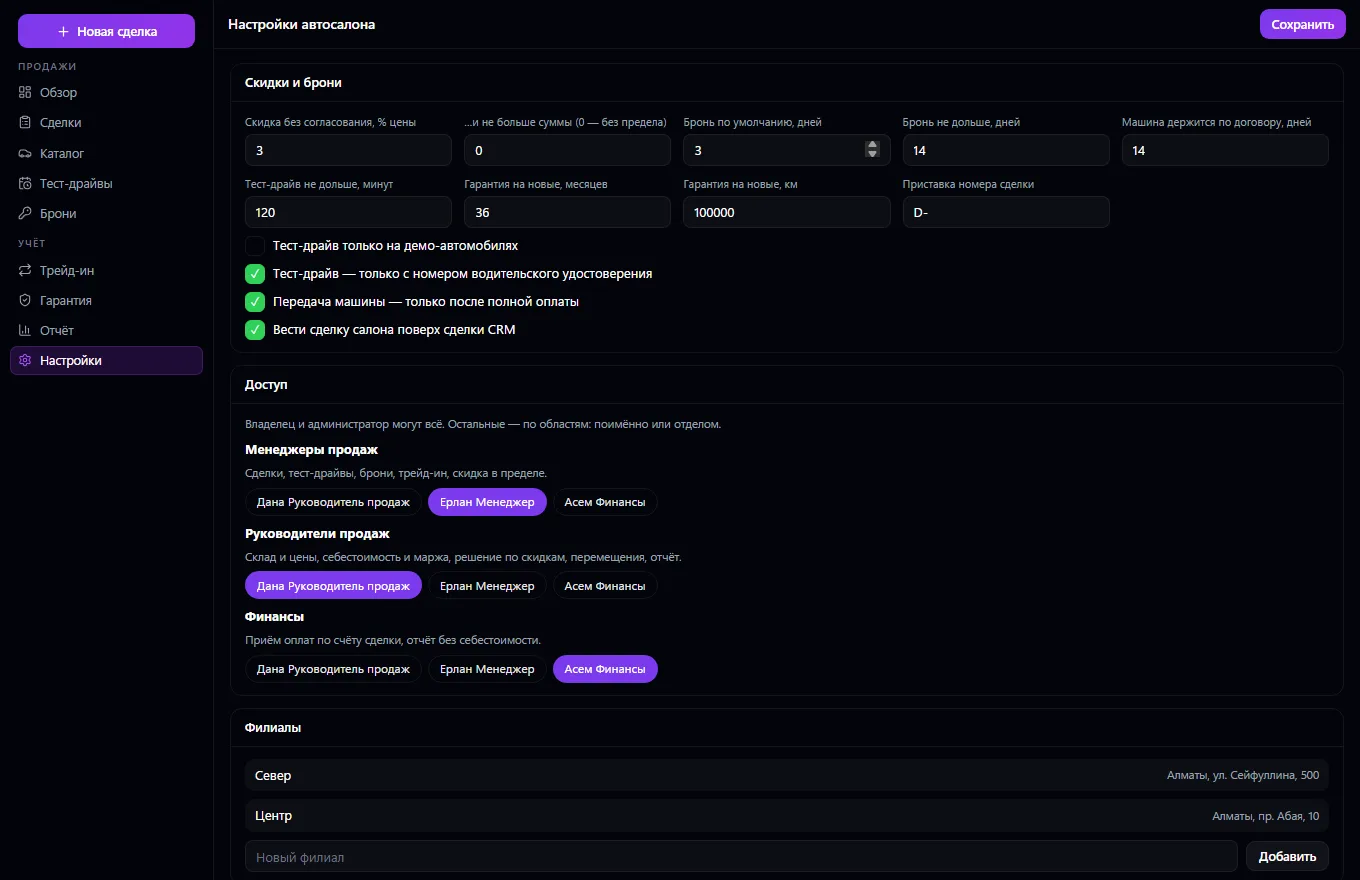
A deal moves in steps — lead, contact, selection, presentation, test drive, offer, reservation, contract, payment, handover — and the server checks every transition; if CRM is connected, the dealership deal runs on top of the CRM deal. Test drives with no overlaps for the same car, demo vehicles. A discount above the limit goes to the manager for approval. Trade-in with appraisal and intake into stock, extra equipment and services, loans and leasing as applications: buyer consent, a manual mode marked “entered manually” or a bank via a signed bridge, and the bank transfer counts as payment for the deal.
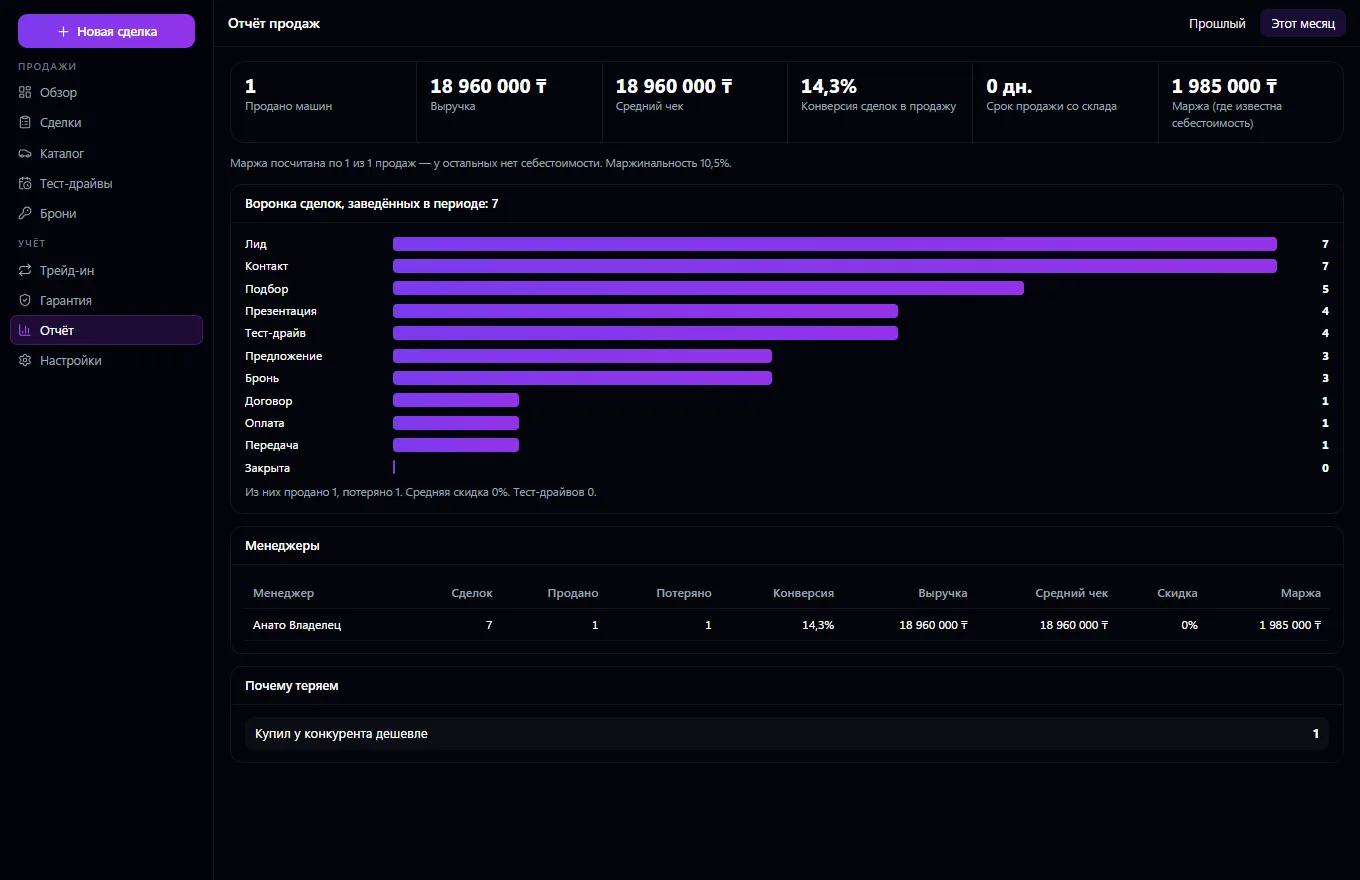
Printable contract and handover certificate, invoice and payments in Invoices and Payments, warranty claims. Report: funnel, conversion, sales, average ticket, margin, time to sell, manager results — all from the data.
Put cars into stock: VIN, trim, price, cost and branch.
Open a deal for the buyer and move it step by step: selection, presentation, test drive, offer.
Make a reservation, add extra equipment, a discount and a trade-in, and if needed — a loan or leasing application.
Sign the contract, issue the invoice and take payment.
Hand the car over to the buyer with a certificate; warranty claims are handled here later too.
Review the sales report: the funnel, margin and manager results.
Real app windows with a fictional company as an example. Click a screenshot to enlarge it.
We are honest about what works only with an external provider or is still planned:
Need an integration for your company? Tell us about the task.
Company vehicles, drivers, trips, maintenance, fuel, expenses and GPS
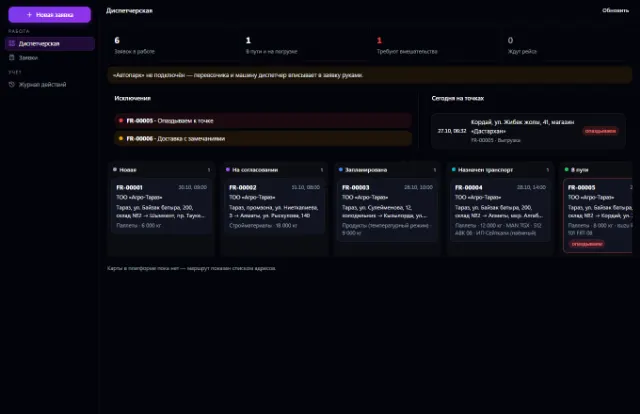
Learn more about the appShipping requests, a dispatcher workstation, proof of delivery and trip margin
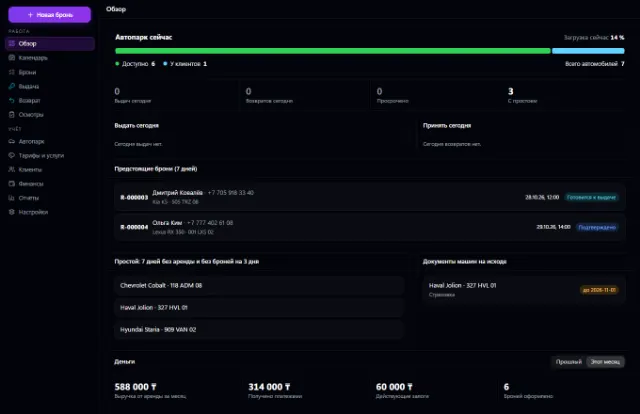
Learn more about the appFleet, bookings with no double overlaps, pickup, return, inspections and deposits
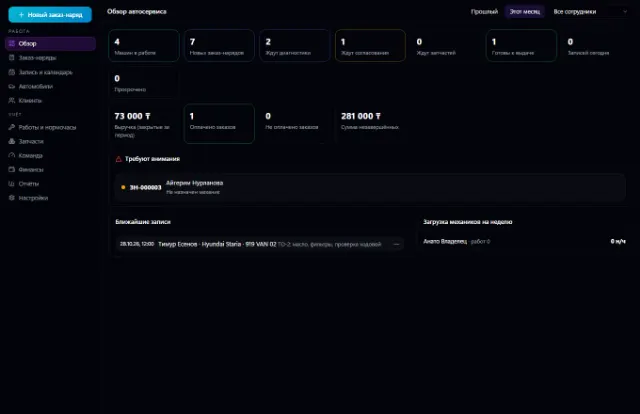
Learn more about the appThe whole service station: customer vehicles, work orders, labor hours, parts from the warehouse, mechanics and payments
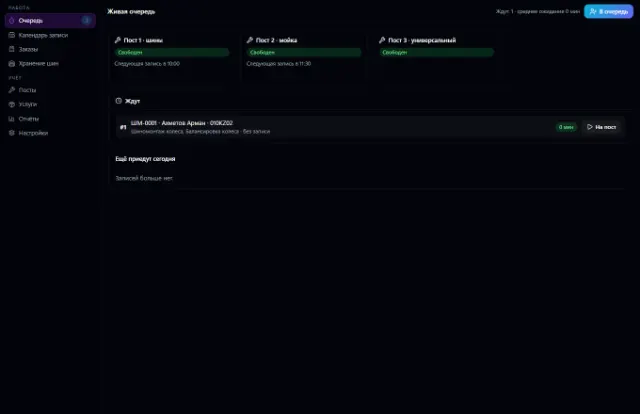
Learn more about the appBay bookings with no overlaps, a walk-in queue, orders with materials from the warehouse, customer tire storage and bay workload
Learn more about the appInspection booking, versioned checklists, rule-based results, reports with corrections
Learn more about the appConnect your company — the app is enabled in the app store in a minute. If a feature is missing, the CODE44 team can build it for you free of charge.