LiveNew · release 372
Fleet
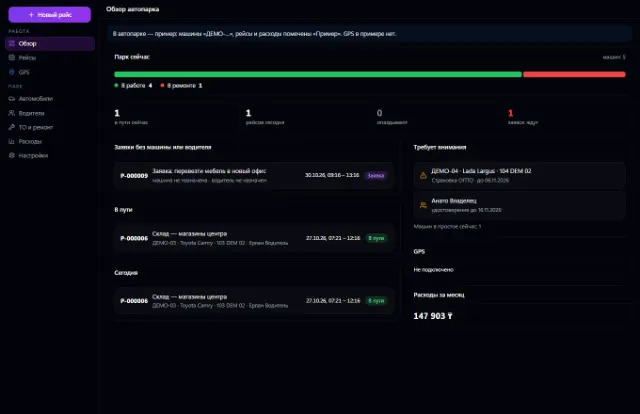
Company vehicles, drivers, trips, maintenance, fuel, expenses and GPS
Learn more about the appFleet, bookings with no double overlaps, pickup, return, inspections and deposits
Car Rental is the Business OS app for renting out cars. It handles the fleet, rates, bookings, pickup and return with inspection, deposits and documents. The server makes sure the same car is never rented twice and that damage from previous customers is never charged to a new one.
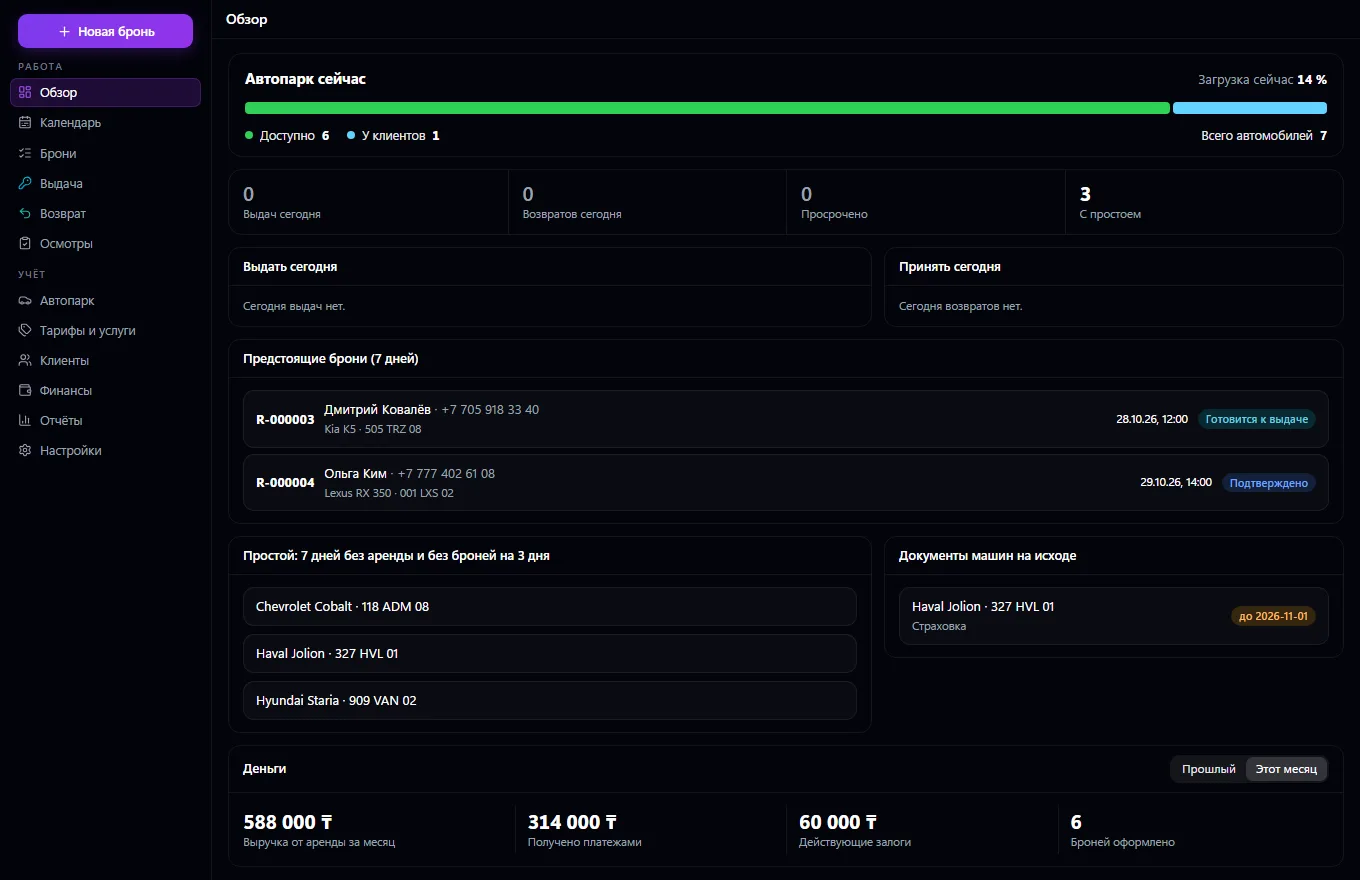
The entire car rental business in one window. A fleet with separate states: technical (in working order, in maintenance, in repair), preparation after return, and occupancy calculated from bookings. Car documents with expiry dates — an expired insurance policy automatically takes the car off rental. Hourly, daily, weekly, monthly and long-term rates: minimum term, grace minutes, discounts for duration, weekends and seasons, a mileage limit and excess mileage price, add-on services.
Book a specific car or a class: the server won't let the same car be booked twice even with simultaneous requests, and if a car is taken it shows the free ones. Once confirmed, the terms are locked in a snapshot: changing a rate doesn't change old rentals. Pickup comes with an inspection, checklist, mileage and fuel; return calculates late fees, excess mileage and missing fuel under the contract terms. Item-by-item inspection with photos and damage marked on a body diagram, with a “before” and “after” comparison.
The deposit is kept separate from revenue and is returned or withheld with a reason. Customers come from the shared contact book, invoices and payments live in Invoices and Payments, and bookings go into the company calendar. Versioned contracts and certificates, a rental calendar, today's overview, and reports on revenue, utilization and debts.
Add the fleet's cars, their documents with expiry dates, rates and add-on services.
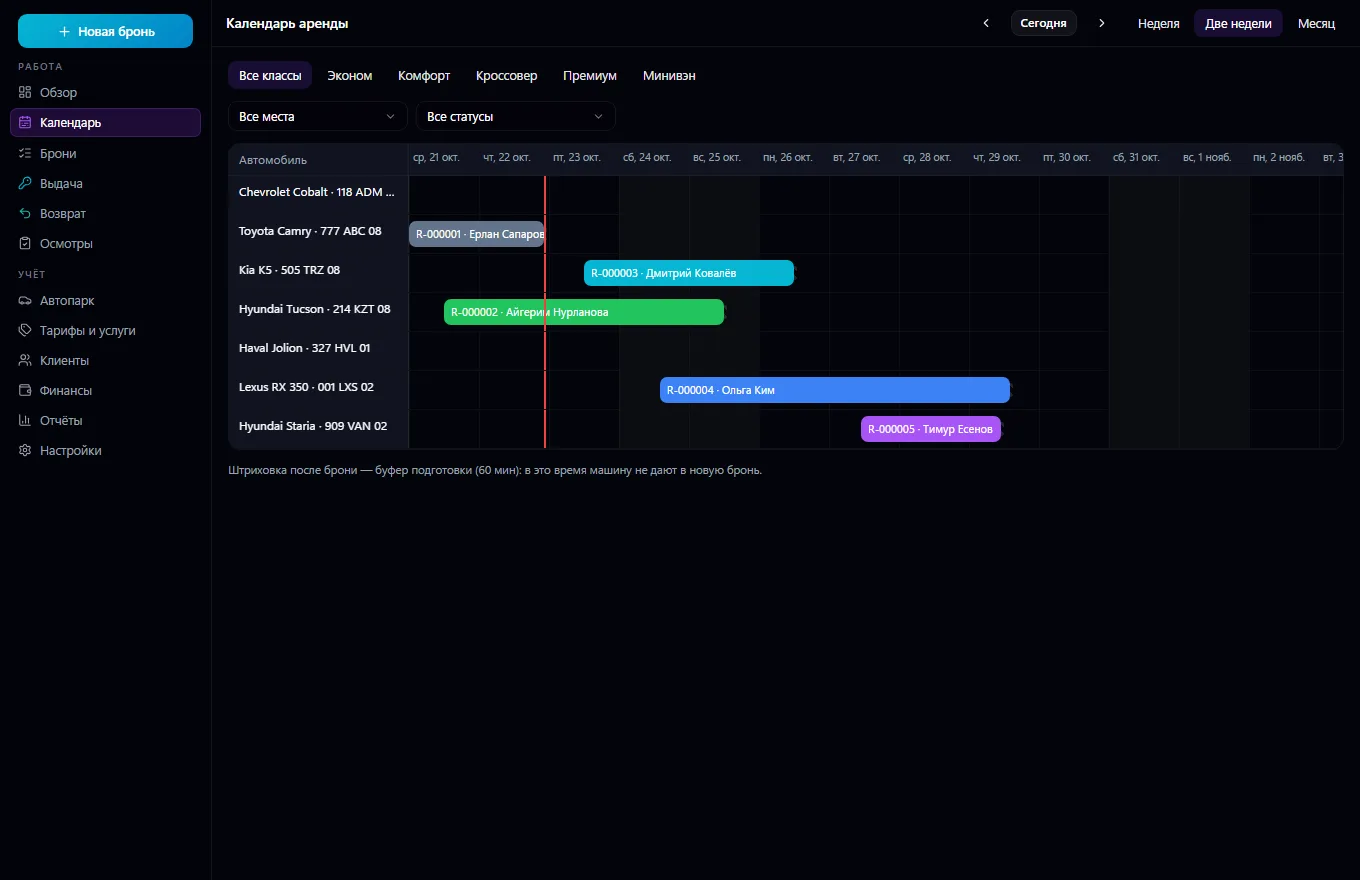
Book a car or a class, confirm the booking and take payment and the deposit.
Before pickup, run an inspection, record mileage and fuel and hand over the car.
On return, inspect the car: the app compares damage and calculates late fees, excess mileage and missing fuel.
Return or withhold the deposit, close the rental and prepare the car for the next booking.
Track utilization, idle time and revenue in the overview and reports.
Real app windows with a fictional company as an example. Click a screenshot to enlarge it.
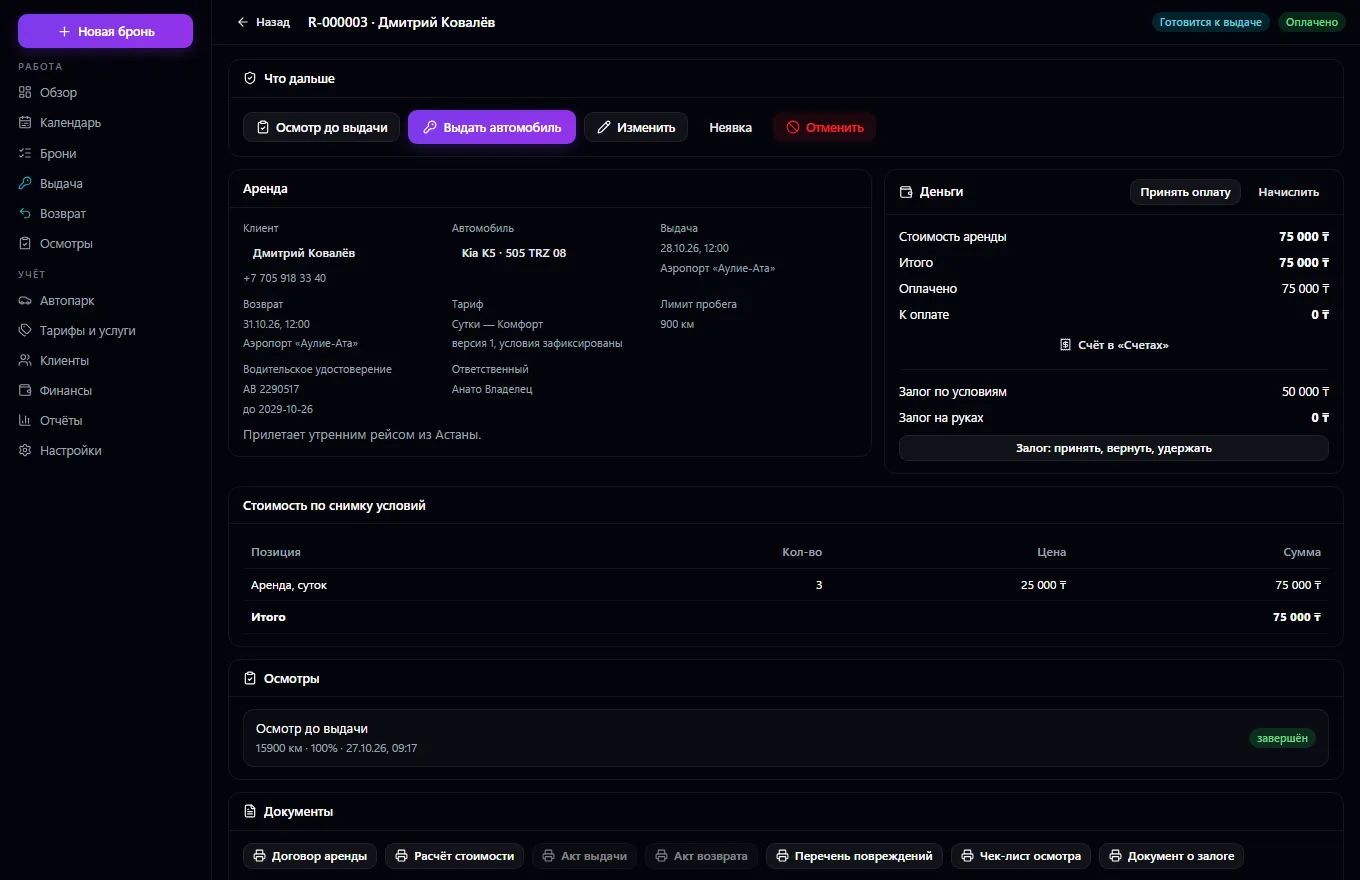
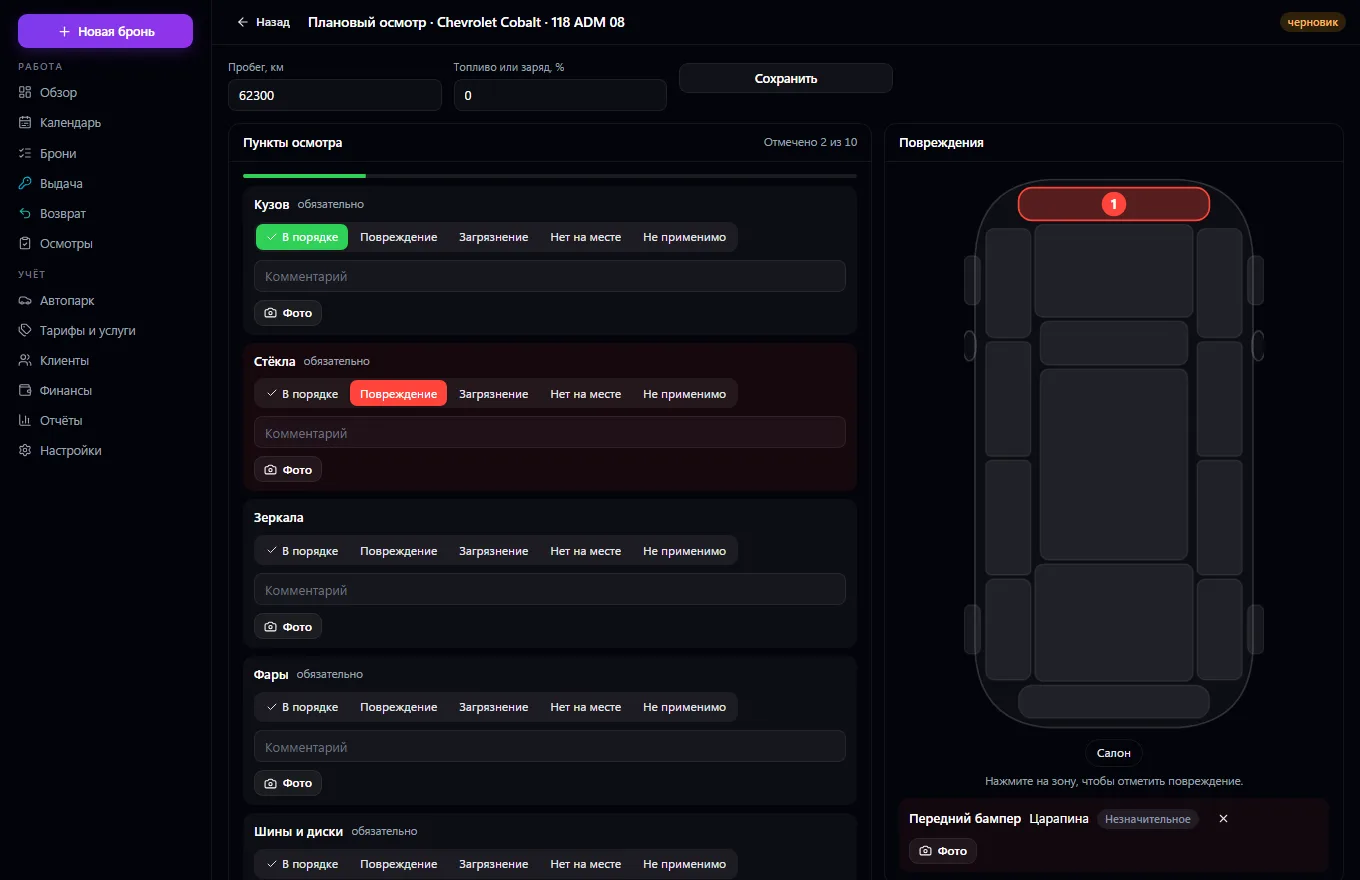
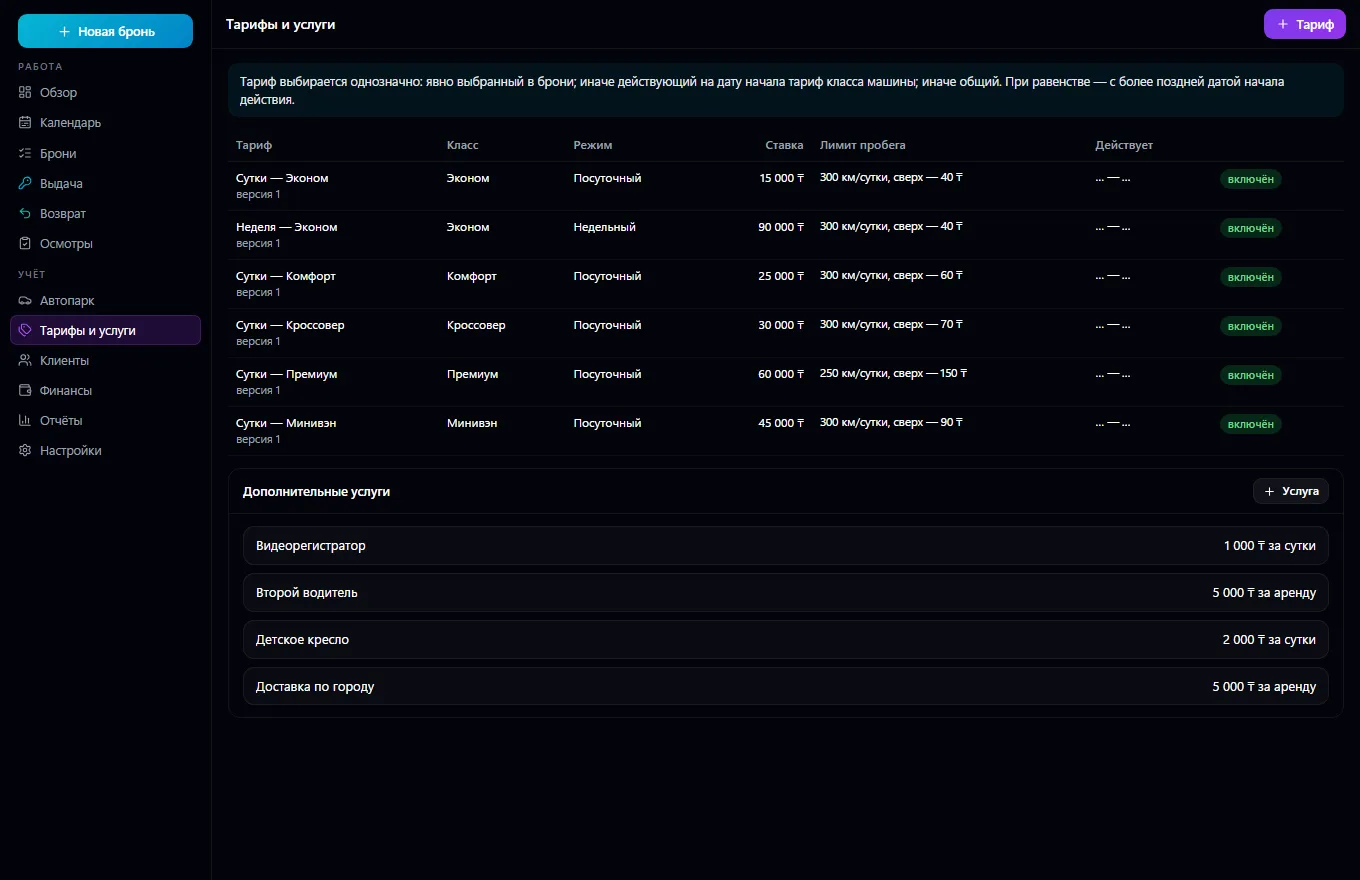
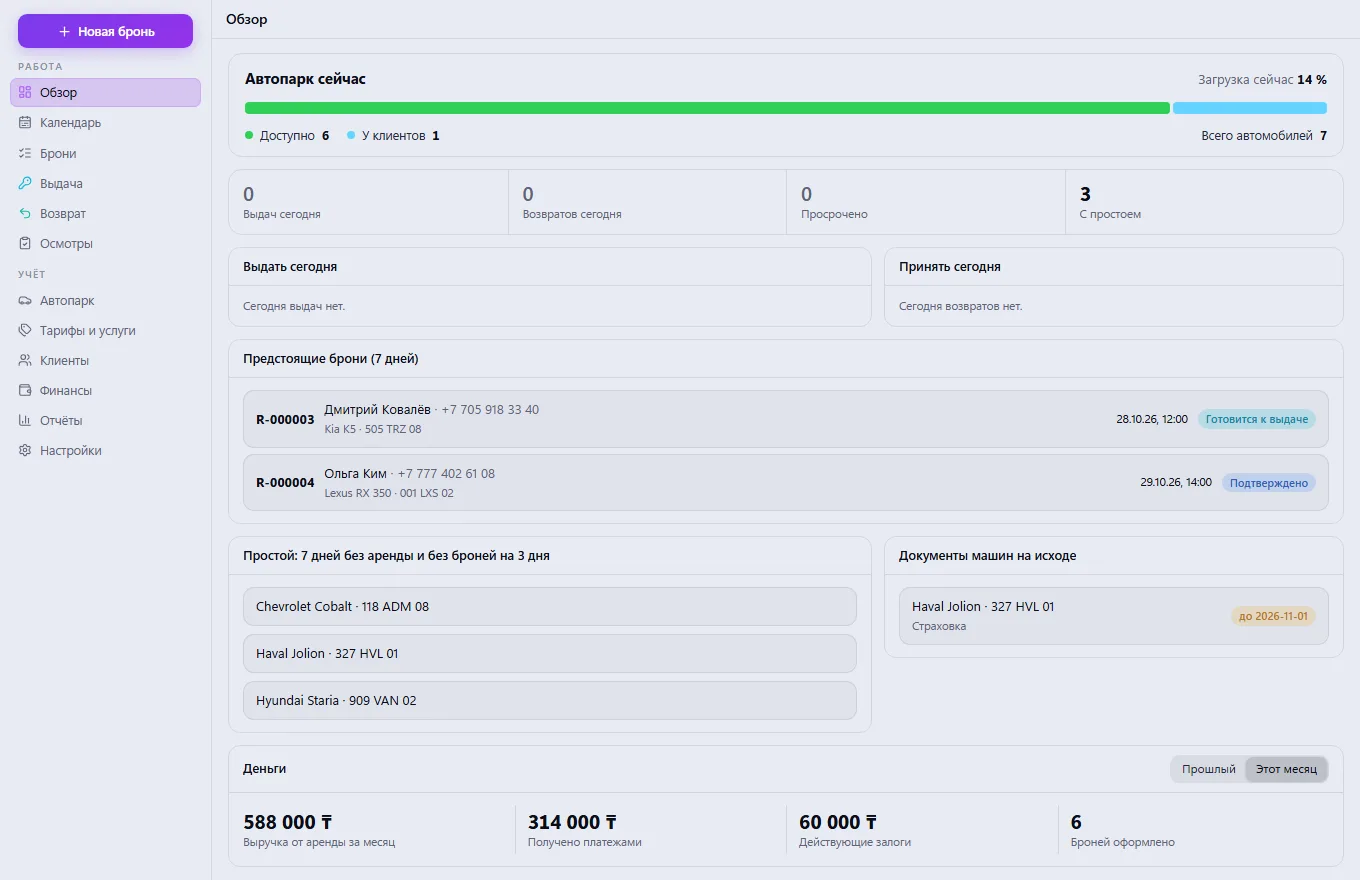
Company vehicles, drivers, trips, maintenance, fuel, expenses and GPS
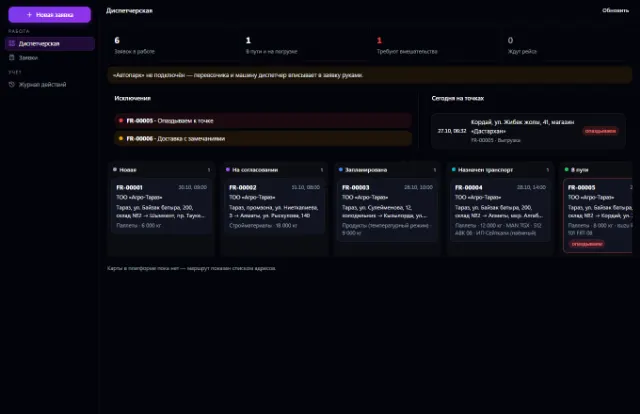
Learn more about the appShipping requests, a dispatcher workstation, proof of delivery and trip margin
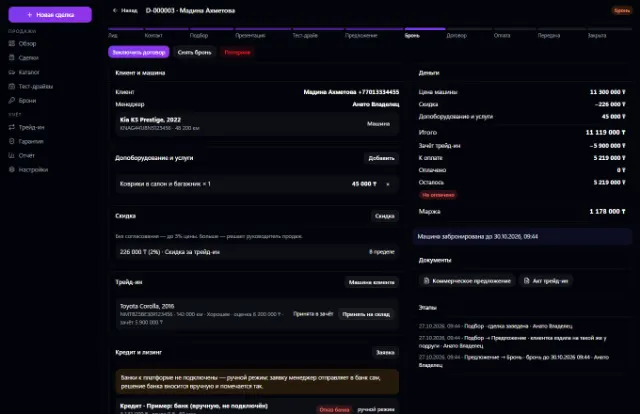
Learn more about the appVehicle stock, deals, test drives, reservations, trade-ins, discounts with approval, sale and handover
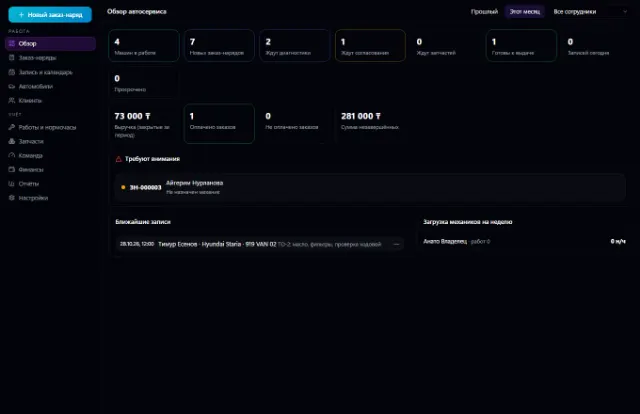
Learn more about the appThe whole service station: customer vehicles, work orders, labor hours, parts from the warehouse, mechanics and payments
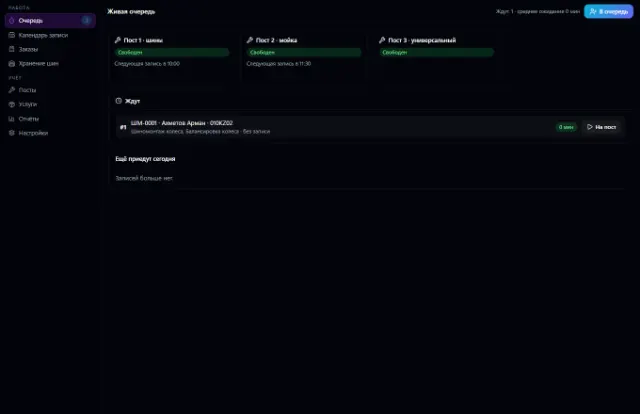
Learn more about the appBay bookings with no overlaps, a walk-in queue, orders with materials from the warehouse, customer tire storage and bay workload
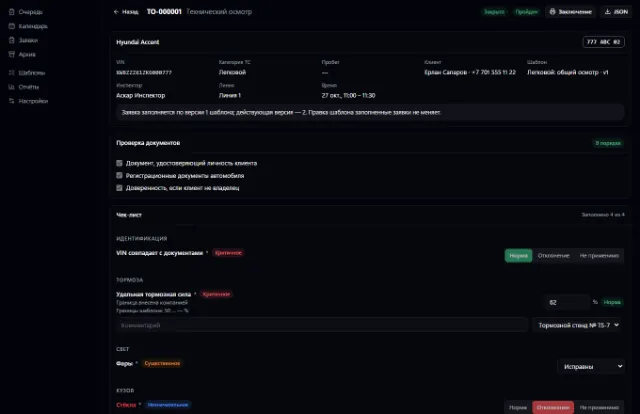
Learn more about the appInspection booking, versioned checklists, rule-based results, reports with corrections
Learn more about the appConnect your company — the app is enabled in the app store in a minute. If a feature is missing, the CODE44 team can build it for you free of charge.