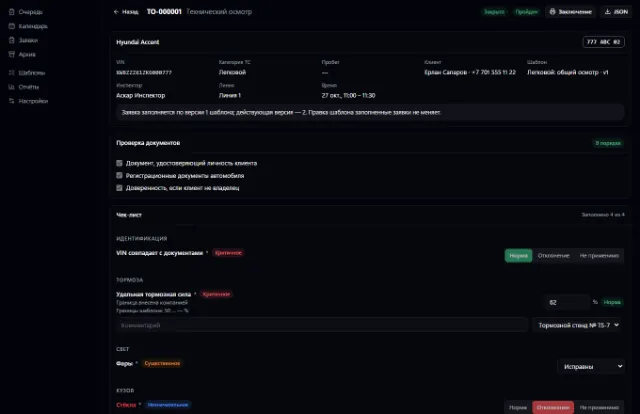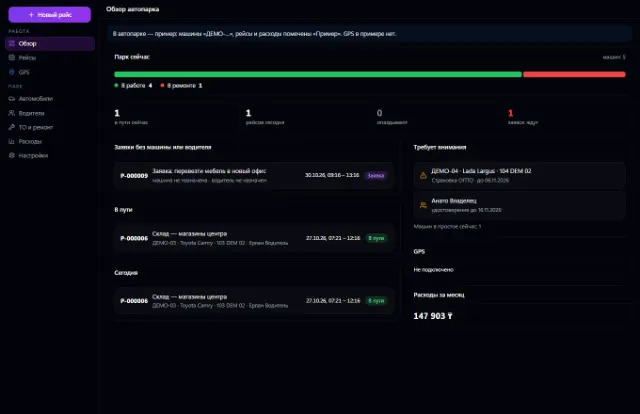
LiveNew · release 372
Fleet
Company vehicles, drivers, trips, maintenance, fuel, expenses and GPS
Learn more about the appShipping requests, a dispatcher workstation, proof of delivery and trip margin
Freight is an app for cargo shipping requests and dispatcher work. A request goes from intake to closing, the driver confirms delivery from a phone, and revenue, costs and margin are calculated from actual data.
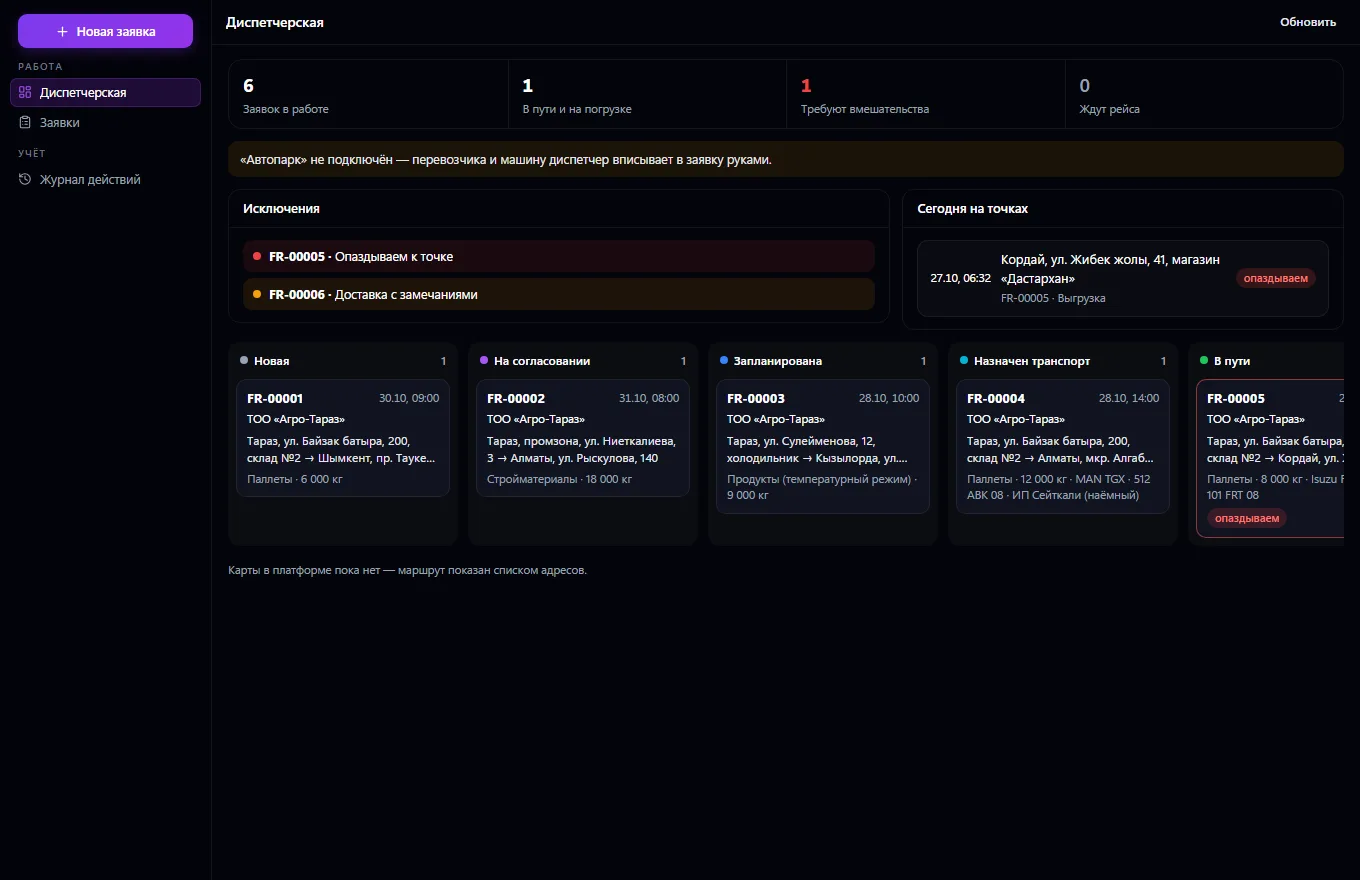
Freight from request to closing. A request has a customer, shipper and consignee from the shared contact book, loading and unloading addresses with contacts and time windows, cargo (type, weight, volume, pieces), terms and vehicle requirements, planned dates, rate, extra charges and documents. Statuses go in order: new, pending approval, planned, vehicle assigned, loading, in transit, delivered, awaiting documents, closed — or cancelled, or problem delivery; the server won't allow an invalid transition, and won't allow a cancellation, problem or step back without a reason. The dispatcher's workstation: a board by status, trip requests, multi-stop, weight and volume checks against vehicle capacity, manager approval of changes, delays and exceptions, reassignment, an action log.
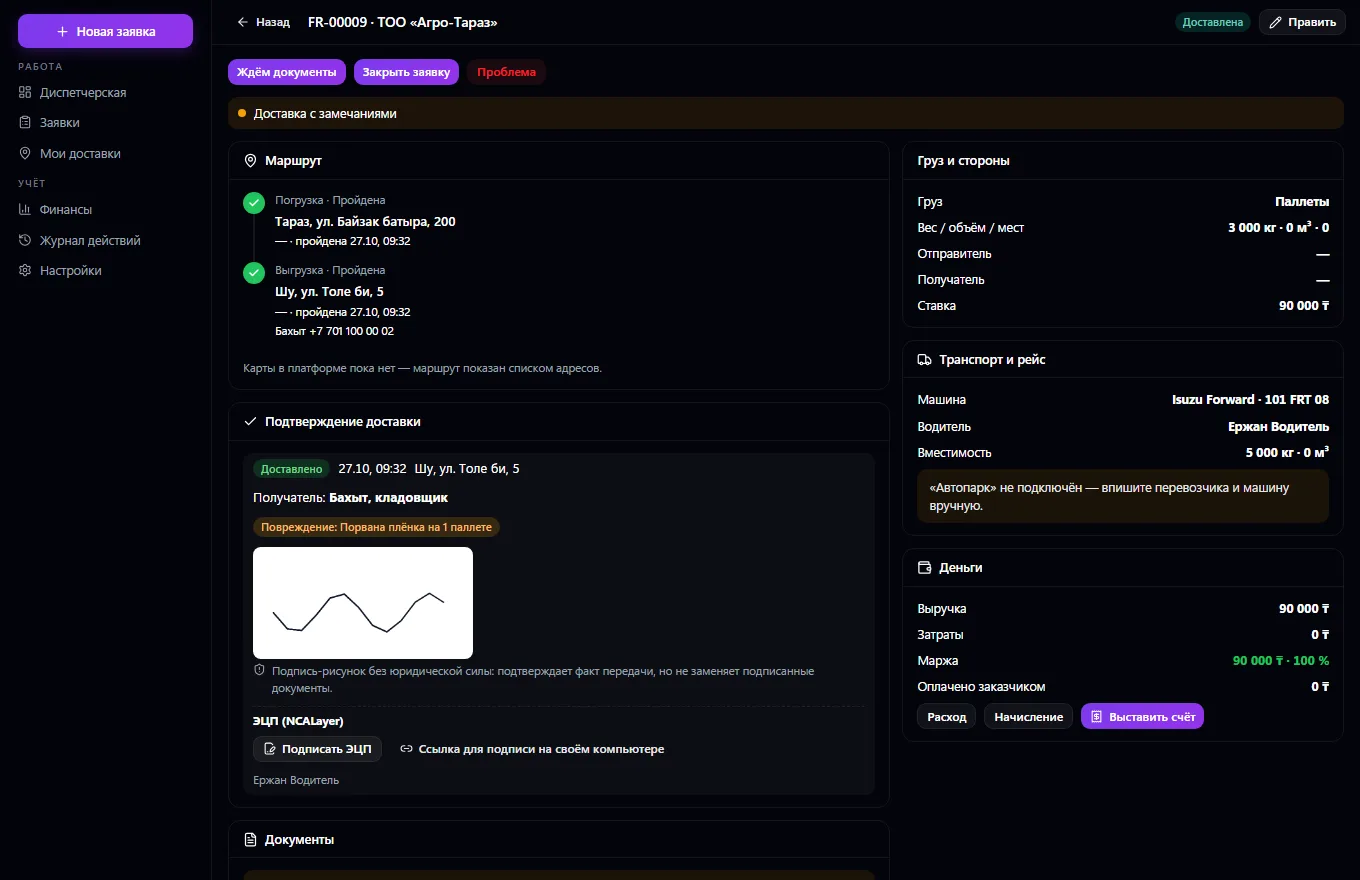
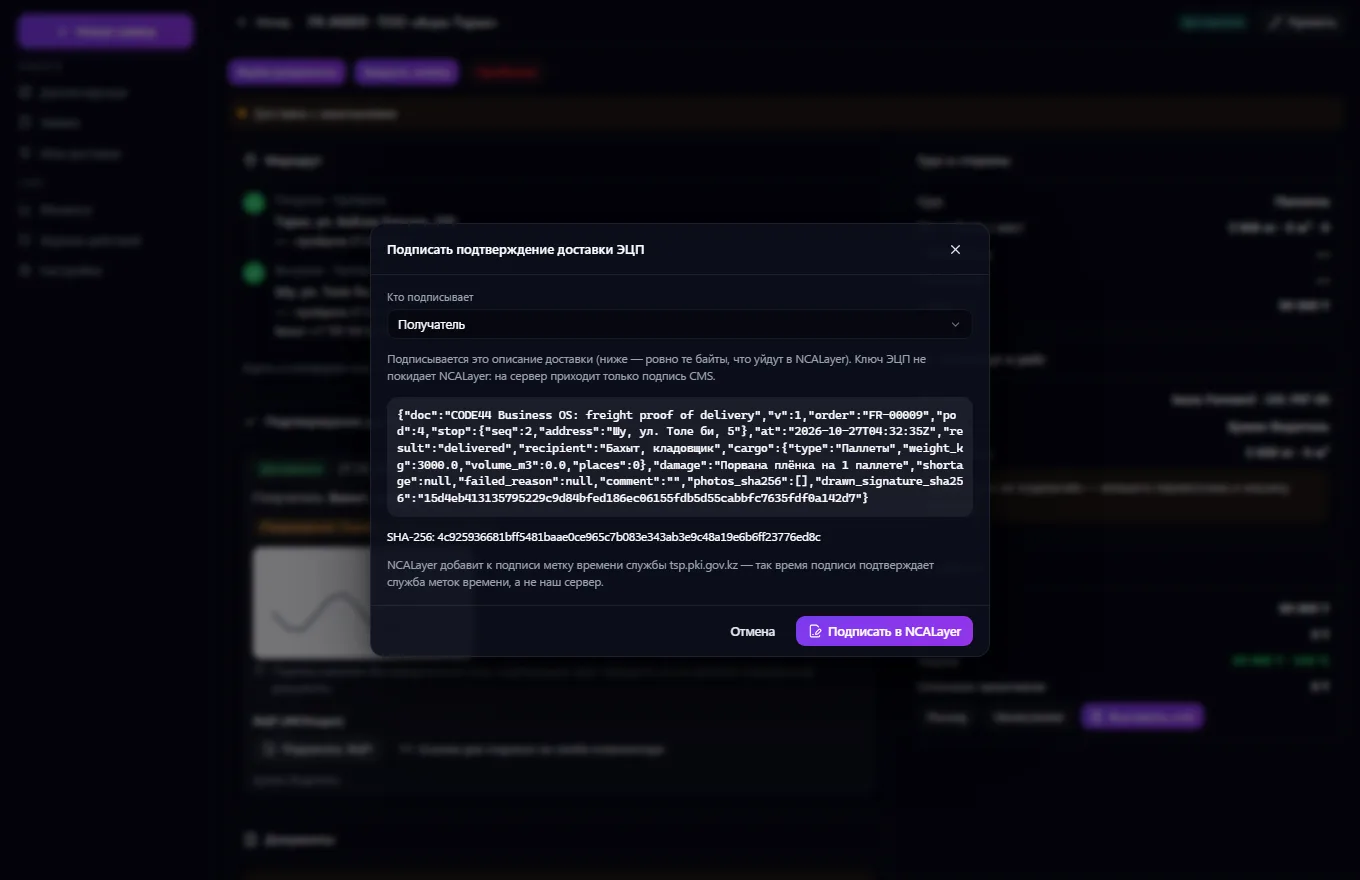
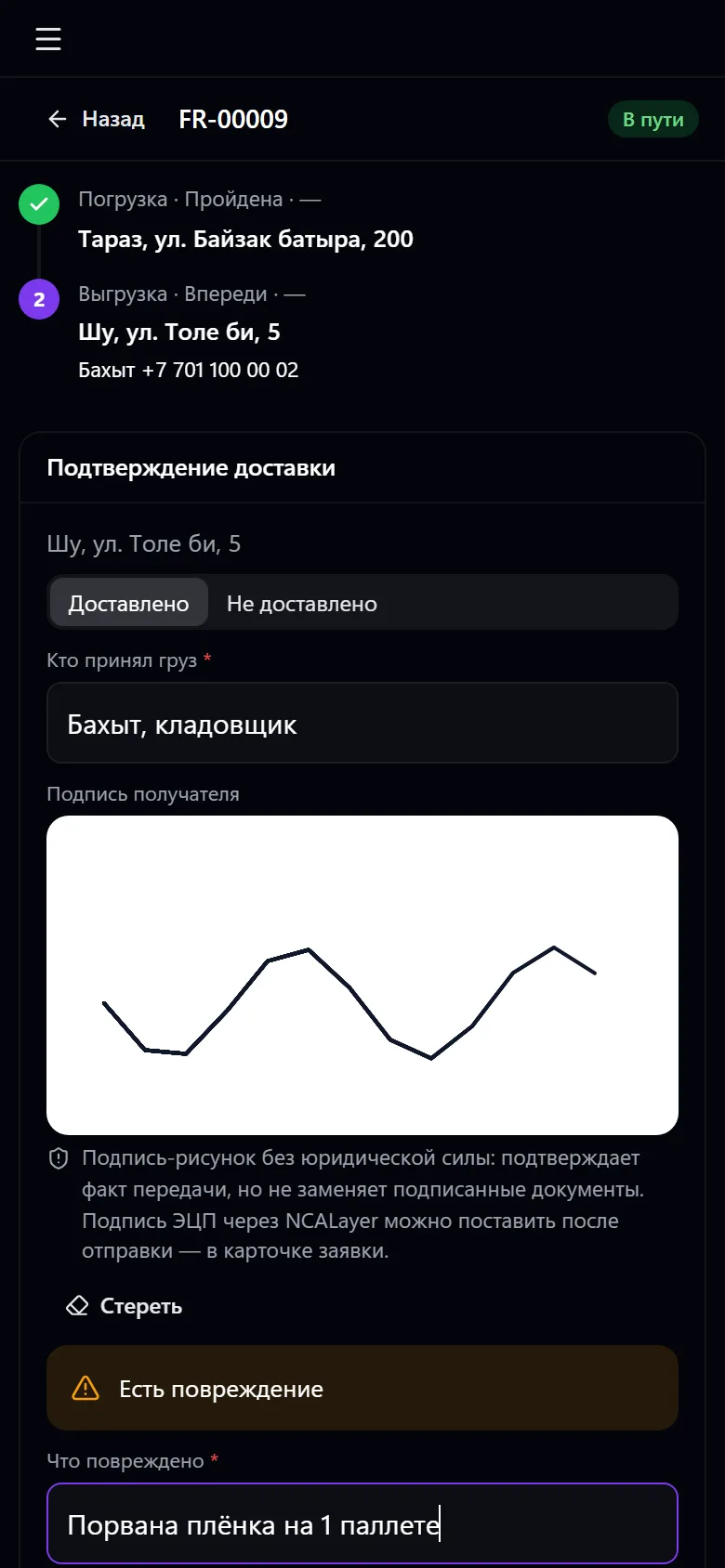
A trip is requested from Fleet via an event and tracked through its events; without Fleet, the carrier and vehicle are entered by hand. The vehicle comes from the shared Vehicles service, with availability. Proof of delivery from the driver's phone: time, recipient, a drawn signature (not legally binding) or an electronic signature via NCALayer verified by your NCANode service (the screen shows the verification facts: signer, certificate, revocation), photos, a comment, damage, shortage, the reason a delivery failed; resending never duplicates anything. Costs per request and trip — fuel, tolls, parking, repairs, per diems, a hired carrier — are linked with Payments without double counting.
Revenue, costs and margin per request and trip come from actual data, and the customer invoice is in Invoices.
The dispatcher creates a request: customer, loading and unloading points, cargo, dates and rate
The request goes through approval and planning and gets a vehicle — from Fleet or manually
The driver sees the request in “My deliveries” on their phone and marks route points
At unloading, the driver confirms delivery: recipient, signature, photos, remarks
The dispatcher receives the original documents and, if needed, signs the confirmation with an electronic signature
The customer is invoiced, margin and costs are calculated, and the request is closed
Real app windows with a fictional company as an example. Click a screenshot to enlarge it.
We are honest about what works only with an external provider or is still planned:
Need an integration for your company? Tell us about the task.
Company vehicles, drivers, trips, maintenance, fuel, expenses and GPS
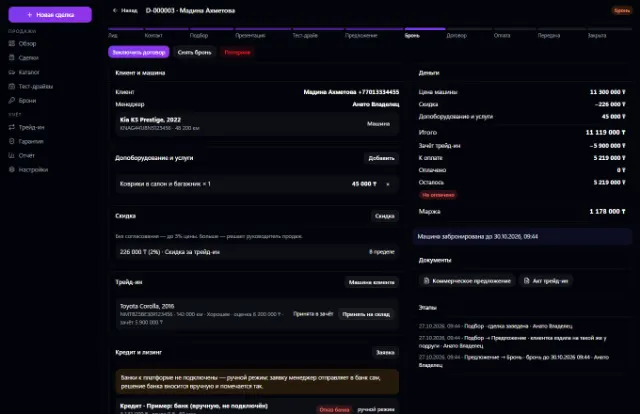
Learn more about the appVehicle stock, deals, test drives, reservations, trade-ins, discounts with approval, sale and handover
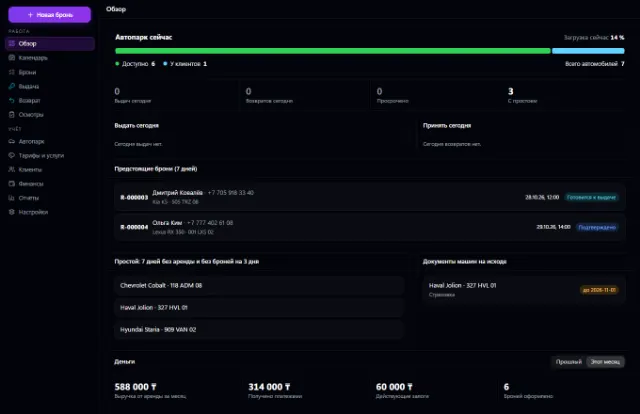
Learn more about the appFleet, bookings with no double overlaps, pickup, return, inspections and deposits
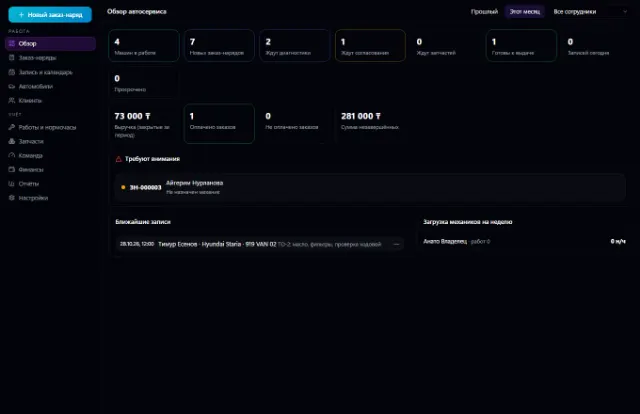
Learn more about the appThe whole service station: customer vehicles, work orders, labor hours, parts from the warehouse, mechanics and payments
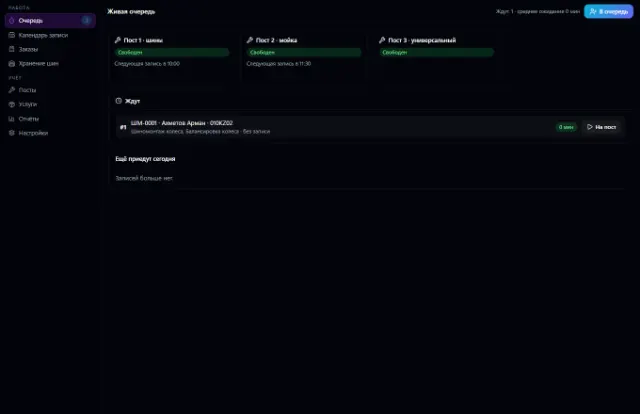
Learn more about the appBay bookings with no overlaps, a walk-in queue, orders with materials from the warehouse, customer tire storage and bay workload
Learn more about the appInspection booking, versioned checklists, rule-based results, reports with corrections
Learn more about the appConnect your company — the app is enabled in the app store in a minute. If a feature is missing, the CODE44 team can build it for you free of charge.