LiveNew · release 372
Fleet
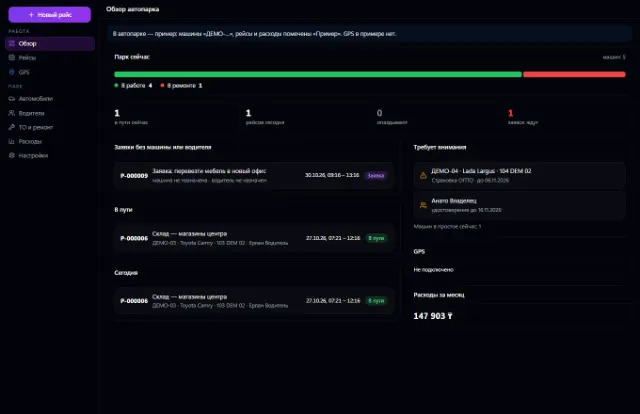
Company vehicles, drivers, trips, maintenance, fuel, expenses and GPS
Learn more about the appThe whole service station: customer vehicles, work orders, labor hours, parts from the warehouse, mechanics and payments
Car Service is the service station workstation in Business OS. Here you handle bookings, work orders from intake to handover, approving work with the customer, parts from the warehouse and the history of every car. Money, inventory and customers are shared with the company's other apps, so nothing has to be entered twice.
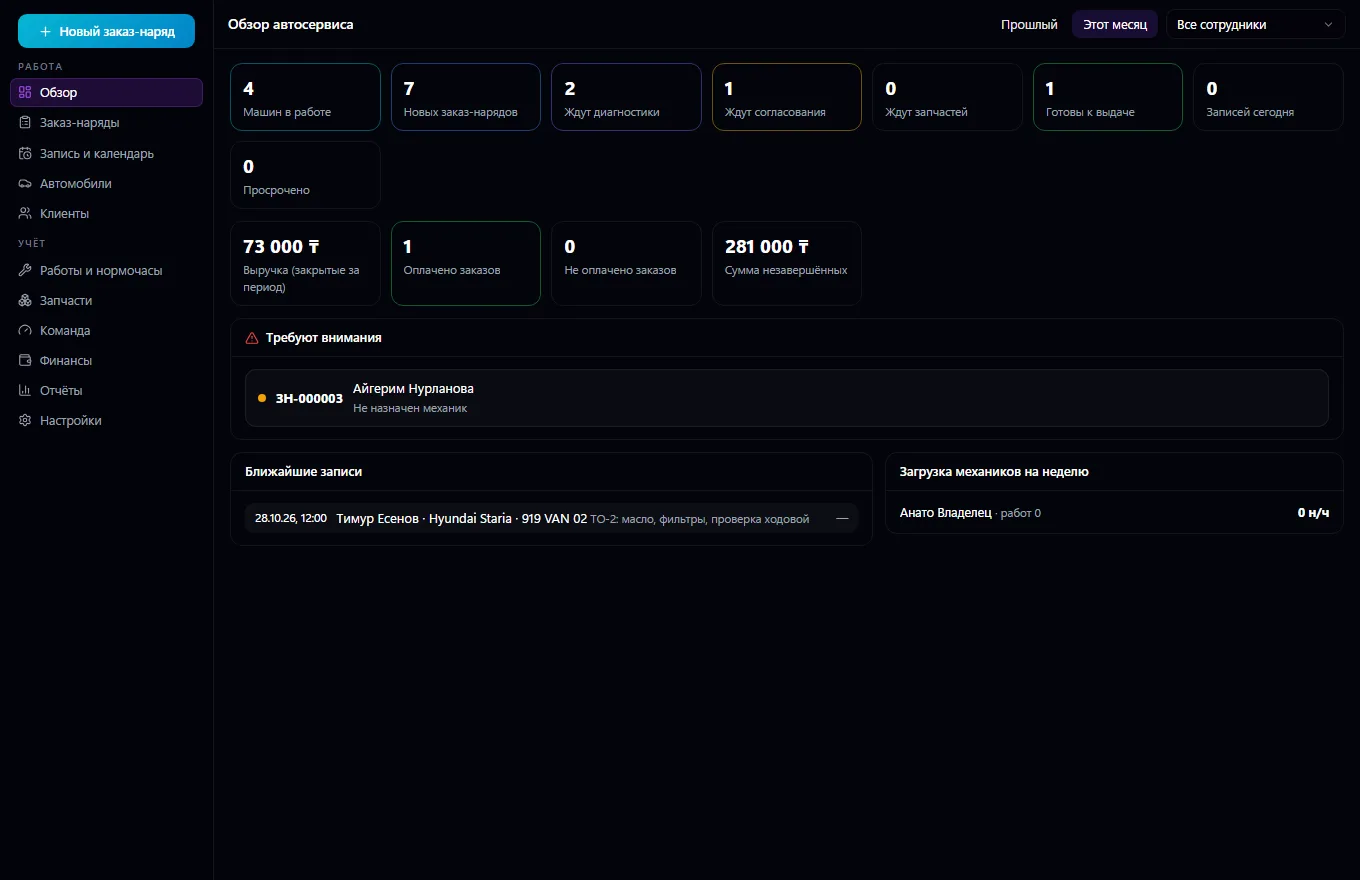
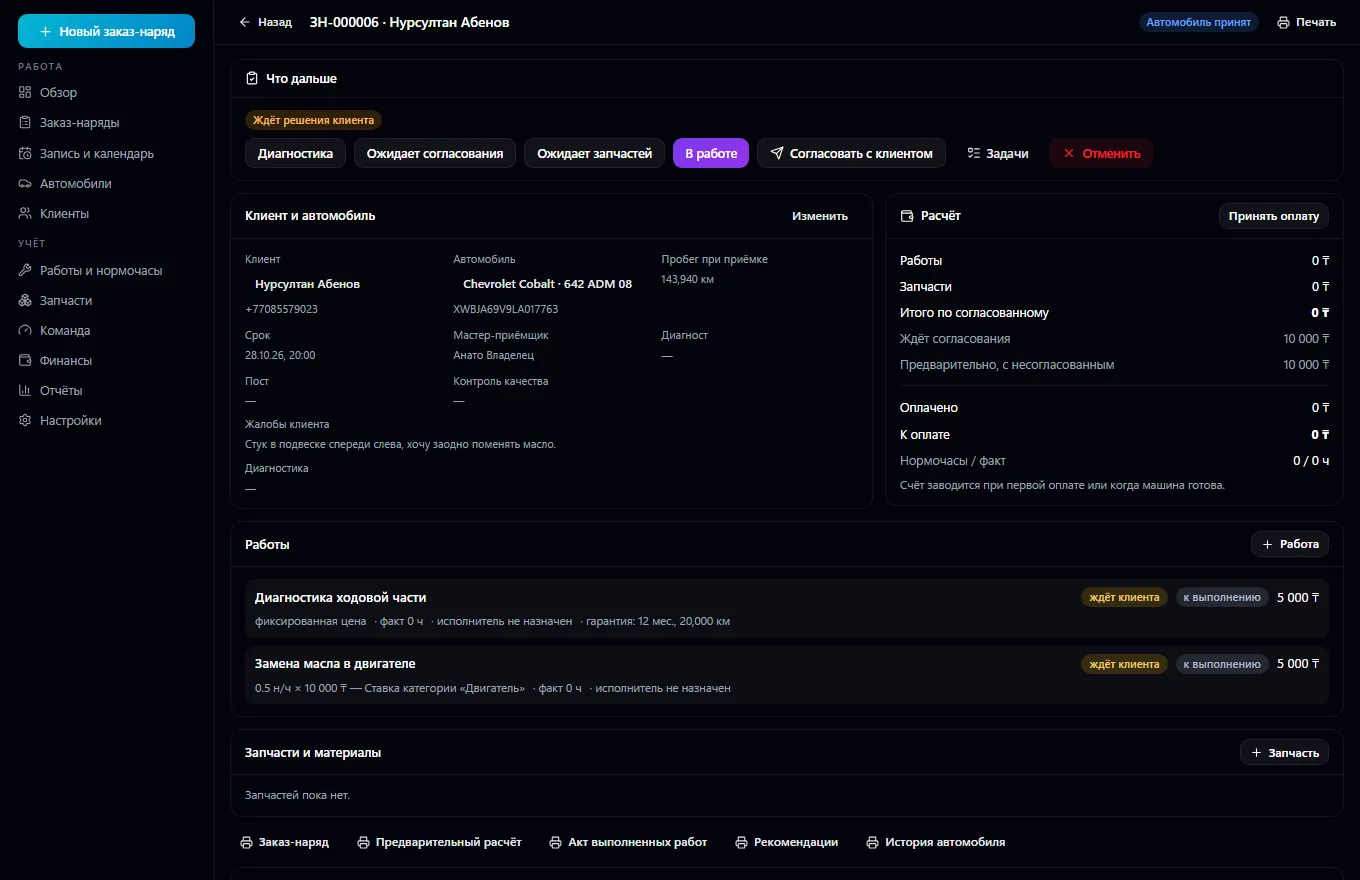
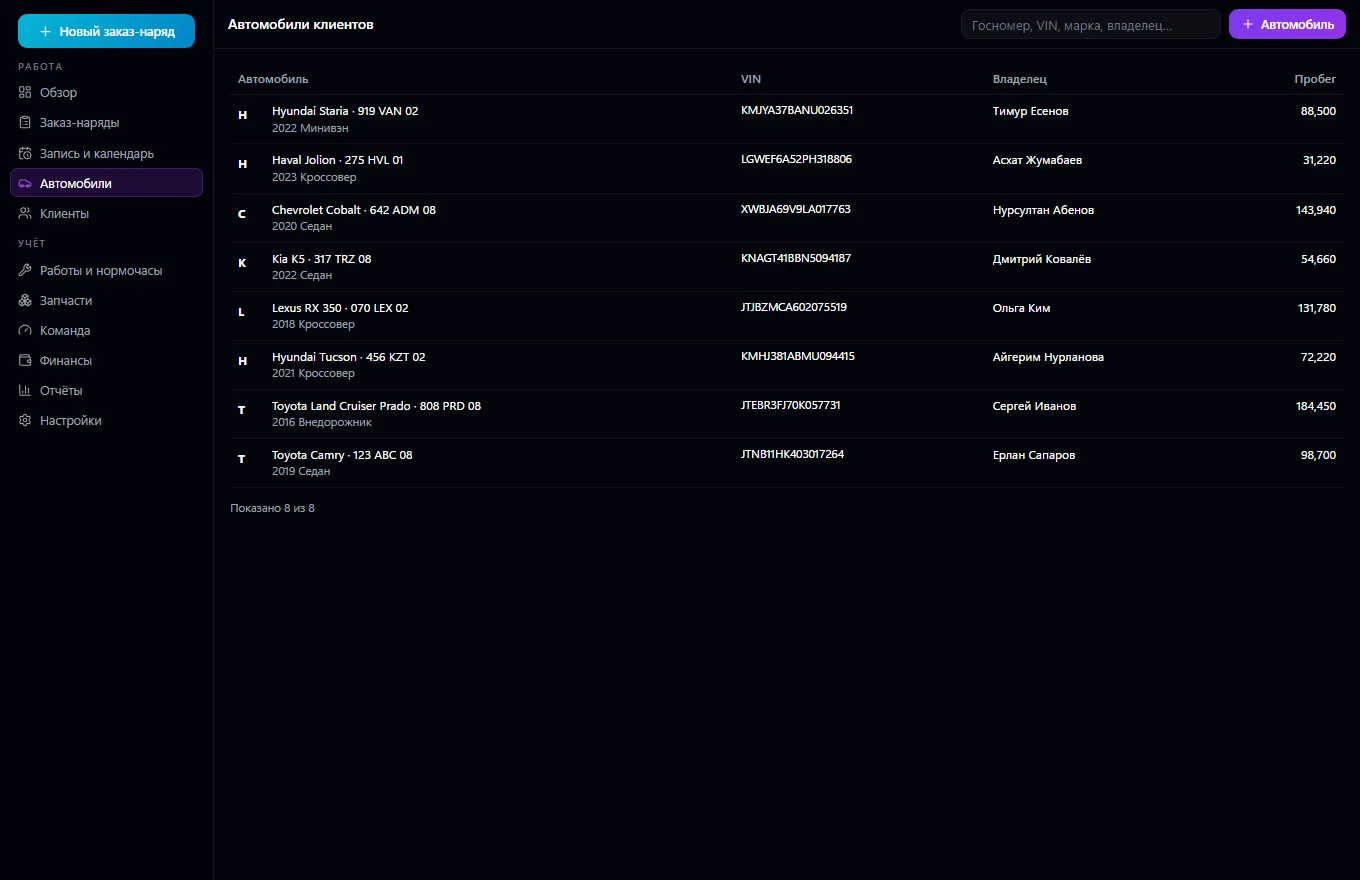
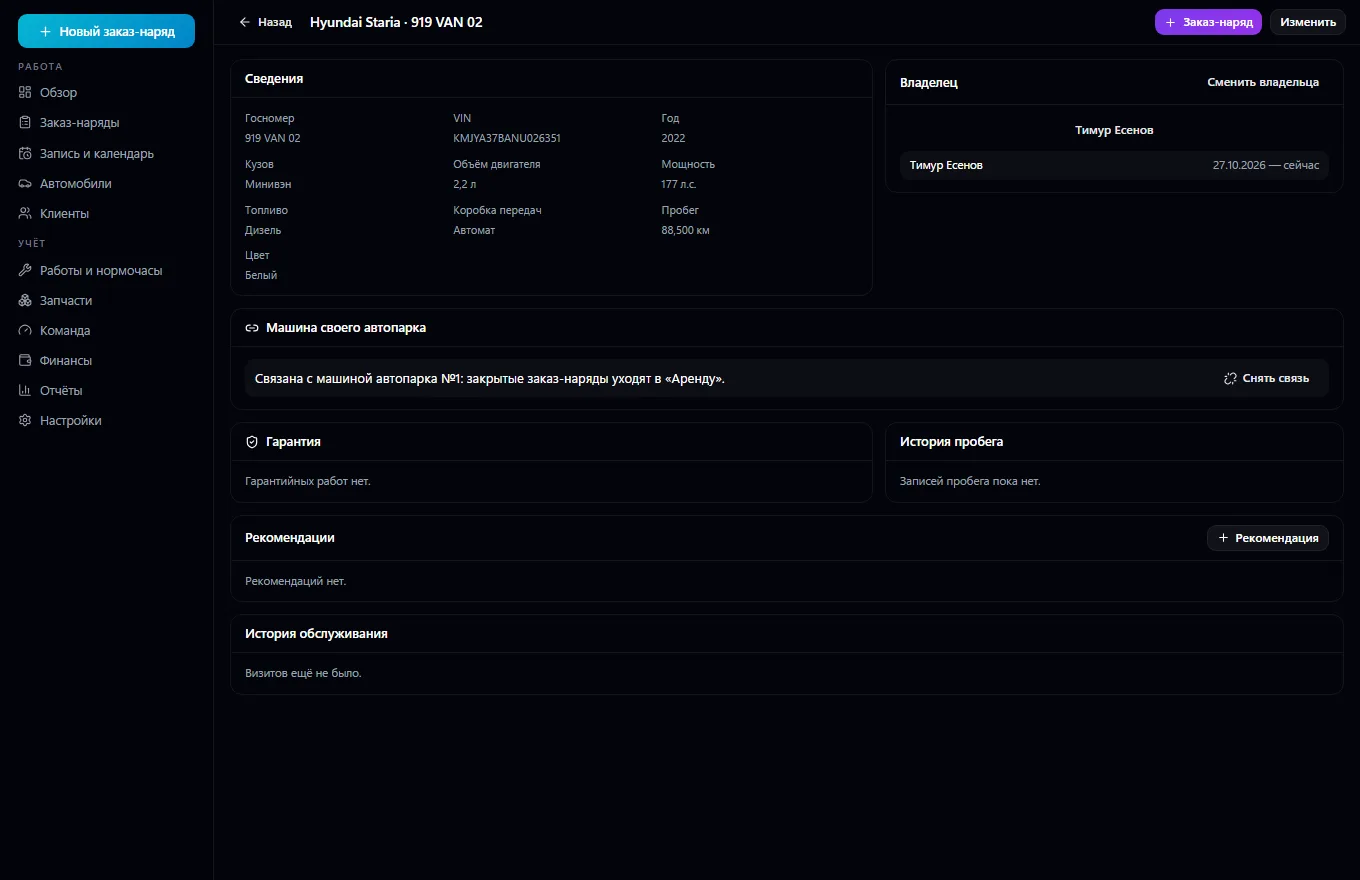
The service station workstation. Customer cars with a history of visits, work, parts and mileage; owners come from the shared contact book, with no duplicates, and ownership can change. A work order moves from booking and intake through diagnostics, approval, waiting for parts, repair and quality control to handover — the server checks every transition. Work is priced by labor hours or at a fixed price; the rate is chosen unambiguously from rates by category, body type and mechanic level, and the price is locked in the order line.
Mechanics' actual time is tracked separately from the standard: start, pause, finish. Parts are reserved, issued to the job, written off and returned through Warehouse commands — nothing can be written off twice; shortages go to Procurement as a request. Additional work is offered to the customer as a proposal with versions and a decision. The invoice and payments live in Invoices and Payments, with payment status kept separate from the repair.
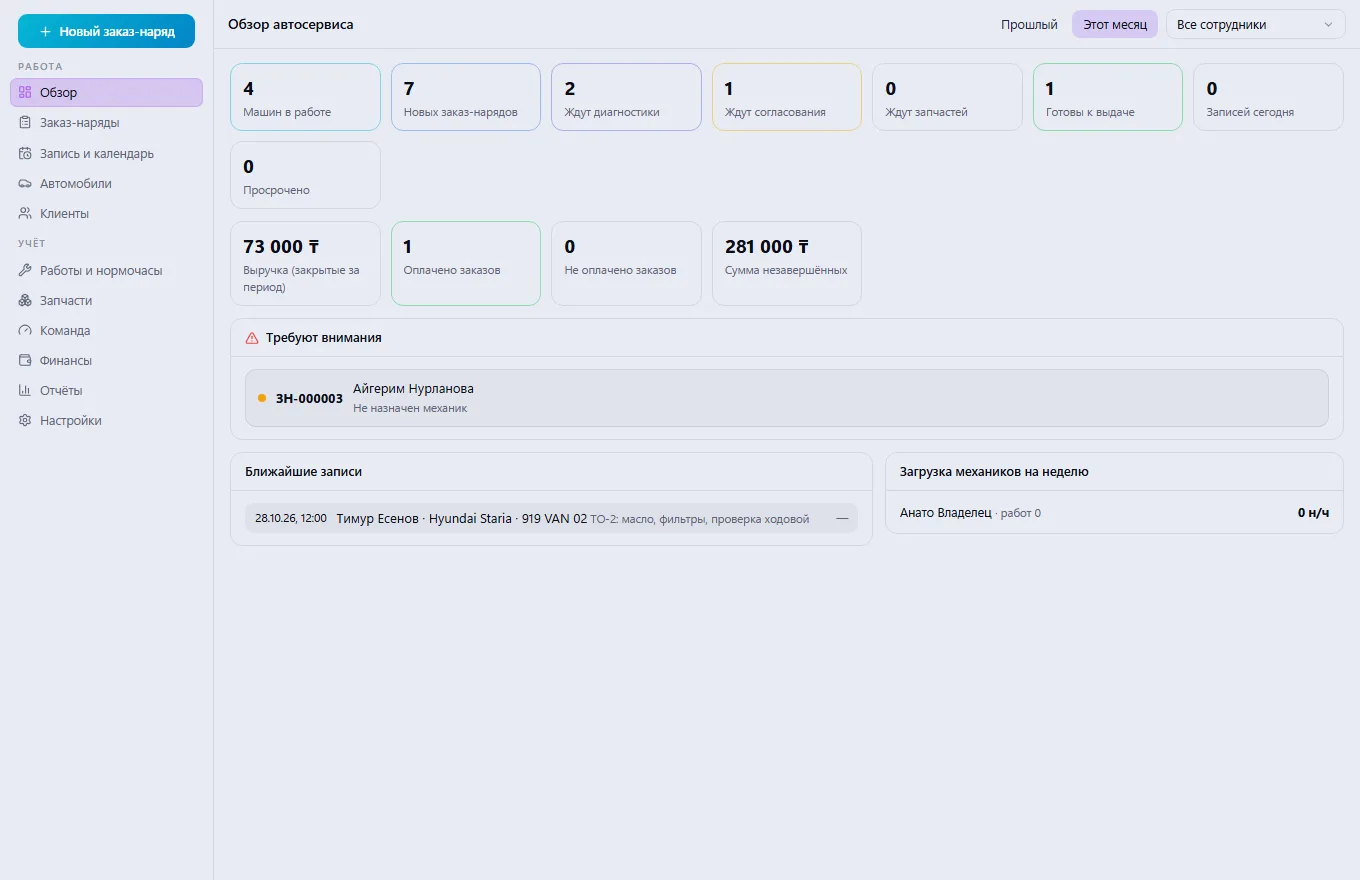
Service booking with no overlaps by mechanic or bay, tasks by stage, mechanic workload, printable forms, an overview and reports from real data.
Book the customer at a convenient time: the system won't let you book a mechanic or bay twice.
Take in the car: choose or create the customer and the vehicle, record mileage and complaints, open a work order.
Run diagnostics, add work and parts, and send it to the customer for approval.
Once approved, carry out the repair: mechanics log their actual time, and parts are issued from the warehouse.
Pass quality control, issue the invoice, take payment and hand over the car with a completion certificate.
Review the overview and reports: mechanic workload, revenue and orders that are stuck.
Real app windows with a fictional company as an example. Click a screenshot to enlarge it.
Company vehicles, drivers, trips, maintenance, fuel, expenses and GPS
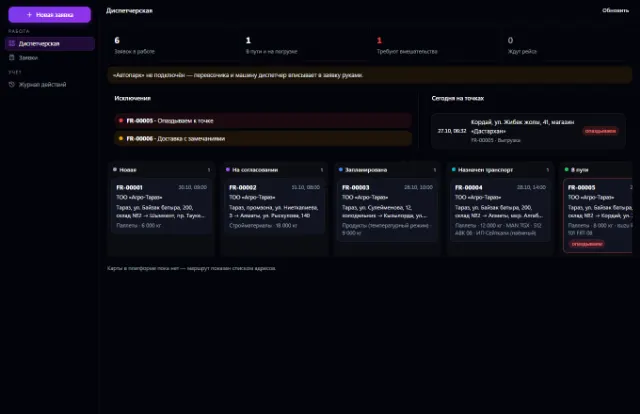
Learn more about the appShipping requests, a dispatcher workstation, proof of delivery and trip margin
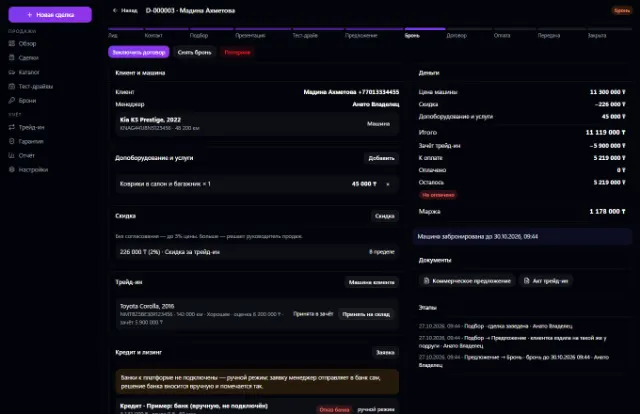
Learn more about the appVehicle stock, deals, test drives, reservations, trade-ins, discounts with approval, sale and handover
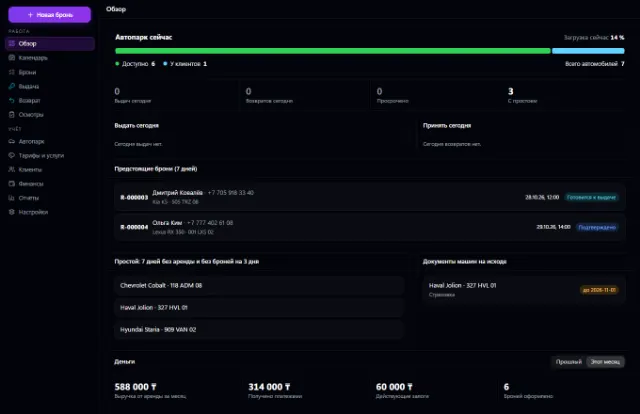
Learn more about the appFleet, bookings with no double overlaps, pickup, return, inspections and deposits
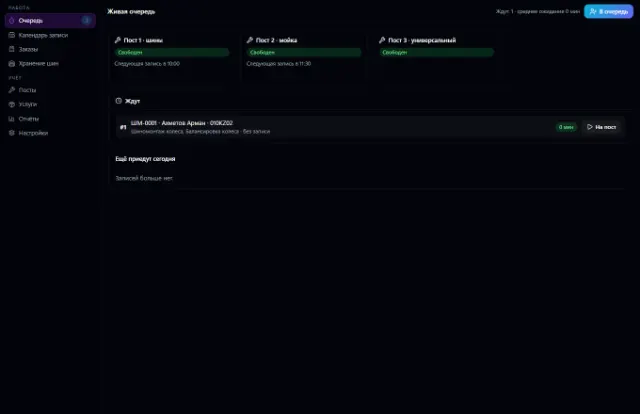
Learn more about the appBay bookings with no overlaps, a walk-in queue, orders with materials from the warehouse, customer tire storage and bay workload
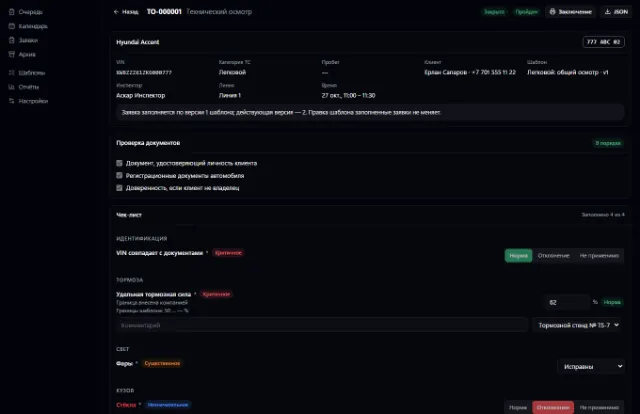
Learn more about the appInspection booking, versioned checklists, rule-based results, reports with corrections
Learn more about the appConnect your company — the app is enabled in the app store in a minute. If a feature is missing, the CODE44 team can build it for you free of charge.