LiveNew · release 372
Freight
Shipping requests, a dispatcher workstation, proof of delivery and trip margin
Learn more about the appCompany vehicles, drivers, trips, maintenance, fuel, expenses and GPS
Fleet is an app for tracking the company's vehicles, drivers and trips in one window. It won't let you send a car without documents or a driver without the right license category on a trip, reminds you about maintenance and deadlines, and hands repairs and expenses over to the neighboring apps.
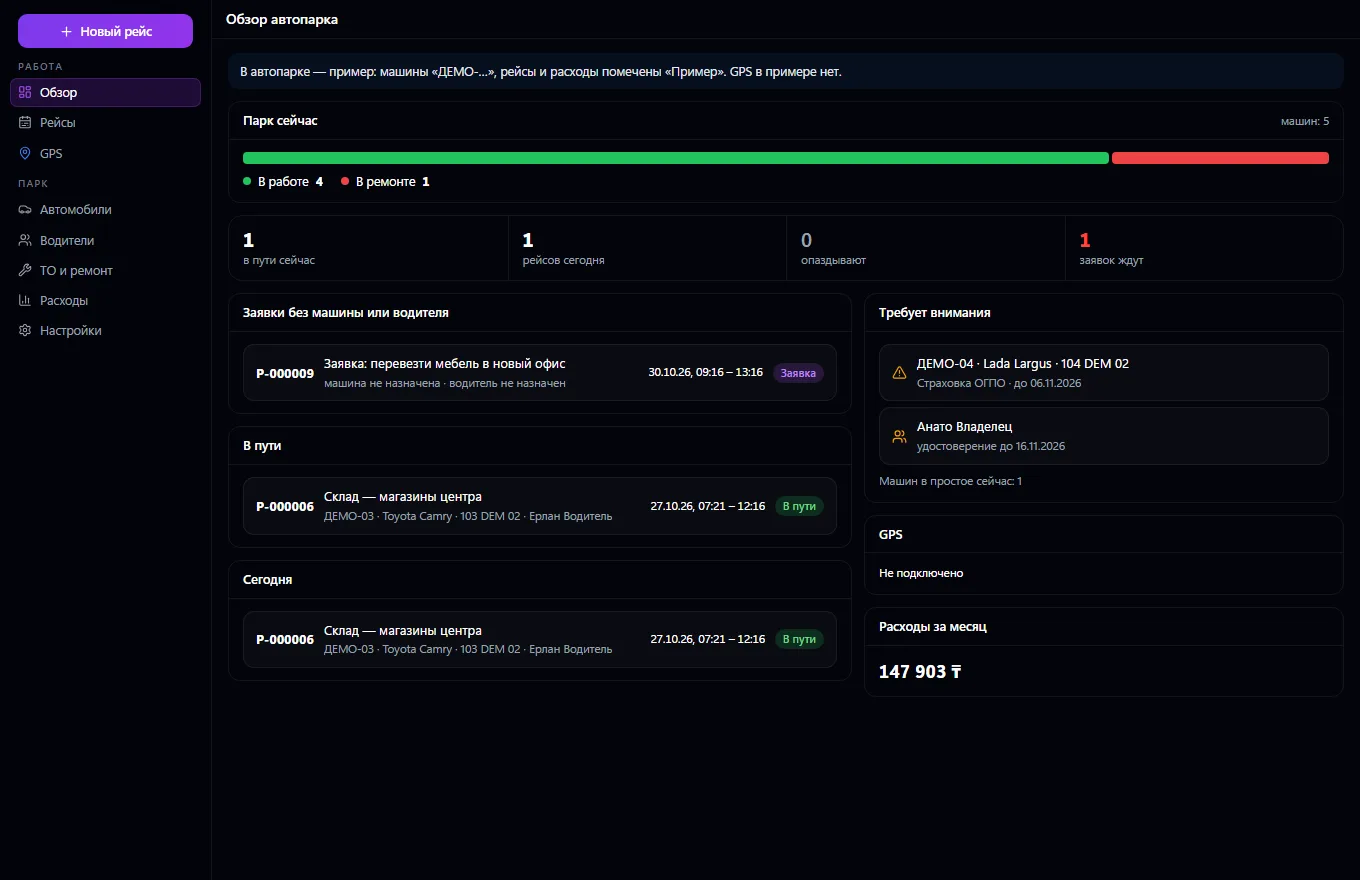
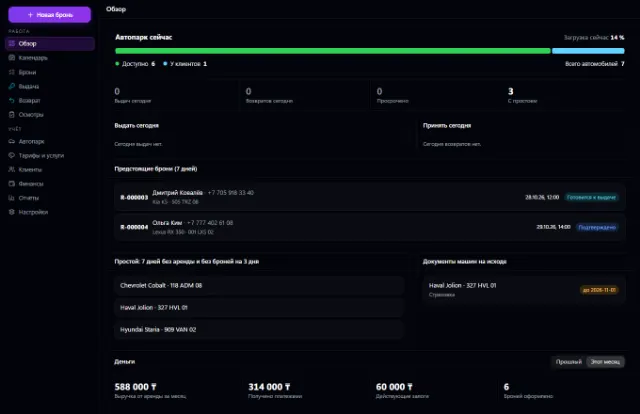
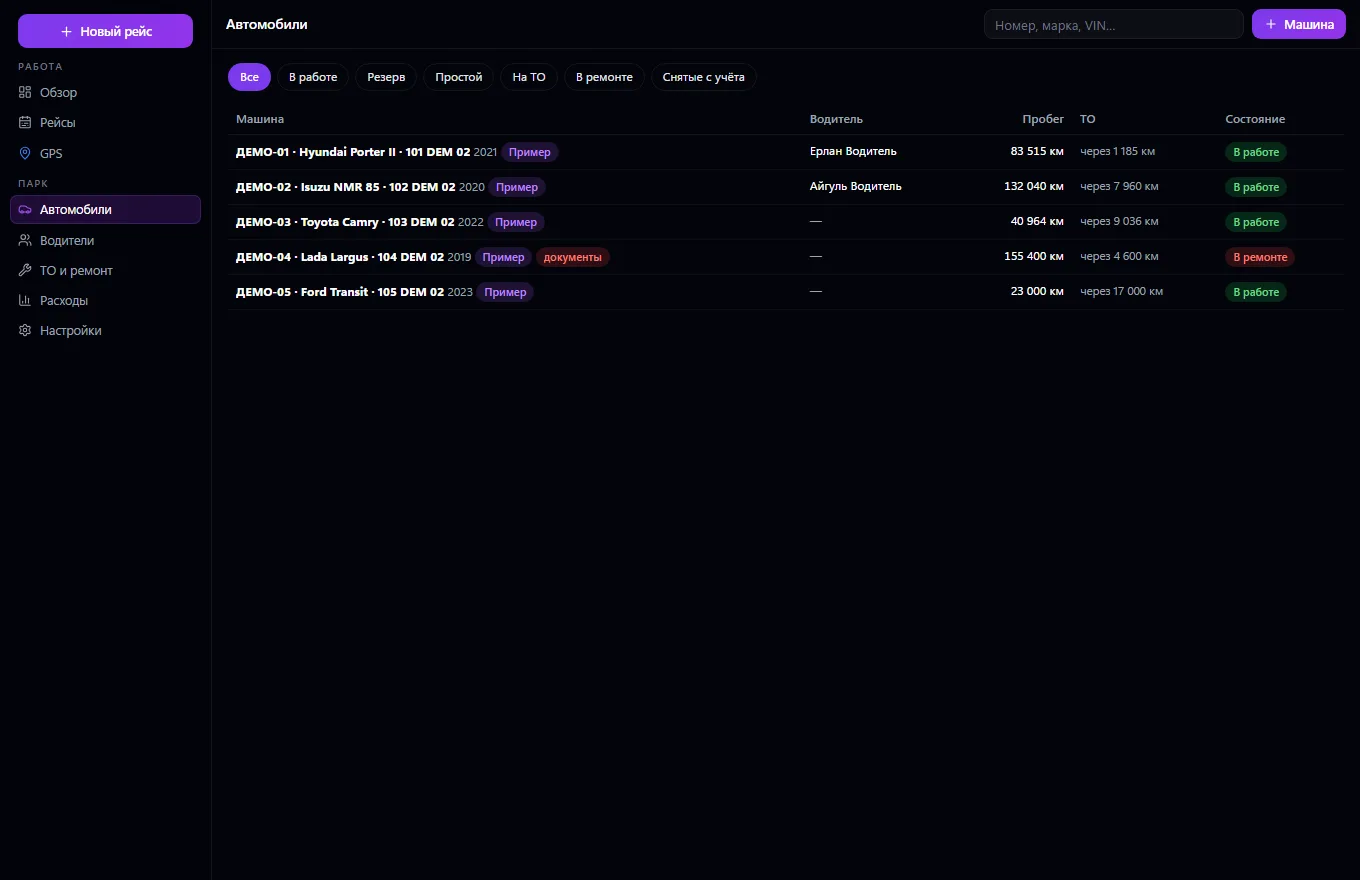
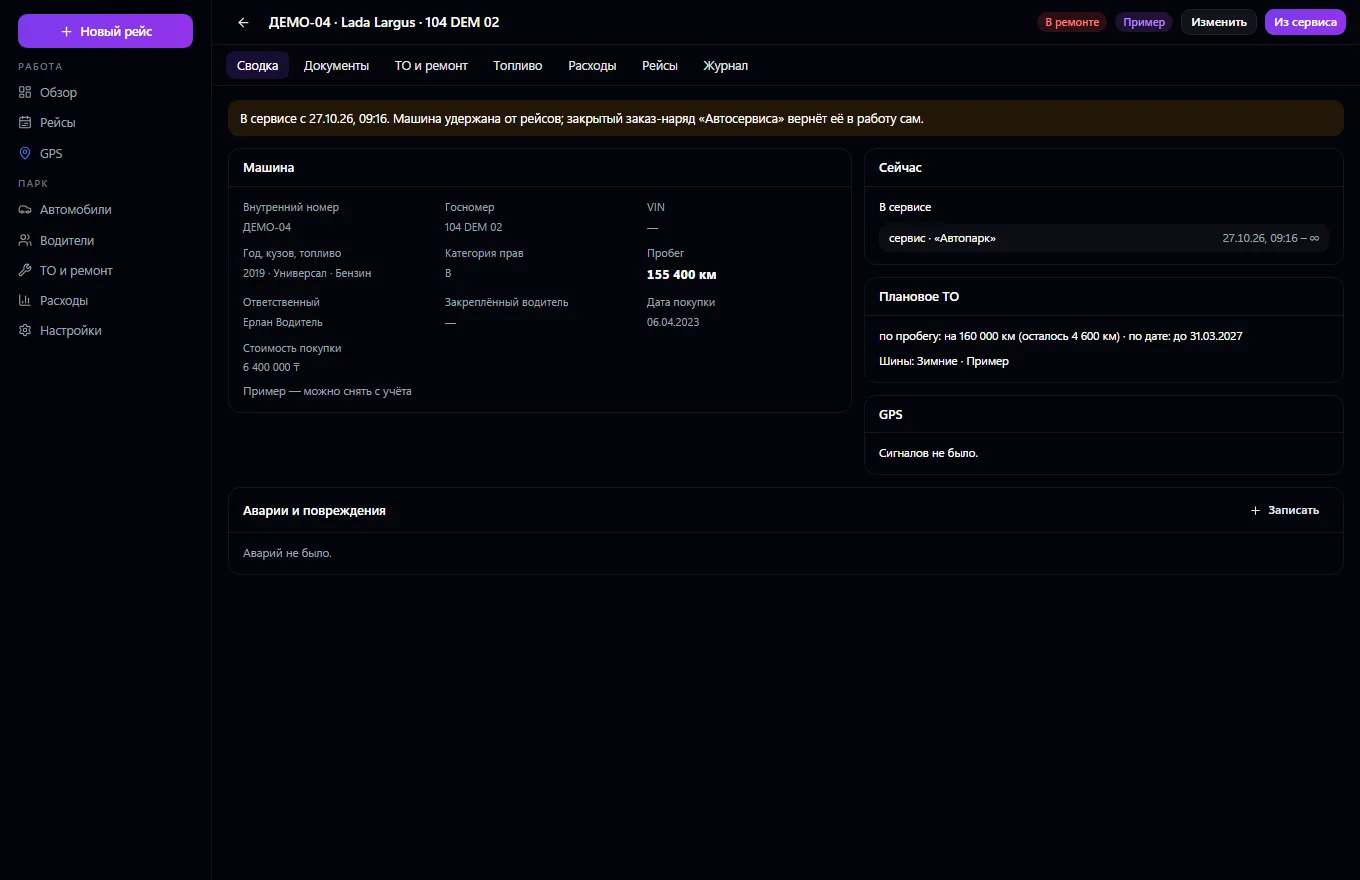
The company fleet in one window. A vehicle is the same one as in Rental, Car Service and Vehicle Passport: one record for the whole company, with no duplicates. A vehicle has an internal number, a department, a person responsible and an assigned driver, an operating status, documents with expiry dates, scheduled maintenance by mileage and date, seasonal tires, refueling and actual consumption against the norm, expenses, downtime and accidents. A driver is a company employee with a license, categories, expiry dates and clearances: the server won't assign a driver without the right category or with an expired license.
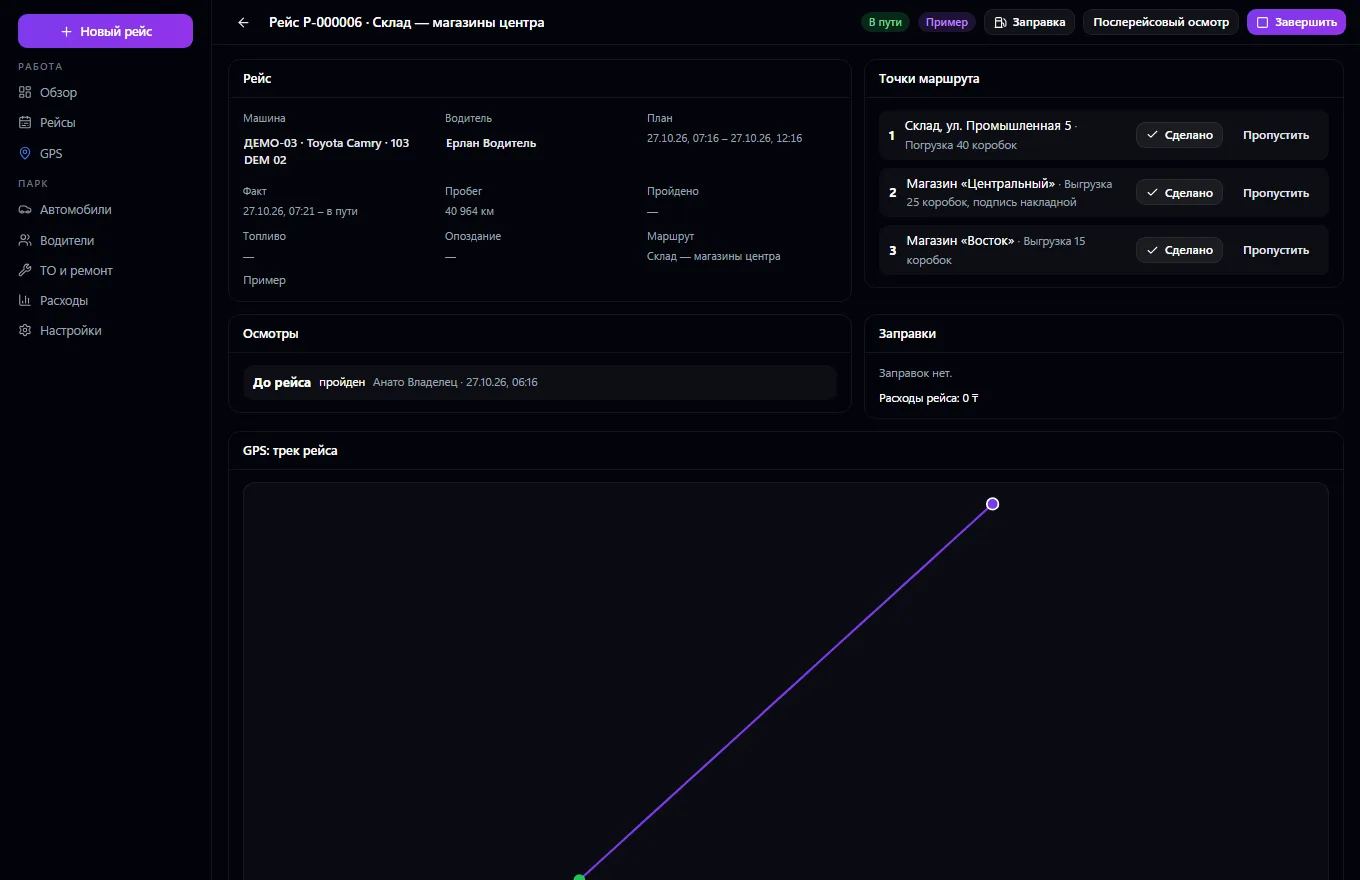
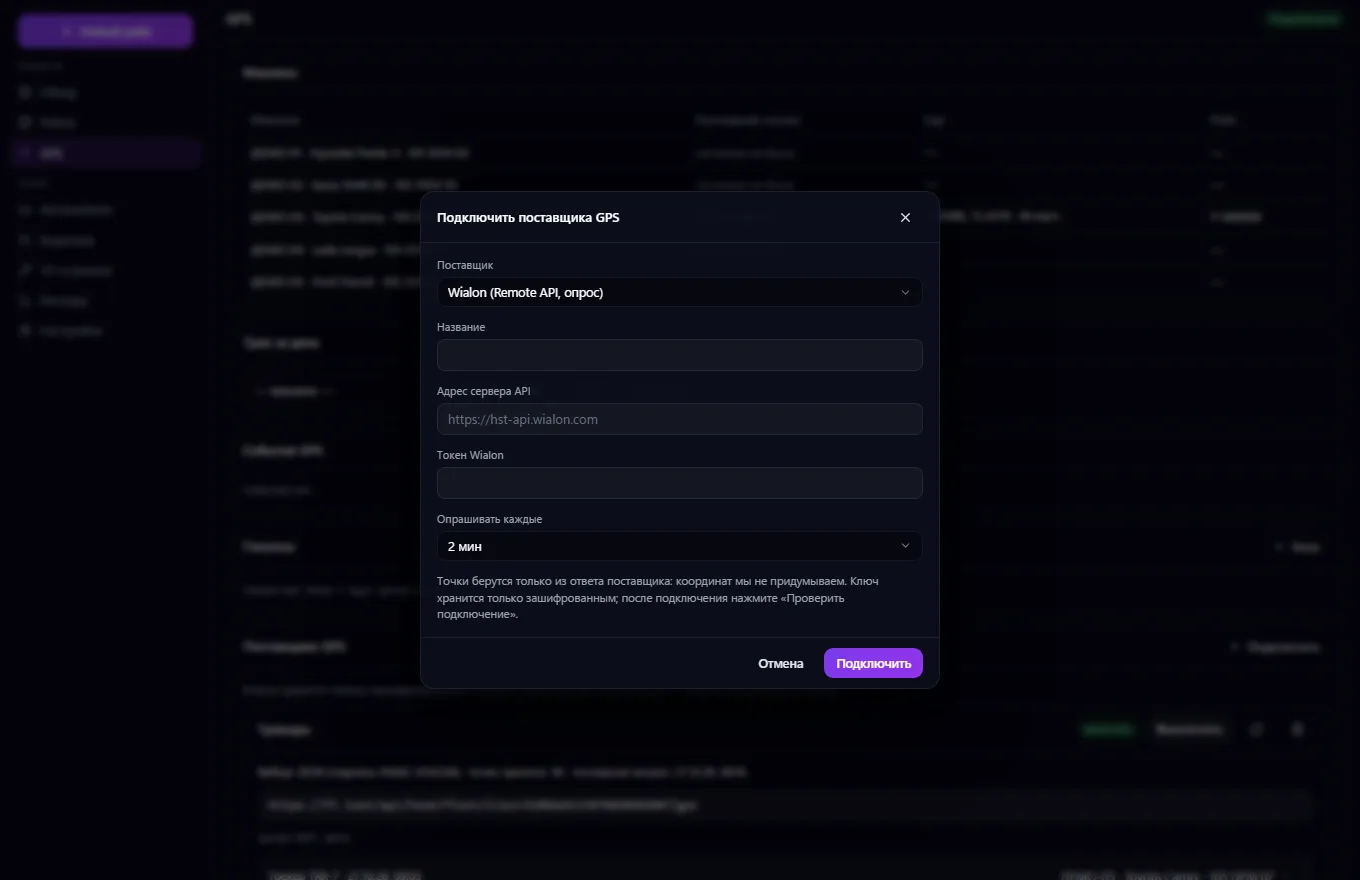
A trip is a vehicle and a driver, plan and actual, route points with tasks, pre- and post-trip inspection, mileage and delays; one vehicle and one driver can't be on two trips at the same time, and a trip won't take a car that is rented out, in service or sold. Repairs go to Car Service as a work order, and a closed order returns the vehicle to service. Expenses go into Payments. GPS comes through a provider: a webhook with signature verification or polling the Wialon and Traccar APIs (keys are stored encrypted, “Check connection” makes a real request, polling errors are visible), a track built only from received points, geofences, route deviations and downtime; without a provider — an honest “Not connected”.
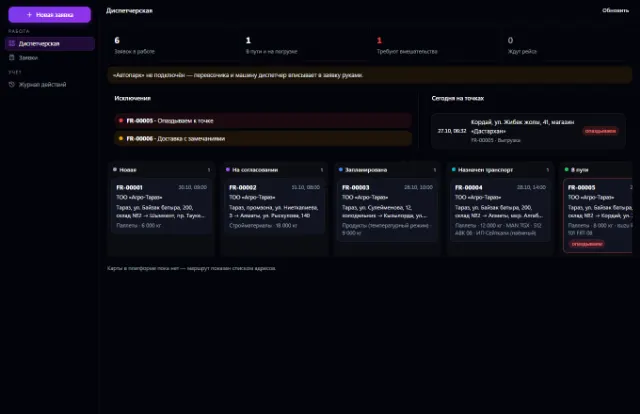
It accepts trip requests from Freight.
Add vehicles and driver cards: licenses, categories, document expiry dates
Create a trip: vehicle, driver, time, route points — the server checks the license, documents and availability
The driver does a pre-trip inspection and marks route points and refueling
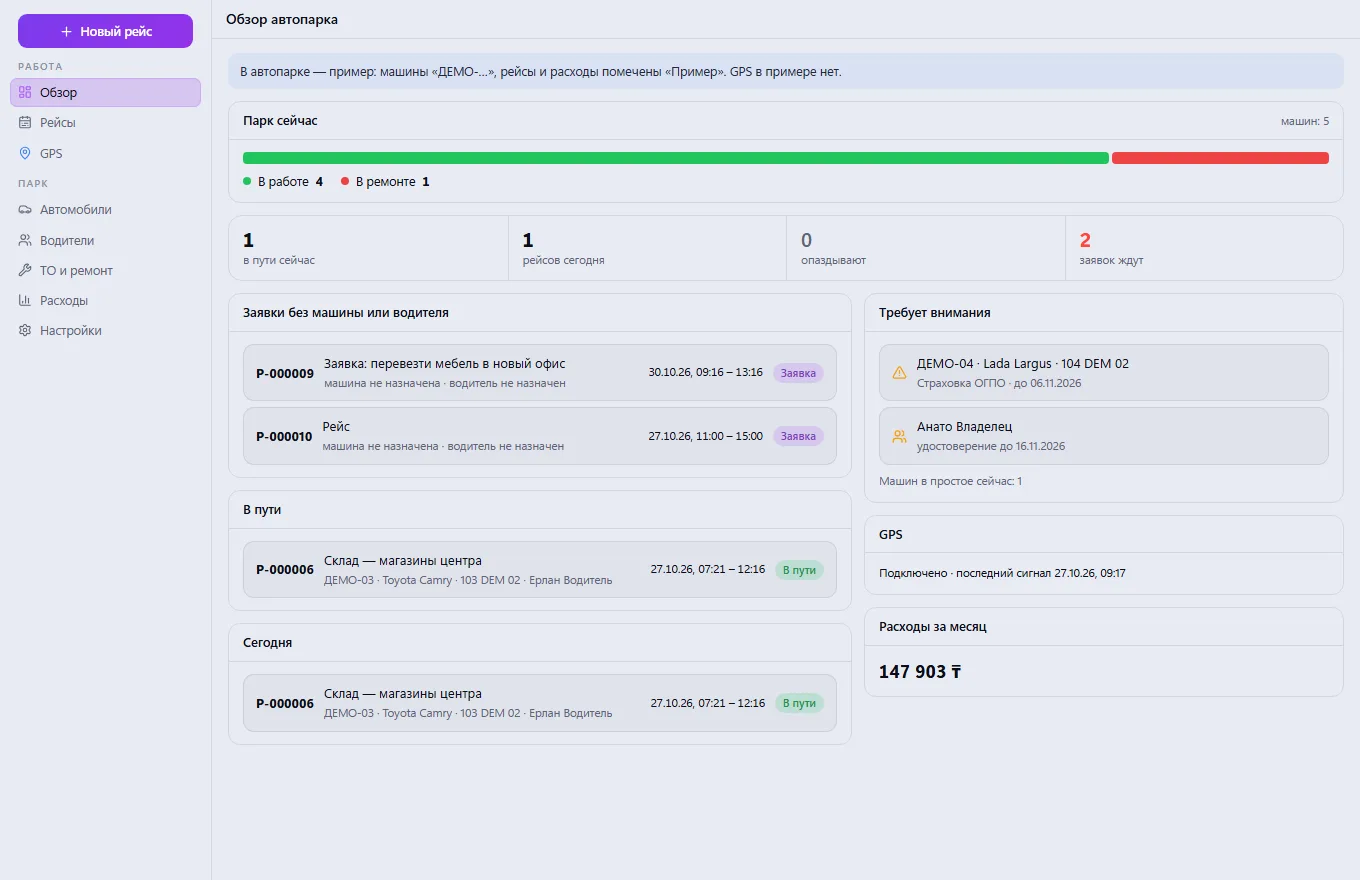
Track trips on the road, delays, expiring documents and maintenance in the overview
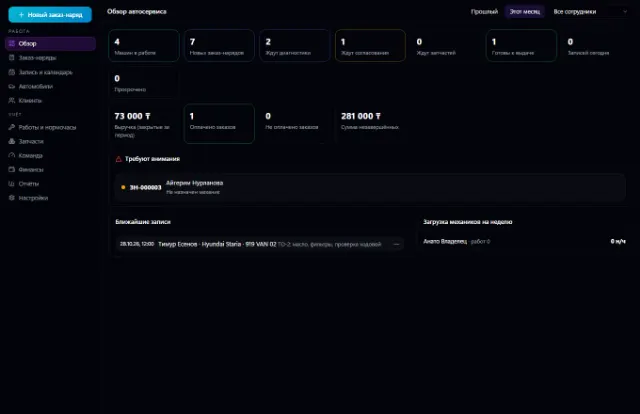
If something breaks, send the vehicle to Car Service — after the repair it returns to service on its own
Optionally connect a GPS provider to see the track, geofences and deviations
Real app windows with a fictional company as an example. Click a screenshot to enlarge it.
We are honest about what works only with an external provider or is still planned:
Need an integration for your company? Tell us about the task.
Shipping requests, a dispatcher workstation, proof of delivery and trip margin
Learn more about the appVehicle stock, deals, test drives, reservations, trade-ins, discounts with approval, sale and handover
Learn more about the appFleet, bookings with no double overlaps, pickup, return, inspections and deposits
Learn more about the appThe whole service station: customer vehicles, work orders, labor hours, parts from the warehouse, mechanics and payments
Learn more about the appBay bookings with no overlaps, a walk-in queue, orders with materials from the warehouse, customer tire storage and bay workload
Learn more about the appInspection booking, versioned checklists, rule-based results, reports with corrections
Learn more about the appConnect your company — the app is enabled in the app store in a minute. If a feature is missing, the CODE44 team can build it for you free of charge.