

Weather
Three cities on your desktop
Weather for up to three cities at once, with a desktop widget. Find a city by name.
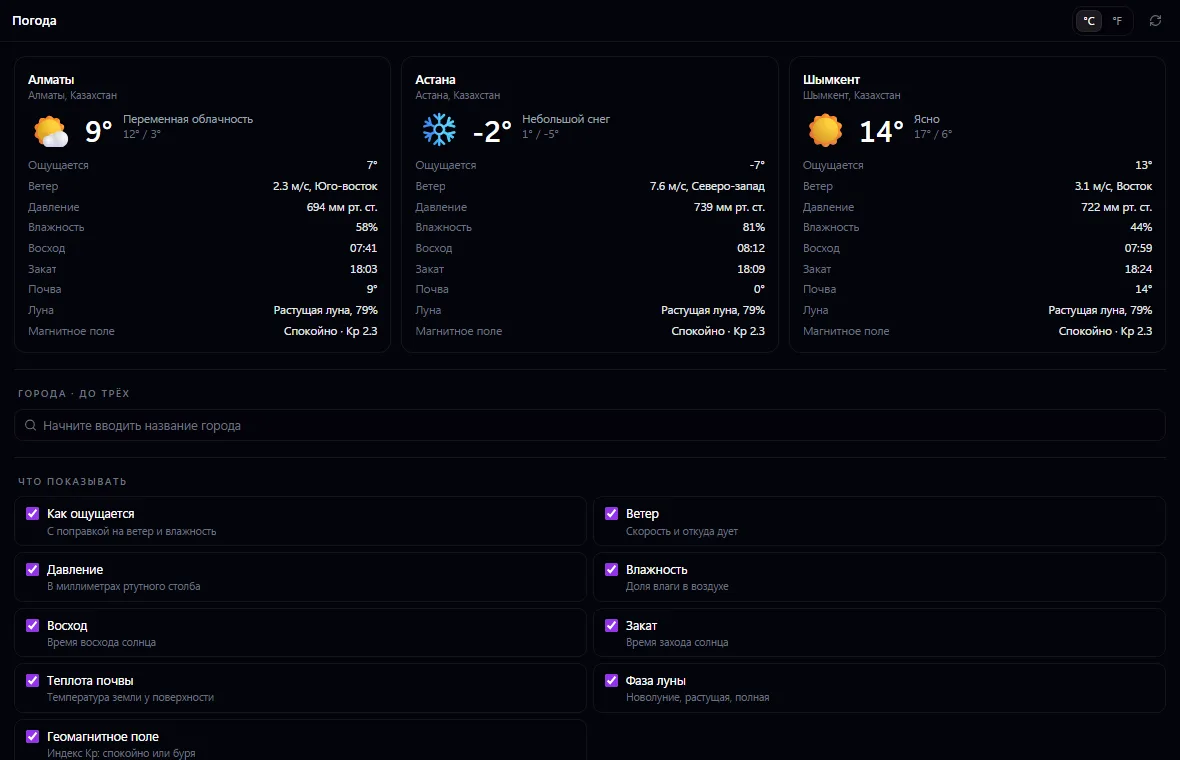
Weather: what it does and how it works
Weather for up to three cities at once, with a desktop widget. Find a city by name. Show exactly what you need: temperature in Celsius or Fahrenheit, feels like, wind, pressure, humidity, sunrise and sunset, soil temperature, moon phase and geomagnetic field.
How to use it, step by step
- 1
Open Weather and start typing a city name
- 2
Choose the city from the list — it appears in the window and on the desktop
- 3
Add up to three cities: office, warehouse, branch
- 4
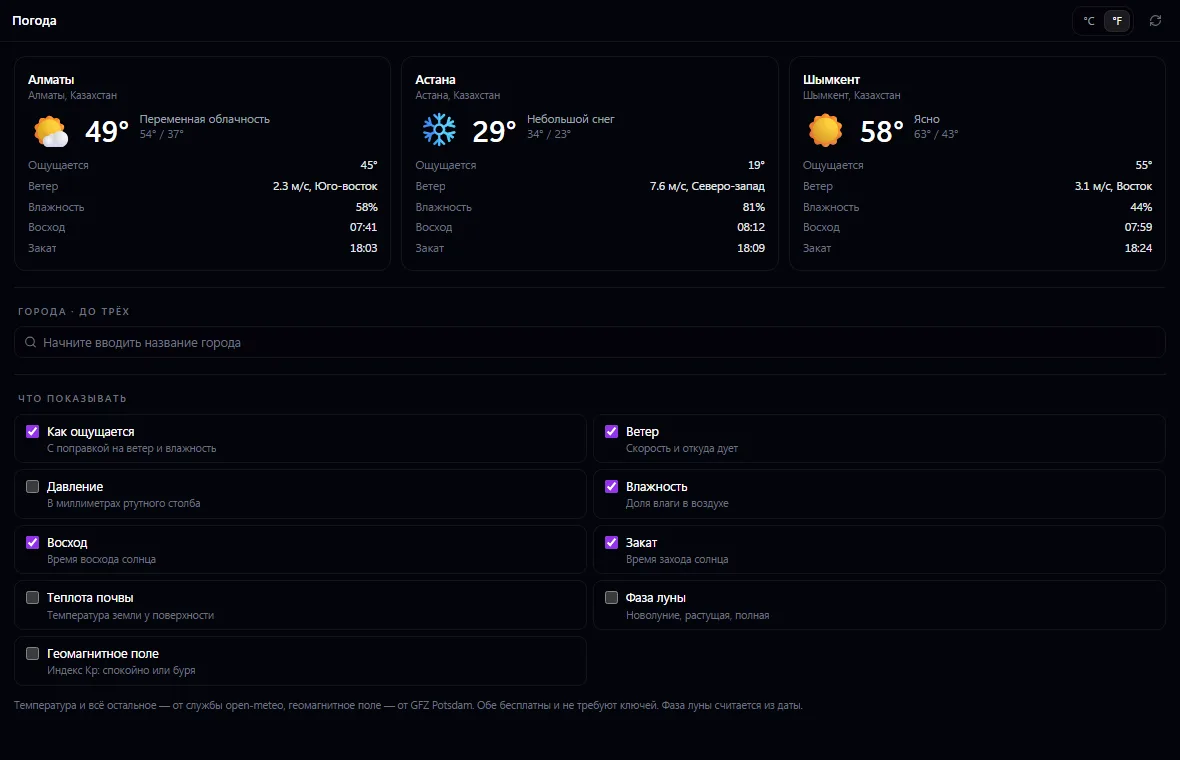
Tick which readings to show and choose °C or °F
What you can do
- Up to three cities at once
- A weather widget on the desktop
- City search by name with region and country
- Celsius or Fahrenheit
- Feels like, wind with direction, pressure in mmHg, humidity
- Sunrise and sunset
- Soil temperature near the surface
- Moon phase — calculated from the date, with no network requests
- Geomagnetic field (Kp index): calm or storm
- Each employee sets up their own set of readings
- Data from open-meteo and GFZ Potsdam — free and without keys
- Service responses are cached for 10 minutes for the whole company
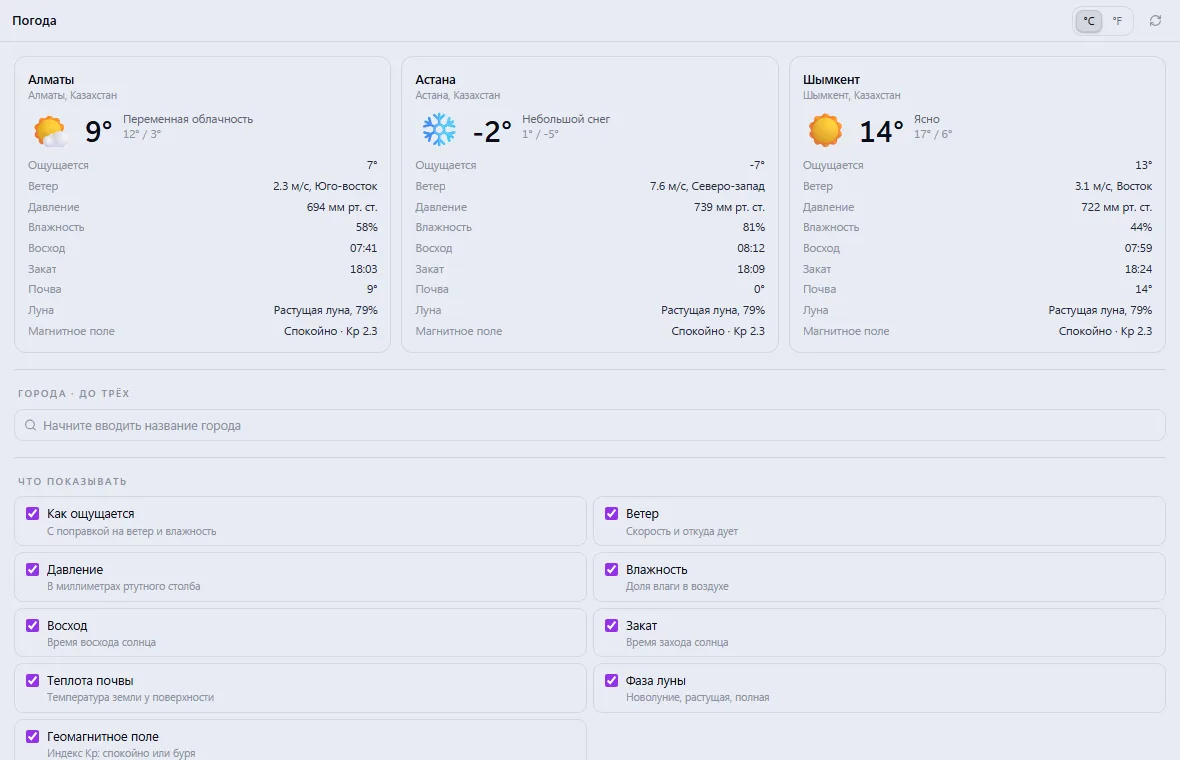
What it looks like
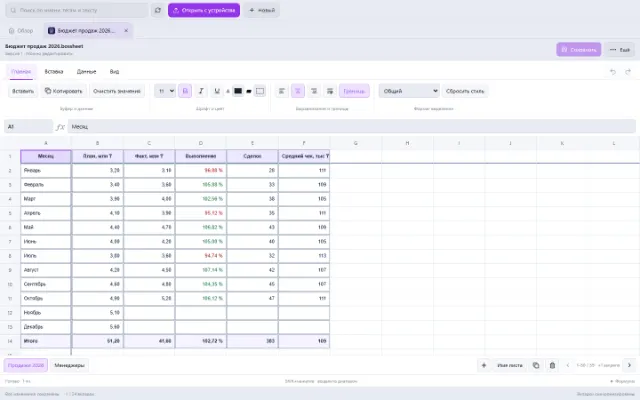
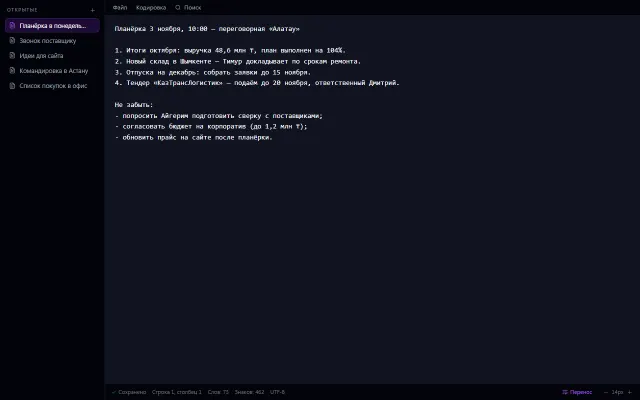
Real app windows with a fictional company as an example. Click a screenshot to enlarge it.
Works together with
- Desktop: a widget with the weather in the selected cities
Related apps

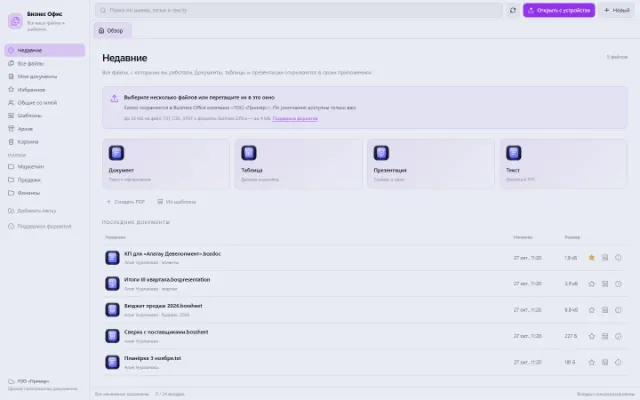
Business Office
All working files, recent documents and personal templates
Learn more about the app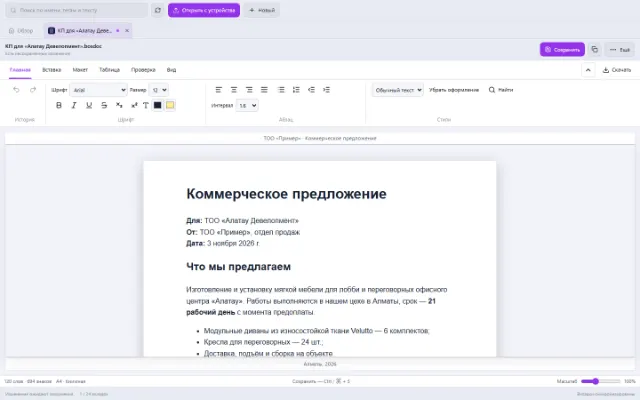

Try Weather in your company
Connect your company — the app is enabled in the app store in a minute. If a feature is missing, the CODE44 team can build it for you free of charge.