LiveNew · release 372
Fleet
Company vehicles, drivers, trips, maintenance, fuel, expenses and GPS
Learn more about the appInspection booking, versioned checklists, rule-based results, reports with corrections
Vehicle Inspection and Appraisal is an app for the workstation of an inspection and appraisal point. It handles bookings on inspection lanes, versioned checklists with measurements, and builds the result and report from the filled-in data according to the template's rules.
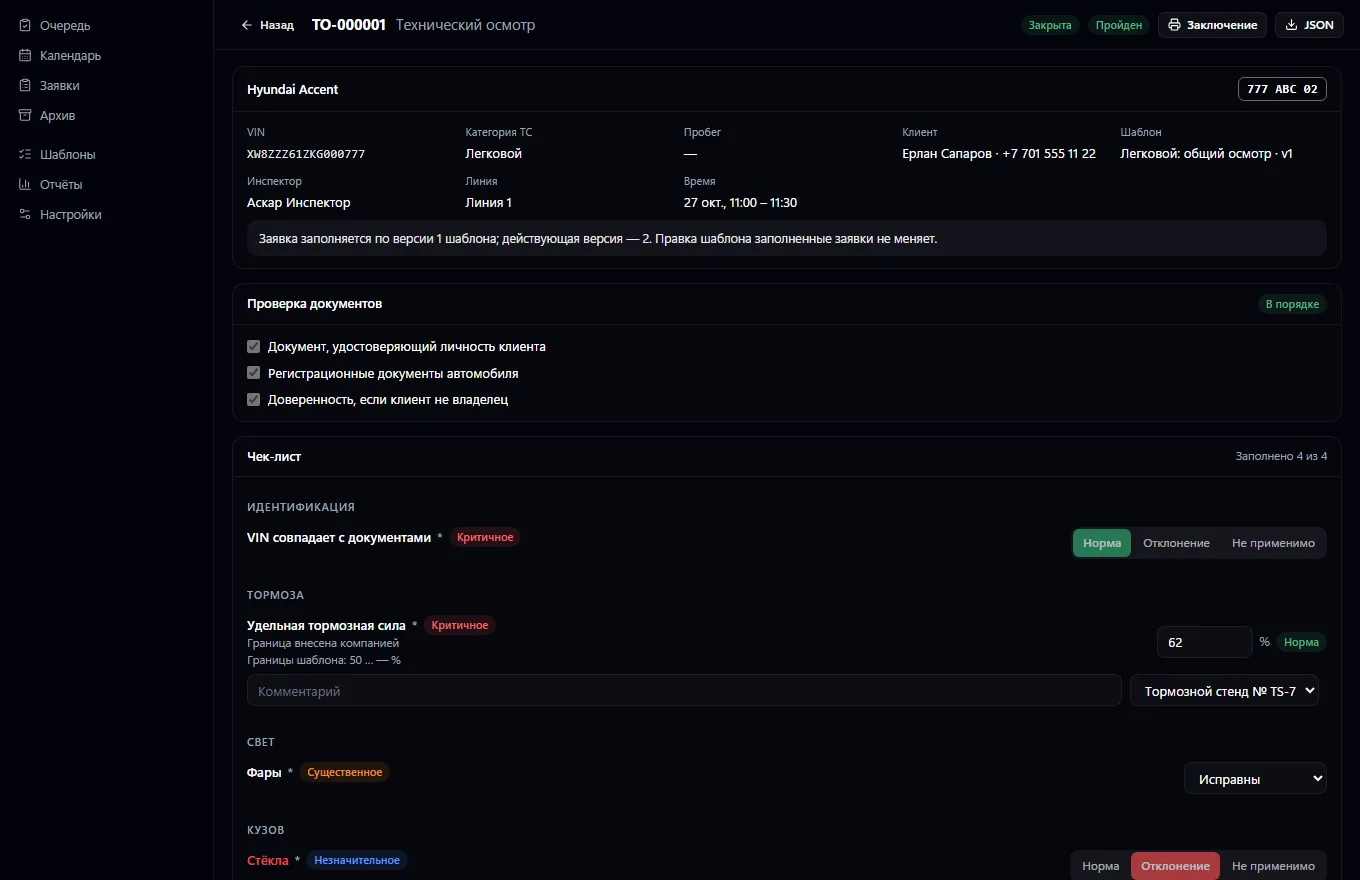
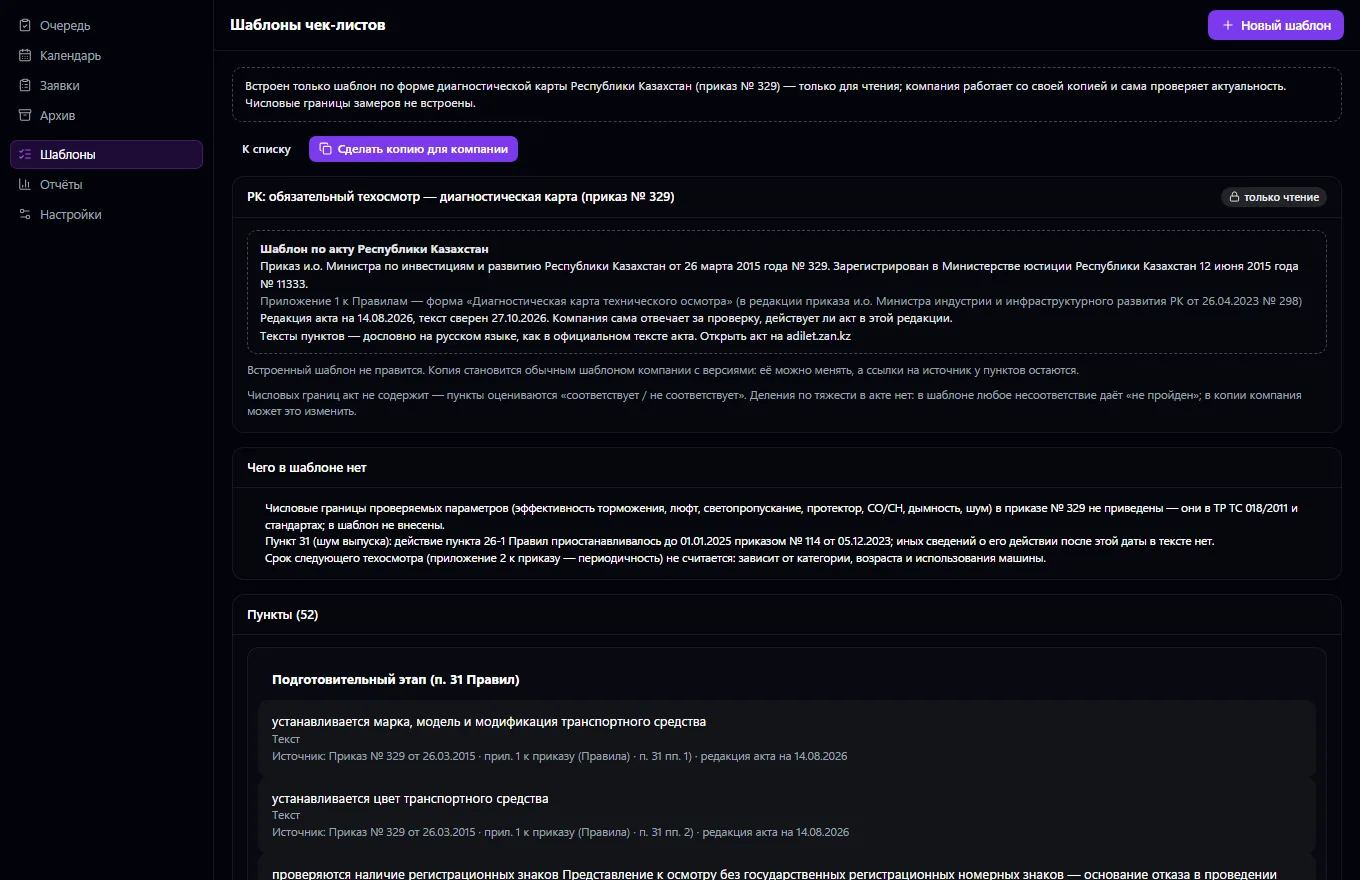
The workstation of an inspection and appraisal point. Booking an inspection: the customer from the shared contact book, the vehicle from the unified Vehicles service, a document check at intake, the inspector, the lane or workstation, start and end time — the server won't book a lane or inspector twice and won't book a lane with faulty equipment or expired calibration. The company sets up checklists for vehicle categories: items with criteria, measurements with units and limits, options with the normal one marked, deviation severity. Editing a template creates a new version, and completed requests stay on theirs.
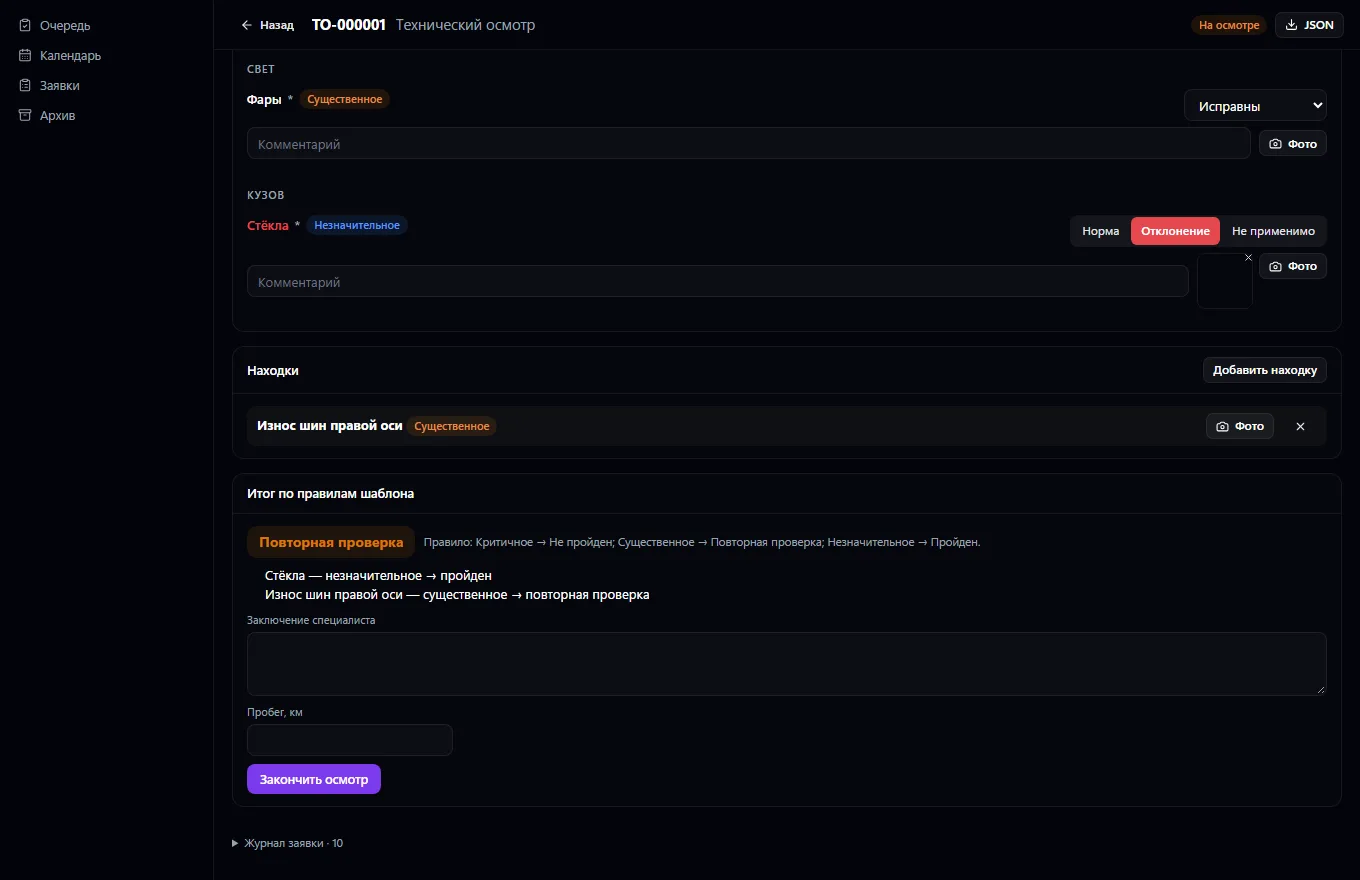
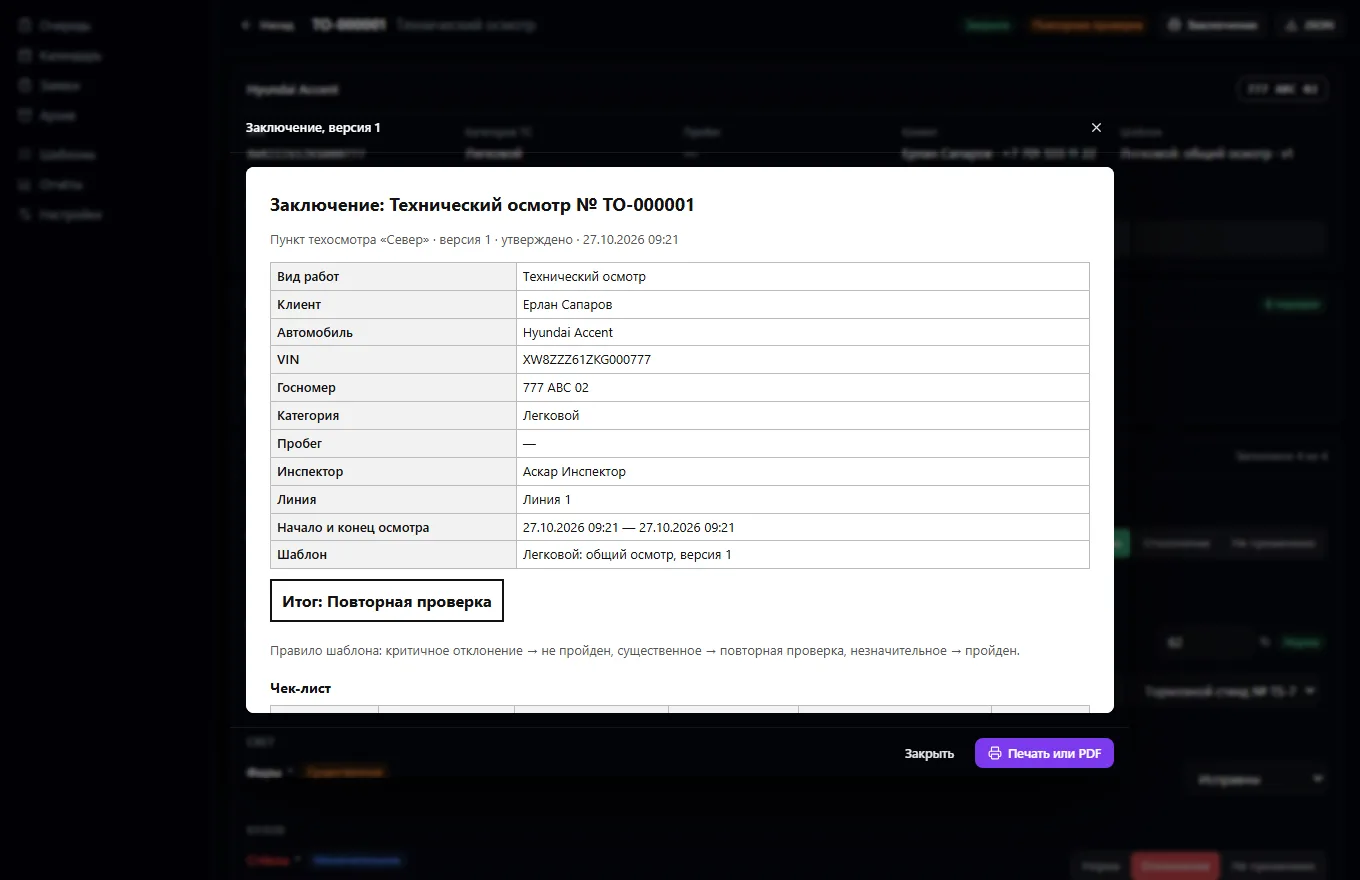
Work types — technical inspection, condition assessment, damage recording, pre-sale diagnostics, damage assessment, post-accident check, independent appraisal; the list can be extended. The inspector marks items, enters measurements with equipment, findings with photos and comments. The result — passed, failed or re-inspection — is calculated from the filled-in data according to the template's rules, never at random. The report is built from the data: template version, measurements, findings, a photo appendix, internal signatures, manager review; a correction is a new version with a reason, and earlier ones are kept.
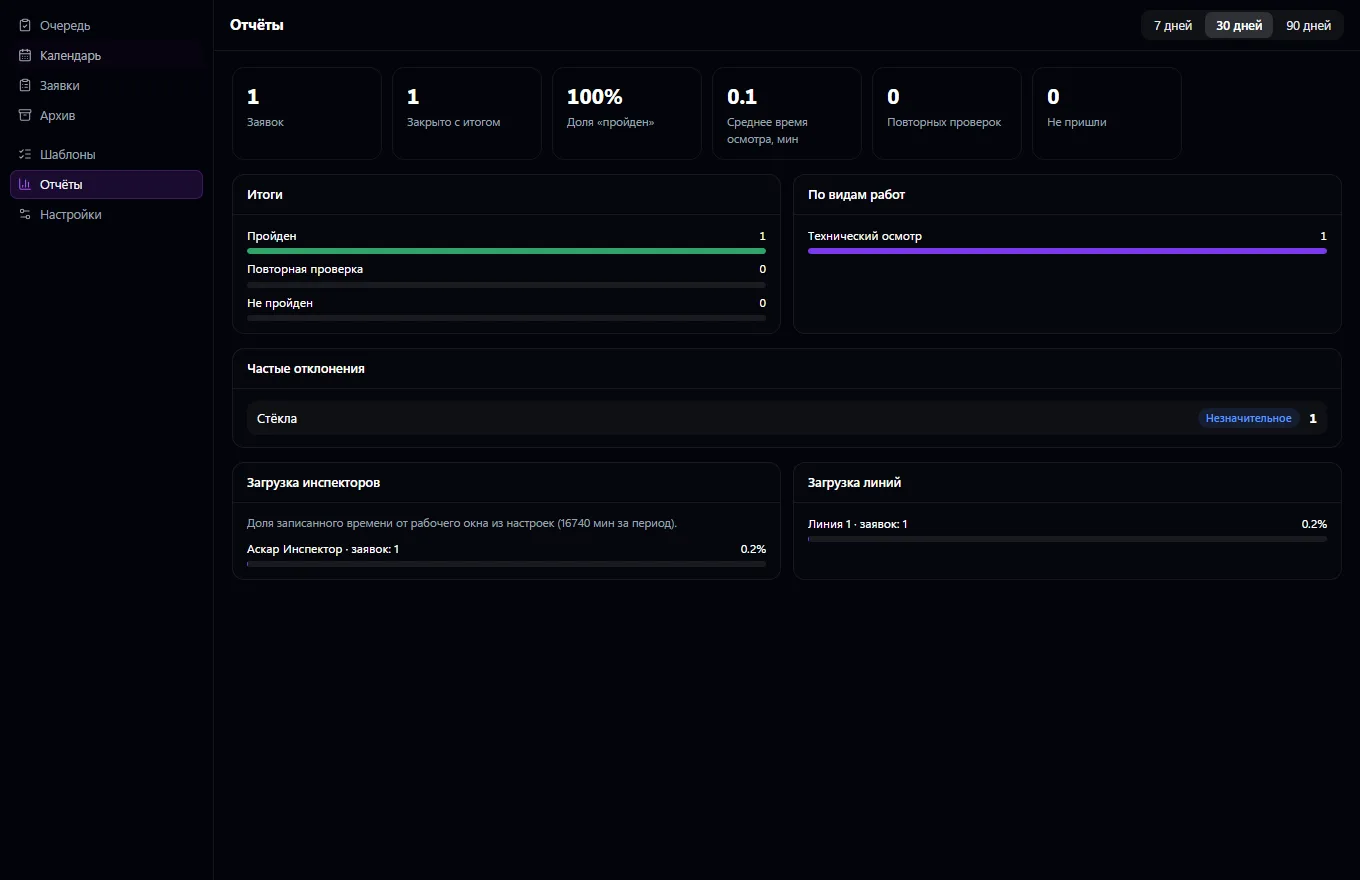
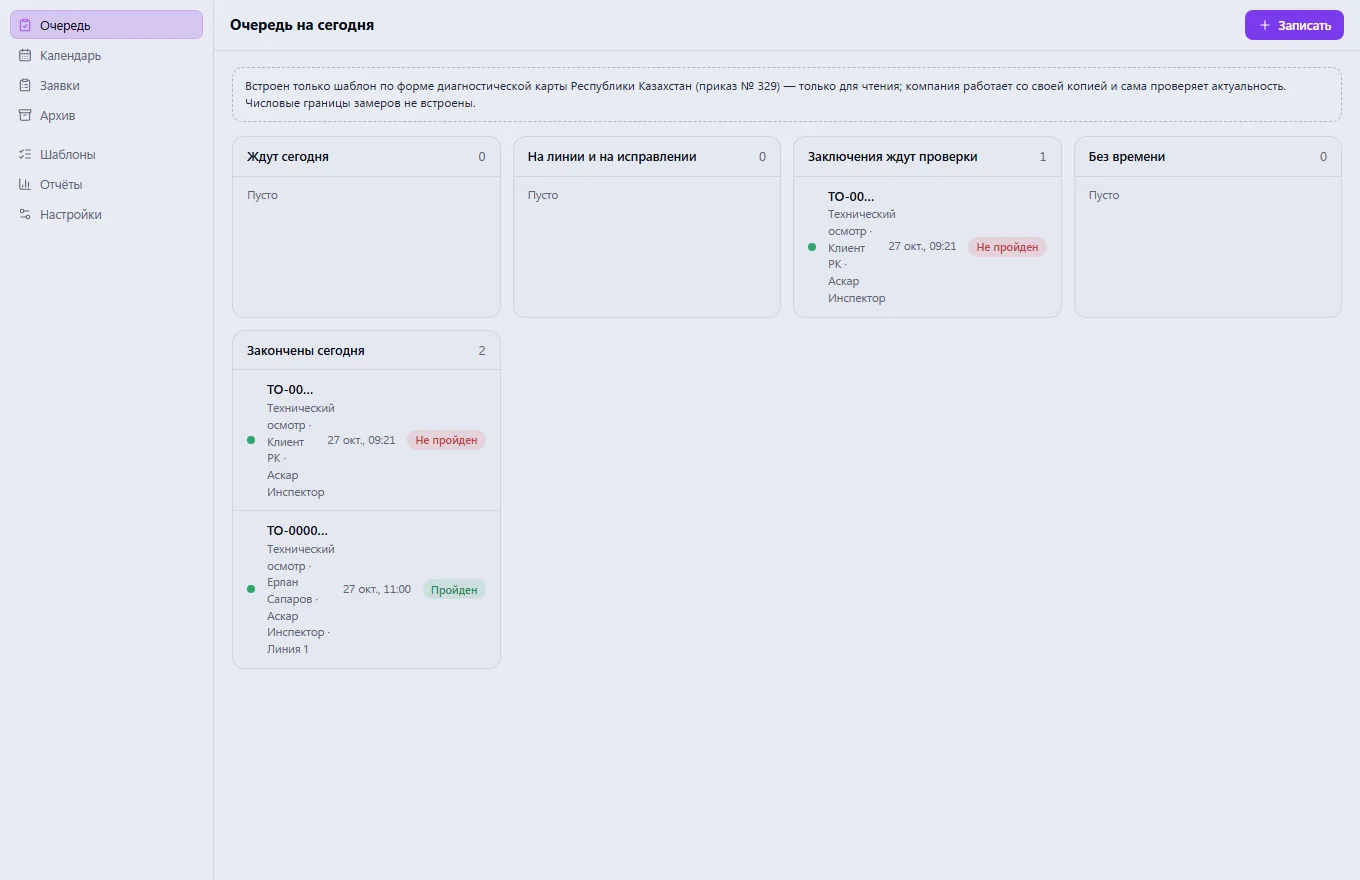
Archive, printing and JSON export, a calendar, a queue, reports on results, timing, frequent deviations and line load. A built-in template follows the diagnostic card form of the Republic of Kazakhstan (Order No. 329 of 26.03.2015, Annex 1 to the Rules; 44 form items and the preparatory stage — verbatim, with the source and revision date for each item). It is read-only: the company makes a copy and works with it, and checks that the act is still current on its own. The report is printed in the card format. The act sets no numeric limits, so the system has none either.
Set up lanes, equipment and checklist templates, or make a copy of the built-in Kazakhstan template
Book the customer for an inspection: vehicle, work type, inspector, lane and time
At intake, mark the document check
The inspector fills in the checklist and enters measurements, findings and photos
The result is calculated by the template's rules, and the manager reviews the report
Print the report and review the point's reports
Real app windows with a fictional company as an example. Click a screenshot to enlarge it.
We are honest about what works only with an external provider or is still planned:
Need an integration for your company? Tell us about the task.
Company vehicles, drivers, trips, maintenance, fuel, expenses and GPS
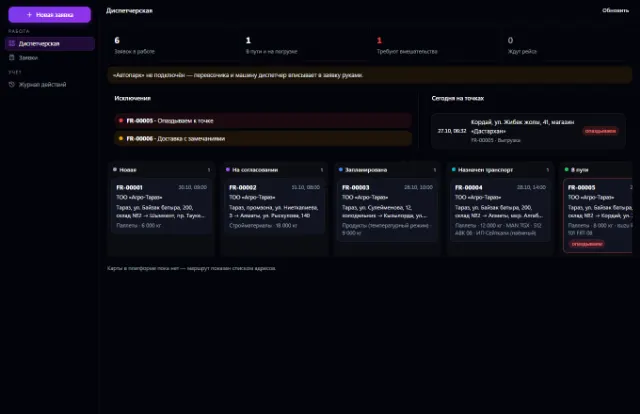
Learn more about the appShipping requests, a dispatcher workstation, proof of delivery and trip margin
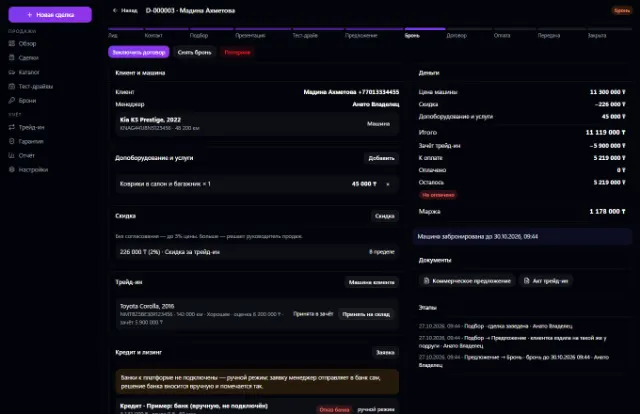
Learn more about the appVehicle stock, deals, test drives, reservations, trade-ins, discounts with approval, sale and handover
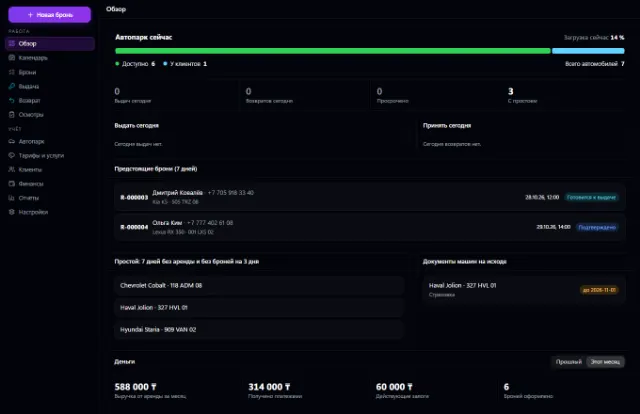
Learn more about the appFleet, bookings with no double overlaps, pickup, return, inspections and deposits
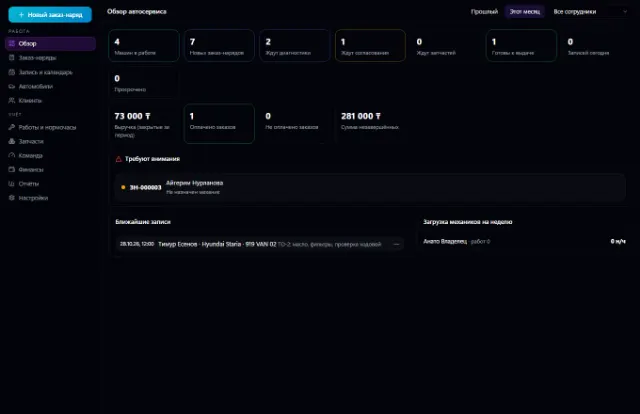
Learn more about the appThe whole service station: customer vehicles, work orders, labor hours, parts from the warehouse, mechanics and payments
Learn more about the appBay bookings with no overlaps, a walk-in queue, orders with materials from the warehouse, customer tire storage and bay workload
Learn more about the appConnect your company — the app is enabled in the app store in a minute. If a feature is missing, the CODE44 team can build it for you free of charge.