LiveNew · release 367
Casting
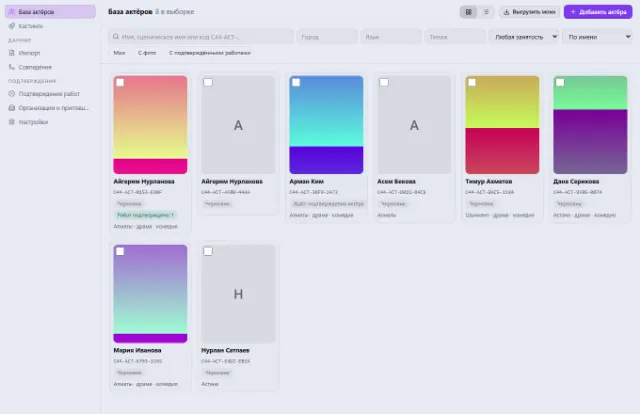
A shared actor database with a digital passport, castings, auditions and a verified filmography
Learn more about the appFeature, series, commercial or music video — from screenplay to archive in one system
Film Production runs a film end to end: from the screenplay and scene breakdown to the schedule, call sheets, set, timesheet, budget and post-production. Everyone on the crew opens the project and sees their own work. Everything is connected: a screenplay edit immediately shows which days, documents and calls it affected.
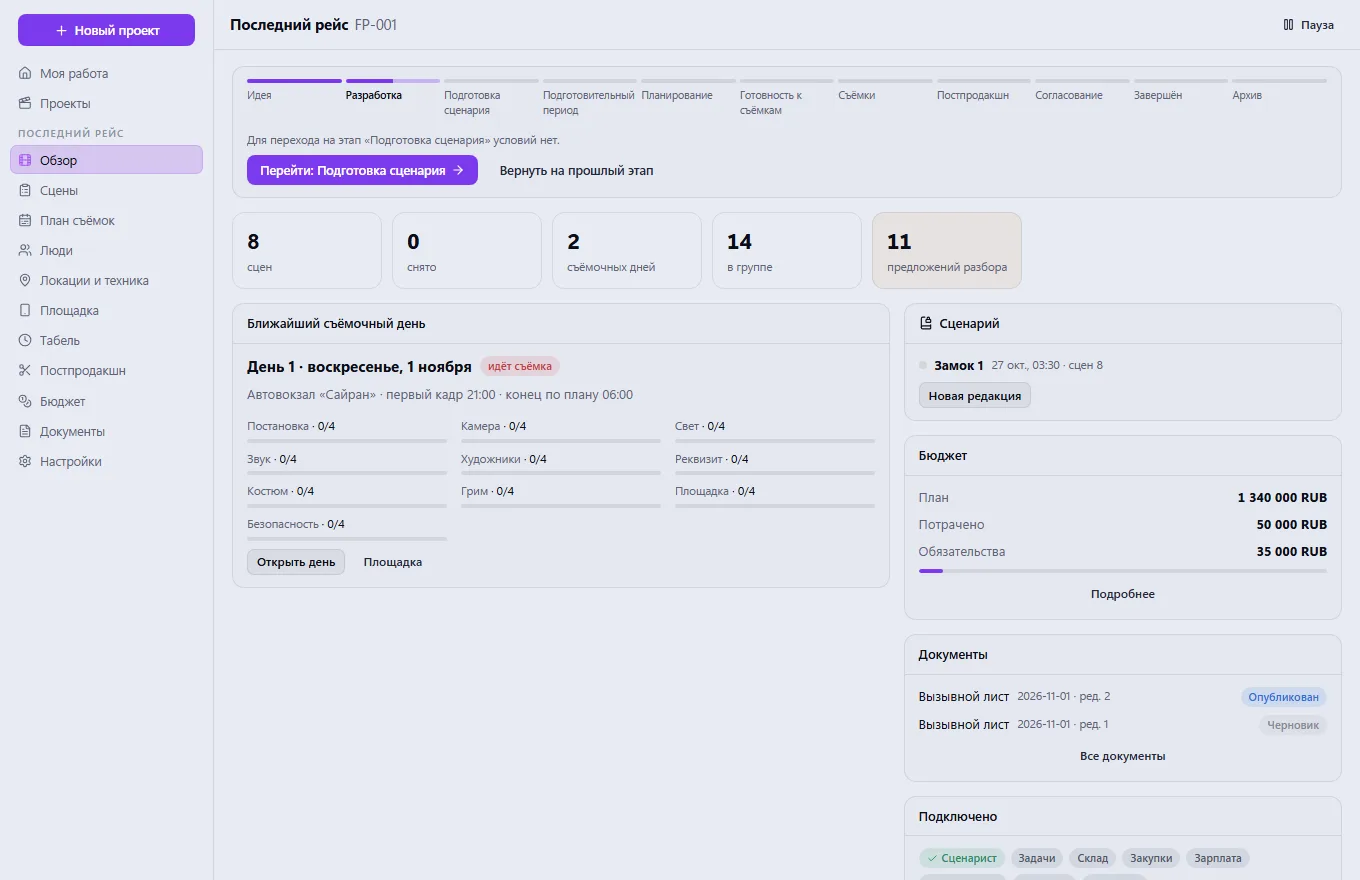
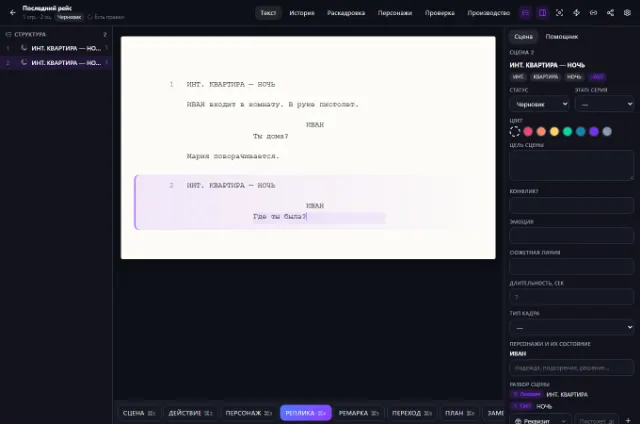
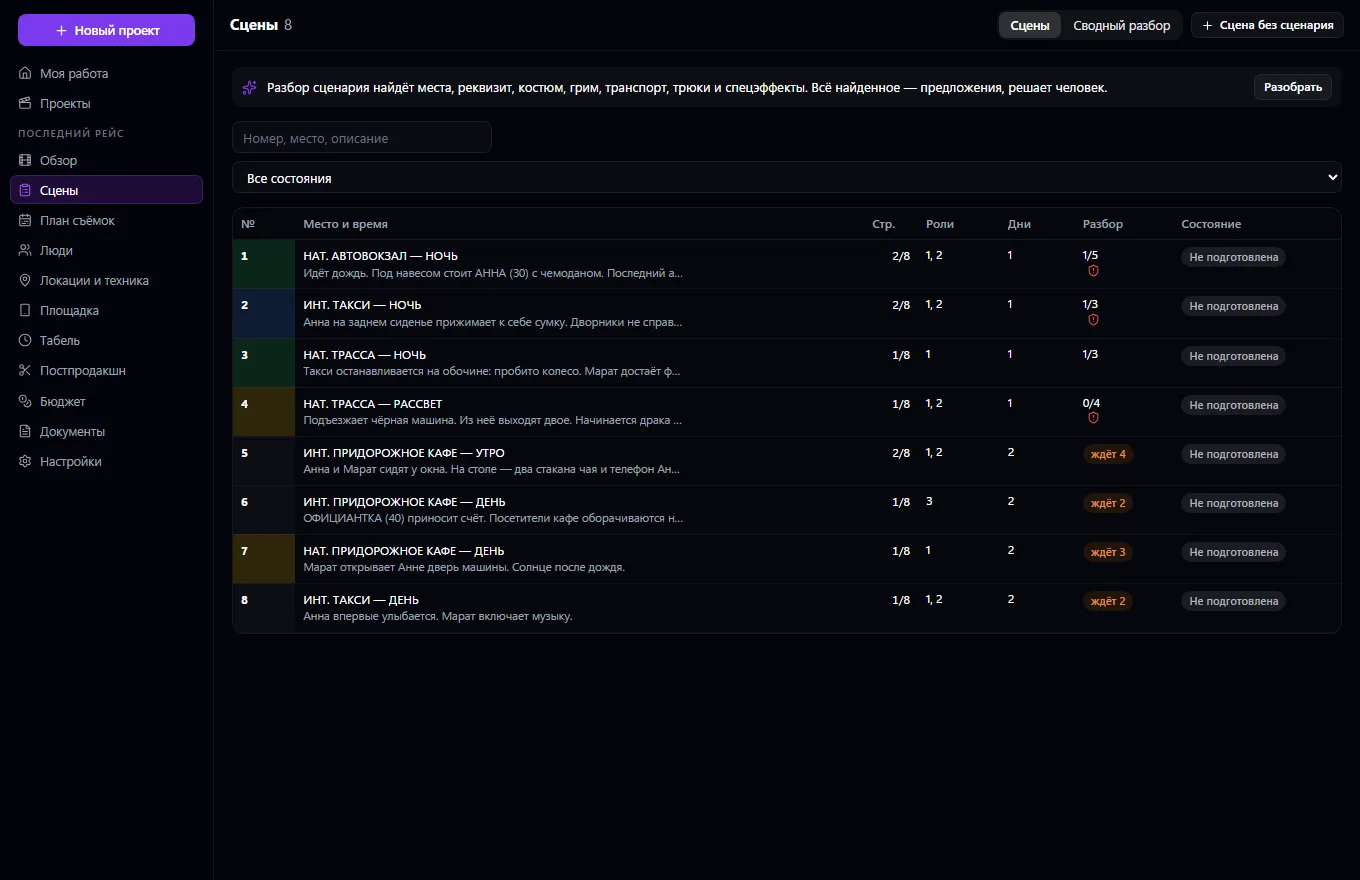
The whole film production: everyone on the crew opens the project and sees their own work — the next call, their scenes, what isn't ready and what awaits their decision. The screenplay comes from Screenwriter and is locked for production: scenes get numbers that never change afterwards (an insert is 12A, a removed one is “omitted”), and revisions come in colors. When a scene changes, the system shows what it affects: shots, the tech sheet, schedule days, issued documents and calls, and a person decides whether to accept the revision. Scene breakdown — facts from the text, dictionary matches and manual work: only what's confirmed goes into the schedule.
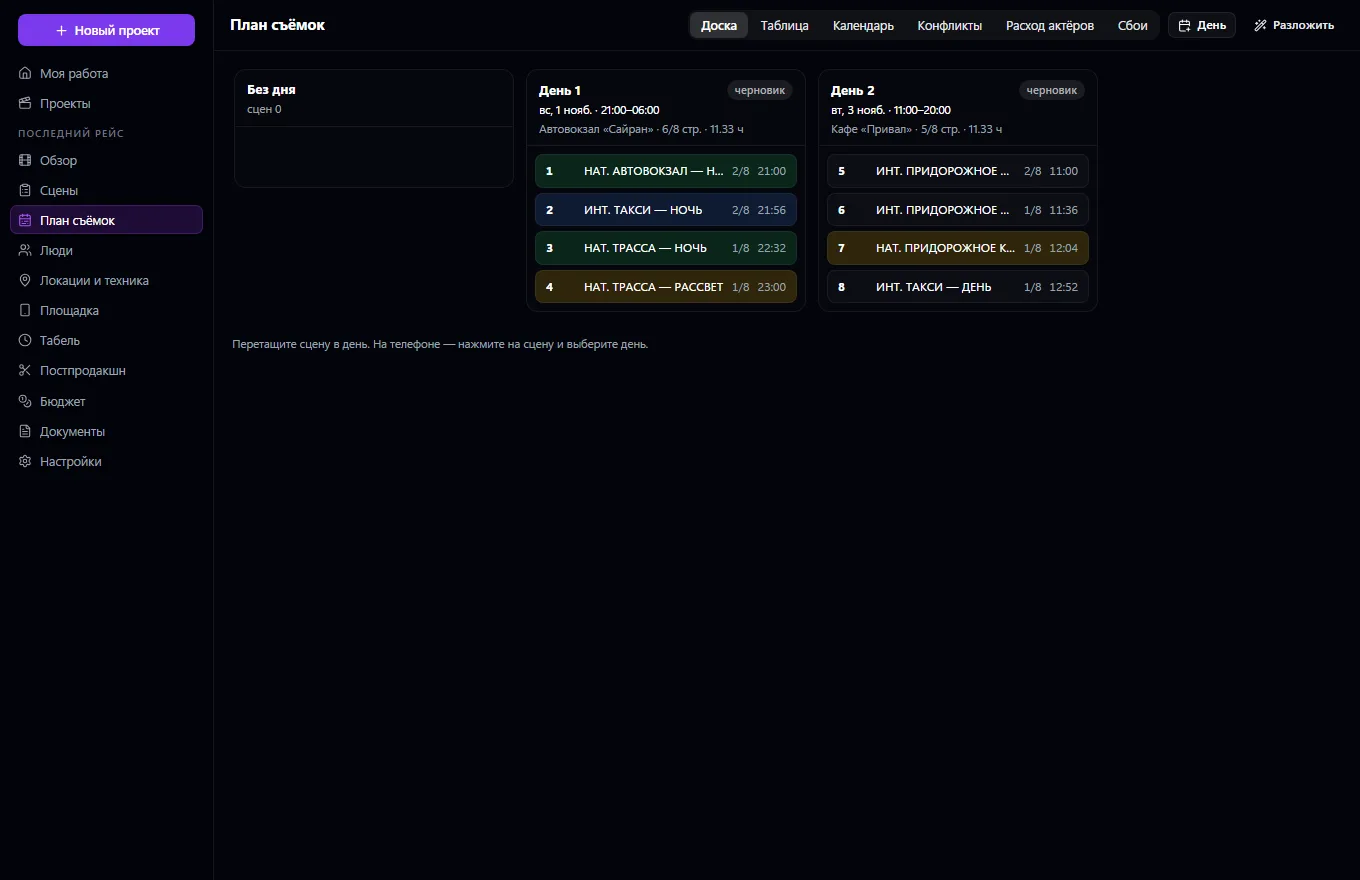
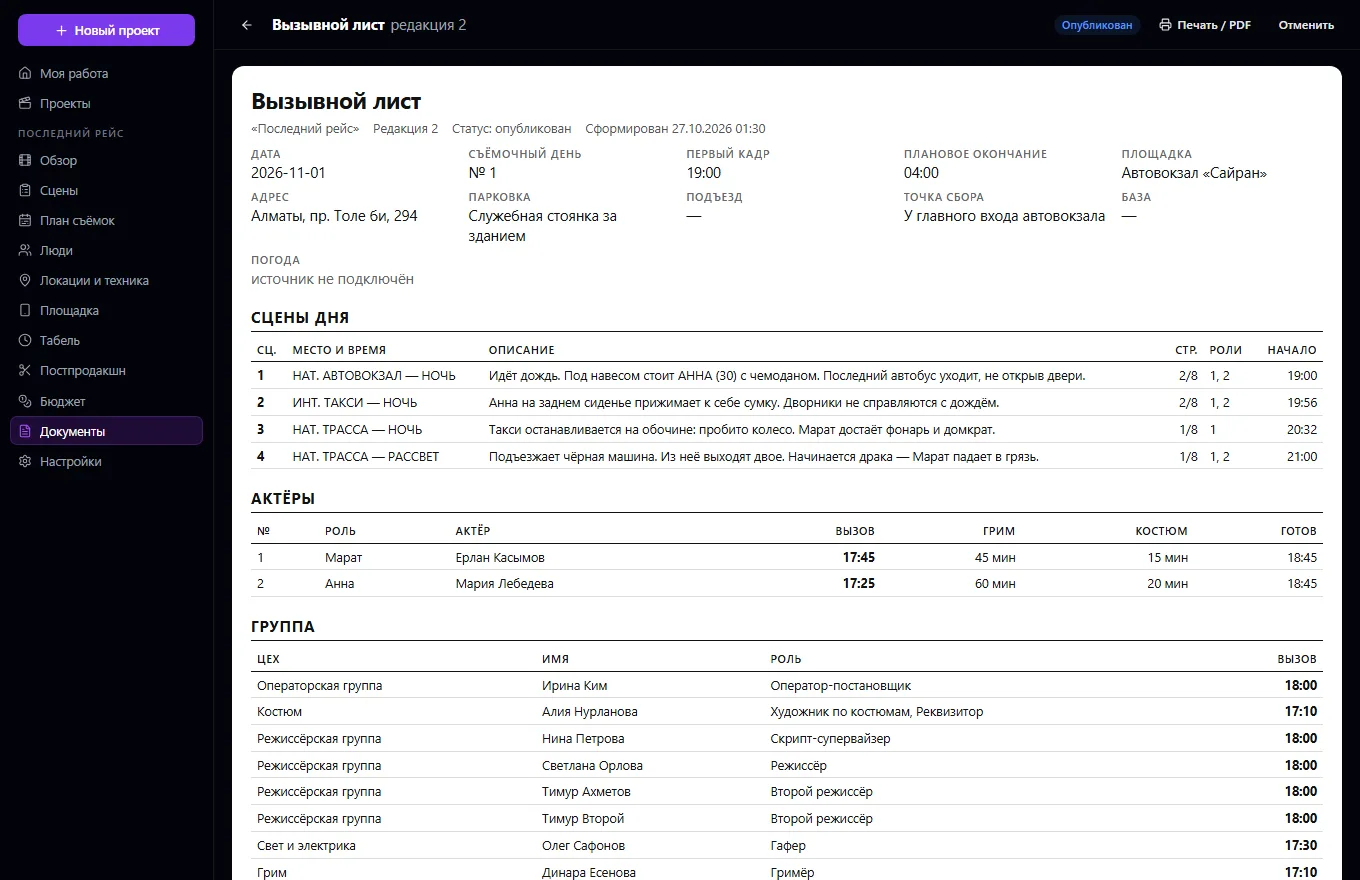
Storyboard — the same shots as in Screenwriter, a scene tech sheet by department sections with department heads' sign-offs and templates. A shooting schedule as a board, table and calendar, actor usage by day, a scheduling assistant. Conflict checks — an actor or equipment in two places, unavailability, a location without a booking or outside its hours, company moves, night exteriors in daylight, rest between shifts, the shift limit — with resolution options and their consequences. The production schedule and call sheet build themselves, with revisions and approval; each person gets their own personal call time, notifications go only to those whose call changed, a “Received” button, and a call page by link with no sign-in.
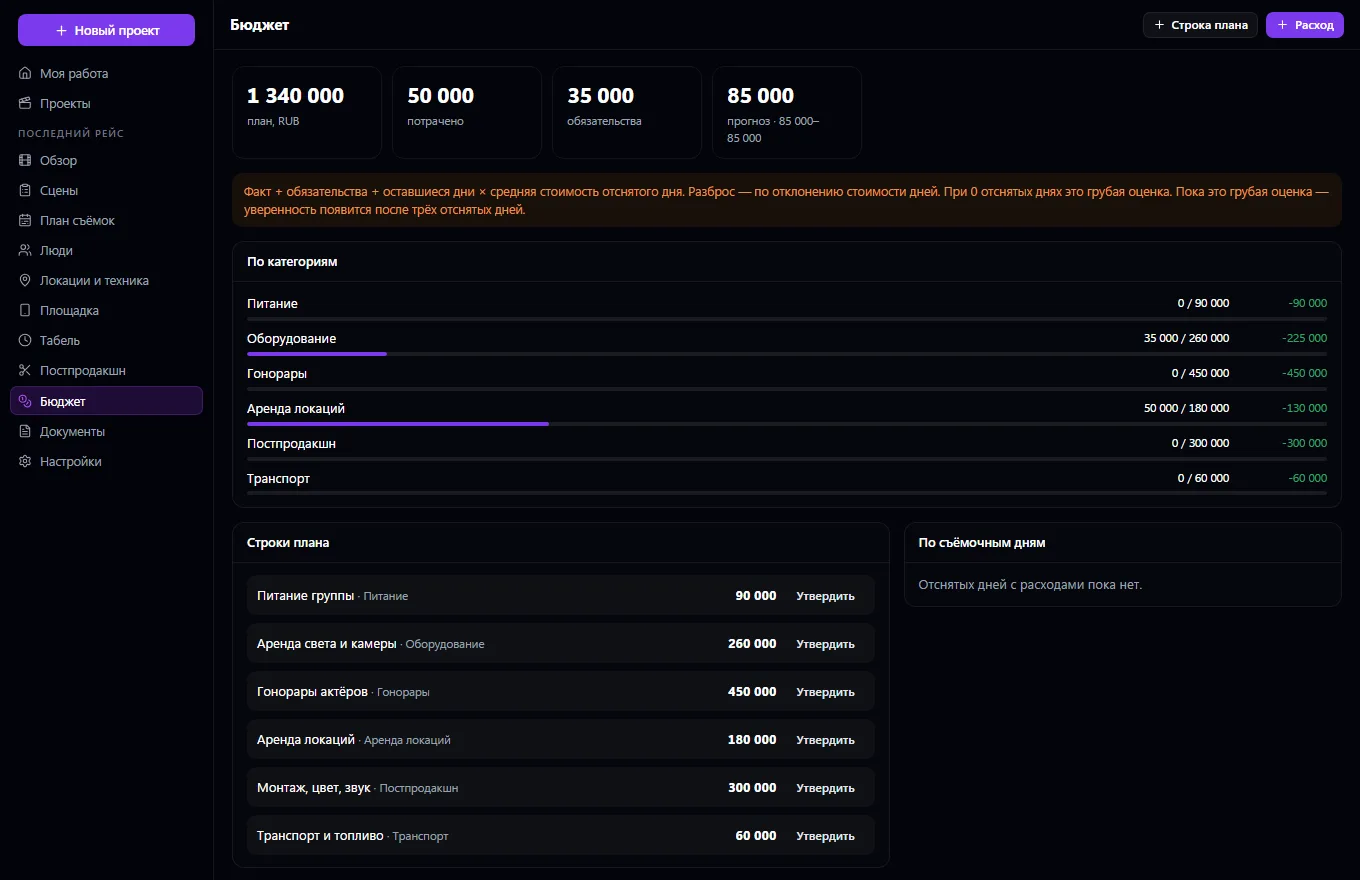
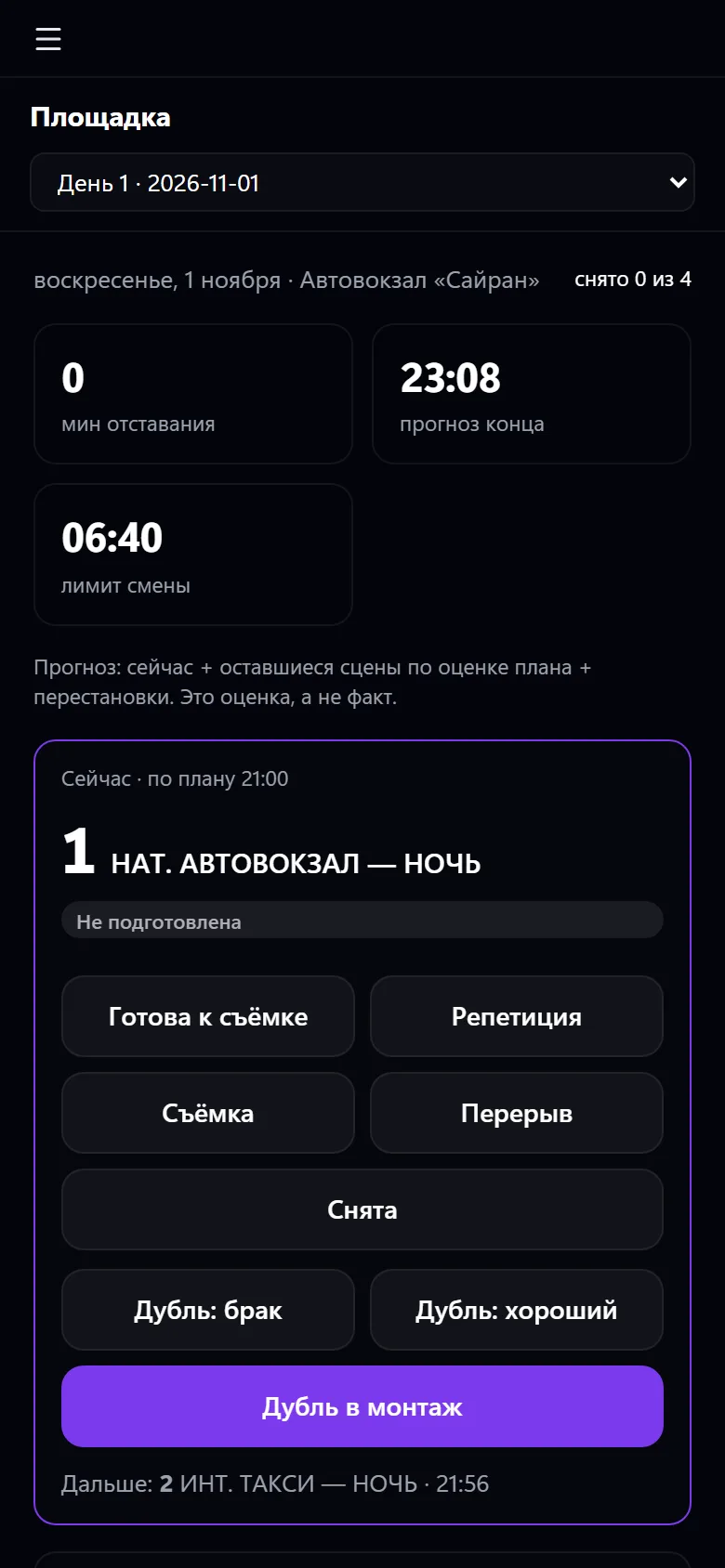
The set from a phone: day marks, scene statuses, takes, continuity with photos. A timesheet with plan and actual, overtime under the project's rules, approved hours go to Payroll. A shift report, disruptions with rescheduling options, a budget with forecast and method, requests to Procurement, reservations in Warehouse, post-production with versions and timecoded notes.
Create a project and connect a screenplay from Screenwriter
Break down the scenes and confirm what was found: props, costume, makeup, transport, special effects
Lay out scenes across shooting days and clear the conflicts
Publish the call sheet — everyone gets their own call time
Mark the day on set from a phone: scenes, takes, delays
Approve the timesheet and shift report, run the budget and post-production
Real app windows with a fictional company as an example. Click a screenshot to enlarge it.
We are honest about what works only with an external provider or is still planned:
Need an integration for your company? Tell us about the task.
A shared actor database with a digital passport, castings, auditions and a verified filmography
Learn more about the appA screenwriter's studio: from the bookshelf to the shooting breakdown
Learn more about the appStep-by-step pricing: a public link for customers, inquiries into CRM
Learn more about the appHazardous work by permit: measures, signatures, photos, closing
Learn more about the appConnect your company — the app is enabled in the app store in a minute. If a feature is missing, the CODE44 team can build it for you free of charge.